
Log in to your account, or register here if you do not have one, and follow these steps:
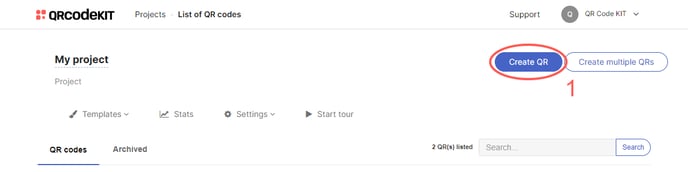
1) Click Create QR
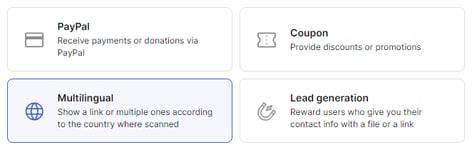
2) Select Multilingual
3) Add one or more countries and enter their corresponding URL
4) Click Save to apply changes or Save and download to download the QR Code
Done! Here is an example of what the content would look like. Scan the QR Code to see it on your smartphone.
If you want to know how to customize the QR Code, its page or how to download it, check the following articles:
- How to customize a QR Code
- How to customize the page template of a QR Code
- How to download a QR Code
