Log in to your account and follow these steps:
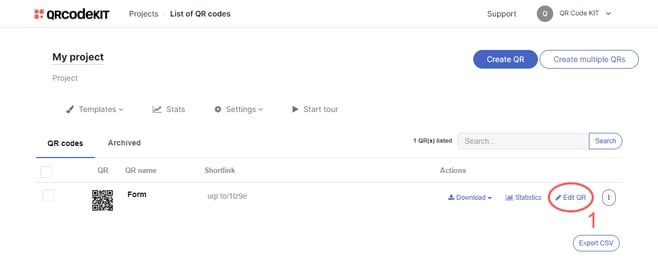
1) Click Edit QR
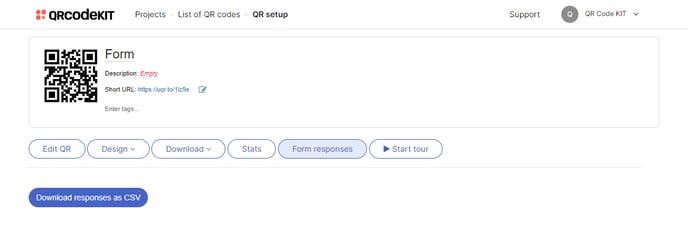
2) Click Form responses
COVID form responses include the time and date in which they were submitted. You can download all responses as a CSV file. You can also delete responses manually. If you want to know how to automatically delete them, click here.