How to view and download the responses of a COVID form QR Code
Check the responses of your COVID form QR Code
This article corresponds to QRCodeKIT's legacy app. For more information, click here.
Log in to your account and follow these steps:
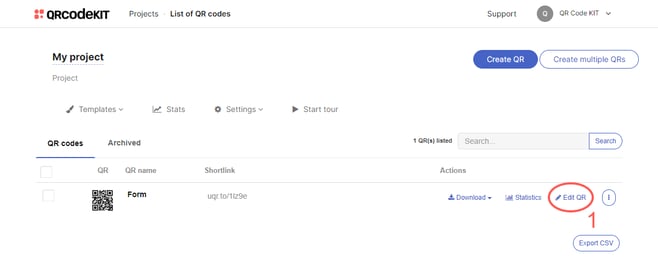
1) Click Edit QR
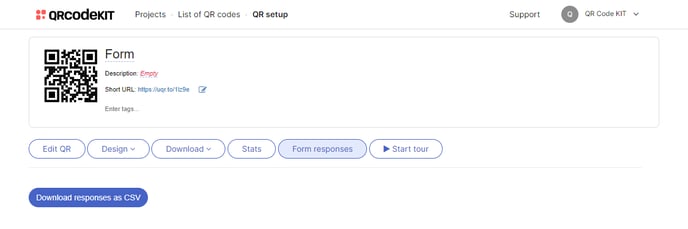
2) Click Form responses
COVID form responses include the time and date in which they were submitted. You can download all responses as a CSV file. You can also delete responses manually. If you want to know how to automatically delete them, click here.