
QRCodeKIT in your AI agent, powered by MCP
Connect QRCodeKIT to the AI agent of your choice and create, view, download or delete the QR codes in your account using plain language. Sign in once, ask for what you need, and it gets done without leaving the conversation.
See installation guideWorks with the AI agents you already use

and any MCP-compatible client
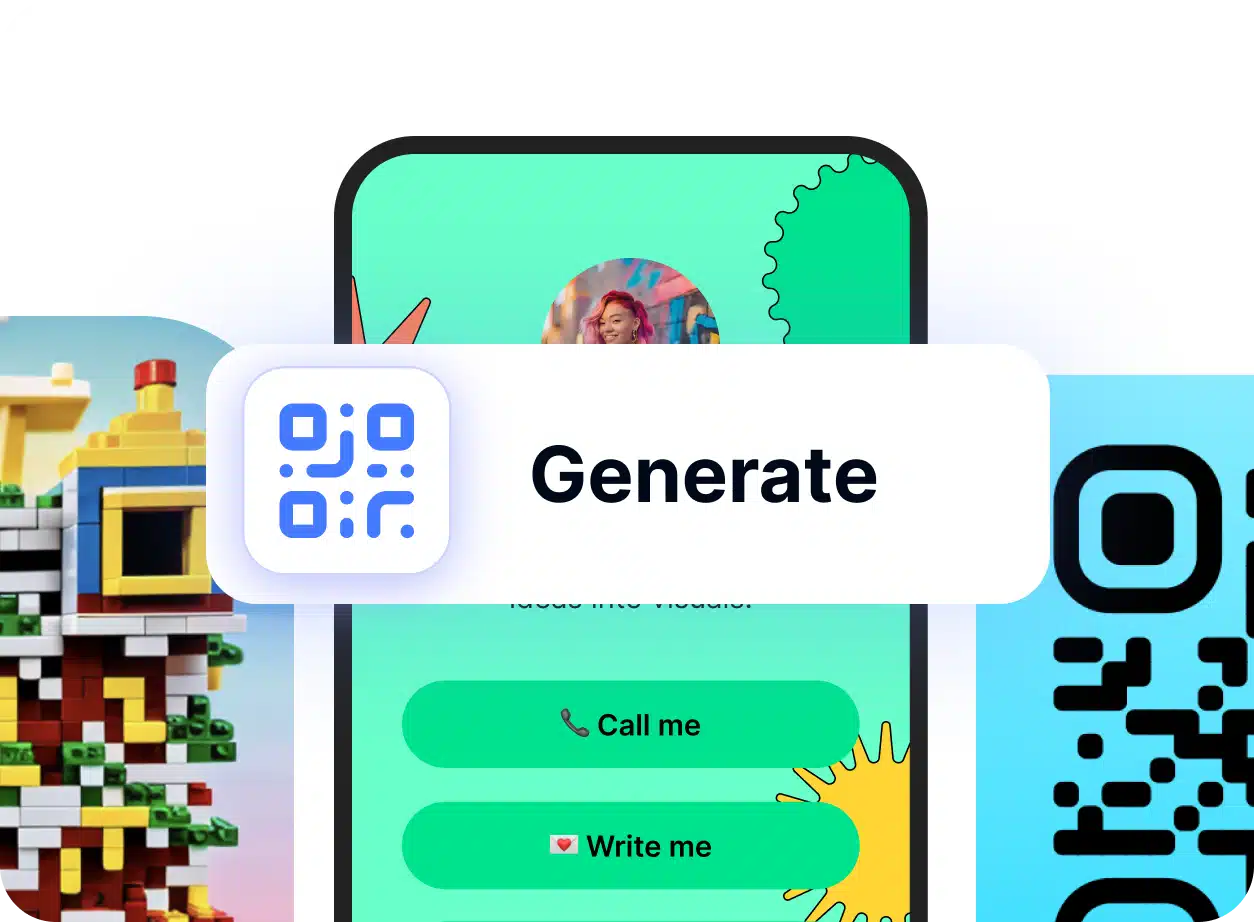
Generate QR codes from a single prompt
Ask your AI agent to generate a QR code in your QRCodeKIT account and it appears right there in the conversation, ready to use. Every QR is dynamic by default, so you can retarget it later without ever reprinting it.
- Create new QR codes for any URL in seconds
- See the QR rendered right inside the chat, no dashboard needed
- Every code is dynamic, so the destination URL is yours to change later
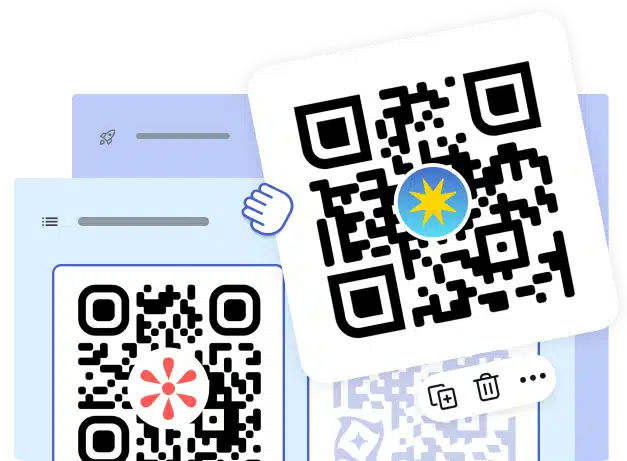
View, download, delete. Without switching tabs.
Browse the QR codes in your QRCodeKIT account, download them as PNG or SVG, and remove the ones you no longer need. All from inside your AI agent, in plain language.
- List and preview the QR codes in your account
- Download any QR as PNG or SVG, ready for print or web
- Delete codes you no longer need, in one prompt
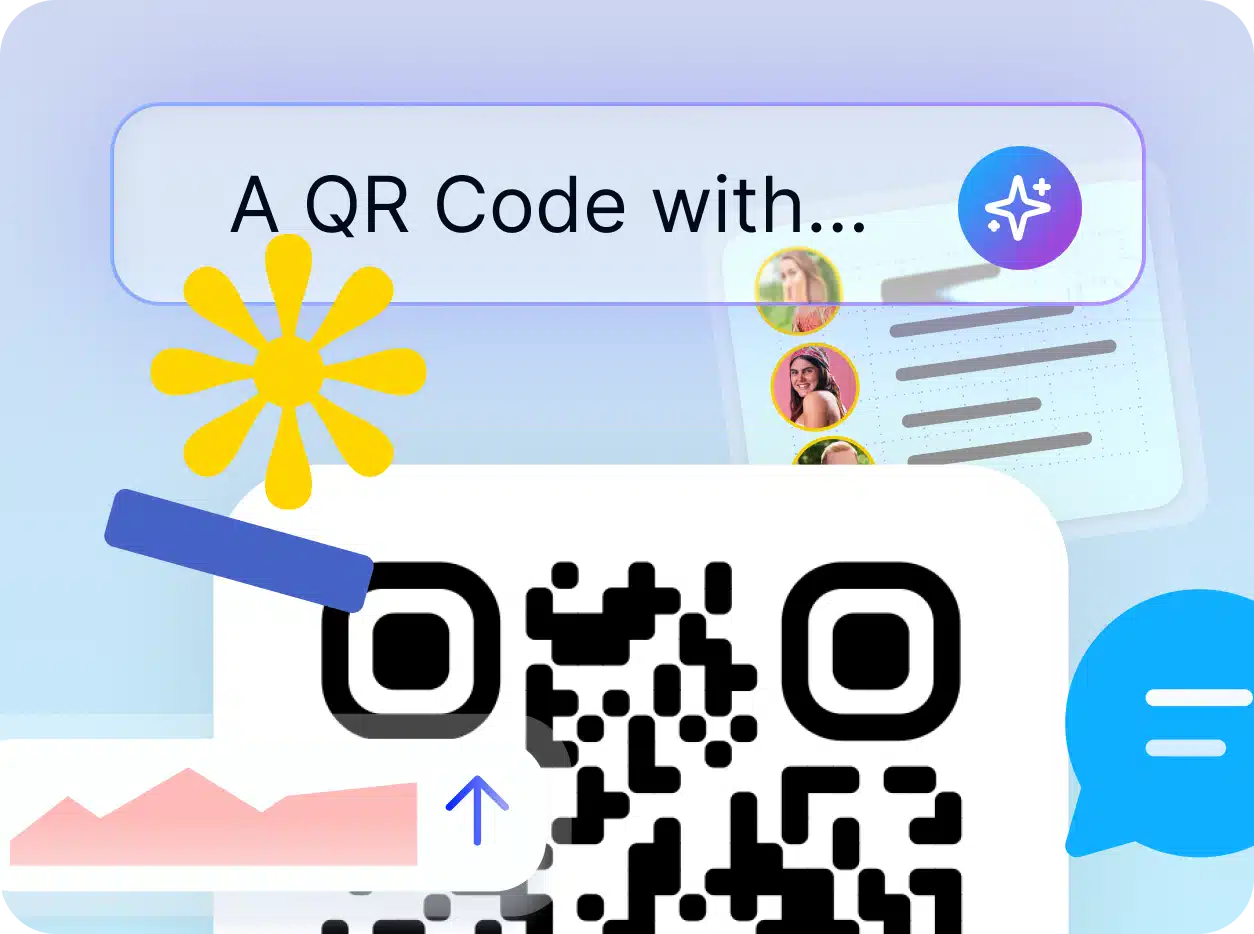
Plug your QR codes into any automated workflow
QRCodeKIT MCP isn't just for conversations. Connect it to AI-native tools and orchestrators to build automated workflows where QR codes are created, updated and managed without human input. Trigger a campaign from a spreadsheet, react to events in real time, or chain QR generation with the rest of your stack.
Frequently asked questions
What is the QRCodeKIT MCP?
QRCodeKIT MCP is a server that connects QRCodeKIT to AI agents that support the Model Context Protocol (MCP) standard. It lets you work with the QR codes in your QRCodeKIT account through plain language prompts, so your AI agent can take actions on your behalf.
How do I try it out?
QRCodeKIT MCP is live and ready to use. It's not yet available as a one-click install inside the AI agents, so you'll need to add it manually. Download our installation guide for step-by-step instructions for Claude, ChatGPT, Cursor, VS Code and Windsurf.
Which AI agents are compatible?
QRCodeKIT MCP works with any AI agent that supports the MCP standard. Confirmed compatible tools include Claude, ChatGPT, Cursor, VS Code and Windsurf. More clients are being added to the ecosystem over time.
What can I do with QRCodeKIT MCP today?
Right now you can create new QR codes in your account, view the codes you already have, download them as PNG or SVG and delete the ones you no longer need. Things like custom colors, logos, branding and analytics aren't available yet through MCP. We're actively expanding the surface and more capabilities are on the way.
Do I need to know how to code to use it?
No. QRCodeKIT MCP is designed for use through plain language prompts in a compatible AI agent. Setup means pasting the MCP URL into your AI tool's settings and signing in with your QRCodeKIT account. Most clients walk you through it in a few clicks.
How do I authenticate?
Sign in with your existing QRCodeKIT account. Your plan and permissions carry over automatically. No additional subscription required.
Bring your QR codes into any AI conversation.
QRCodeKIT MCP is live and ready to connect to your favorite AI agent. Follow our installation guide and start prompting in minutes.
- No setup fees
- Use your QRCodeKIT account
- Setup in minutes