
Invisible QR code: your QR fades into your design
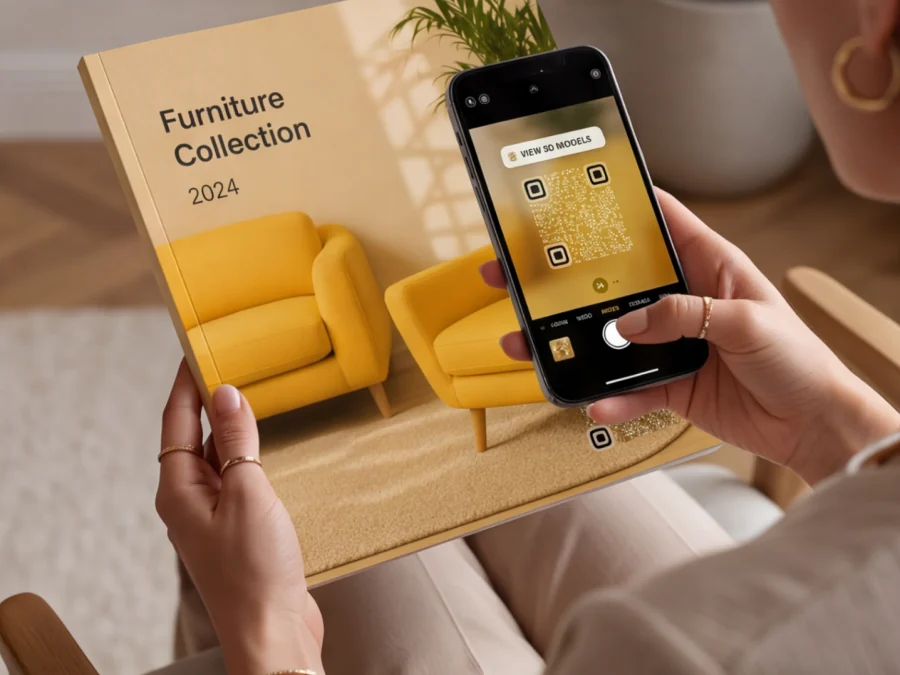
Because a great design should not have to make room for a black-and-white square. An invisible QR code sits on top of your artwork instead of interrupting it, so your packaging, posters and campaigns keep the look your designers intended and stay just as scannable.
Create your QR codeHow it works
Add your destination
Paste any link: website, menu, coupon or product page. Every QRCodeKIT type works.
Switch to invisible
Pick the Invisible style in the designer. The background disappears and the code becomes soft dots.
Drop it on your artwork
Download the transparent PNG or SVG and place it on your poster, package or label. No redesign.
Why use an invisible QR code?
Because a great design should not have to make room for a black-and-white square. An invisible QR code sits on top of your artwork instead of interrupting it, so your packaging, posters and campaigns keep the look your designers intended and stay just as scannable.
- No white squareThe background is gone. Only the dots remain, tinted by your artwork.
- Your design stays yoursPlace it on cans, posters or illustrations without moving a single element.
- Still scannableSame data, same speed. A phone camera reads it on the first try.
Standard or invisible? See the difference
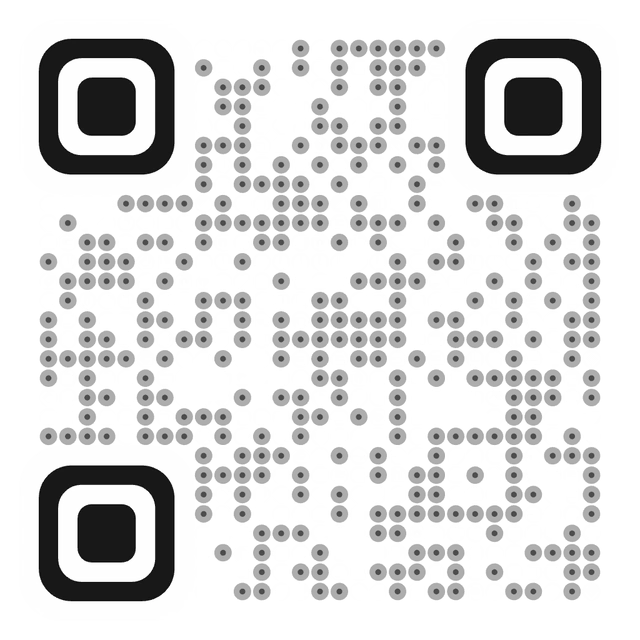
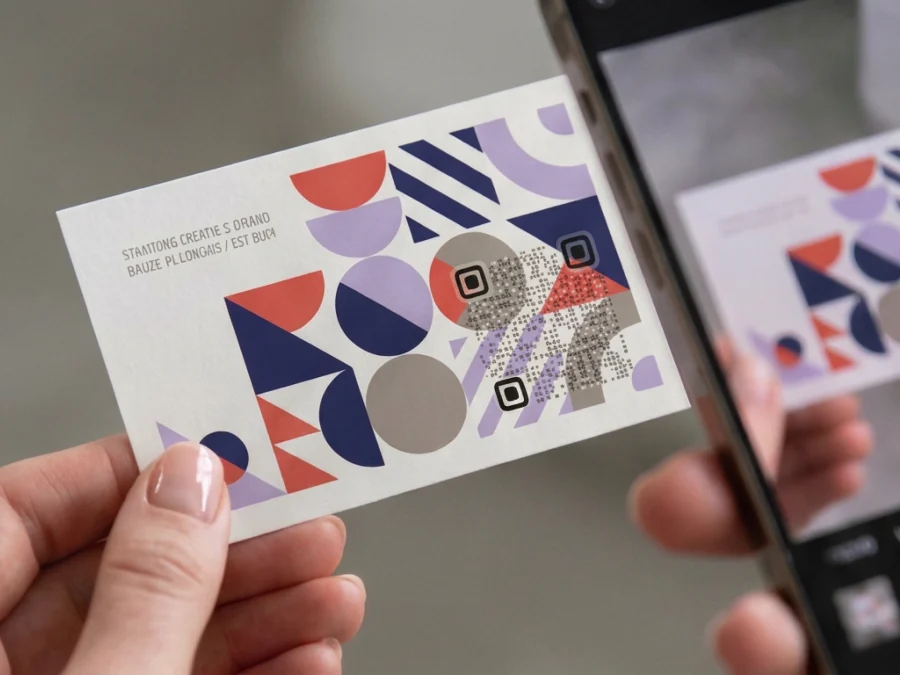
Same link, same scan. Switch between the two styles on the same artwork.
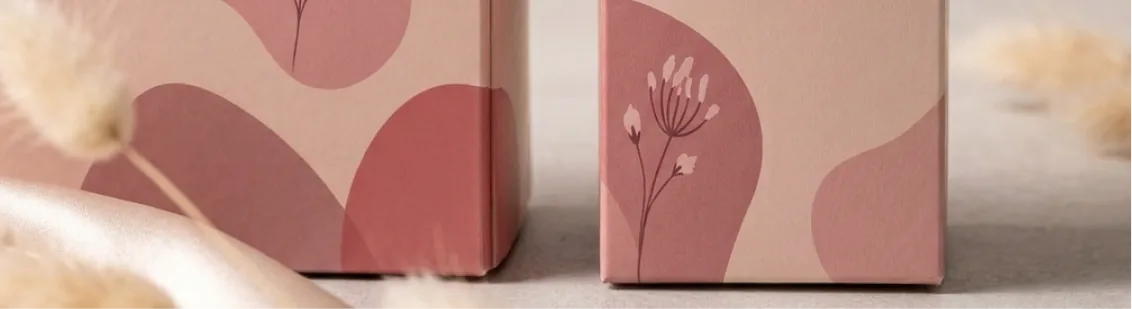
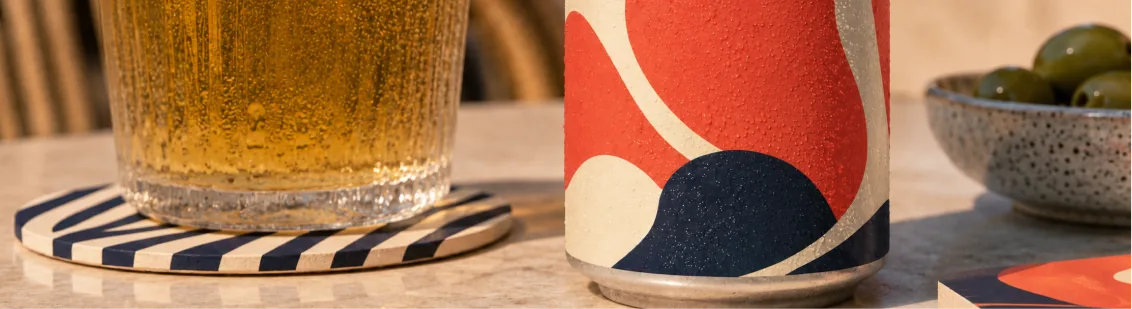
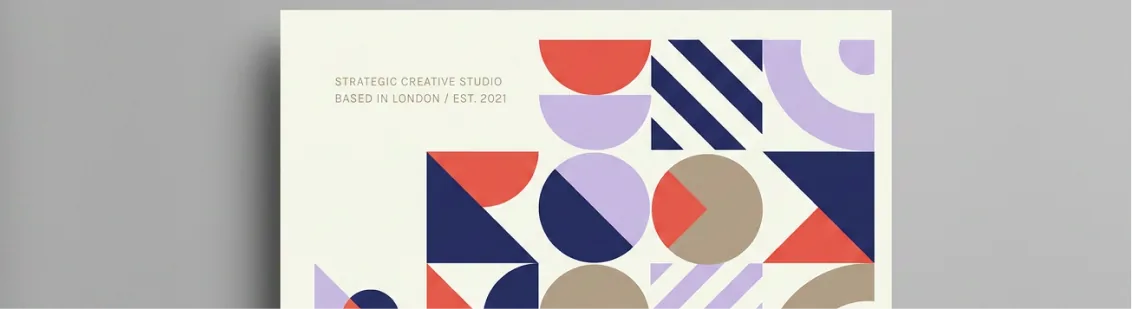

Designed to disappear, built to be found
An invisible QR code drops the solid background and replaces hard squares with soft, semi-transparent dots. Light dots over dark areas, dark dots over light ones: the code borrows the colours of your artwork instead of covering it. Only the three corner markers stay firm, which is what your phone actually looks for.
Create your QR codeScans like any other QR code
Underneath it is a regular, standards-based QR code. Every invisible QR you create is a dynamic QRCodeKIT code: change the destination whenever you want, track the scans, and keep it working on any plan. The only thing that changes is how it sits on your design.
Files that go straight into your layout
Download your invisible QR code as a PNG with no background or as an SVG vector, and drop it into Figma, Illustrator, InDesign or Canva as a single layer. Move it, resize it, rotate the artwork behind it: the code stays put and stays readable.
Create your QR codeMade for posters, packaging and artwork
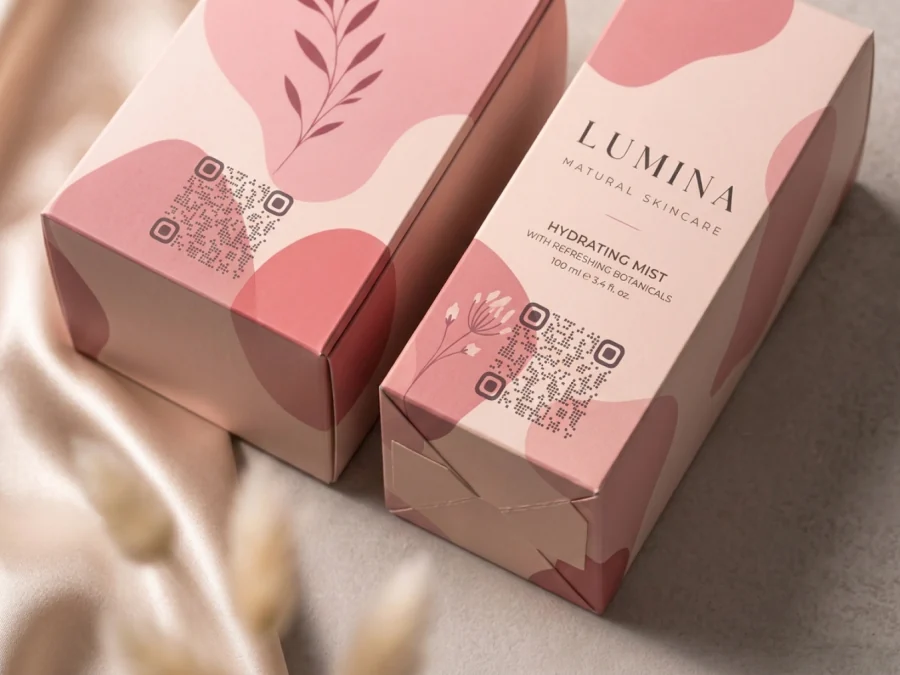
Cans, bottles and boxes with wraparound artwork. Event posters and album covers. Murals, exhibition walls, magazine ads and merch. Anywhere a standard QR code would look like a sticker, an invisible one looks like part of the design.
Track every scan, change the link anytime
Invisible QR codes are dynamic. See how many people scanned, when, where and on which device, and add UTM parameters from your dashboard so campaigns land correctly in Google Analytics. Printed 50,000 cans and need to send them somewhere else? Change the destination, not the print run.
Create your QR codeInvisible or artistic? Pick the one your design needs
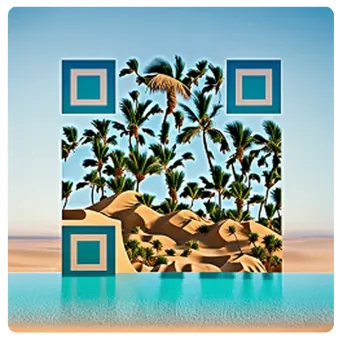
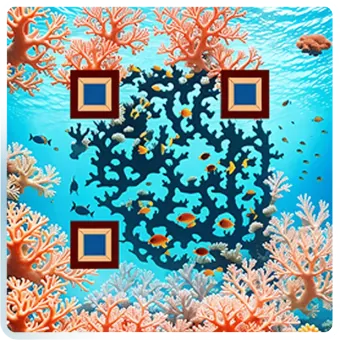
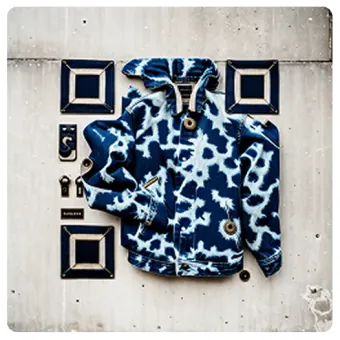
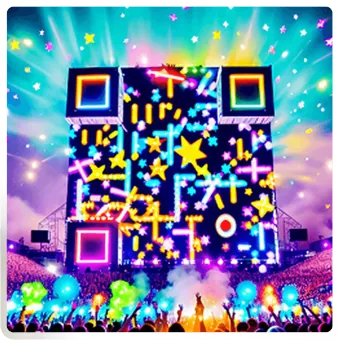
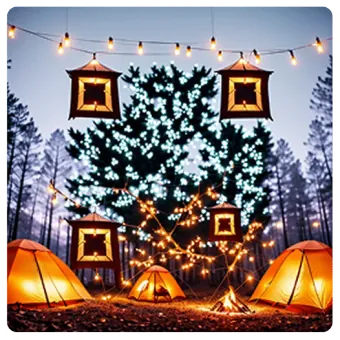
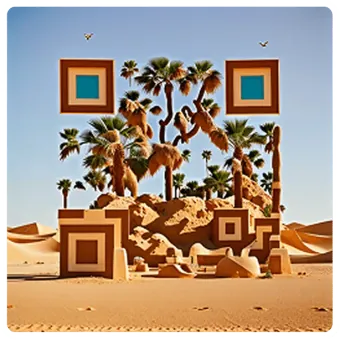
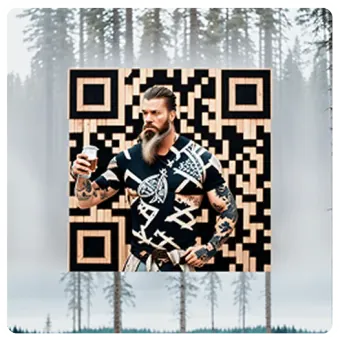
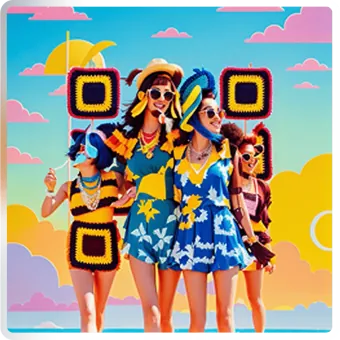
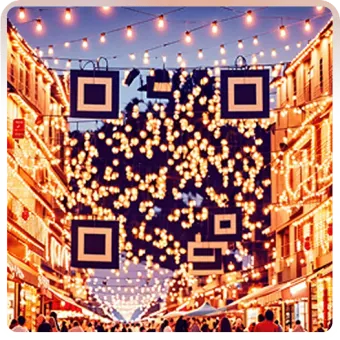
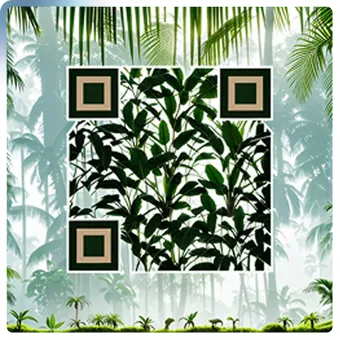
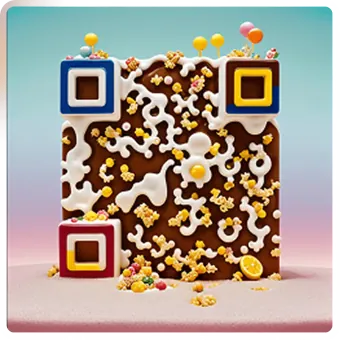
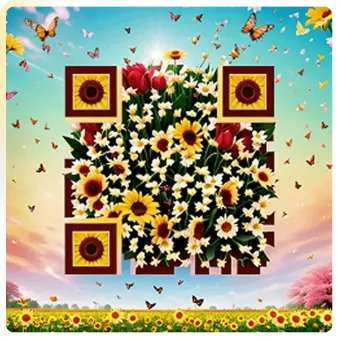
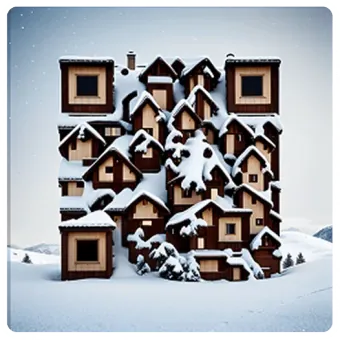
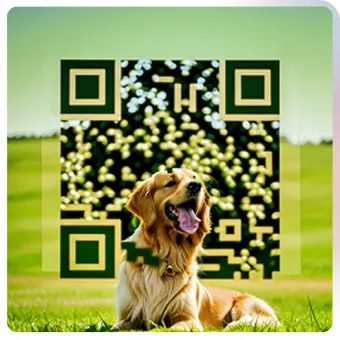
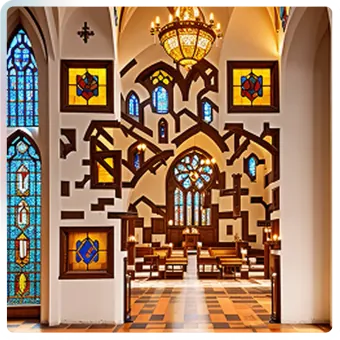
Want the code to be part of the show? Artistic QR codes use AI to turn the code itself into an illustration. Want it to step back and let the artwork speak? Go invisible. Both are dynamic, trackable and editable, and you can switch between them on the same code.
Frequently asked questions
What is an invisible QR code?
An invisible QR code has no solid background. Its modules are rendered as semi-transparent dots that blend with whatever design sits behind them, so the code becomes part of a poster, package or piece of artwork instead of covering it.
How is it different from just exporting a QR with a transparent background?
An ordinary transparent export is still a solid black code; only the white square around it is gone. A QRCodeKIT invisible QR code goes further: the modules themselves become soft, semi-transparent dots that take their tone from the artwork behind them.
Does it scan as reliably as a normal QR code?
Yes, as long as it is placed with enough contrast. The three corner markers stay crisp so phones lock on immediately, and the dots use light or dark tones depending on the background. Test the final artwork on a couple of phones before a big print run, exactly as you would with any printed code.
Which file formats can I download?
A PNG with a transparent background or an SVG vector file, ready for design tools such as Figma, Illustrator, InDesign or Canva.
Can I change the link behind it later?
Yes. Invisible QR codes are dynamic QR codes: update the destination at any time from your QRCodeKIT dashboard without reprinting anything.
Where can I use one?
On anything with artwork: beverage cans and bottles, packaging and labels, event posters, album covers, magazine ads, exhibition walls, murals and merchandise. It works in print and on screens.
Try QRCodeKIT Pro free for 7 days.
No credit card required. The original dynamic QR code platform since 2009.
