Payment QR code: Collect money with a single scan
Create your QR code
How it works
Step 1: Connect your payment
Choose the checkout you already use, link your bank account to your QR code via Stripe or PayPal. It takes a minute and your payment QR code is ready to go live.
Step 2: Customize the look
Create your payment QR code in seconds. Add your brand colors, logo, and frame so it looks professional and trustworthy, because trust is what makes people tap “pay”.
Step 3: Share it anywhere
Print it on receipts, tables, invoices, product tags, or window stickers. You can also share it digitally on social media or WhatsApp. Every scan sends your customer straight to payment.
Why use a payment QR code?
Because every extra click costs you money. A payment QR code removes the friction between “I want this” and “done”. No card readers, no cash handling, no apps to download. Just scan, pay, and move on. It’s the fastest way to turn intent into revenue, and the easiest way to offer your customers a modern, contactless experience.
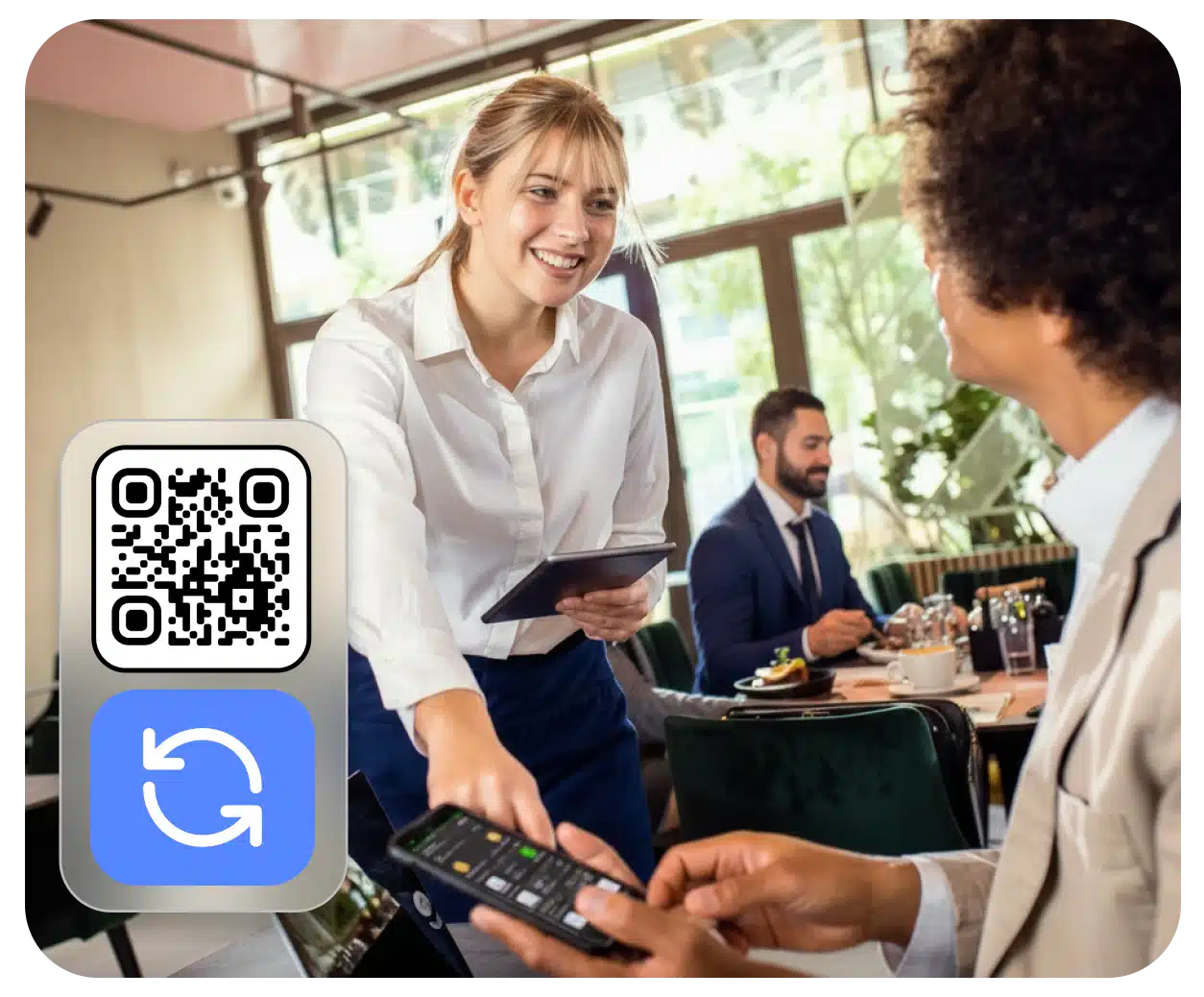
Close sales on the spot
Long queues, clunky card machines, or customers without cash used to mean lost sales. With a payment QR code, anyone with a smartphone can pay in seconds, right from their table, at the counter, or out in the street. Perfect for restaurants, markets, events, and any business where speed matters.
Create your QR codeOne scan. Payment done.
Paying should be as easy as scanning. With QRCodeKIT’s payment QR code, your customers skip the manual steps and go straight to checkout, already preloaded with the right amount and details. Less thinking, less typing, more completed payments.
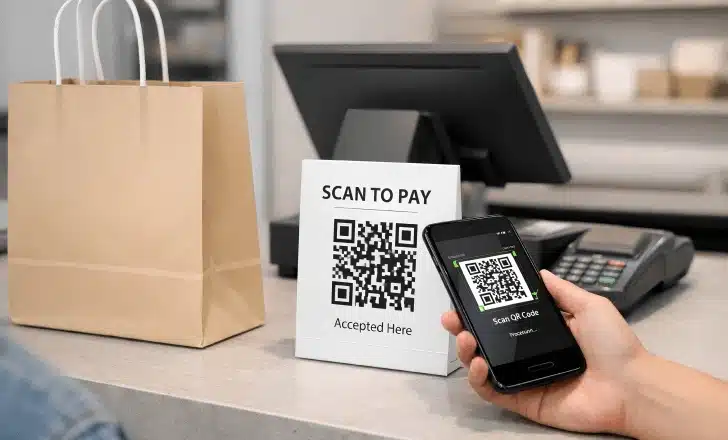
Works with the payment tools you already trust
You don’t need to switch providers or set up complicated systems. A payment QR code links directly to Stripe or PayPal, the two most trusted checkouts in the world, and you can connect one or both. Don’t have an account yet? Setting up Stripe or PayPal takes just a minute, and from there you’re ready to start collecting payments with a single scan.
Create your QR codeBuilt for businesses that move fast
Whether you’re a barista, a freelancer sending invoices, a shop owner, or a team running an event, payment QR codes adapt to how you sell. Static in the storefront, dynamic on the receipt, customized with your brand, they become a silent salesperson that’s always ready to close.
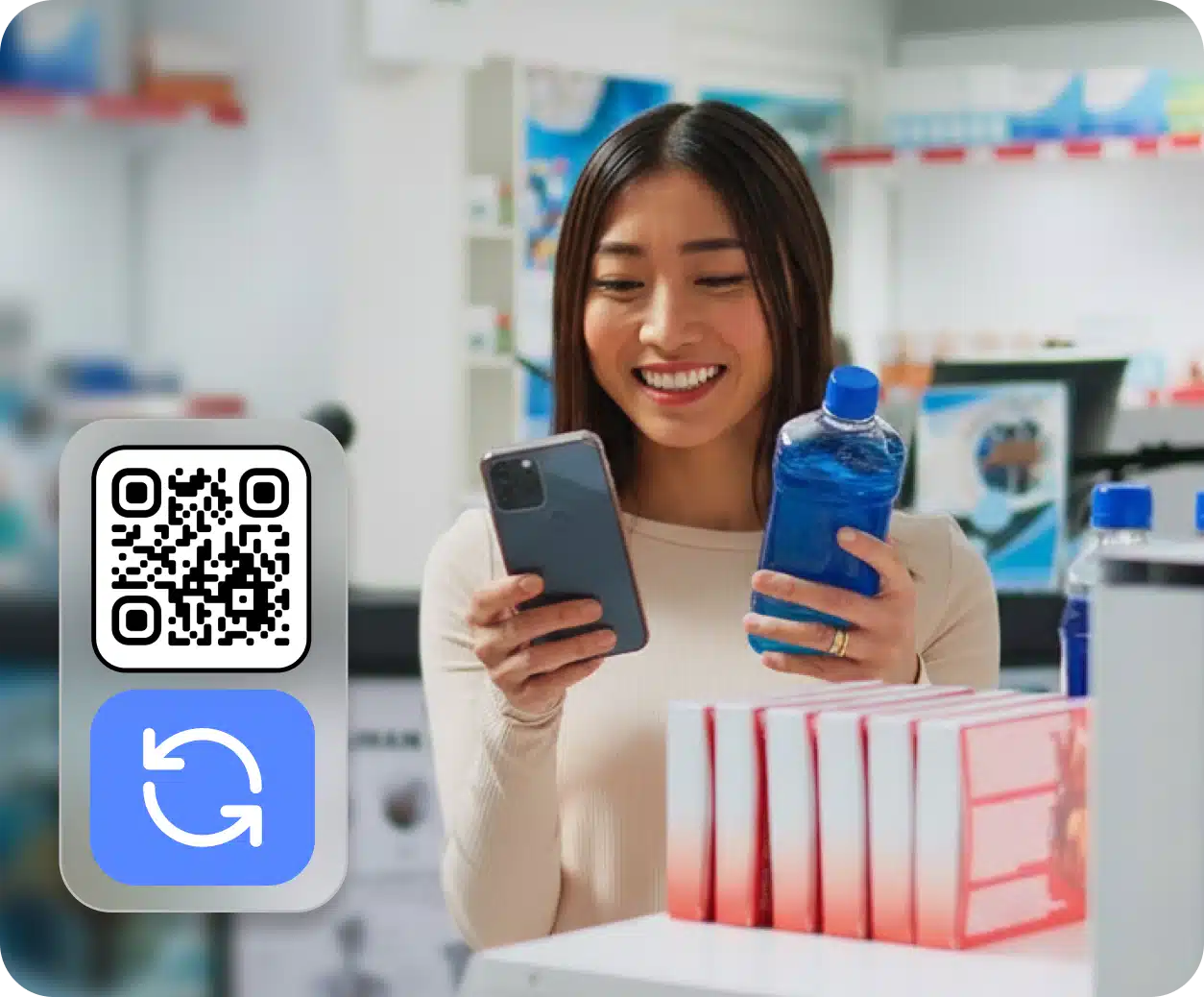
Dynamic QR codes you can update anytime
Change the price, switch the payment link, or redirect to a new checkout, all without reprinting a single sticker. Your payment QR code is dynamic by default, so you stay in control even after it’s out in the world. Update destinations, run promotions, or fix typos in one click.
Create your QR code
Track every scan, measure every sale
Know exactly when, where, and how often your payment QR code is scanned. QRCodeKIT’s analytics help you understand which locations drive the most payments, which campaigns convert, and where to double down. Real data, real decisions, real revenue.
Create your QR codeFrequently asked questions
What is a payment QR code?
It’s a QR code that takes your customers directly to a payment page or checkout, so they can complete a purchase by simply scanning with their phone. No card readers, no apps, no typing, just scan and pay.
Which platforms can I link to a payment QR code?
QRCodeKIT’s payment QR codes work with Stripe and PayPal, the two most trusted checkout providers in the world. You can connect one or both, depending on what fits your business best. And if you don’t have an account yet, setting up Stripe or PayPal takes just a minute.
Can I update the payment link after printing the QR code?
Yes. All payment QR codes from QRCodeKIT are dynamic, so you can change the destination URL, update prices, or switch providers anytime, without reprinting a single code.
Two free dynamic QR codes. Yours forever.
No credit card. No expiry. The original dynamic QR platform since 2009.