How to view and download the responses of a Check-in form QR Code
Check the responses of your Check-in form QR Code
This article corresponds to QRCodeKIT's legacy app. For more information, click here.
Log in to your account and follow these steps:
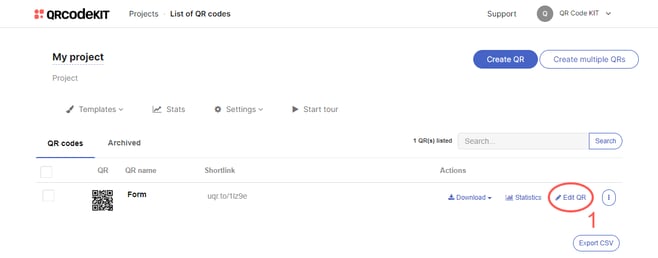
1) Click Edit QR
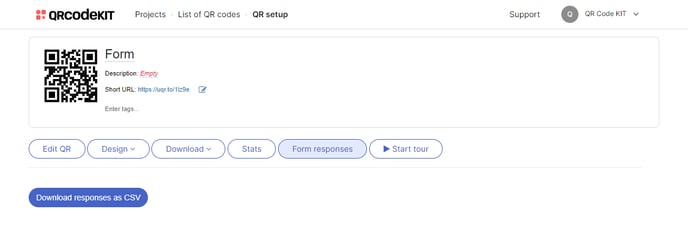
2) Click Form responses
Check-in form responses include the time and date in which they were submitted. You can download all responses as a CSV file. You can also delete responses manually.