
You can download any QR code as PNG, PDF, SVG or EPS. PNG suits screens and documents. PDF, SVG and EPS are vector formats that stay sharp at any print size.
Steps
- In your dashboard, click the download icon on the QR code’s row.
- Pick the format.
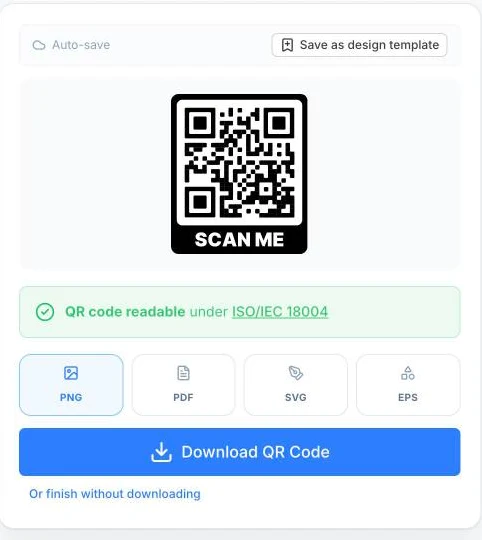
You can also download from the Design step: pick the format under the preview and click Download QR Code.
Good to know
- Need several at once? See how to bulk download QR codes.
- Downloading again later gives you the same code, so printed versions keep working.
