
With password protection, people who scan the QR code are asked for a password before they see its content.
Steps
- In your dashboard, click the QR code’s three-dot menu and click QR settings.
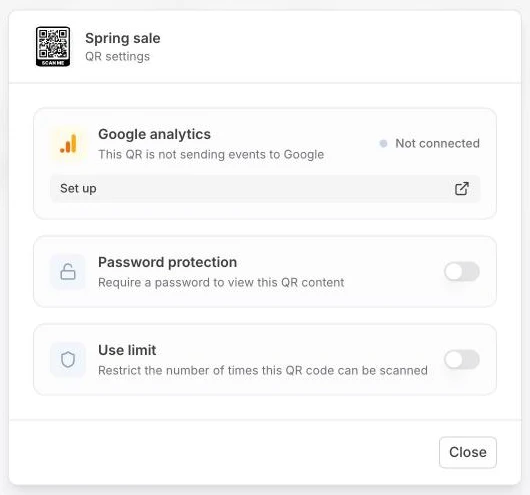
- Turn on Password protection and enter the password.
Good to know
- Share the password with your audience along with the QR code, for example on the printed material.
- Password protection is included from the Starter plan.
- In the same place you can set a use limit and connect Google Analytics.
