
Every QRCodeKIT QR code is dynamic: you can change what it opens at any time, and the printed code keeps working because its short URL stays the same.
Steps
- In your dashboard, click the pencil icon on the QR code’s row.
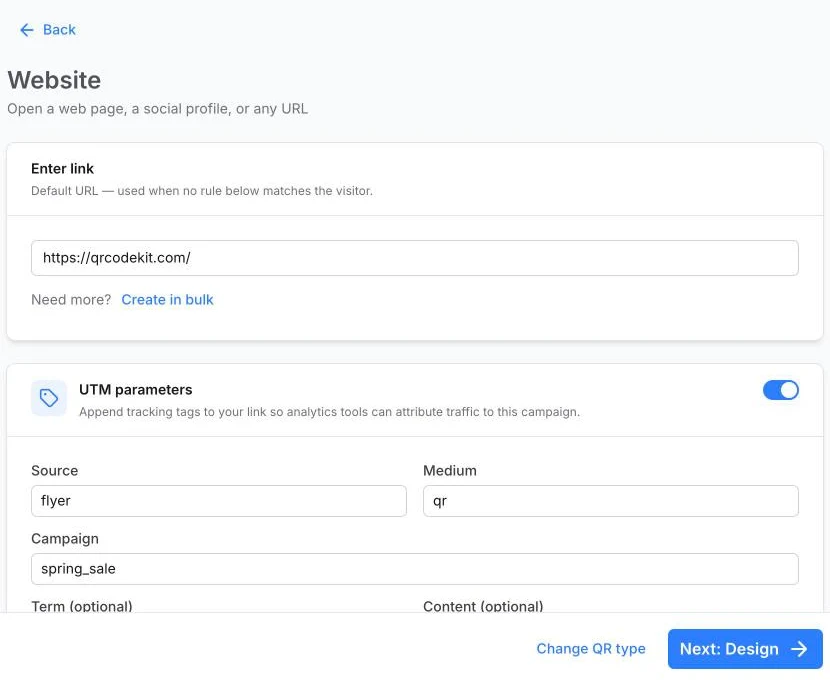
- Make your changes. To switch to a different type, click Change QR type.
- Click Next: Design to save.

Good to know
- The QR code keeps its statistics when you change its content.
- To change how the QR code looks, use the QR icon next to the pencil.
