
A use limit sets how many times a QR code can be scanned in total. It’s useful for limited offers, giveaways and single-use access.
Steps
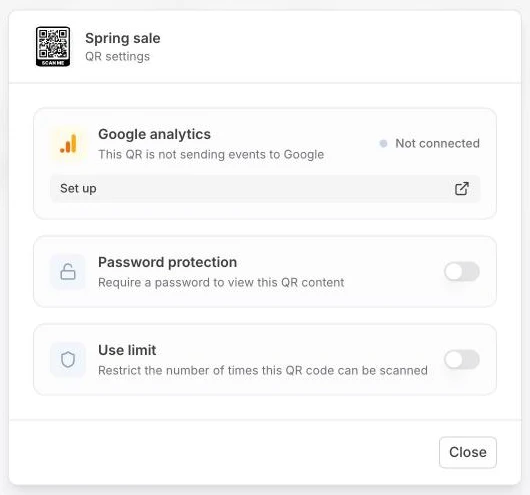
- In your dashboard, click the QR code’s three-dot menu and click QR settings.
- Turn on Use limit and enter the number of scans.
Good to know
- The limit counts every scan since the QR code was created.
- Once it’s reached, people who scan see a message that the QR code is no longer available.
- Raise the limit or turn it off at any time to make the QR code work again.
