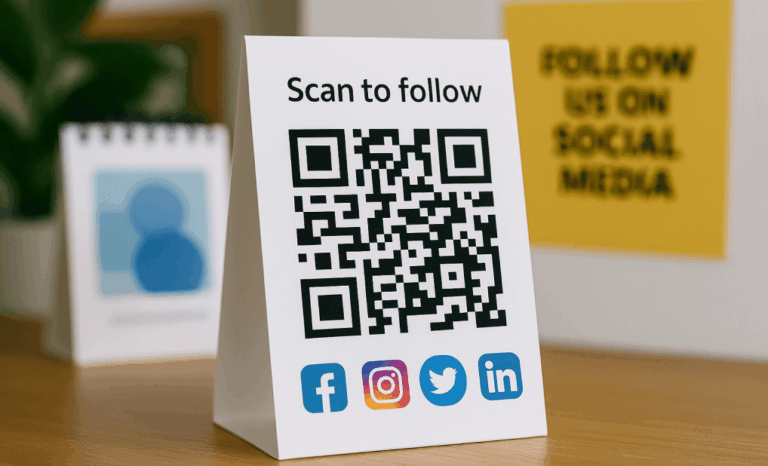
If you are wondering how to run QR code campaigns, the real answer goes beyond generating a simple code and printing it. A successful campaign connects physical touchpoints with digital experiences, measures performance in real time, and evolves based on data.
QRCodeKIT is built for exactly that workflow. It allows you to create dynamic QR codes, manage them by project, track scans, and optimize your marketing campaigns without reprinting materials. In this guide, we will walk through how to run QR code campaigns with QRCodeKIT in a structured, practical way.
Start with a clear campaign goal
Before you open any QR code generator, clarify what you want to achieve.
Are you launching a product and transforming packaging into a digital experience? Promoting an event with instant access to tickets and details? Gathering feedback through receipts? Driving traffic from business cards to a landing page? Or linking to social media to grow engagement?
Each of these contexts changes the structure of your QR code campaigns.
For example:
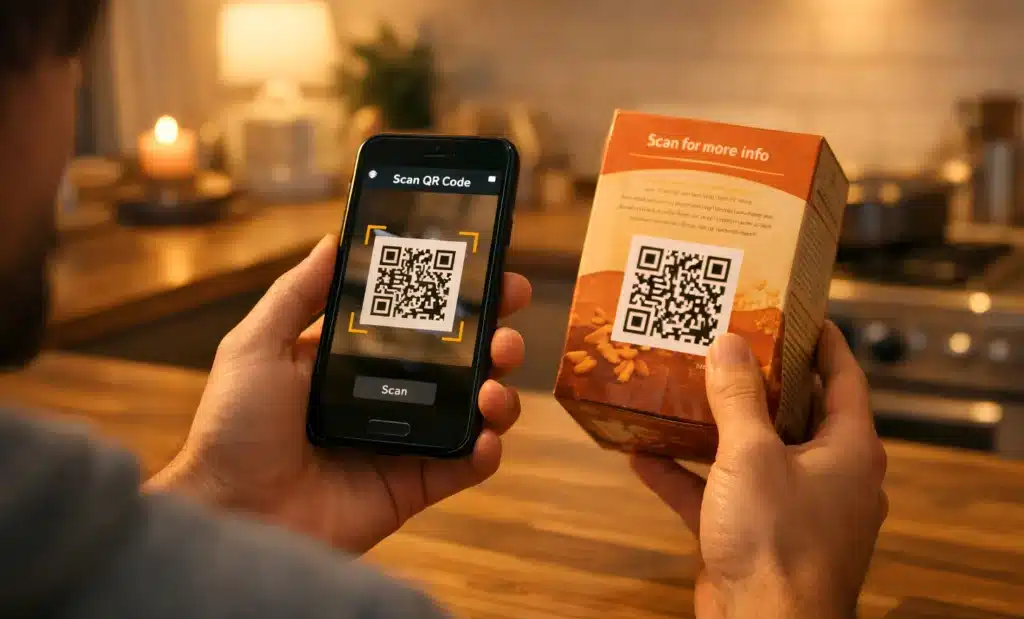
- On packaging, QR codes can provide instant access to product information, videos, or assembly instructions.
- At events, a code stand at the entrance can simplify registration and reduce friction.
- On business cards, QR codes work as direct links to a digital business card or portfolio.
- In print ads, QR codes can enhance traditional formats with interactive content.
The key is intent. A strong strategy starts with understanding your audience and the action you want them to take on their mobile device.
Choose dynamic QR codes for flexibility
If you plan to run more than a one-time experiment, dynamic QR codes are essential.
Static codes lock the URL forever. Dynamic QR codes, on the other hand, allow you to:
- Update the link even after printing.
- Track scans and gather data.
- Measure performance across locations and time.
- Optimize campaigns without redesigning materials.
In QRCodeKIT, every QR is editable. If you launched a campaign 3 weeks ago and realized the landing page needs adjustments, you can update it in real time. If you ran a similar promotion 11 months ago or even 1 year ago, you can still review historical data and extract insight.
This flexibility makes a clear difference between one-off codes and structured marketing campaigns.

Organize campaigns by project inside the app
Running multiple campaigns at once can quickly become chaotic. This is where structure matters.
QRCodeKIT allows you to group QR codes into projects. You can organize them by client, campaign type, event, packaging line, or timeframe.
For example, imagine:
- A packaging project with codes printed on thousands of units.
- An event campaign with temporary codes placed on signage.
- A set of business cards distributed by your sales team.
- A series of social media promotions.
Instead of mixing everything in one list, you can manage each campaign in its own space. This helps you control context, track performance, and avoid confusion months later.
Good organization is not glamorous, but it is absolutely essential if you plan to scale.
Design QR codes for visibility and readability
Design directly impacts scans.
Low contrast, poor placement, or tiny sizing often lead to poor results. A common mistake is focusing on aesthetics without verifying readability.
There are a few practical rules:
- Maintain strong contrast between foreground and background.
- Avoid placing QR codes over busy images.
- Follow the 10:1 rule for sizing. For every 10 inches of scanning distance, the QR code should be at least 1 inch wide.
- Test on multiple devices before launch.
QRCodeKIT includes design tools such as branded frames and embedded logos. Used properly, these can increase engagement without harming functionality. In fact, branded QR codes often outperform generic black and white codes because they signal trust and context.
That said, design should never compromise scannability. Always verify the code on a phone before sending anything to printing.
Connect the QR to a fast and relevant landing page
A QR code is only a bridge. The real experience begins after the scan.
Whether you link to a landing page, a file download, a video, or a social media profile, make sure the destination loads fast and is optimized for mobile devices. Remember that 100 percent of scans happen on a smartphone.
If you are running packaging promotions, the landing should immediately answer customer questions. If you are collecting feedback, the form should be simple and quick. If you are promoting an event, provide instant access to schedules, maps, or ticketing.
A common reason QR code campaigns fail is not the code itself, but the mismatch between user intent and digital experience.
Test before you launch
Testing is often underestimated.
Before going live:
- Scan the code on multiple devices.
- Check loading speed.
- Verify that the correct URL is linked.
- Review how the page looks on different screen sizes.
- Confirm that tracking works.
This step can save weeks of lost engagement. Poor placement, broken links, or incorrect redirects can damage trust quickly.
Inside QRCodeKIT, you can log into your dashboard and verify everything before launch. Once printing starts, changes become more expensive.
Track scans and measure real performance
One of the biggest advantages of dynamic QR codes is analytics.
QRCodeKIT provides built-in data for every scan. You can see how many users accessed the code, when they scanned, and from which device type. If integrated with Google Analytics, you can also track post-scan behavior and conversions.
This is where QR code campaigns move from guesswork to measurable strategy.
You can compare:
- Event signage vs packaging performance.
- Different placements in a store.
- Influencer collaborations.
- Multiple versions of a landing page.
If one version drives more engagement, you can optimize in real time. This ability to adjust campaigns based on data improves long-term results.
Optimize campaigns based on insight
Running QR code campaigns is not a one-time action. It is an iterative process.
Maybe you notice that scans peak during certain hours. Maybe a specific location underperforms due to poor visibility. Maybe a new design increases conversions.
Because dynamic QR codes are editable, you can:
- Update messaging.
- Replace landing content.
- Redirect traffic.
- Test new videos or promotions.
You do not need to reprint every time you refine your strategy.
This continuous optimization is what separates tactical QR use from a structured marketing approach.
Manage long term engagement
QR code campaigns can do more than generate short-term traffic.
Placed strategically on packaging, they can create ongoing engagement. Linked to updated content, they can reward customer curiosity. Connected to social media, they can grow your audience beyond the initial scan.
Some brands even use QR codes to offer exclusive content in unexpected contexts, creating a sense of discovery.
Over time, your dashboard becomes a source of historical data. You can look back at campaigns from weeks ago, months ago, or years ago and understand what worked. That accumulated data becomes a competitive advantage.
Common mistakes to avoid
Even with good tools, mistakes happen.
Here are a few practical pitfalls:
- Printing before testing.
- Using low contrast colors.
- Placing codes where they are hard to see.
- Linking to slow or irrelevant pages.
- Forgetting to track performance.
- Treating every campaign as isolated instead of connected.
Running QR code campaigns successfully requires thinking about context, experience, and measurement together.
What makes a QR code campaign truly successful?
It is not about the number of scans alone.
A successful campaign connects user intent with frictionless access to valuable content. It respects context. It loads instantly. It is easy to see and easy to scan. And it generates data that helps you improve future decisions.
QRCodeKIT provides the infrastructure to create, manage, and track dynamic QR codes at scale. The real impact, however, comes from how you design the strategy behind them.
If you want to learn more about how QRCodeKIT helps you manage QR code campaigns with clarity and control, explore the platform and experiment with your next project. Even on the free plan, you can create dynamic QR codes, test ideas, and start building measurable campaigns.