

April 23, 2025
How to create a Facebook event QR code
Planning an event is a lot of work, promoting it shouldn’t be. A Facebook event QR code is a simple, powerful tool that helps people find your event instantly. No searching, no guesswork, just scan and go. Whether you’re organizing a conference, a birthday party, or a product launch, a QR code connects your audience to your Facebook event page in seconds.
Why a Facebook event QR code changes the game
Most people won’t take the time to search for your event manually. But give them a QR code they can scan in a second? Now you’ve got their attention.
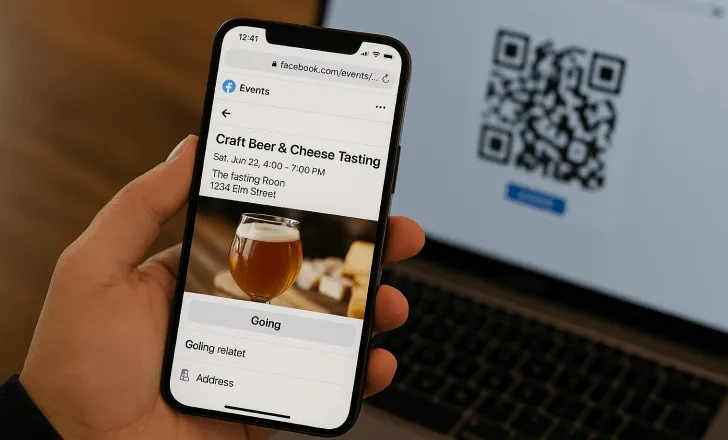
A Facebook event QR code is more than just a shortcut, it’s a bridge between your online presence and the real world. Posters, flyers, business cardseven your shop window, your event becomes instantly accessible, wherever people see your code.
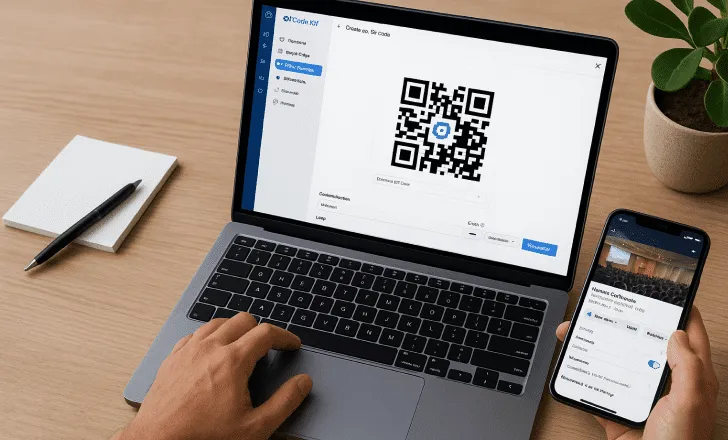
How to create a Facebook event QR code in 5 easy steps
1. Create your Facebook event
Start where the action begins, on Facebook.
- Head to your Facebook page or profile.
- Go to “Events” and click “Create new event”.
- Add your event’s details: name, date, time, location, and description. (Be clear and compelling, the more specific, the better.)
2. Copy your event’s link
Once your event is live:
- Open the event page.
- Copy the URL from your browser’s address bar. That’s the link you’ll use for your QR code.
3. Generate your QR code with QRCodeKIT
Skip the generic generators. At QRCodeKIT, you can do a lot more than just create a black-and-white square.
With the Free plan, you can generate up to two free dynamic QR codeswhich means you can update the destination later, without changing the code. Handy if your event details shift.
You can customize your code to match your brand: colors, logos, frames, all included.
And yes, you get scan analytics too. Know when, where, and how often people interact with your code.
Here’s how to do it:
- Sign up at QRCodeKIT (it’s fast and free).
- Choose to create a dynamic QR code.
- Paste in your Facebook event link.
- Customize the look.
- Download it in the format you need: PNG, SVG, PDF, whatever fits your use case.
4. Test before you print
Don’t skip this. Scan your code with different phones, browsers, and camera apps. Make sure it works the way it should. A broken QR code is worse than no QR code at all.
5. Share it everywhere
Your Facebook event QR code deserves the spotlight. Use it in:
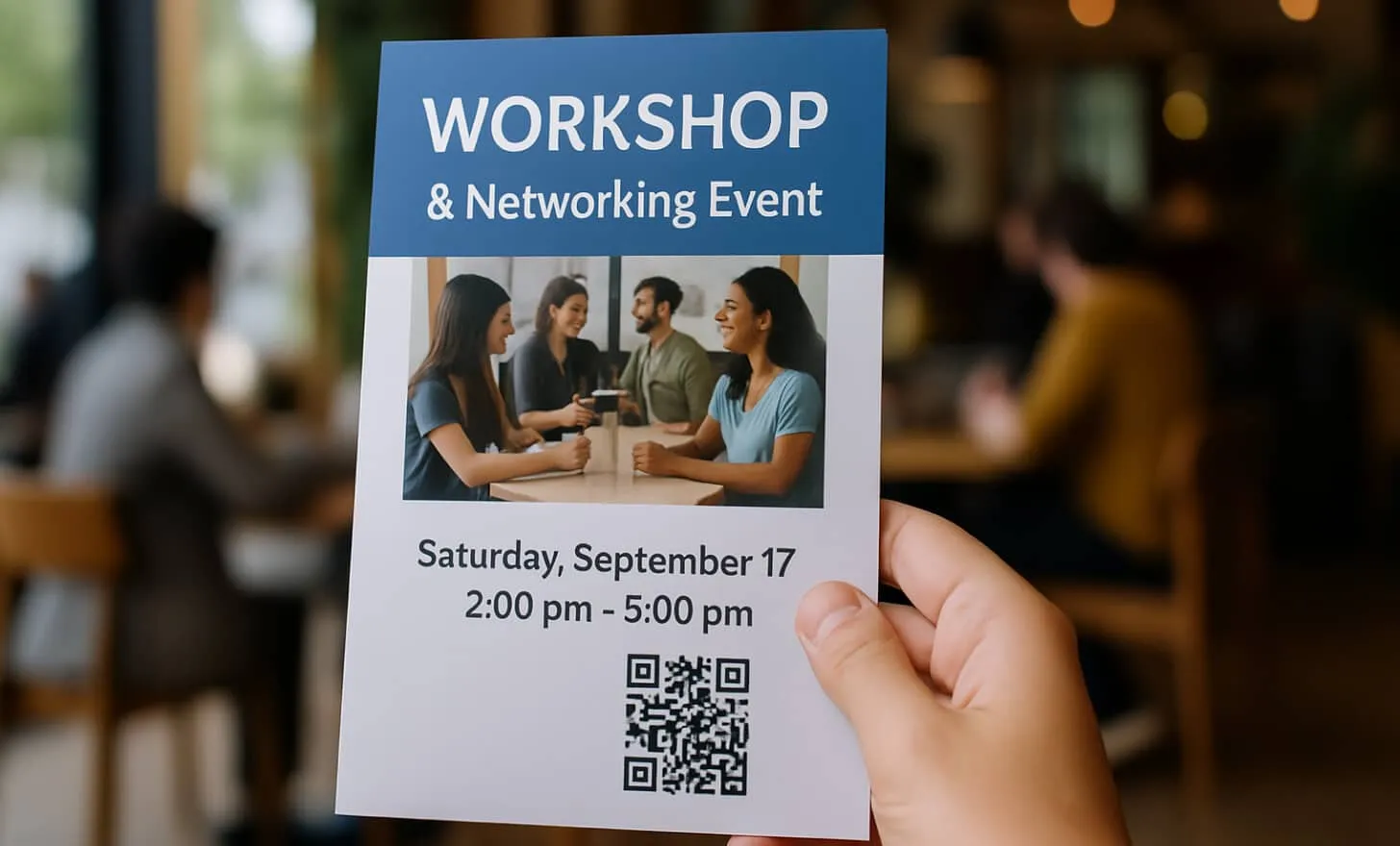
- Posters and flyers at cafés, offices, and stores.
- Social media graphics and Instagram stories.
- Email signatures and newsletters.
- Product packaging or receipts if you’re tying an event to a purchase.
Put it into practice
Create a dynamic QR code free and see it work. No credit card required.
Get started freeMore than a QR code, it’s a conversation starter
When someone scans your code, you’ve already broken the ice. It says: “Hey, come to this event. No hassle.” That kind of immediacy builds trust, and clicks.
Plus, with a dynamic QR code, you’re always in control. Change your event details or switch to a landing pageafterward? No problem. The code stays the same.
Tips to make your code count
- Add a call to action. A code on its own is fine, but “Scan to RSVP” or “Join the event now” gives it purpose.
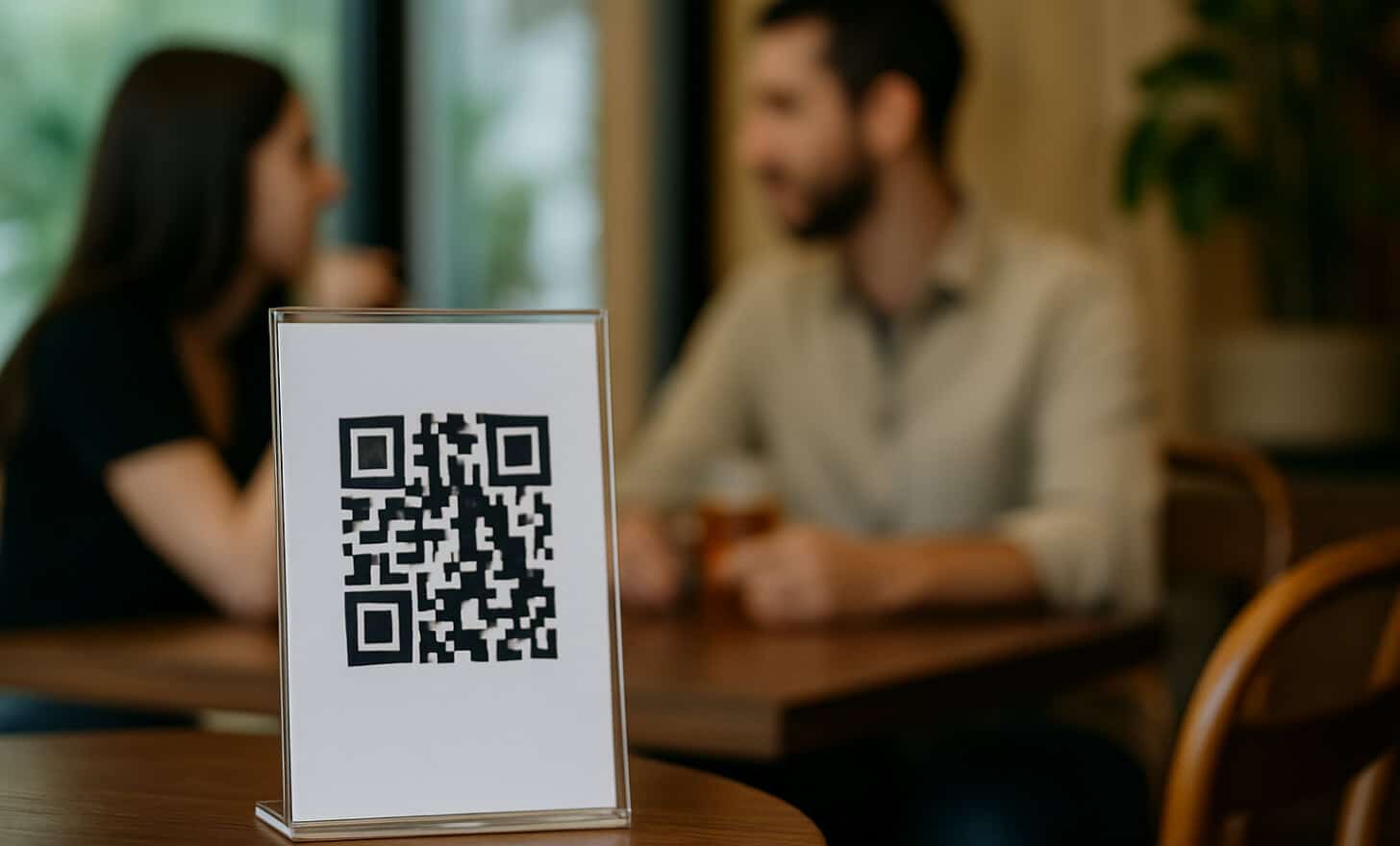
- Put it where it matters. Eye-level posters, table tents, store entrances, anywhere people pause long enough to scan.
- Keep it simple. Don’t clutter your design. Make the QR code easy to find and scan.
Final thoughts
A Facebook event QR code is one of the easiest ways to boost attendance, track engagement, and give people instant access to your event, no typing, no searching, just one scan.
And with QRCodeKIT, you’re not just making QR codes. You’re building smarter, more flexible campaigns with tools that work as hard as you do, even on the free plan.
Related articles
QR code marketing campaigns
The booming of QR code marketing campaigns is now due to marketers brimming with creative ideas and promotions. Still, no one wants to open their device to a…
Amazon go QR codes
Amazon Go is at the forefront of revolutionizing the way we approach mobile payments. Mobile devices offer incredible ways in which we can interact with the…
QR code error correction
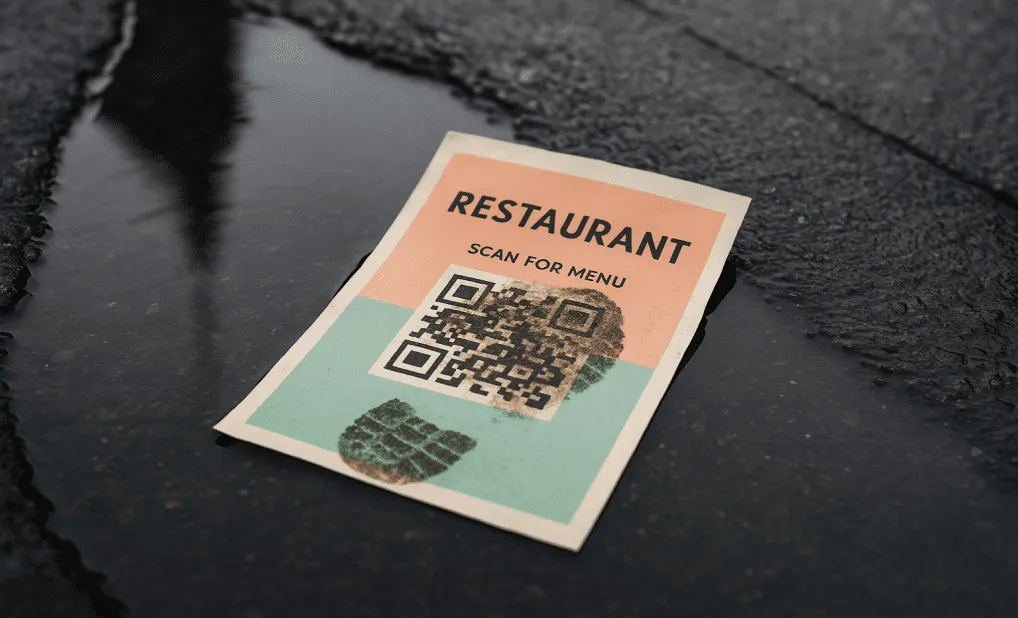
QR code error correction is a unique feature that allows a QR code to remain scannable even when part of it is damaged, dirty, or obscured. It’s one of the…
Two free dynamic QR codes. Yours forever.
No credit card. No expiry. The original dynamic QR platform since 2009.
