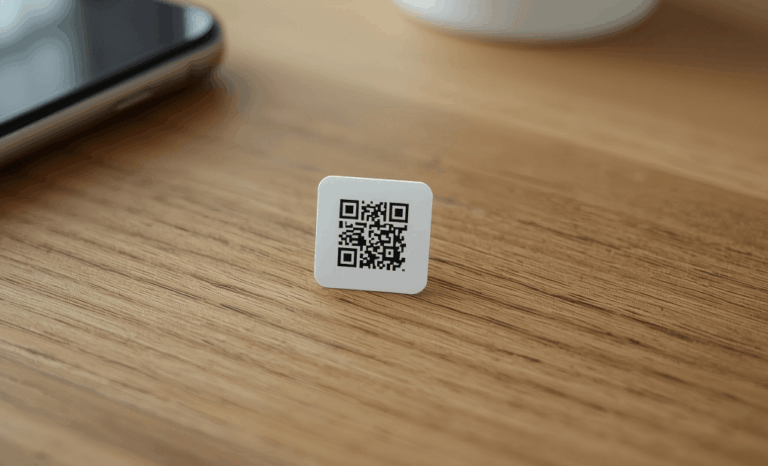
A tiny QR code can be incredibly useful when you need to save space on labels, tags, packaging or inventory stickers. But making a small QR code work well requires understanding size limits, contrast, scanning distance and how dynamic QR codes help you deliver more digital content in less physical space. Whether you want to share contact details, link to how to videos, collect feedback, show a LinkedIn profile or point users to a website, a tiny QR code must remain scannable from any smartphone camera. In this guide you will learn how to generate tiny codes safely, how to test them and when QRCodeKIT can help you get maximum performance in minimum size.
What is a tiny QR code and when should you use one?
A tiny QR code is simply a QR code intentionally generated at the smallest possible size while still ensuring a simple scan from most mobile devices. The idea is to save physical space without limiting access to digital content. This is especially useful for smaller labels, packaging with limited print area, event passes, inventory tags, product samples or any material where design space is tight. Many industries rely on this because they need to print dozens of codes on paper, cardboard, plastic or other material without disrupting layout decisions. With the right approach you can create a small QR code that stays readable even on older iOS and Android devices. The right QR code generator, combined with good contrast and proper testing, ensures every scan connects users to the correct link.
How small can a tiny QR code be before it becomes unreadable?
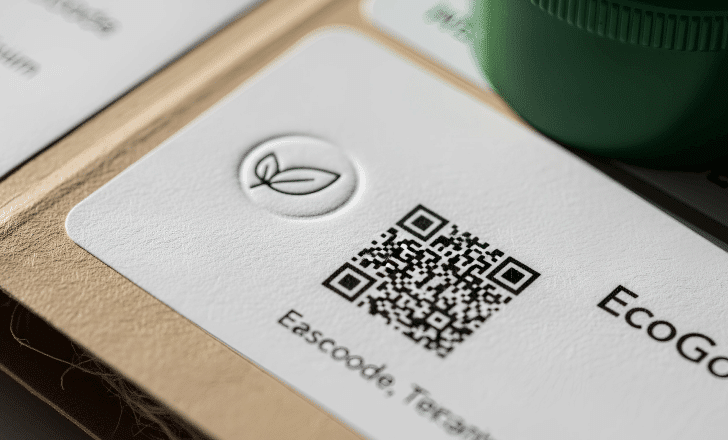
The minimum size of a tiny QR code depends on several factors like the amount of data encoded, the print quality, the background contrast and the scanning distance. If you choose a dynamic QR code instead of a static one, you can minimize data inside the code, which keeps the pattern simpler and easier to scan. That is why QRCodeKIT always recommends dynamic QR codes. They store only a short URL instead of long plain text data or large fixed files. In practice, a tiny QR code printed at around 1.5 to 2 cm can still work if it uses high contrast and is printed clearly. The smaller you go, the more sensitive the code becomes to blur, smudges, paper texture or low quality printers, so always test before printing a large batch.
Why do dynamic QR codes matter when generating a tiny QR code?
Dynamic QR codes are ideal for tiny QR code workflows because the QR pattern stays small, simple and clean. Instead of encoding long data directly, a dynamic QR code only contains a short redirect that leads to your final destination. This keeps the pattern lightweight so it remains scannable even at reduced size. On QRCodeKIT you can generate dynamic QR codes for websites, files, contact details, how to videos, social media profiles or a LinkedIn profile. You can also customize the design, save the code in SVG format and print it without losing quality. And whenever you need to edit the destination URL, you can update the code from your account instead of printing a new one.
How does scanning distance affect a tiny QR code?
Scanning distance matters because a smartphone camera needs enough resolution to detect QR modules. A tiny QR code requires close range scanning. If users try to scan from too far away, the device may not resolve the pattern clearly. For example, a 2 cm code might be readable at around 10 cm away, while a larger code can be scanned from much farther. If your product, tag or label is meant to be scanned quickly in motion, consider giving yourself a little more space so users do not struggle. A simple scan should always be the goal, especially in high traffic or fast moving environments like events, warehouses or retail shelves.
What design features help ensure a tiny QR code works reliably?
A tiny QR code needs high contrast between the code and its background. Good contrast ensures the smartphone camera can detect the pattern immediately. Use dark QR modules on a light background and avoid placing the code over complex textures. Keep enough quiet space around the code so the device identifies the boundaries. If you use QRCodeKIT, you can customize your QR visually, but avoid heavy decorations when size is limited. Minimalist designs are more reliable on tiny formats.
Does material matter when printing a tiny QR code?
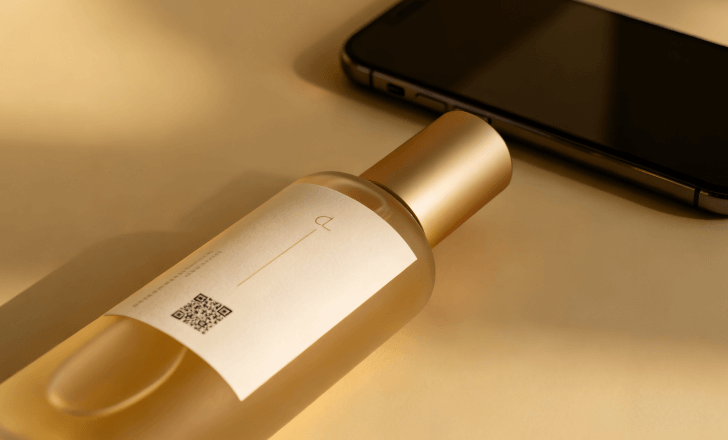
Yes, material affects how the code prints and how the camera reads it. Glossy surfaces can reflect light and distort the pattern. Textured materials can break the crisp edges of the QR. If you need to print a small QR code on rough paper, fabric or curved surfaces, test the result with multiple smartphones. Whenever possible, use high quality printing on a stable surface. Packaging, stickers, name tags, inventory labels or small event passes all behave differently, so testing is crucial.
Should I save my tiny QR code in SVG format or PNG format?
If you want maximum sharpness at small sizes, SVG format is ideal. SVG keeps the QR code vector based so it scales perfectly without losing resolution. A tiny QR code printed from an SVG file will remain clear even when reduced to very small dimensions. PNG can work too, but at tiny sizes it may appear pixelated depending on your print system. QRCodeKIT allows you to download your code in SVG, PNG or other formats so you can choose the best option for your project.
What kind of content works best behind a tiny QR code?
A tiny QR code can unlock a lot of digital content even when the physical space is minimal. You can connect users to a website, contact details, how to videos, instructions, reviews, resources or a LinkedIn profile. Dynamic QR codes let you change this content anytime, so if your layout is fixed you can still upgrade the experience later. A code on a tiny label could start by linking to basic product data and later redirect to enhanced content like tutorials or collect feedback from customers. A tiny code does not limit what you can deliver. It only limits the physical space.
Is a tiny QR code reliable for inventory and asset management?
Yes, as long as you maintain good contrast and test scanning conditions. Inventory tags, warehouse labels and office equipment tags often require small QR codes because the available space is limited. Since dynamic QR codes produce clean, simple patterns, they are highly compatible with scanners, smartphone cameras and systems that rely on quick data access. Users can scan, track and manage items even if the code is printed at a reduced size. For example, you can tag dozens of tools or devices with tiny codes and then manage everything from your account.
How can I test a tiny QR code before final printing?
Testing is essential when dealing with small QR codes. Print a few samples at the size you plan to use. Then test them with multiple smartphones on both iOS and Android. Try different lighting conditions and scanning distances. If the code opens your link instantly, the size is safe. If the camera struggles, increase contrast or enlarge the design slightly. Always test before mass production. It saves time, cost and resources.
What problems should I avoid when generating a tiny QR code?
You should avoid placing the QR too close to edges, printing low contrast patterns, using a blurry export format or adding heavy design elements that shrink the essential modules. Avoid compressing the code in a way that distorts the squares. Do not print on uneven or highly reflective material without testing. And do not include long data inside the code. Use a dynamic QR code so the pattern stays simple.
Can I customize a tiny QR code without hurting scannability?
Yes, but keep your customization modest. You can adjust colors, upload a logo, modify the frame or choose a style, but all changes must maintain good contrast and clean detection markers. QRCodeKIT lets you edit your design with preview tools so you can see how the final code will look. For tiny formats, the best practice is to use dark patterns on a light background, keep the shape standard and avoid complex decorations.
What industries use tiny QR codes the most?
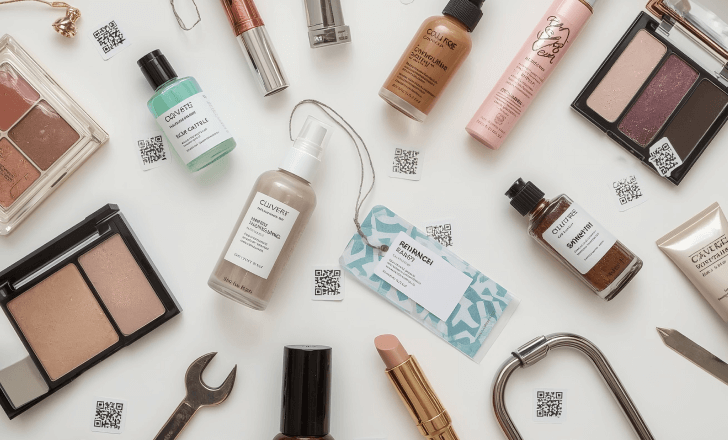
Tiny QR codes are common in retail, cosmetics, electronics, events, education, logistics, restaurants and hospitality. Many brands want to enhance their products with digital access or instructions without changing the design of their packaging. Restaurants often use small QR stickers for digital menus. Event organizers use tiny labels to check in attendees. Retailers use compact codes to link to digital content like reviews or how to videos. Even office environments use them to organize paperwork with minimal visual distraction.
What are the benefits of using dynamic QR codes for tiny formats?
Dynamic QR codes give you complete flexibility. You can update your URL, add insights, track scans, change the digital content and see how users interact with your code. This is especially valuable when dealing with tiny formats where reprinting is not convenient. If you place a small QR code on hundreds of labels, being able to modify the link from your account is a major advantage. And because the pattern is lightweight, your tiny QR code remains easier to scan.
How does QRCodeKIT help you generate a reliable tiny QR code?
QRCodeKIT provides everything you need to generate, manage and customize QR codes for any size, including tiny ones. You can create dynamic QR codes, customize your design, choose high contrast settings, download your code in SVG, track scans and update destinations whenever necessary. The platform also gives you insights into user behavior so you can improve your digital content. And with the free plan you can create up to two dynamic QR codes at no cost.
What are the essential tips for safe tiny QR code printing?
The main guidelines are simple. Use high contrast. Export in SVG format. Keep the pattern clean. Test your code at the intended size. Avoid reflective or textured materials unless you confirm they scan well. Use a dynamic QR code to reduce encoded data. Check the quiet zone around the code. Confirm compatibility across smartphones and affordable printers. When you follow these instructions your tiny QR code will work reliably.