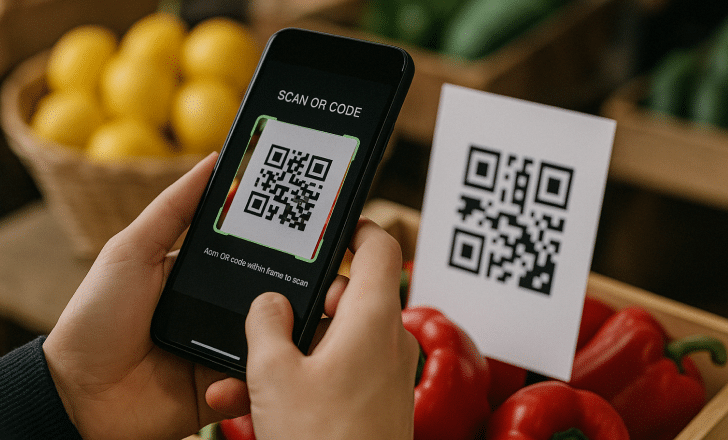
QR codes are everywhere. From restaurant tables and product packaging to tickets, invoices, and public signage, scanning a QR code has become a daily habit for millions of people. That’s why questions like “what is the best QR code reader?” continue to generate so much interest.
The reality in 2026, however, is slightly different from a few years ago. Most modern smartphones can scan QR codes directly from the camera app, without installing anything extra. As a result, choosing a QR code reader is no longer just about downloading the right app. It’s about understanding how scanning works today, how to do it safely, and what kind of experience you should expect after the scan.
In this guide, we’ll review the most reliable ways to scan QR codes, clarify when a dedicated QR code reader still makes sense, and explain why the quality of the QR experience matters just as much as the scanner itself.
(Last updated: January 2026)
What makes a great QR code reader?
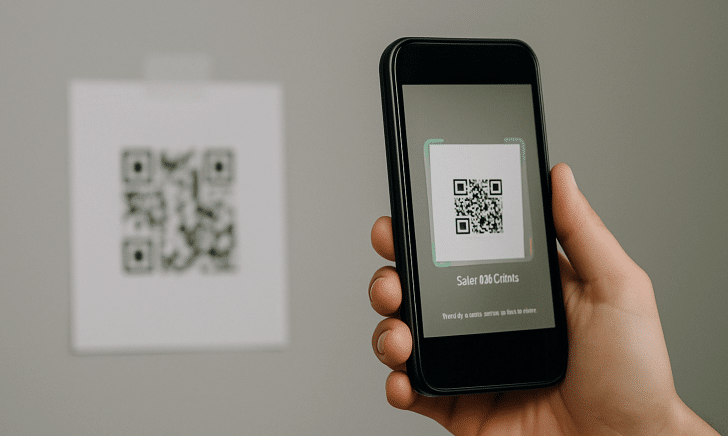
Not all QR code readers are created equal. Some are lightning-fast. Others double as barcode scanners. And some protect you from malicious links.
When choosing the right QR reader, these are the features worth looking for:
- Speed and accuracy – Scans should work instantly, even from awkward angles or low lighting.
- Security – Some apps scan links before opening them to check for risks.
- Ad-free experience – Fewer distractions make for a smoother scan.
- Scan history – Useful if you ever need to revisit a past link.
- Platform support – Android, iOS, and sometimes even desktop or web-based options.
The best QR code readers apps in 2026
1. Kaspersky QR Scanner
Platforms: iOS, Android
Why we like it: As a cybersecurity company, Kaspersky focuses on safety. This app alerts you if the QR leads to a suspicious or malicious link, and it also saves your scan history.
Best for: Security-first users who scan regularly.
2. QRbot
Platforms: iOS, Android
Why we like it: Lightweight, elegant design with no ads and a robust scanning engine. It handles both QR and barcodes with ease.
Best for: Day-to-day scanning with a clean interface.
3. NeoReader
Platforms: iOS, Android
Why we like it: Fast recognition of various code formats, including QR, Aztec, and Data Matrix. Opens links immediately without needing to confirm.
Best for: Power users who scan all types of codes.
4. QR & Barcode Scanner by Gamma Play
Platforms: Android
Why we like it: One of the top-rated scanning apps on Google Play for a reason—it’s fast, lightweight, and straightforward.
Best for: Android users who want a quick scan without extras.
5. Native camera apps (Apple and Google)
Platforms: iOS, Android
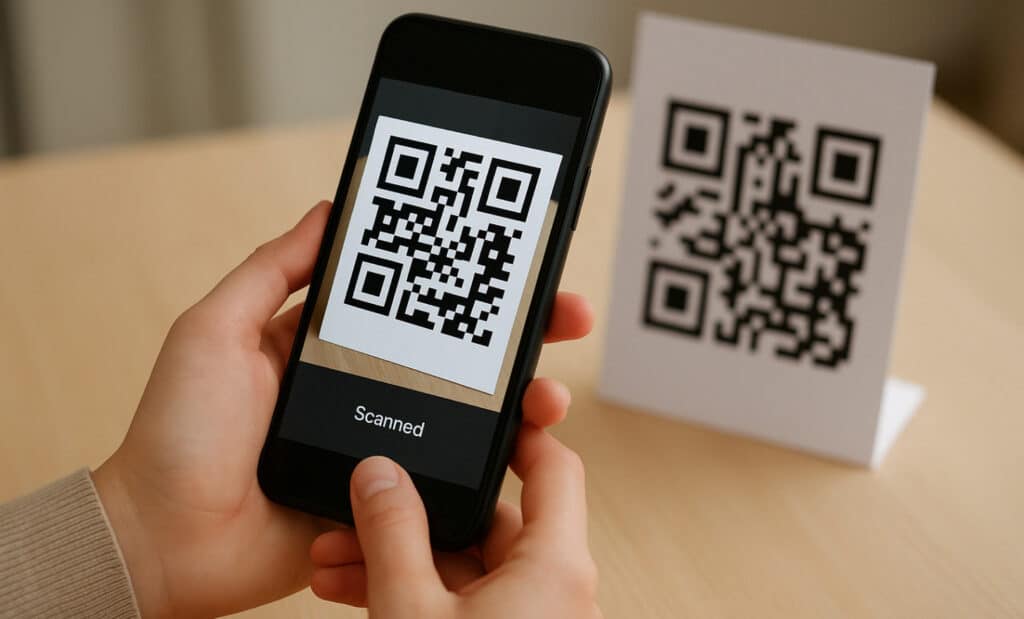
Why we like it: Sometimes, simple is best. Both iPhone and Android phones can scan QR codes directly through their default camera app.
Best for: Occasional users who prefer zero clutter.
Comparison at a glance
| App | Platform | Standout feature | Price |
|---|---|---|---|
| Kaspersky QR Scanner | iOS, Android | Built-in link protection | Free |
| QRbot | iOS, Android | No ads, scan history | Free |
| NeoReader | iOS, Android | Multi-code format support | Free |
| QR & Barcode Scanner | Android | Lightweight and fast | Free |
| Native camera apps | iOS, Android | No app needed | Free |
Why not just use your camera app?
If your goal is to quickly scan a QR code from a flyer or poster, your phone’s built-in camera does the job. But if you’re scanning frequently or want more control, a dedicated app is worth the download.
Here’s what you get with a proper QR code reader:
- Link previews and warnings
- Flashlight toggle for low-light scans
- Barcode compatibility for retail use
- Scan history for past access
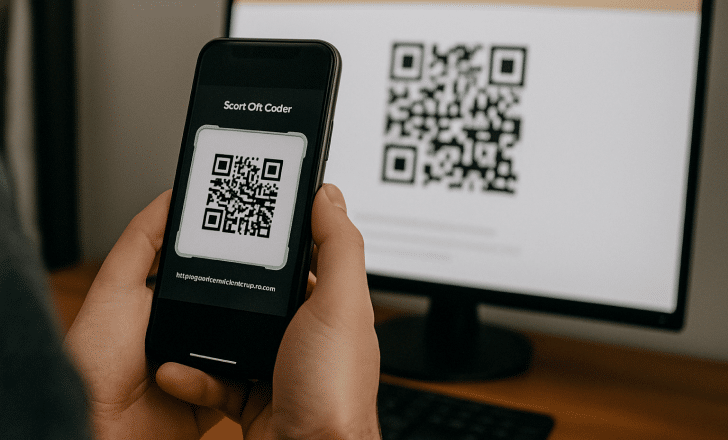
Go beyond scanning: Create your own branded QR codes
If you’re in marketing, education, events, or retail, you likely don’t just scan QR codes—you create them. But not all QR generators are created equal either.
With QRCodeKIT, you can make fully customized QR codes that do more than direct traffic—they reflect your brand.
Here’s what sets QRCodeKIT apart:
- Create dynamic QR codes that never expire (even on the free plan!)
- Add your logo, brand colors, and call-to-action frames
- Track scans by location, time, and device
- Edit links after printing—no need to reprint materials
- All on an easy-to-use dashboard with no credit card required
Whether it’s a flyer, packaging, or a digital business card, custom QR codes get more attention and more scans.
👉 Design your first QR code for free — no expiration, no hidden fees.
Final thoughts
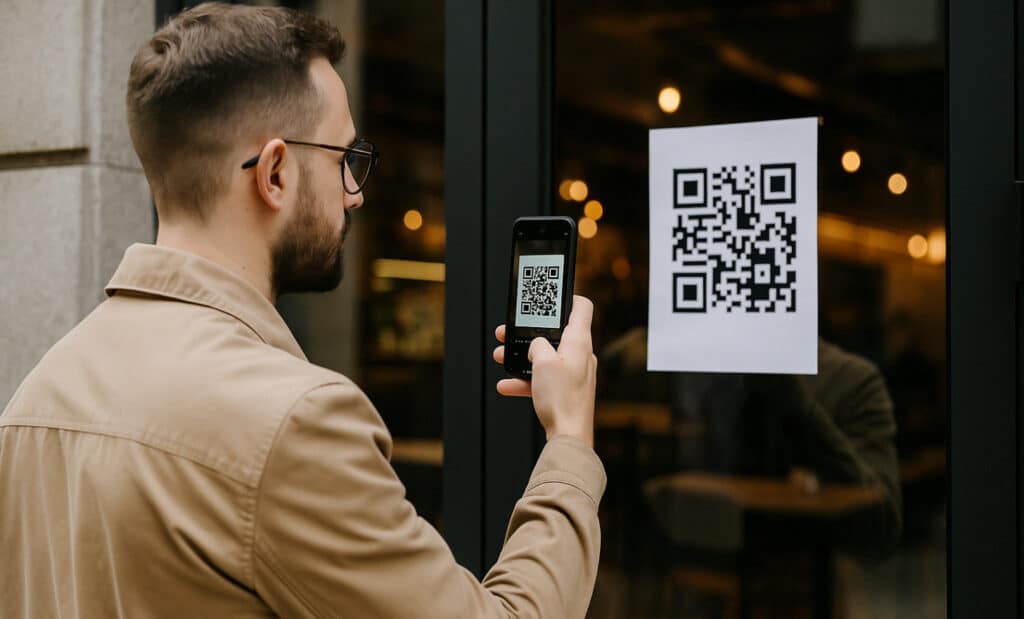
Choosing the best QR code reader in 2026 is simpler than it used to be. For most users, the built-in camera on their smartphone is more than enough. What has become more important is not the scanner, but what happens next.
As QR codes become a permanent bridge between physical and digital worlds, trust, clarity, and relevance play a bigger role than ever. A QR code that leads to a slow, outdated, or confusing destination quickly erodes confidence, no matter how good the scanner is. On the other hand, a well-managed QR experience feels seamless and intentional.
This is where platforms like QRCodeKIT make the difference. By enabling dynamic destinations, branded links, and long-term management, they ensure that QR codes remain useful, safe, and up to date long after they are printed.
In the end, scanning a QR code should feel effortless. When it does, users stop thinking about readers and start focusing on the value behind the scan. That’s the real standard QR codes are measured against today.