
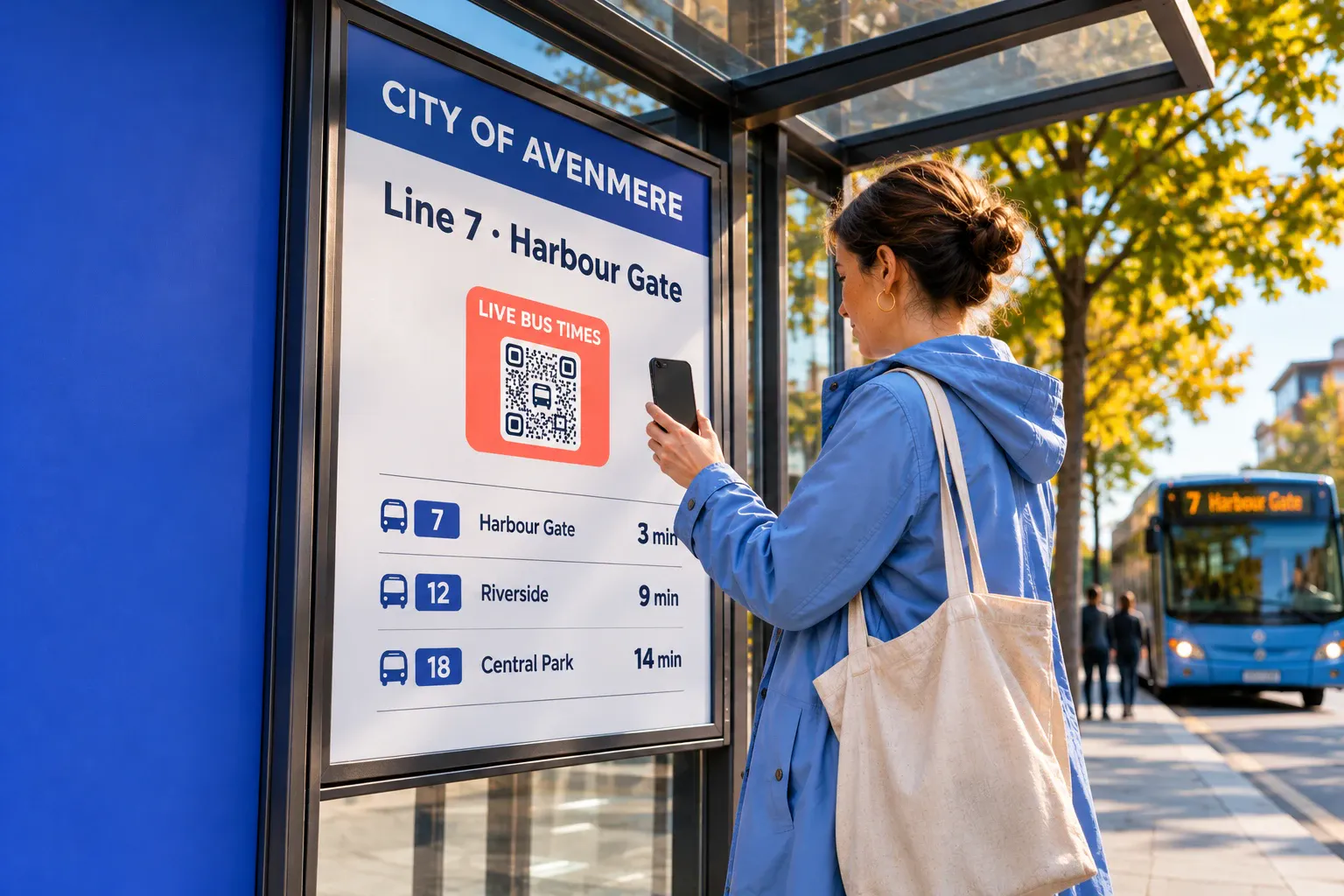
QR codes for cities that keep every sign current.
Put one dynamic QR code on every street sign, bus stop, plaque and poster. Change the guide, the timetable or the events page the same day, and see which places and signs people scan.
No credit card required•GDPR-compliant•Hosted in the EU
By continuing you agree to our Terms and Privacy Policy.
Trusted by more than a million companies worldwide
What are QR codes for cities?
QR codes for cities are dynamic QR codes on street signs, bus stops, park and monument plaques, posters and visitor leaflets that open content the city can change at any time: a visitor guide, a timetable, the seasonal events page, the story behind a monument, the city app or a form to report an issue. Each sign or place can have its own code, so every scan shows where it happened. QRCodeKIT, launched in 2009 as uQR.me, is the dynamic QR code platform that creates, hosts and measures them, hosted in the EU.
Who it’s for
From the street sign to the monument
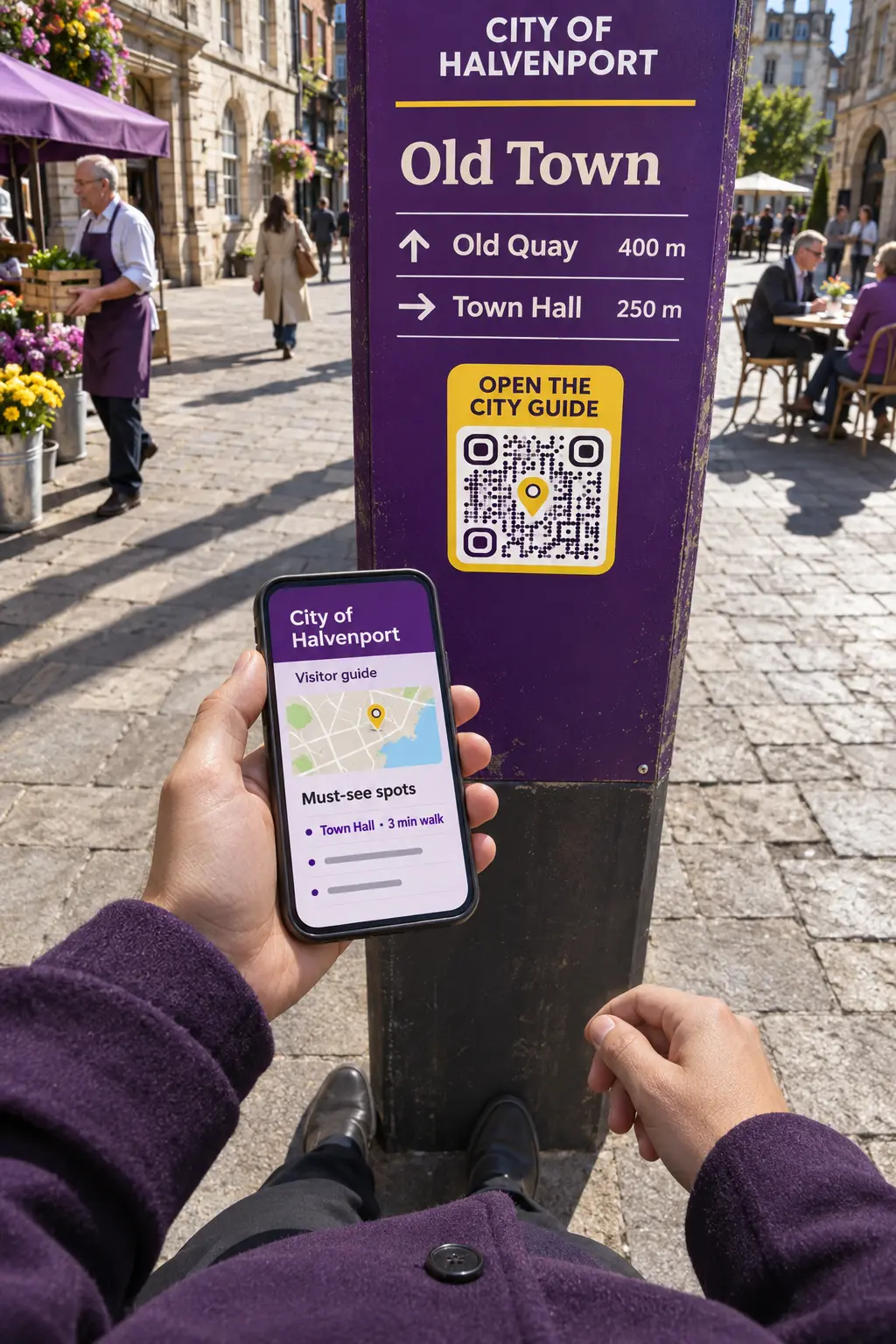 Tourist offices & visitor guides
A city guide behind every street sign
Codes on street signs, maps and leaflets open the visitor guide, the must-see spots and the city app, kept current without new signs.
AI QR codes for tourism →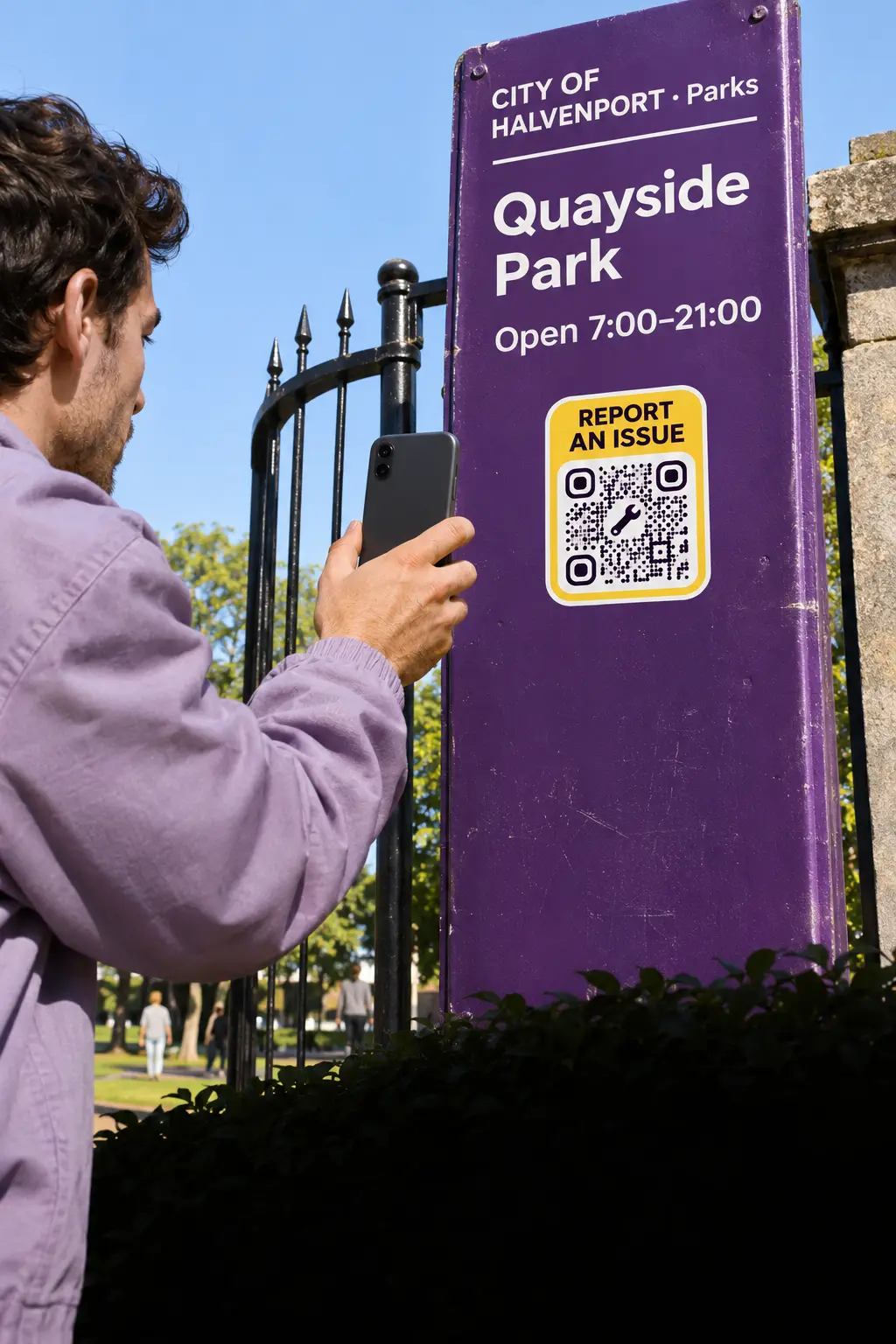 Transport & public spaces
Stops, parks and squares that stay current
Codes at stops, in parks and on bins open timetables, maps and a form to report an issue, updated the moment something changes.
AI QR codes for public transport →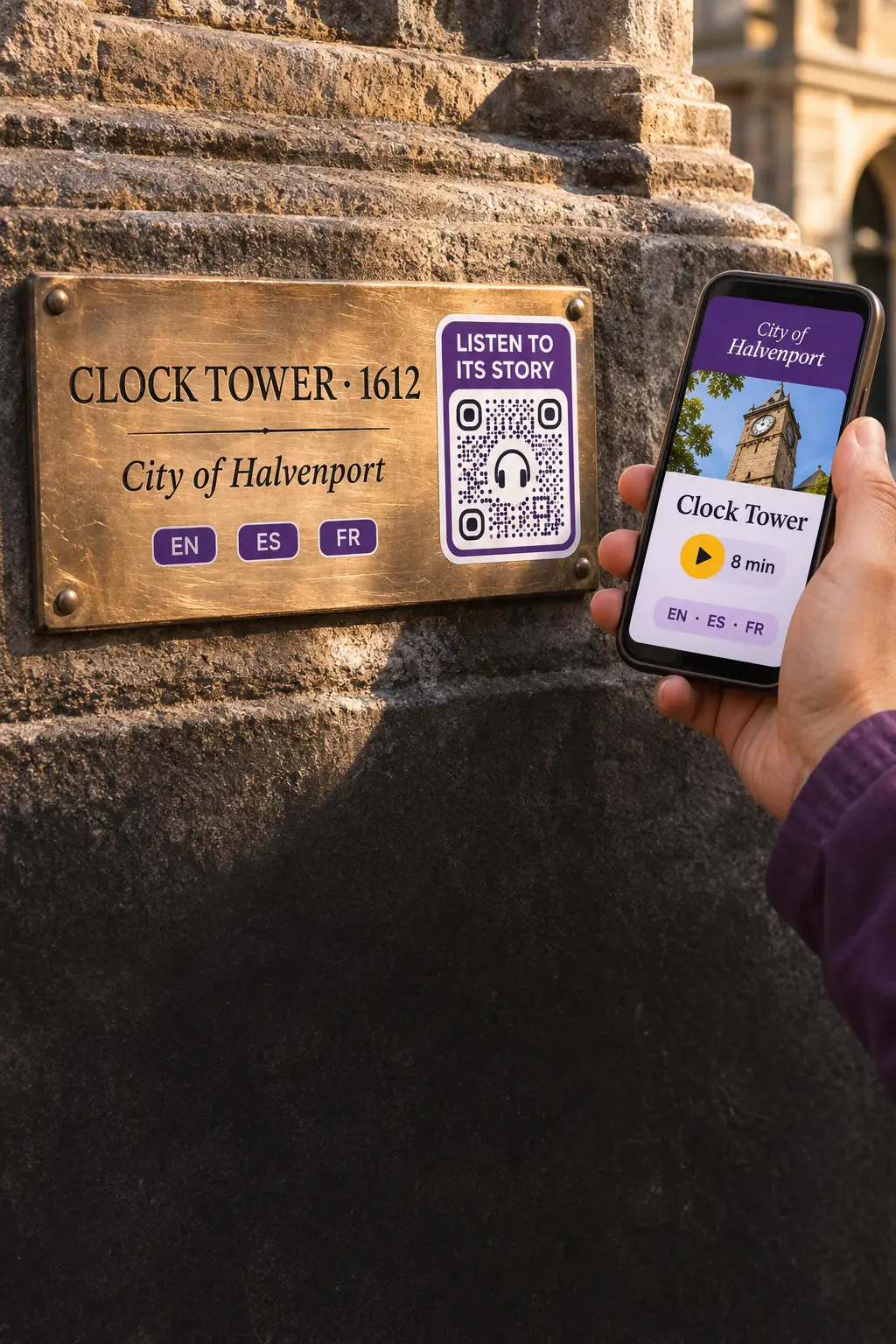 Monuments & heritage
The story behind every monument
A code on the plaque opens the history of the site, an audio guide or a video, in the visitor’s own language.
AI QR codes for museums →Platform
Every sign, stop and monument, one dashboard
Create
One code per sign, stop and plaque
Create codes in bulk for every street sign, stop and monument, group them by district or service, and change what they open the same day: the signs stay up.
Bulk creation →File download QR codes →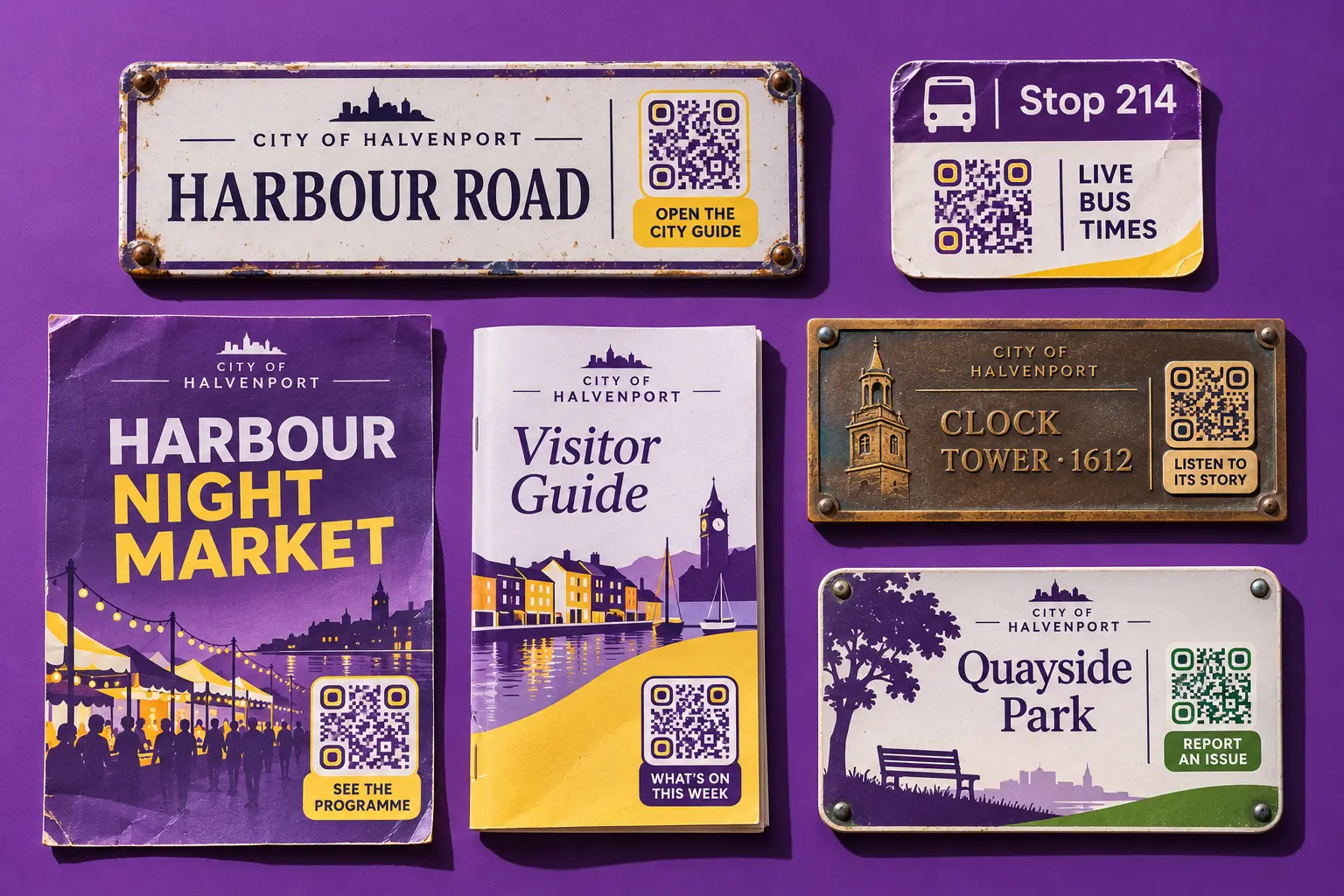
Design
Codes that belong on your signs and guides
Your city’s logo, colours and frame on signs, plaques and guides, with a live check that the code still scans. Point it to events pages, maps, app downloads or a form to report an issue from the same code types.
Landing page QR codes →App store QR codes →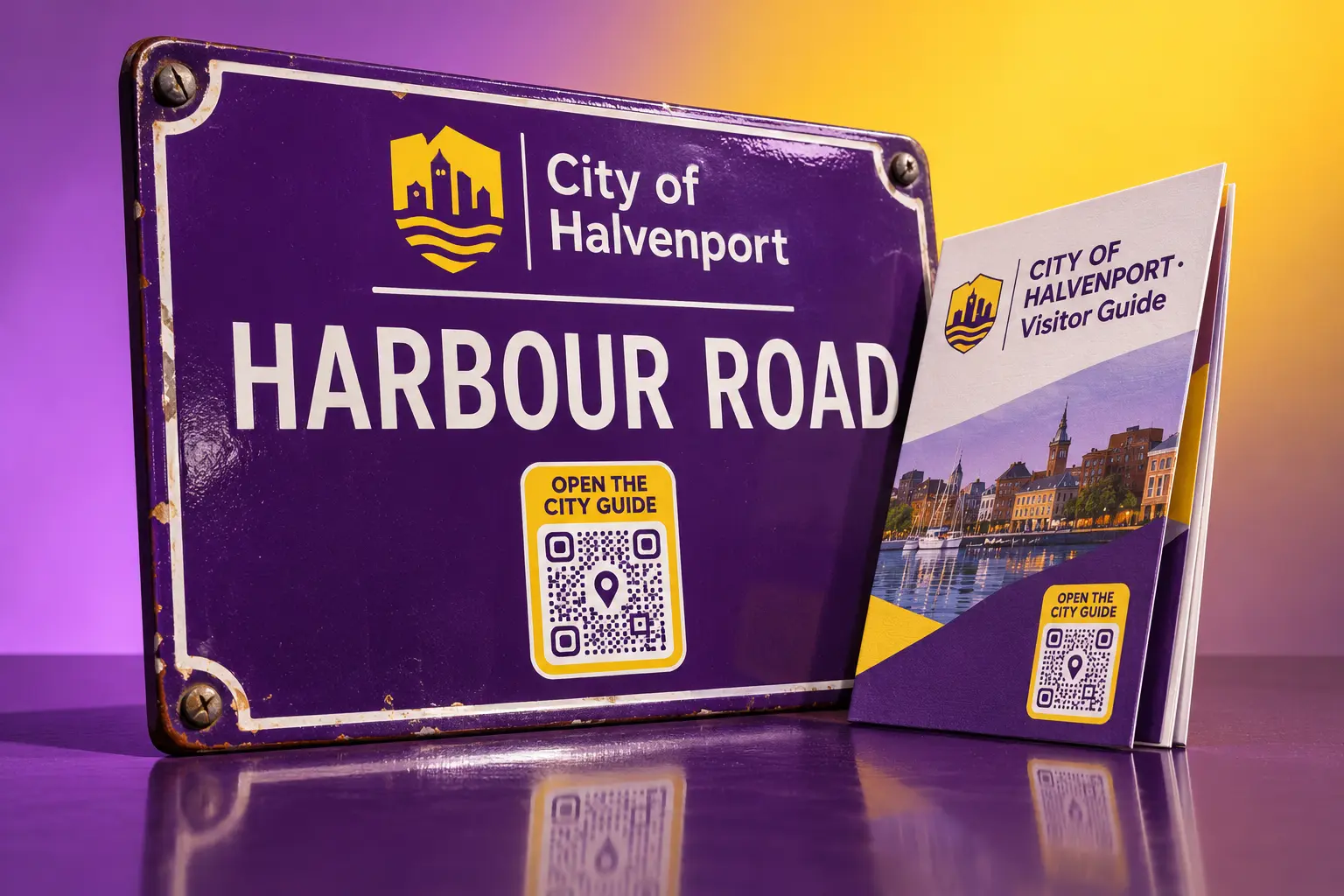
Track
See which places and signs people scan
Scans by place, city and device, first visits apart from repeat ones, and the hours people scan. Compare signs, stops and leaflets, and send reports and form answers to your own systems through the API and webhooks.
QR code analytics →QR code API →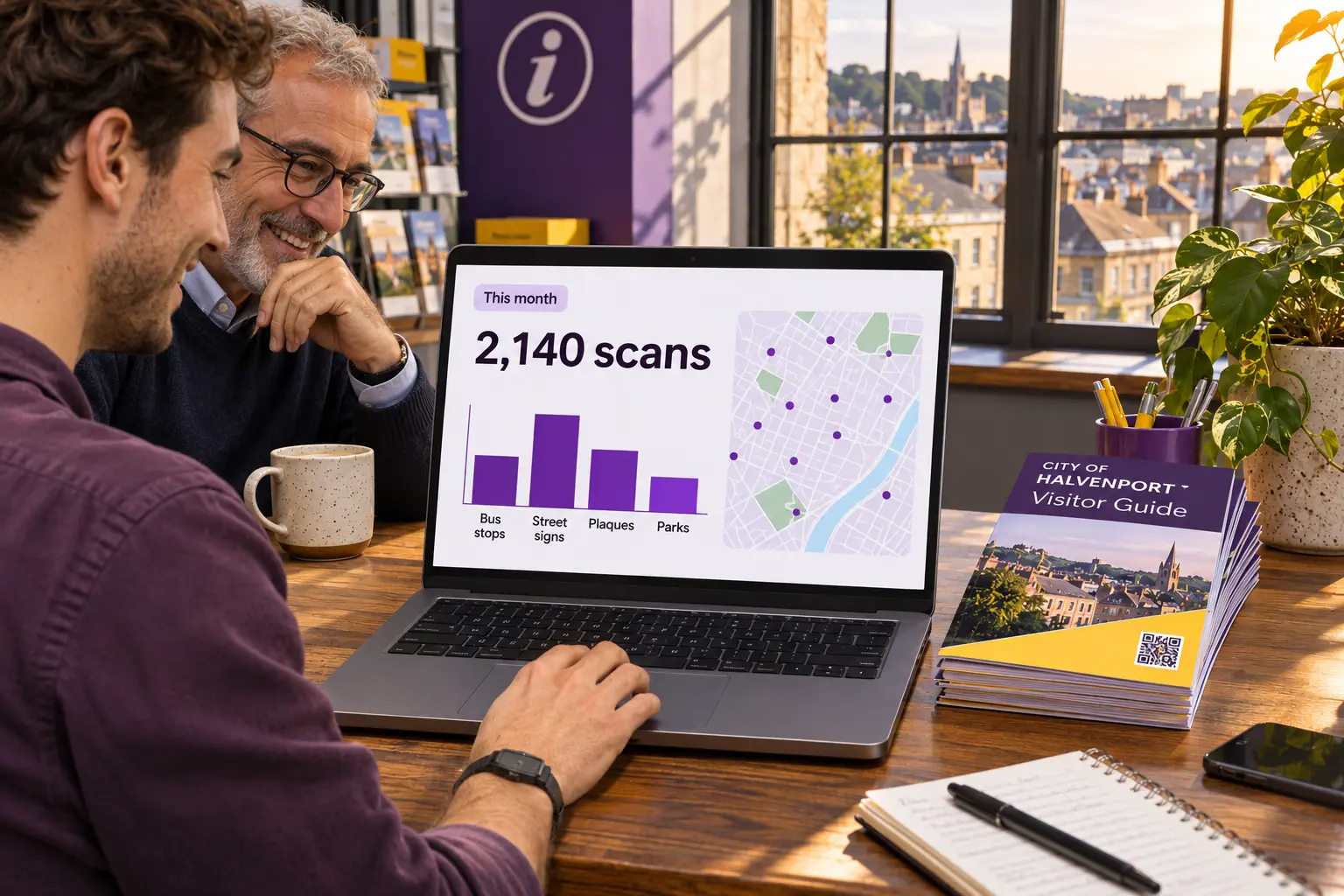
Cleo · AI agent
An information point on every street
Cleo is the AI agent that lives inside your QR codes. Train her on your visitor guide, timetables and events calendar, and she answers residents and visitors in their own language, at any hour, even when the tourist office is closed.
- Answers with no staff needed
- 24/7
- Languages supported
- 40+
Cleo answers from the documents you give her, so every answer matches your real timetables, events and opening hours.

Which bus goes to the old town?
Line 7 stops here every 12 minutes from 6:00 to 23:00, and the old town is the fourth stop, about 10 minutes away. Tickets are sold on board and in the city app.


Control
Visitor-safe codes on every street
Signs, stops and plaques are in public, where fake stickers appear. QRCodeKIT keeps your codes on your own domain and visitors’ data in the EU, across every service and district.
- Your own domain. Residents and visitors see a link that is clearly the city’s, which helps them tell your code from a fake sticker. On Pro and Enterprise.
- Hosted in the EU. GDPR-compliant, with European-based infrastructure.
- Teams and single sign-on. Up to 10 team members on Pro; SSO and up to 50 members on Enterprise, for tourism, transport and culture teams.
- Forms with consent. Issue reports and event sign-ups with a required consent, and stored answers deleted automatically every week or month.
- Edit after printing. Change the guide, the timetable or the event behind any code, as many times as you need.
- GDPR
- EU hosting
- ISO 27001 framework
- SSO
Questions city teams ask us
QRCodeKIT is a dynamic QR code platform launched in 2009 as uQR.me and hosted in the European Union. Councils, tourist offices and cultural sites can use it to run the codes residents and visitors scan on signs, stops and plaques.
What are QR codes used for in cities?
To connect street signs, stops and plaques with content that changes: visitor guides and maps, timetables, seasonal events, the story behind a monument, city app downloads and forms to report an issue. A dynamic QR code lets you update that content the same day and count every scan without reprinting signs.
Can I change what a QR code on a street sign opens?
Yes, if it is a dynamic QR code. The sign stays up and you point its code to new content from the dashboard, such as this season’s events or an updated PDF guide, as many times as you need.
Can a QR code on a monument play an audio guide?
Yes. A file download QR code opens an MP3, a PDF or a video on the visitor’s phone, and you can replace the file at any time without changing the code. A multilingual QR code opens the version in the visitor’s language.
Can each sign or stop have its own QR code?
Yes. Create codes in bulk, one per sign, stop, plaque or poster, and group them by district or service, so you can see which places bring the scans.
How do I protect residents and visitors from fake QR stickers?
With your own domain on Pro and Enterprise, people can see that the link belongs to the city, and you can change any code at once if a fake sticker appears.
Can a QR code answer visitors’ questions?
Yes, with Cleo, QRCodeKIT’s AI agent that lives inside your QR codes. Train her on your visitor guide, timetables and events calendar, and she answers in the visitor’s own language, at any hour.
Is there a free trial?
Yes. Every new account starts with a 7-day free trial of Pro, with no credit card required, with up to 100 QR codes and 100 scans each. Teams that need SSO, API access or higher limits can compare the plans or book a demo.