
QR codes on labels and stickers
Create your QR code
Best practices for QR codes on labels and stickers
1. Tap into people’s desire to participate
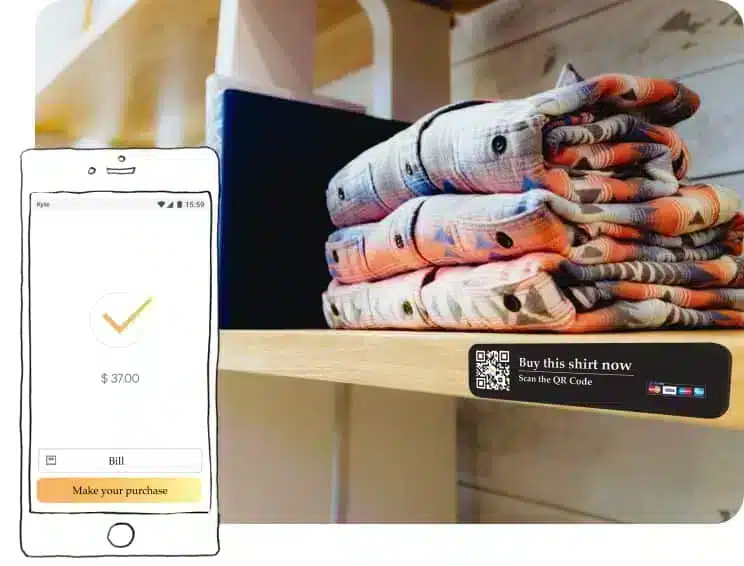
QR codes on labels and stickers are like little square brand ambassadors. They beckon passersby to scan them and see what the big deal is. When visitors see that others have stuck something on a public space somewhere, it subconsciously tells them that this is a brand worth talking about. Someone put this sticker here, so they clearly must have thought the brand was worth advertising. And then there’s that code. It gets people’s curiosity up. They want to see what’s on the “other side” of that code if they scan it.
2. Instill trust
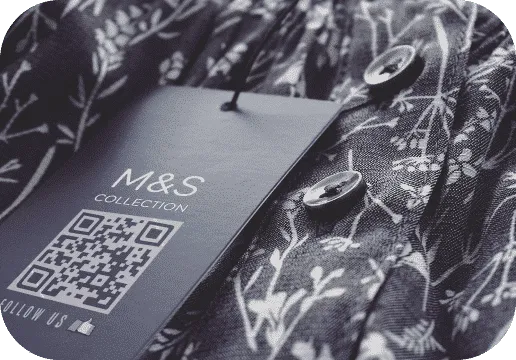
While stickers are great for visitors discovering your brand in random places, the labels on your products are exactly where visitors expect to see your branding. But, you can still give them something unexpected and amazing by also having QR codes on label or stickers that lead to a deal with your social media profiles with a social media QR code. QR codes on labels and stickers bring a whole new aspect of brand recognition to your company because they promote interactiveness. Your brand is no longer just a logo on a label, it’s something your customer can actually participate in and connect with on a deeper level.

3. Make your marketing smarter
Aside from giving folks a way to interact with your brand on a whole new level, QR codes on labels and stickers can give your brand a new way of tracking ROI for your marketing. That’s because every time someone scans your dynamic QR code, QRcodeKit.com saves that data, including where it was scanned, when it was scanned, the type of device used to scan it and how many new and total scans the code has collected. That’s a lot of useful information to get out of a scan! And you can use that information to adjust your marketing campaigns. Even better, you can link your code to a Google Analytics account if you want to.
QR codes on labels and stickers: the benefits
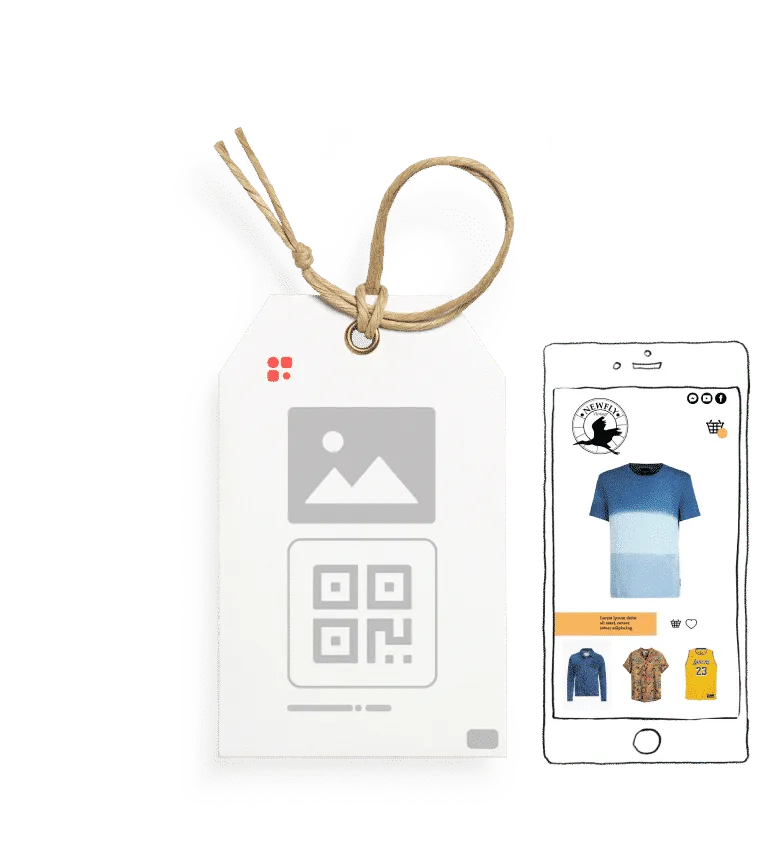
Stickers are a fantastic way to grow your brand awareness with the help of your customers and leads. There is an element of surprise with stickers because you never know where your followers are going to choose to stick them. But, wherever they do stick them, your brand now has a little foothold there. What’s even better is when the sticker contains a QR code that leads viewers to a piece of your online content.
How to generate QR codes on labels and stickers

1Start your free trial of QRCodeKIT Pro and choose the type of QR code you want on your sticker or label.

2Enter the necessary information for that QR code type.

3Customize your QR code by editing the short URL and creating a template for it. Add your brand’s name, logo and colors.

4Download your QR code in the file format you need. (We can help you choose the right one.)

5Integrate your newly-created QR code into your sticker or label design.

6Watch the magic happen.
Remember that these are dynamic QR codes, which means they can be reused and recycled and edited without having to change the printed code. If you want your code to connect to different content, simply sign into your account, change the code on the back end and it’s as good as done. No need to reprint your code.
Try QRCodeKIT Pro free for 7 days.
No credit card required. The original dynamic QR code platform since 2009.
