A QR code on a wall is a small promise. Point your camera, get the information you need. For most people that promise holds. For someone who is blind, partially sighted, dyslexic, or simply reading in a second language, the promise often breaks the moment the page loads. A PDF menu opens in a tiny window. A wall of text appears with no way to navigate it. The content is there, but it is not reachable.
An AI QR code for accessibility closes that gap. It is a dynamic QR code that lands on a destination page with a conversational AI layer built in, so the visitor can ask for what they need in plain language, in their own language, in the format that works for them. QRCodeKIT calls its conversational layer Cleo, and the rest of this guide explains how that approach turns accessibility from a static checklist into a real-time conversation.
What an AI QR code for accessibility actually is
A standard QR code points to a fixed destination. A web page, a PDF, a vCard. Whatever sits at that destination is what every visitor gets, regardless of who they are or what they need.
An AI QR code is different in one specific way. The destination still exists, set by the owner. On top of that destination sits a conversation bubble powered by AI, drawing on a knowledge base the owner has configured. The visitor can read the page if that suits them. They can also ask questions and receive answers in real time, in their preferred language, at a level of detail they choose.
The whole experience runs in the browser after scanning. There is no app to download, no account to create, no separate accessibility tool to install. For users who already rely on assistive technologies on their phone, that matters. The browser is familiar territory, and screen readers, voice input, and zoom features all keep working.
It is worth flagging one piece of basic hygiene that often gets overlooked. Optimal sizing follows a distance-to-size ratio, and for standard close-range use a printed code should measure at least 4 by 4 centimeters. Smaller than that and the code becomes hard to find and frame, especially for users who already struggle with fine motor control or visual targeting. Accessibility starts at the physical print, not just the digital destination.
Why static QR destinations create barriers for people with disabilities
Most QR codes deployed today lead to content that was never designed with accessibility in mind. The barriers are predictable.
PDF menus are a recurring problem in restaurants. They are images of text as far as a screen reader is concerned, or they have a tag structure that makes navigation chaotic. A blind diner who scans the QR code on the table receives a file their screen reader cannot read aloud in any useful order. Research suggests that around 60 percent of blind or visually impaired individuals find it difficult to use QR codes independently, and the destination page is often where that difficulty hardens into exclusion.
Single-language content is another barrier. A museum places QR codes next to its exhibits, the linked content is in one language, and a visitor who reads a different language is left with a translation app and a lot of friction. The same applies to product packaging, real estate listings, and event programs.
Fixed information that cannot adapt is the deeper issue. A page either explains a topic in dense expert language, or in simplified language for general audiences, but rarely both. Someone with limited vision who needs short summaries gets the same long page as someone researching every detail. A person with a cognitive disability who needs information broken down into smaller steps has to do that work themselves.
These are not edge cases. They are the default experience for a meaningful share of every audience.
How accessible QR codes work in practice
The shift happens because the visitor is no longer reading a fixed document. They are having a conversation with a system that knows the content and can present it in whatever shape the visitor asks for.
A user with low vision can ask Cleo to summarize a long description in two sentences. A non-native speaker can switch the conversation into their preferred language without leaving the page. A diner who cannot see the menu can ask which dishes are vegetarian and gluten free, and hear the answer read aloud through their phone’s built-in text to speech. A visitor with a cognitive disability can ask the same question three different ways and receive three different explanations until one lands.
The same knowledge base serves all of them. The owner sets up the content once. Cleo handles the adaptation in real time.
There is also a quieter shift in how accessible QR codes can be designed at the physical level. High-contrast color combinations, typically a dark code on a very light background, significantly improve visibility for people with low vision and for color blind users. A clear quiet zone around the code, tactile or physical markers nearby, and Braille labels next to the code all help users locate and identify it before scanning. None of this is exotic. It is small, considered design that makes the difference between a code that works for some users and one that works for most.

A short example shows the texture of this. A visually impaired diner scans a QR code on a restaurant table and asks: “Which pasta dishes have no dairy?” Cleo answers: “Two options without dairy: the linguine with garlic and chili, and the penne arrabbiata. Both are also vegan.” The information was always in the menu. The conversation made it reachable.
Assistive technologies and AI QR codes working together
The conversational layer does not replace assistive technologies. It complements them.
Screen readers like VoiceOver and TalkBack read the conversation aloud as it appears, treating Cleo’s responses as ordinary web content. Voice input lets users dictate their question instead of typing it, which removes a real barrier for people with motor disabilities or limited dexterity. Magnification and high-contrast modes work on the conversation just as they do on any page.
There is also a growing ecosystem of accessibility apps that scan QR codes specifically for users with visual impairments. Tools like Microsoft Seeing AI, Envision, and Be My Eyes offer audio feedback when a code is detected and can read out the destination content. AI-powered scanning apps use computer vision to find QR codes from greater distances and wider angles than a standard camera app, with some able to detect codes from many meters away and at sharp angles. For users who cannot see the code well enough to frame it manually, that distance and tolerance matter.
Voice-activated scanning is another piece. Some apps let users trigger the camera with a spoken command, which gives a hands-free path into the content for users with motor disabilities who would otherwise struggle to hold a phone steady and tap the screen.
Cleo sits at the end of all of these journeys. Whichever assistive path the user takes, the conversation behaves the same way, in the browser, without any extra setup.
The European Accessibility Act and accessible QR codes
The European Accessibility Act came into force on 28 June 2025. It applies to a wide range of digital services and products sold or used in the European Union, including e-commerce, banking apps, e-readers, and certain customer-facing digital interfaces. The law sets out functional accessibility requirements aligned with international standards, and many businesses are now reviewing their digital touchpoints to understand where they stand.
This is not legal advice, and the precise scope of the law for any given business needs to be assessed with appropriate counsel. What can be said practically is that QR codes are now a common entry point into digital services. A code on a product, a payment terminal, or a service kiosk often leads to content that the law treats as part of the digital experience. If that destination is not accessible, the QR code becomes part of the accessibility problem.
An AI QR code does not in itself make a business compliant. It can, however, sit alongside a properly built accessible landing page and add a layer that adapts content to individual needs. Where compliance frameworks reference the Web Content Accessibility Guidelines, which most accessibility laws lean on, a conversational layer supports several of the underlying principles. Content becomes perceivable through multiple modes. It becomes operable through voice as well as touch. It becomes understandable because the user can ask for clarification.
The right framing is supportive, not substitutive. Build the accessible page, then add Cleo to handle what static pages cannot.
Real use cases across access points and printed materials
The same pattern shows up across very different contexts. The visitor stands in front of a physical object with a question. The QR code makes the answer reachable.
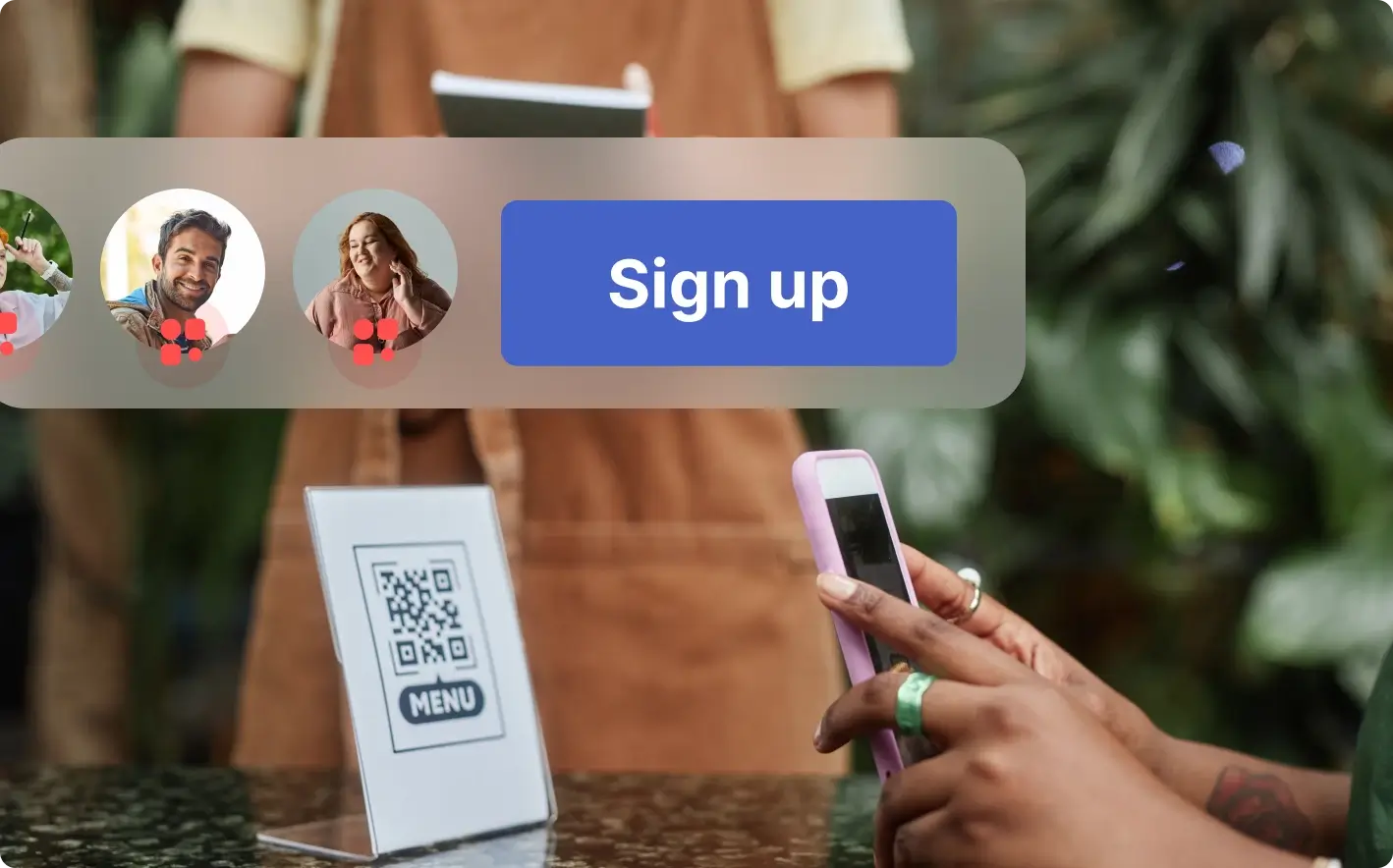
In restaurants, a single QR code on each table can serve a blind diner using a screen reader, a tourist who reads only Japanese, and a guest with a severe nut allergy. Each of them asks Cleo what they need. The blind diner asks for tonight’s specials and hears them read aloud. The tourist switches the conversation into Japanese and orders confidently. The guest with the allergy asks which dishes contain tree nuts and gets a precise answer drawn from the kitchen’s real ingredient list.
In museums, exhibit labels are notoriously short. A QR code next to a painting can let a visitor with low vision request an audio description of the work, a deaf visitor request a written summary that would otherwise have been delivered as a guided talk, and a child request a simpler explanation than the adult label provides. The same exhibit, three different conversations, all from one QR.
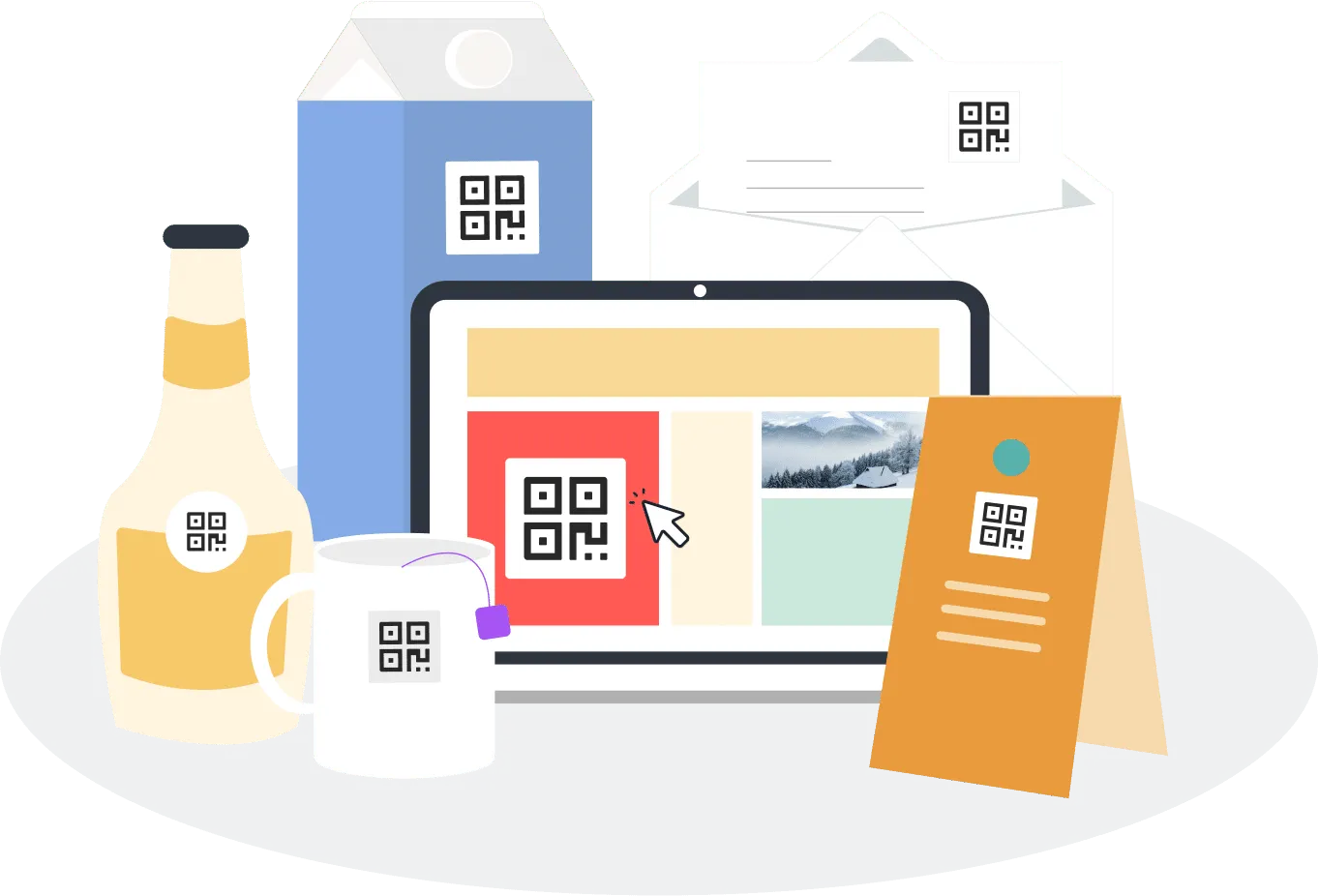
For product packaging, the print on a box is fixed in size and language. A QR code with Cleo behind it lets a customer with visual impairments ask about ingredients, allergens, or usage instructions out loud. For users with cognitive disabilities, complex instructions can be broken down into one step at a time on request, rather than presented as a wall of small print.
In transport hubs and public buildings, QR codes placed at clear access points such as entrances, ticket machines, and platform signs can give users with visual impairments spoken instructions step by step, guiding them through the space without relying on GPS or staff. Because the content is dynamic, instructions can be updated remotely and offered in multiple languages, which beats static signage in almost every dimension.
In real estate, listings often live as PDF flyers and dense websites. A buyer with limited vision who scans the code on a yard sign can ask about square footage, room orientation, and price without navigating a property portal that was not designed for screen readers. A buyer who speaks a different language can have the same conversation in that language.
In events and trade shows, accessibility often falls apart at the moment people arrive. Schedules, room maps, and speaker bios end up in printed materials and PDFs that work poorly with assistive technologies. An AI QR code on the program lets attendees ask “Which sessions today have sign language interpretation?” or “Where is the quiet room?” and receive a clear answer.
The thread connecting these cases is simple. Accessibility stops being a static attribute of the page and becomes a property of the conversation.
What an AI QR code for accessibility is not
Three things worth being clear about.
It is not a replacement for a properly built, WCAG-compliant landing page. The page still matters. Many users will not start a conversation. They will scroll, scan, and move on. If the underlying page is inaccessible, those users are left out. Cleo enhances the page. It does not excuse it.
It is not a chatbot grafted onto a generic page. The distinction matters because the experience is different. A chatbot bolted onto a website is usually a separate product, often with its own accessibility limitations and its own knowledge base. An AI QR code from QRCodeKIT is part of the QR code itself. Cleo is configured at the same time as the destination, draws on the same content the owner provides, and is built into the scan experience from the start.
It is not a substitute for human assistance when human assistance is what the situation calls for. A visitor who needs help navigating a physical space, dealing with an unusual request, or handling a sensitive interaction should always be able to reach a person. Cleo can answer most questions and qualify the rest. It should not become a wall between the visitor and a real human when one is needed.

How can businesses design accessible QR codes for low vision users?
Start with the print. Use a high-contrast color pairing, typically a dark code on a very light background, and avoid decorative tints that reduce contrast. Print at a minimum of 4 by 4 centimeters for close-range scanning, and scale up for codes that will be viewed from further away. Leave a clean quiet zone around the code so cameras can find it quickly. Where possible, add tactile markers or Braille labels so users can locate the code by touch before lifting their phone. Then make sure the destination is built with accessibility in mind, with proper headings, alt text, and content that adapts to the user’s needs through Cleo.
Can AI QR codes provide audio descriptions and sign language videos?
The conversational layer can deliver text that the user’s device reads aloud through built-in text to speech, which functions as an audio description on demand. For richer content, the destination page itself can host audio files, video with captions, and sign language videos, with Cleo guiding users to the right resource based on what they ask for. A deaf visitor asking for “the signed version” can be pointed straight to the relevant clip rather than scrolling through a long page.
How do AI QR codes help users with motor disabilities?
The combination of voice input, AI-assisted scanning, and a conversational interface reduces the physical effort involved in reaching information. AI-powered scanner apps detect codes at wider angles and greater distances, so the user does not need to align the phone precisely. Once on the page, voice dictation replaces typing, and short answers replace long scrolling. For users with limited mobility, that adds up to a meaningfully easier interaction.
Are AI QR codes safe to scan?
Standard caution still applies. Users should scan codes from sources they trust, and businesses should keep their destinations on known domains. AI-driven scanning apps increasingly include checks that flag suspicious codes and warn against QRishing, which is the QR equivalent of phishing. As with any web link, the safety of the experience depends on the destination, and dynamic QR codes from QRCodeKIT make it possible to update or revoke a destination quickly if something changes.
Does Cleo work in multiple languages out of the box?
Yes. Cleo handles conversations in multiple languages natively. The owner configures the content once, typically in their primary language, and Cleo responds in whichever language the visitor uses. For tourist-heavy or international contexts, that means a single QR code can serve speakers of many languages without any extra setup, and instructions remain consistent across all of them.
All images and visual content in this article were created using RealityMAX.