TL;DR
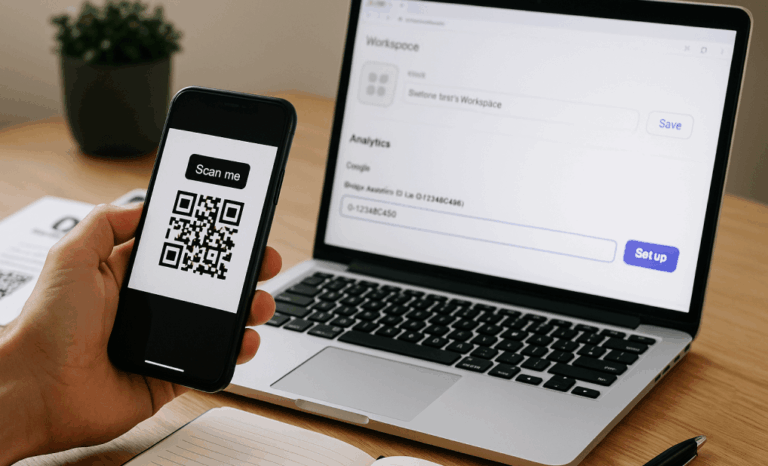
- A QR code is a two-dimensional matrix of black and white squares that a camera can read in an instant.
- Understanding how QR codes work comes down to four parts: the pattern itself, the position markers, error correction, and the destination behind the code.
- Static QR codes lock their content for good, while dynamic QR codes let you change the destination without reprinting.
- This guide covers structure, scanning, data storage, the main types, common uses, safety, and design.
You have seen them on menus, packages, posters, and event tickets. QR codes are those pixelated squares that turn a printed surface into a doorway to digital content. To really understand how QR codes work, it helps to look past the pattern and see the simple logic underneath: a grid that stores information, a camera that reads it, and a destination that responds. Once you know how the pieces fit together, the technology stops feeling like magic and starts making sense.
What is a QR code?
A QR code, short for Quick Response code, is a square that stores data in a two-dimensional matrix of black and white modules. Unlike a traditional barcode that reads in one direction only, a QR code reads both horizontally and vertically. That second dimension is how QR codes work so efficiently, packing far more information into a small space.
A single code can hold URLs, contact details, plain text, Wi-Fi credentials, and more. Scanning is effortless: open your phone camera, point it at the code, and the content opens on screen. No typing, no guesswork. The format is also durable, so a code can still be read even when it is smudged or partly damaged.
Where did QR codes come from?
The QR code was invented in 1994 by Denso Wave, a Japanese company working in the automotive supply chain. It was built to track car parts faster than a linear barcode allowed. The design spread because it stored more data and scanned more quickly, and smartphones later turned it into an everyday tool.
As cameras became standard on phones, posters turned into landing pages, business cards gained scannable contact details, and restaurants moved menus onto screens. What started as a factory tracking system became a bridge between physical objects and digital information.
How do QR codes work behind the scenes?
A QR code is built from small squares called modules, each one acting as a single unit of data. A black module reads as a binary “on” and a white module as “off,” and that pattern of ones and zeros encodes everything from a web link to a contact card. The denser the pattern, the more data the code holds.
What are the three squares in the corners?
Those three larger squares in the corners are position markers, sometimes called the QR eyes. They sit in the top left, top right, and bottom left, and they tell a QR code scanner where the code is and how it is rotated. Thanks to them, a camera reads the code correctly even when it is tilted or upside down.
How does error correction work?
Error correction is the built-in redundancy that lets a QR code survive damage. Part of the pattern stores backup data, so even if the code is scratched, smudged, or partly covered, a scanner can still recover the full message. This resilience is one of the main reasons QR codes work reliably on packaging, signage, and outdoor surfaces.
How do you scan a QR code?
Scanning a QR code takes seconds and usually needs nothing more than the phone in your pocket. Most modern cameras detect codes automatically, read the data, and open the destination on their own. Here is the process broken into simple steps.
- Open your camera or a QR code reader app. Most phones include scanning in the native camera, though dedicated readers add features like scan history and security checks.
- Aim at the code and keep it well lit. Center it on screen and fill the frame without cutting off the edges, so the pattern stands out clearly.
- Let the camera read it automatically. You rarely need to press anything; once the lens locks on, the code resolves in a moment.
- Check the link before you act. If a scan opens an unexpected or suspicious URL, back out rather than continuing.
What is the difference between static and dynamic QR codes?
The difference comes down to whether the content can change after printing. A static QR code stores its data directly in the pattern, so the destination is fixed for good. A dynamic QR code stores a short redirect instead, which means you can change where it points at any time without reprinting the code.
A static code suits information that never changes, such as a permanent link or a Wi-Fi password, because the data lives inside the image with no server involved. A dynamic QR code behaves more like a whiteboard. The printed square stays the same while the destination behind it can be updated whenever you like. That flexibility is why dynamic codes fit marketing and advertising campaigns, product packaging, and restaurant menus, where content shifts over time. QRCodeKIT works exclusively with dynamic QR codes, so every code stays editable and trackable for its entire life.
How much data can a QR code store?
A single QR code can hold a surprising amount of data, up to roughly 4,000 alphanumeric characters at its largest version. That is enough room for long URLs, contact details, serial numbers, or short messages, all inside a square small enough for a business card or a product label.
As the amount of stored data grows, the pattern becomes denser and more complex, yet it stays scannable in an instant. Error correction works alongside this storage, so a code packed with information still reads reliably after everyday wear. This balance of capacity and durability is a core part of how QR codes work in the real world.
What types of QR codes are there?
QR codes are not one type fits all. Different formats are built to do different jobs, and choosing the right one shapes what happens after the scan. These are some of the most common QR code types and where each tends to shine.
- Website: sends users straight to a specific page.
- Landing page: opens a purpose-built page for marketing and advertising campaigns.
- Digital business card: shares phone, email, and address in a single scan.
- File download: delivers a PDF, manual, or brochure with no printing.
- Menu: gives restaurants and cafes a contactless menu.
- App store: routes users to the right download and skips the search.
- Social media: gathers your social media profiles behind one code.
- WhatsApp: opens a direct WhatsApp conversation for support or sales.
Whether you are sharing a contact card, running a coupon campaign, or linking to a video, there is a code built for the task. This range is a reminder that QR codes store information well beyond plain text, connecting people to experiences instantly.
What are QR codes used for?
QR codes have quietly become part of daily life because they store information compactly and deliver it instantly. They turn a static surface into an interactive touchpoint, and the same underlying technology serves marketing, dining, networking, and events. A few uses stand out.
Marketing and advertising campaigns
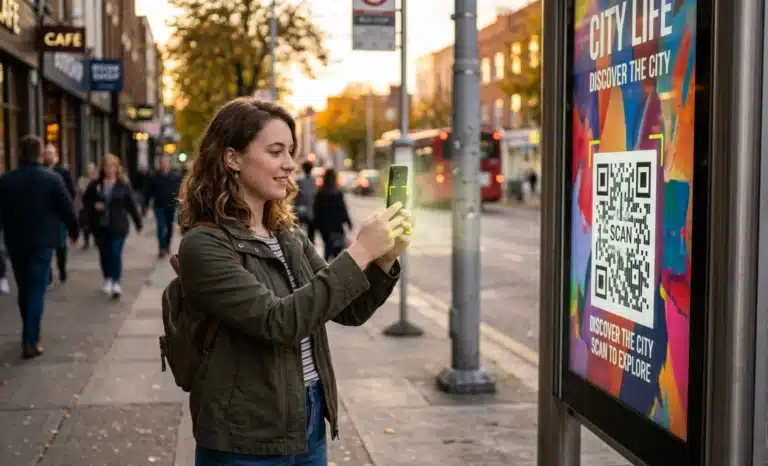
On a poster, flyer, or billboard, a QR code turns passive reading into action. One scan can open a special offer, a promotional video, a product demo, or a map pin for a store. Marketers reach for QR codes because they connect an offline moment to a digital response without making anyone type a URL.
Restaurant QR code menus
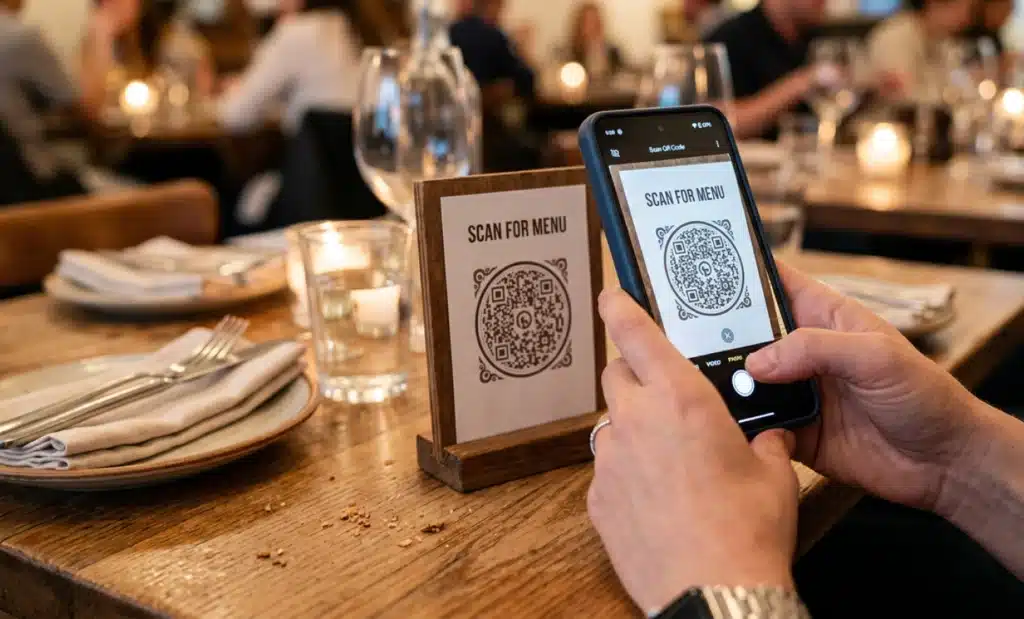
QR code menus became common during the pandemic and stayed. They give diners a contactless way to browse dishes, and because the menu is digital, daily specials or price changes appear instantly with no reprinting. For restaurants, that turns the menu into something they can manage in real time.
QR codes on business cards
A QR code on a business card connects a new contact to your website, portfolio, or profile in one scan, with nothing to type or misspell. It keeps the card itself clean and minimal while doing the heavy lifting behind the scenes, which makes a more modern first impression than printed details alone.
Video QR codes and product packaging
Video QR codes link straight to demos, tutorials, or brand stories for a scan and watch experience. On product packaging, a QR code can open how-to guides, traceability details, warranty registration, or a loyalty signup, so the package keeps talking long after the sale.
Are QR codes safe?
QR codes are safe to use when you apply the same caution you would to any link. The code itself is just a pointer, but a malicious QR code can send you to a phishing page or trigger an unwanted download. The risk lives in the destination, not in the pattern, so the habit that protects you is checking the source.
Scan codes from trusted brands, verified businesses, and reputable publications, and skip anything that looks out of place. A QR code scanner with security features, such as a URL preview before it opens, adds another layer of confidence. Used wisely, QR codes are safe, so you can scan with awareness rather than worry.
Can you customize the design of a QR code?
Yes. A QR code no longer has to be a plain black and white grid. You can adjust colors, add a logo, and shape the design to match a brand while keeping the code fully scannable. QRCodeKIT even generates artistic QR codes with in-house AI for branded visuals.
Design should never come at the cost of function, though. Keep strong contrast between the pattern and its background, leave a quiet margin around the edges, and make sure the position markers stay clear. The most stylish code still has one job, which is to get scanned, so testing across a few devices is always worth the minute it takes.

How are QR codes changing?
QR codes are moving from simple links to interactive experiences. The newest shift is the AI QR code, where the destination does more than display information. It holds a conversation. With Cleo by QRCodeKIT, a scan opens the page the owner set up and adds a conversation bubble that answers questions in real time, in the visitor’s language, at any hour.
This points to where the format is heading. A QR code used to send you somewhere and stop. Now it can answer a question, qualify a lead, or book an appointment without anyone on the other end. The pattern on the wall stays the same, but what waits behind it keeps getting smarter. Because a QR code should not just send you to a webpage anymore.
Why does understanding how QR codes work matter?
Knowing how QR codes work turns a familiar square into a tool you can use with intent. You understand why the pattern looks the way it does, why error correction keeps it readable, and why a dynamic QR code gives you control a printed link never could.
From scanning a menu to running a campaign, the same simple logic is at play every time. A small grid stores information, a camera reads it, and a destination responds. The next time you scan, you will know exactly what is happening behind that little square.
All images and visual content in this article were created using RealityMAX.