

How to password protect a QR code with QRCodeKIT: A comprehensive guide
In the age of digital connectivity, QR codes have become a cornerstone of modern communication, enabling seamless access to websites, files, and content through a simple scan. As QR code usage has expanded into areas like marketing, education, healthcarelogistics, and more, so too has the need for secure sharing of information. One rising solution is the password protected QR code, an advanced feature that adds a vital layer of security to your QR campaigns.
This comprehensive guide will walk you through everything you need to know about how to password protect a QR code, including use cases, security benefits, best practices, and, most importantly, how to set up password protection using QRCodeKIT, a powerful QR code generatortrusted by marketers and businesses worldwide.
What is a password protected QR code?
A password protected QR code is a special kind of dynamic QR codethat requires users to enter a password before they can access the content linked to the code. Unlike static QR codes or standard dynamic codes, a protected QR code ensures only authorized users can gain access.
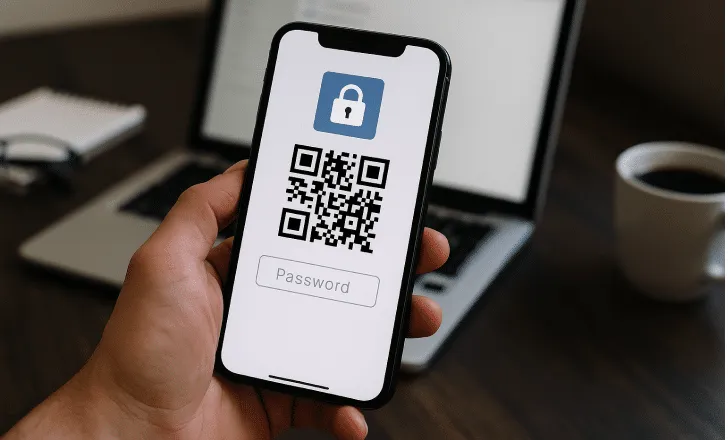
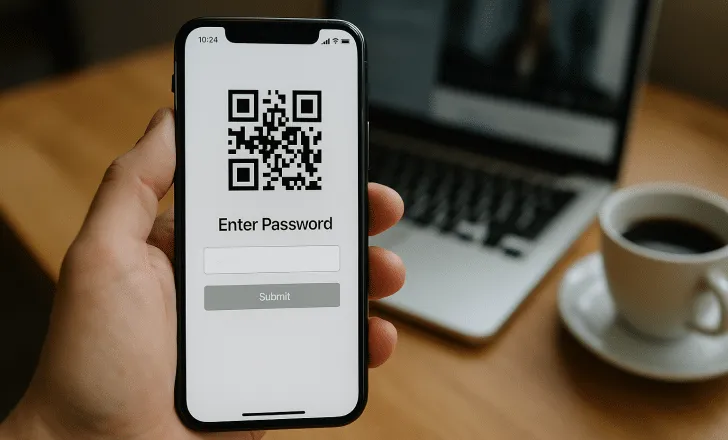
Password protection introduces a gatekeeping mechanism that prevents unauthorized access, making it ideal for sharing sensitive, confidential, or premium information. Once scanned, the QR code prompts users to enter a password. Without the correct credentials, access is denied.
This feature, available in leading online QR code generators like QRCodeKIT, adds encryption-like protection without the need for backend security development.
Key use cases for password protected QR codes
1. Confidential documents
Companies can use password protected QR codes to distribute confidential PDFs, spreadsheets, or internal memos. This is especially useful for HR departments, finance teams, or legal advisors sharing sensitive information.
2. Paid or exclusive content
Digital marketers and creators often want to restrict access to paid content like ebooks, webinar links, or course videos. A QR code with password access can be printed on receipts or emailed to verified users only.
3. Event details & VIP access
Planning a private or exclusive event? Share a password protected QR code containing venue maps, private event schedules, or digital tickets that only registered attendees can open.
4. Inventory management
Password protected QR codes can be attached to inventory or logistics assets to limit access to stock-level data or delivery instructions.
5. Beta software access
Tech companies often release beta versions of apps or games to select testers. These users can scan QR codes with a password to access download links or confidential documentation.
6. Private Wi-Fi or app credentials
Rather than sharing your Wi-Fi password out loud, embed it inside a password protected QR code, giving access only to users you trust.
Static vs dynamic QR codes: Why password protection requires dynamic codes
It’s important to note that password protection is only possible with dynamic QR codes. Static QR codes encode data directly into the code and can’t be changed or managed once printed. Dynamic QR codes, on the other hand, redirect to a cloud-based URL, making them editable and trackable. This backend flexibility is what allows features like analytics, link changing, and password protection.
QRCodeKIT enables you to create dynamic QR codes with ease, giving you full control over the QR code content even after distribution.
Step-by-step: How to password protect a QR code with QRCodeKIT
Creating a secure QR code is easy with QRCodeKIT. Follow these simple steps:
Step 1: Log into your QRCodeKIT dashboard
First, go to qrcodekit.com and log into your account. If you don’t have one, create a free or premium account depending on your needs.
Step 2: Choose or create your QR code
If you’re starting from scratch, click “Create QR Code” and select the type of content you’d like to share: a website, file (like a PDF), social media page, video, landing page, or other custom content.
Step 3: Enable password protection
Once your QR code is created, find it in your dashboard. Click the three-dot menu next to the QR code and select “QR Settings.”
Inside the settings panel, scroll to the Password section. Here, enter a secure password of your choice.
Once saved, your QR code is now password protected. When someone scans it, they’ll be prompted to enter the correct password before gaining access.
Best practices for password-protected QR codes
- Use strong passwords Avoid weak passwords like “1234” or “admin.” Instead, use a mix of uppercase letters, numbers, and symbols.
- Change passwords regularly If your QR code has long-term use, especially in marketing materials or inventory management, consider rotating the password every few months.
- Distribute passwords securely Share the password through trusted channels, email subscribers, printed receipts, internal employee newsletters, or customer portals.
- Monitor access logs Use QRCodeKIT’s analytics to see how often and from where your QR code is being accessed. Unusual spikes may indicate password sharing or abuse.
- Combine with brand identity You can add a brand logo to your QR code, personalize the design, and use custom frames while still keeping it secure. This reinforces brand recognition without compromising privacy.
Benefits of using QRCodeKIT for password protection
- User-friendly interface: Designed for marketers, educators, and business users with no tech background.
- Real-time editing: Dynamic QR codes allow you to change content or password anytime.
- Detailed analytics: Track scans by location, device, and time.
- Custom designs: Use your logo, colors, and styles.
- Multiple QR types: Create QR codes for URLs, social profiles, PDFs, app downloads, sign-up forms, landing pages, and more.
- Scalability: Use QRCodeKIT for everything from a single campaign to enterprise-wide deployments.
Put it into practice
Create a dynamic QR code free and see it work. No credit card required.
Get started freeAdvanced use cases with password protected QR codes
Education
- Distribute Confidential MaterialsShare answer keys, tests, or bonus lessons only with qualified students using QR codes that require a password.
Field services & maintenance
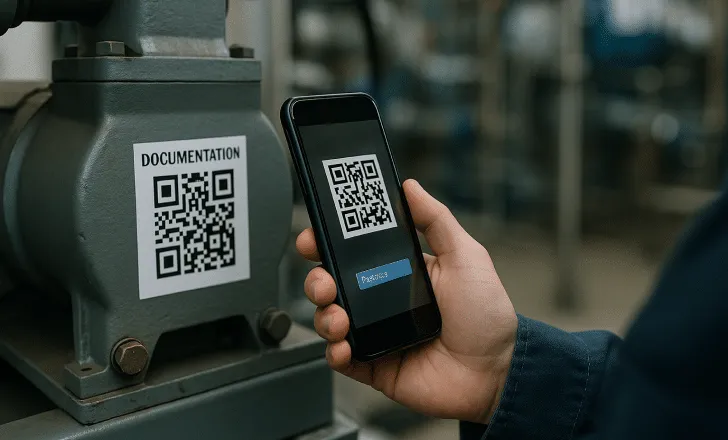
- Access to Service ManualsTechnicians can scan QR codes printed on machinery to retrieve sensitive maintenance guides, accessible only with a password.
Retail & E-Commerce
- Exclusive PromotionsDeliver VIP pricing, early access sales, or discount codes to loyal customers via password-protected QR codes in marketing emails or product packaging.
Internal communications
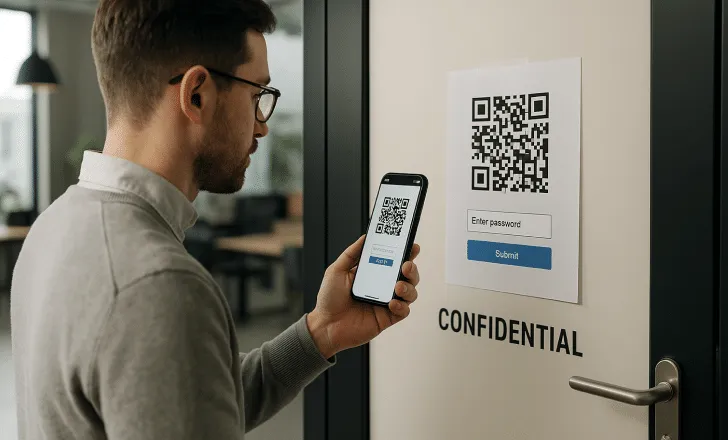
- Private Memos & UpdatesUse QR codes in physical office areas or internal documents to give employees access to sensitive announcements or documents.
Healthcare
- Confidential Patient InformationAttach QR codes to wristbands or charts to give authorized staff password-protected access to medical histories or treatment instructions.
Event management
- Tiered Content AccessOffer attendees varying levels of content access (VIP content, backstage footage, downloadable assets) through password-protected QR codes tied to their pass level.
Real estate
- Private Listing AccessShare gated information like private video tours or detailed seller notes to qualified buyers via password-protected QR codes on flyers or signage.
Product development
- Beta Testing ResourcesSecurely distribute pre-release builds, internal documentation, or feedback forms to testers via protected QR codes.
Legal & professional services
- Client-Only Case MaterialsShare case files, contracts, or private communications through password-protected QR codes embedded in secure digital or printed packets.
Museums & galleries
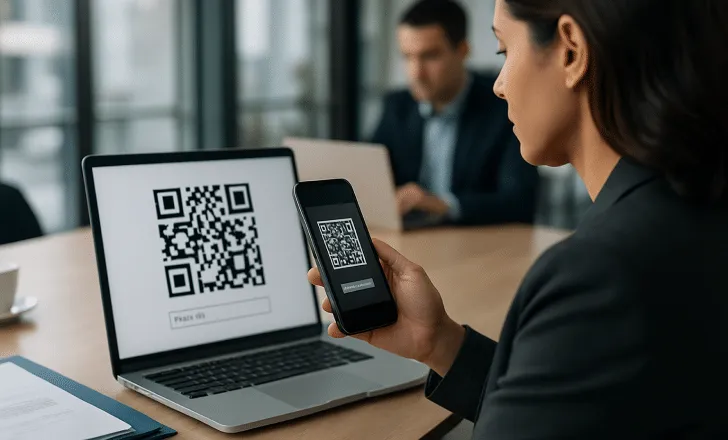
- Premium Visitor ContentOffer members-only interviews, artist commentary, or AR experiences at exhibits, locked behind a password-protected QR code.
Security & surveillance
- Controlled Camera Feed AccessUse QR codes at entrances or admin areas that link to surveillance feeds or logs, only available with a password to authorized personnel.
Manufacturing & engineering
- Version-Controlled DocumentationAttach QR codes to machines or production guides linking to the latest documentation, password-protected to avoid use of outdated files.
Military & government
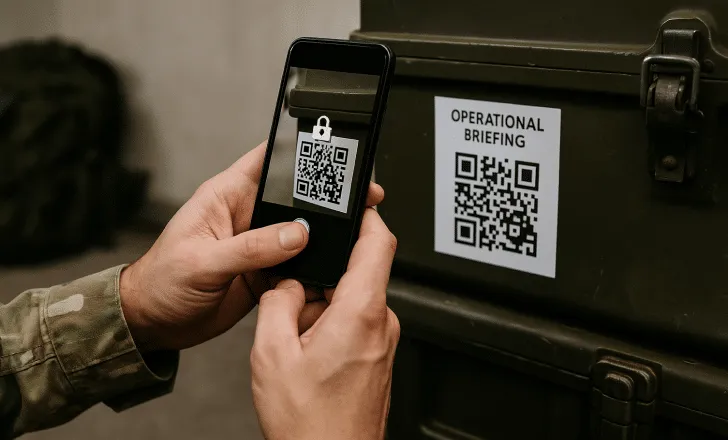
- Secure Operational BriefingsDistribute encrypted orders or restricted plans through printed or digital QR codes that require password authentication.
Consulting & client services
- Personalized Reports & FeedbackConsultants can share client-specific dashboards, reports, or follow-up notes through secure QR codes requiring client-side password entry.
Training & gamification
- Puzzle Unlocks or Hidden ChallengesUse in escape rooms, corporate training, or educational games, QR codes link to the next challenge only when unlocked with a correct password.
NGOs & humanitarian work
- Secure Volunteer ResourcesProvide training material, checklists, or instructions for field volunteers in remote areas via password-protected QR codes on printed handouts or kits.
FAQs about password protected QR codes
Q1: Can I password protect a static QR code? A: No, only dynamic QR codes support password protection. Static codes are fixed and do not offer this level of functionality.
Q2: What happens if someone scans the QR code without the password? A: They will see a password prompt and will not be able to access the content unless they enter the correct credentials.
Q3: Can I change the password later? A: Yes. QRCodeKIT allows you to change the password at any time via your dashboard.
Q4: Are password protected QR codes secure against hacking? A: While they add a strong layer of security, always pair them with good practices, use strong passwords, distribute carefully, and monitor scan activity.
Q5: Can I use password protection with already printed QR codes? A: If they are dynamic QR codes, yes. The link behind the QR code can be updated to require a password even after printing.
Conclusion: A smart, secure marketing and access solution
Password protected QR codes are a valuable tool for any professional or business looking to share information securely, track access, and maintain control. Whether you’re offering premium content, managing internal data, or running exclusive campaigns, password protection ensures your QR codes are seen only by those you intend.
With QRCodeKIT, creating, customizing, and managing password-protected QR codes is not only simple but scalable. You can generate a QR code that is visually appealing, protected by a unique password, and fully trackable.
The next time you need to share sensitive or exclusive information through a QR code, make sure it’s protected, with the help of QRCodeKIT.
Start now and enhance your data security with password protected QR codes: Create yours with QRCodeKIT
Related articles
QR codes in food labeling regulations
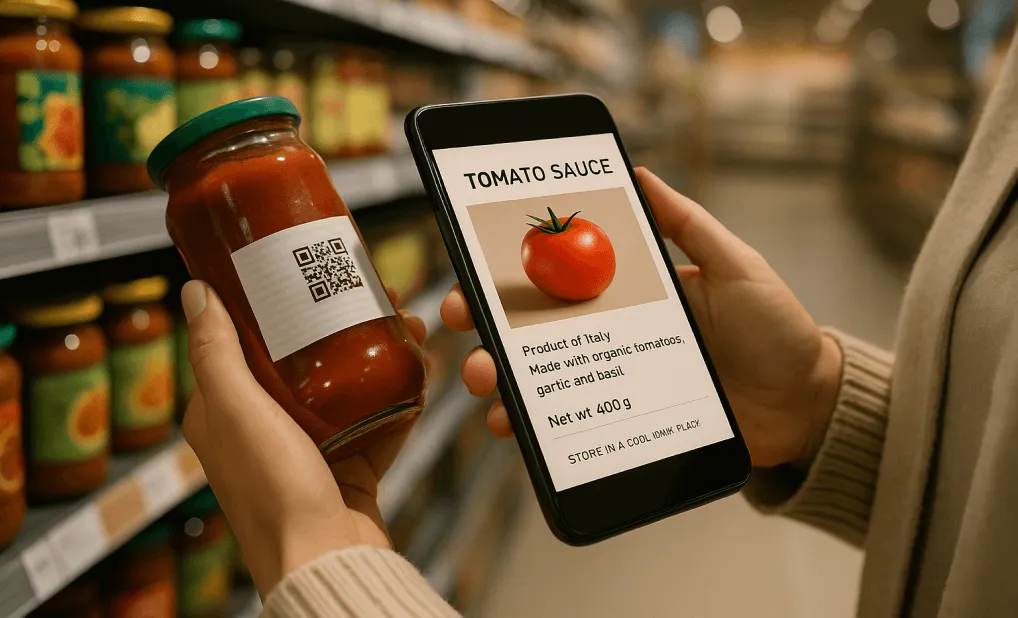
QR codes in food labeling regulations are reshaping how food manufacturers, retailers, and brands communicate critical product information. From traceability…
Custom QR code design templates
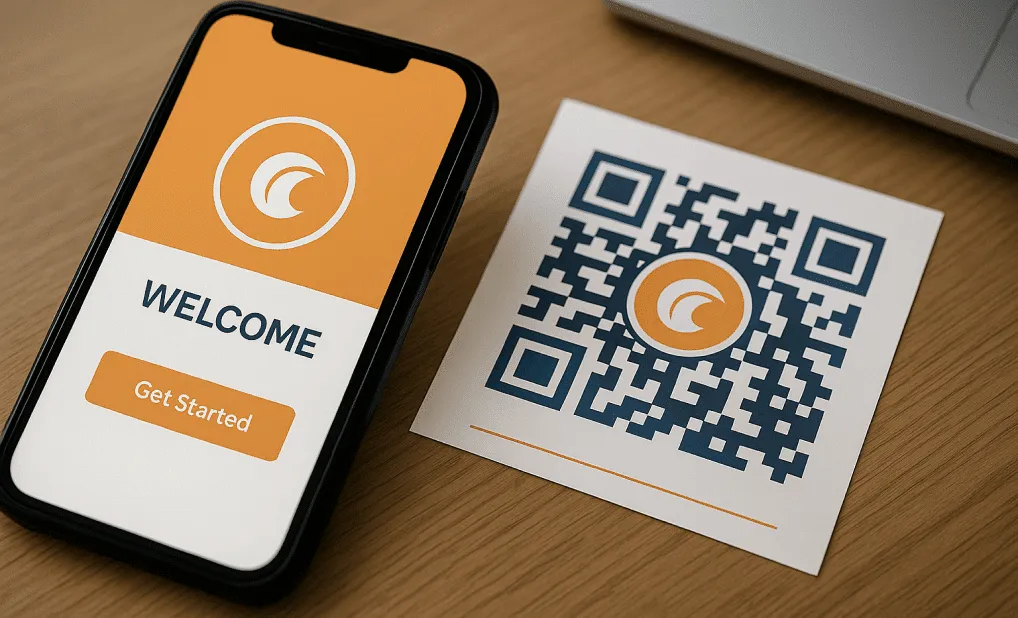
In a world that thrives on instant connectivity and mobile interactivity, QR codes, short for Quick Response codes, have emerged as vital tools for bridging…

QR code engagement metrics
Want to know if your QR code campaigns are actually working? Start with the right metrics. Understanding how users interact with your QR codes, how often they…
Two free dynamic QR codes. Yours forever.
No credit card. No expiry. The original dynamic QR platform since 2009.
