A contactless menu QR code has become one of the most effective tools for modern restaurants. It replaces printed menus, helps customers scan and browse dishes on their own device, and gives restaurant owners a fast way to update prices and promotions. In this guide, you will learn how a contactless menu works, why many restaurants prefer digital menus over paper menus, and how to create your own menu QR code in just a few clicks using QRCodeKIT.
What is a contactless menu QR code and why does it matter today?
A contactless menu QR code lets guests browse a digital menu by simply scanning a QR code with their mobile devices. It reduces the need for physical menus, which often become worn, outdated, or expensive to reprint. Instead of handing out paper menus, customers scan the QR code from table tents, stickers, posters, or displays. The menu instantly opens on their phone as a pdf menu, a digital QR code menu, or a dedicated landing page. For restaurants, this becomes an all in one solution that lowers printing costs, improves customer experience, and simplifies menu updates.
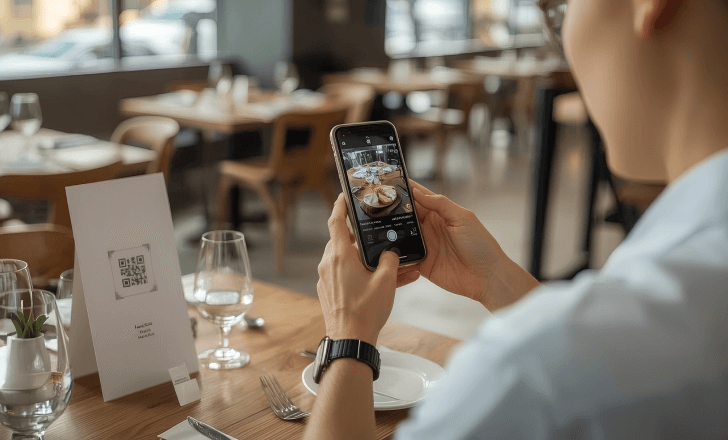
How do QR code menus work when customers scan them?
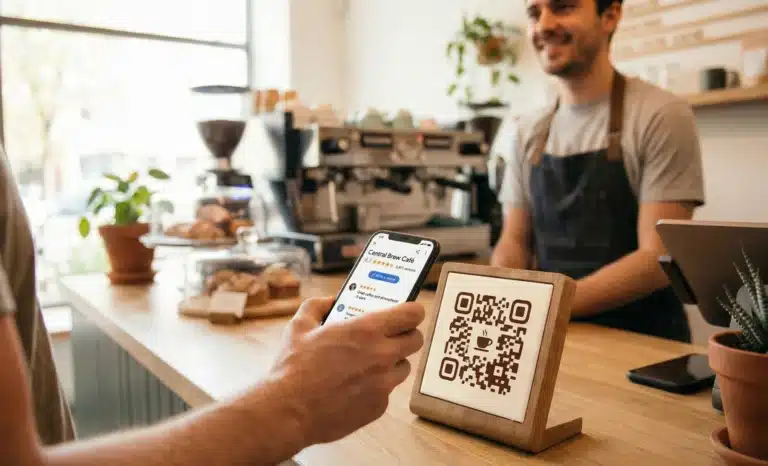
Qr code menus work by redirecting the scan to a digital version of the restaurant menu. When customers scan the code, it displays the online menu file or webpage without needing any app required. Diners can scroll, zoom, view menu items, check ingredients, and access photos or promotions directly on their phone. This process is immediate because the QR menu is machine readable and optimized for mobile. The customer does not need to download anything. They simply scan, view menu content, and explore dishes at their own pace.
Why are many restaurants transitioning from printed menus to digital menus?
Many restaurants choose a digital menu because it solves several problems of printed menus. Paper menus must be replaced after spills, redesigns, or price changes. They also require upfront print budgets that increase with every update. A digital QR code menu removes that cost entirely. Restaurant owners can update prices, add photos, edit descriptions, or change promotions without printing anything again. Guests always see the correct version. This flexibility also helps restaurant chains and locations that manage multiple locations, ensuring consistency across the business.
What makes a contactless menu QR code valuable for the guest experience?
A contactless menu improves the dining experience because guests browse the menu on their own device, at their own speed. Mobile devices allow them to zoom in on images, read descriptions clearly, and compare dishes without flipping pages. They are never stuck waiting for a server to bring traditional menus, and table service becomes faster because staff can focus on taking orders instead of distributing menus. With clear photos, updated prices, and accessible descriptions, the restaurant creates a smoother and more engaging guest experience.

How can a digital QR code menu speed up your service and increase sales?
A digital QR code menu speeds up service by letting guests order sooner. When diners see the menu immediately after the scan, they are more likely to decide faster. Restaurants can also highlight specials, add photos that boost appetite, or promote limited time dishes that increase sales. Menu updates can happen instantly, letting you test pricing, add seasonal items, or push promotions across all your locations. Even small improvements in the ordering process can lead to noticeable increases in table turnover and overall revenue.
What file types can restaurants use for their menu QR code?
Most restaurants use a pdf menu for convenience, but QRCodeKIT also allows you to link directly to a digital platform or online ordering system. You can upload a pdf file, a webpage, a menu link, or even a custom landing page that displays the full menu. This flexibility means you can choose a simple static file or a dynamic QR code that can be edited anytime. If you want guests to browse visually, you can add photos, organize categories, and display dishes with clear formatting.
What is the difference between a static and dynamic QR code for restaurant menus?
A static QR code always points to the same file. If the menu changes, you need to create a new QR code. A dynamic QR code lets you update the destination without reprinting the code. For restaurants, this is essential. Menu item changes happen regularly. With a dynamic menu QR, you only print table tents or stickers once. After that, you can edit the menu, switch pdf versions, or upload a new link and the QR code will continue working seamlessly. This saves time, reduces printing costs, and prevents outdated information from reaching customers.
How can restaurant owners create a contactless menu QR code in just a few clicks?
You can create a contactless menu QR code with QRCodeKIT by uploading your pdf menu or inserting your online menu link. The QR code generator will immediately create a scannable QR code. You can customize the design, choose colors, add a logo, or apply a shape that matches your restaurant brand. Once created, download the code and place it on table tents, counters, windows, or menus. The entire process takes just a few clicks and requires no technical skills.
Where should restaurants place their menu QR codes for the best results?
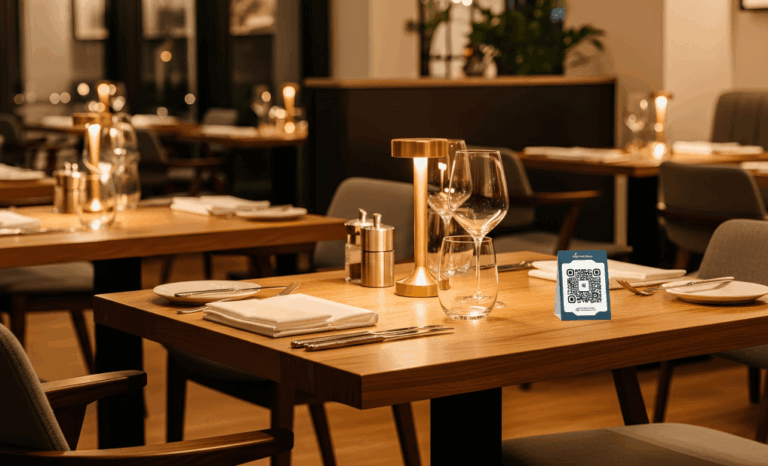
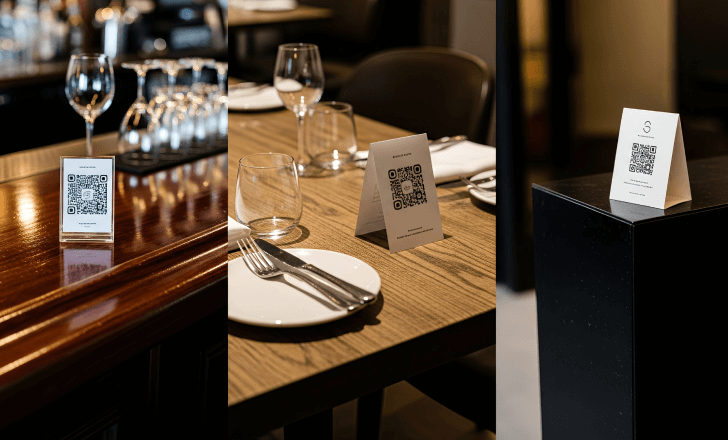
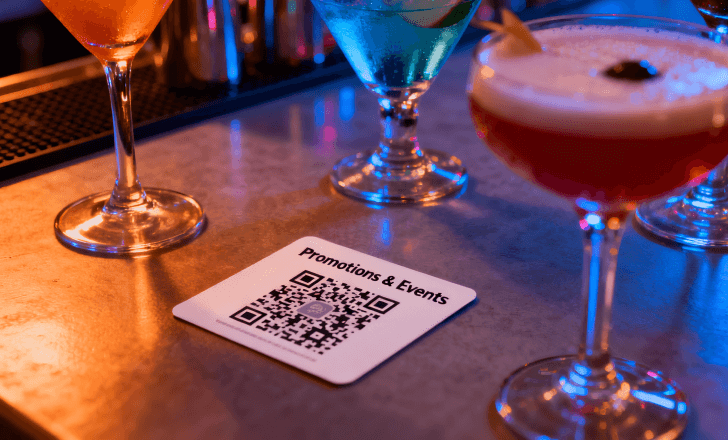
Placement affects how often customers scan the code. Restaurants typically place the menu QR code in visible and familiar spots such as table tents, coasters, receipts, bar counters, ordering stations, or the welcome area. Some businesses print QR code stickers that attach directly to tables. Others include the code in promotional materials, posters, or catalogues. What matters most is consistency. Guests should always see the QR menu clearly without asking for it.
Should restaurants use one QR code per table or one universal menu code?
Most restaurants use a universal code because it simplifies printing and updates. A single dynamic QR code can be placed across all tables and still track valuable data like number of scans, peak times, and most active locations. Larger venues with many zones may choose separate codes for better analytics, but both strategies work effectively depending on the business size and goals.
How does a contactless menu QR code help reduce printing costs?
A contactless menu eliminates the need for frequent reprints. When prices change or dishes rotate, restaurant owners can update the menu digitally instead of replacing hundreds of physical menus. Even small adjustments like editing descriptions or repositioning categories no longer require printed menus. Over time, this reduces waste and provides a sustainable alternative that matches modern dining expectations.
Can QR codes improve hygiene and safety in restaurants?
Yes, QR code menus support a more hygienic environment. Guests avoid touching shared menus, which pass through dozens of hands daily. Instead, they use their own device to view the menu. This reduces contamination risks and aligns with the contactless dining expectations that many customers now prefer. Even after the pandemic, the demand for contactless solutions continues to rise in restaurants, bars, and cafes.
How can restaurants customize their contactless menu to match branding?
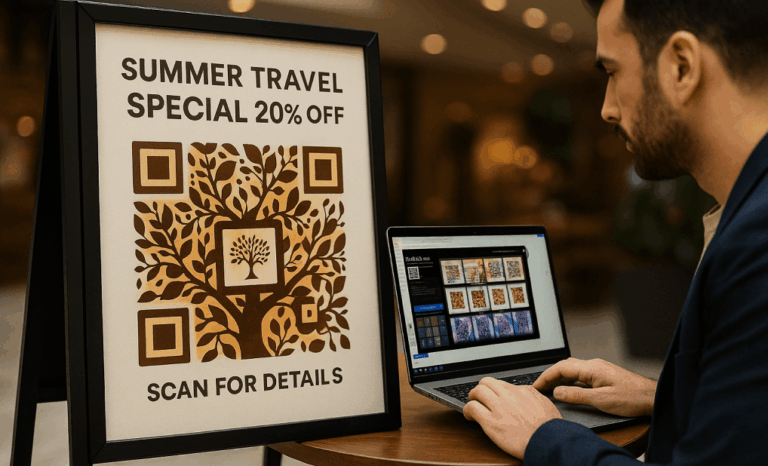
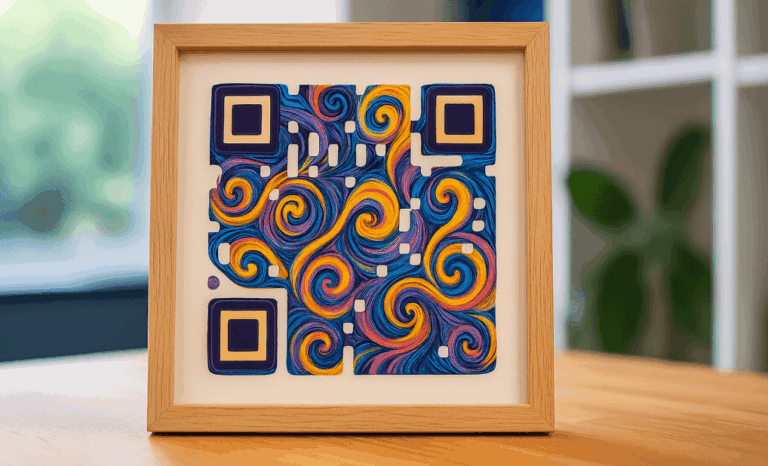
With QRCodeKIT, you can customize your menu QR code with colors, patterns, frames, and even branded elements. Restaurant owners often match the QR code to the menu design or bar aesthetic. Custom QR codes add personality and help guests connect the digital menu with the rest of the dining experience. You can also add your logo for a recognizable touch that builds trust.
Can a QR menu support online ordering and payment?
A QR menu can link to an online ordering page where guests order or even pay directly from their phone. Some restaurants integrate online ordering systems that support pay directly options. Others simply display a clear menu and allow guests to place orders verbally after browsing. Whether you want complete digital ordering or only a simplified menu view, the QR code supports a wide range of features.
How does a dynamic menu QR help businesses with multiple locations?
Restaurant owners with multiple locations use dynamic QR codes to standardize their menu while still allowing local variations. Each location can share the same QR code template but link to different menu versions. All updates happen from a single dashboard. This makes it easy to coordinate promotions, adjust seasonal dishes, and keep brand consistency across locations.
What analytics can restaurant owners gather from QR scans?
A dynamic QR code can track valuable data such as number of scans, busiest times, and top performing tables or areas. Restaurants use this data to understand guest behavior, improve marketing strategies, and optimize service flow. For example, peak scan times may reveal when diners arrive, while scan frequency can show which promotions attract attention.
What features should restaurants look for in a QR code generator?
Restaurant owners should look for a QR code generator that supports dynamic QR codes, menu updates, customization, analytics, and high resolution downloads for print. QRCodeKIT provides all these features along with a free plan, team collaboration options, custom domains, and creative tools that help transform a simple contactless menu into a modern dining experience.
How can a contactless menu QR code boost marketing for restaurants and bars?
Restaurants can use QR code menus to connect users to more than just dishes. They can display promotions, redeem coupons, share events, or guide diners to social media for loyalty programs. A simple QR menu becomes a touchpoint that links customers to the restaurant website, app downloads, or membership programs. This expands engagement beyond the table and creates repeat visits.
Why is a contactless menu QR code an essential tool for modern restaurants?
A contactless menu QR code is essential because it is flexible, affordable, and enhances both customer experience and restaurant operations. It adapts to any restaurant size, from small family owned venues to large chains. It reduces printing, improves service speed, enables real time menu updates, and supports digital ordering. With a single scannable code, guests gain instant access to a clean, clear, and updated menu that makes dining easier and more enjoyable.