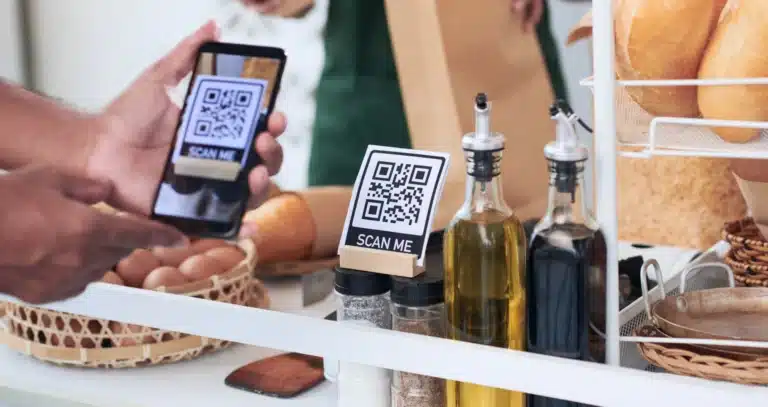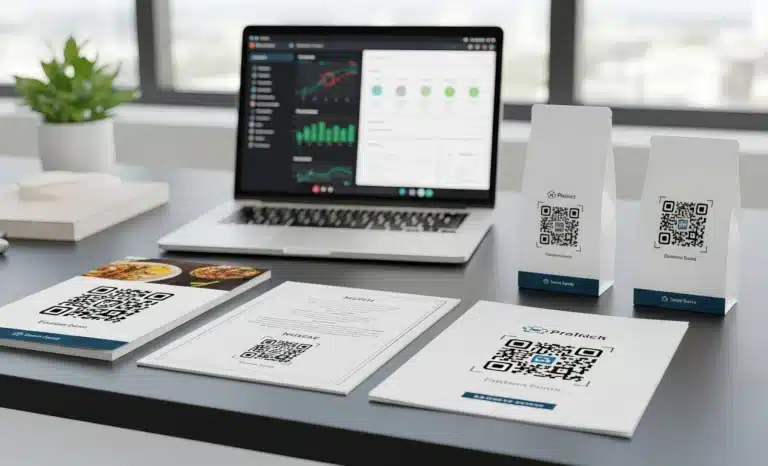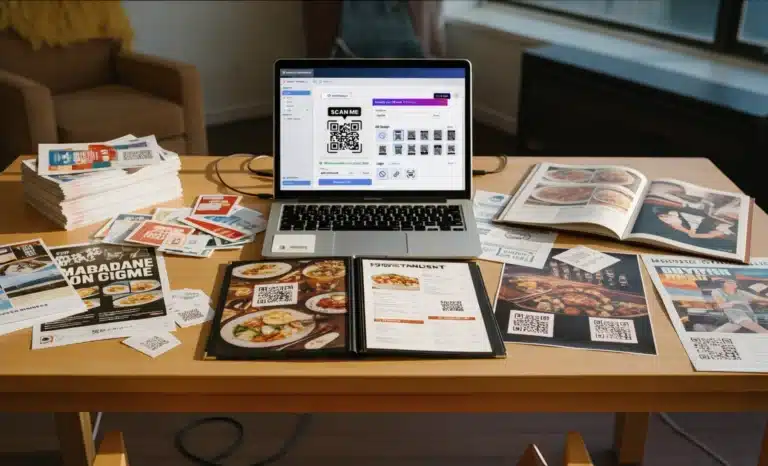
If you manage multiple QR codes across flyers, packaging, menus, posters, or product labels, you already know the challenge. It is not about generating one code. It is about keeping everything organized, trackable, and consistent over time.
This is where how QRCodeKIT helps you manage multiple QR codes becomes practical. Instead of treating each QR code as a one-off asset, the platform gives you a structured system to create, edit, group, test, and track dynamic QR codes at scale.
Let’s break down how it works in real terms.
Why managing multiple QR codes becomes complex
At first, creating QR codes feels simple. You generate a code, print it, and wait for people to scan.
But complexity grows quickly when:
- You reuse the same QR code for different campaigns
- You update a URL after printing
- You place multiple QR codes too close together
- You lose track of which code links to which page
- You need reporting for different teams
A single code is easy. Multiple QR codes across different contexts require structure.
Without a system, common mistakes appear. A code printed on packaging might suddenly redirect somewhere else. A flyer QR could link to the wrong page. Or worse, users scan and see an error message because the destination was deleted.
Dynamic QR codes allow editing after printing, which is powerful. But if you change the destination carelessly, you can break the unspoken contract between your brand and the user. Someone scanning today may expect the same experience someone received last month.
That is why managing multiple QR codes is not just about flexibility. It is about control and visibility.
Centralized dashboard for all your QR codes
QRCodeKIT makes the process manageable by centralizing everything in one dashboard.
Inside your account, you can:
- Create new dynamic QR codes
- Edit destinations without reprinting
- Track dynamic QR codes in real time
- Organize codes into Projects
- See analytics across campaigns
Projects function like folders. You can group QR codes by campaign, product line, marketing channel, or business unit. This keeps your workflow clean and prevents confusion.
Instead of scrolling through an endless list of codes, you can structure your system in a way that matches your business logic.
For example:
- One Project for packaging
- One for event posters
- One for restaurant menus
- One for social media campaigns
This structure reduces errors and improves usability, especially when multiple users collaborate inside the same account.
Creating multiple QR codes at scale
When volume increases, manual creation becomes inefficient.
QRCodeKIT allows bulk generation using a CSV file. This means you can upload structured data and generate hundreds or even up to 1,000 QR codes at once.
This is useful when:
- You need unique codes per product
- You want individual tracking per location
- You are running multi-location campaigns
- You are labeling inventory
Instead of creating each QR code one by one, the system processes your file and generates them instantly.
Each code remains dynamic, meaning you can still update the URL later without reprinting. This saves time and reduces the cost of printing new materials.
For high-volume workflows, this is often the key difference between chaos and control.
Avoiding confusion when using multiple QR codes
One of the most common issues with multiple QR codes is scanning confusion.
Most scanner apps are designed to detect one code at a time. If two codes are placed too close together, the camera may struggle to identify which one to scan.
Best practices include:
- Keep at least 2 cm of white space between QR codes
- Avoid placing codes on glossy surfaces
- Ensure high contrast printing
- Make codes large enough for a mobile device camera to read clearly
- Avoid busy backgrounds
Poor placement leads to errors, frustration, and lower engagement.
Another frequent mistake is reusing the same QR code for different contexts. Even though dynamic QR codes can be edited, changing the destination after printing can confuse users who remember the previous experience.
Managing multiple QR codes means respecting context. The same code should not silently shift meaning across campaigns unless users understand the change.
Customizing QR codes to visually differentiate them
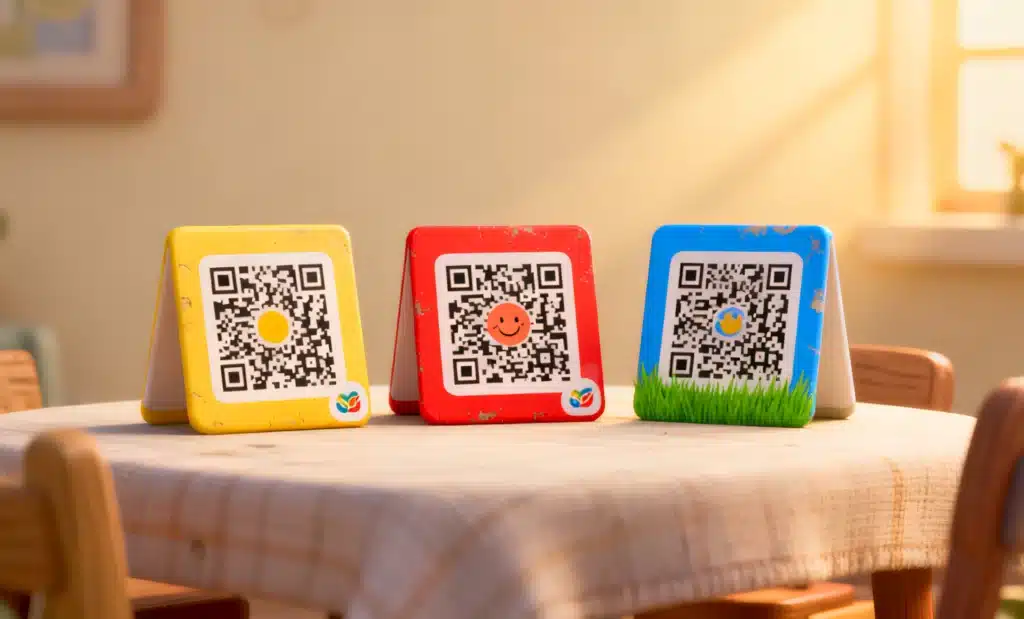
When several QR codes appear on the same page, label, or display, visual design becomes essential.
QRCodeKIT allows you to customize QR codes with:
- Branded frames
- Specific colors
- Embedded logos
- Saved design templates
This helps users understand what each code represents before they scan.
For example, a restaurant might use:
- A blue framed QR for the menu
- A green one for Wi-Fi access
- A red one for payment links
Visual differentiation reduces scanning mistakes and improves clarity.
You can save custom designs as templates and apply them across campaigns. This keeps branding consistent while allowing variation when needed.
Tracking performance across all codes
Creating and printing QR codes is only part of the process. The real value comes from tracking.
QRCodeKIT includes detailed analytics reporting inside the dashboard. You can see:
- Total scans
- Unique scans
- Location data
- Device types
- Scan times
Advanced Analytics shows real-time data across all codes. You can also integrate with Google Analytics for deeper tracking.
If one code on packaging performs better than the same code on flyers, you can identify the difference. If a poster in one location gets more scans, you can replicate the strategy elsewhere.
When you manage multiple QR codes, data helps you make decisions instead of guesses.
Editing dynamic QR codes without breaking user expectations
Dynamic QR codes allow you to change the destination URL after printing. This is powerful, but it should be used carefully.
For example:
- Updating a landing page URL is usually safe
- Redirecting a menu to a seasonal version makes sense
- Switching a product information page to a completely different campaign may confuse users
The platform gives you full control to edit destinations at any time. But strategy matters.
If users scan a code on packaging, they expect product-related content. Redirecting them to something unrelated may feel like a mistake.
Managing multiple QR codes responsibly means balancing flexibility with consistency.
Managing access and collaboration
In many businesses, QR code management is not handled by one person.
QRCodeKIT supports collaboration with role-based permissions. Teams can:
- Create and edit codes
- Track analytics
- Move codes between Projects
- Work on campaigns together
This is important for marketing departments, agencies, and operations teams that share responsibility.
Instead of files being sent back and forth or URLs stored in spreadsheets, everything lives inside one system.
Testing before printing at scale
Before sending designs to printers, testing is critical.
You should:
- Scan with different phones
- Test under various lighting conditions
- Check readability on different surfaces
- Confirm that the destination page loads correctly
Testing prevents costly mistakes.
A QR code that works perfectly on a computer screen might fail on glossy packaging or small labels. A code placed too close to another might cause camera confusion.
Managing multiple QR codes includes validating each context before distribution.
Simplifying experiences with one code instead of many
Sometimes, multiple QR codes can be replaced with one smart solution.
Instead of placing several codes on a display, you can create a single dynamic QR code that leads to a landing page with multiple links.
This reduces visual clutter and improves user experience.
For example:
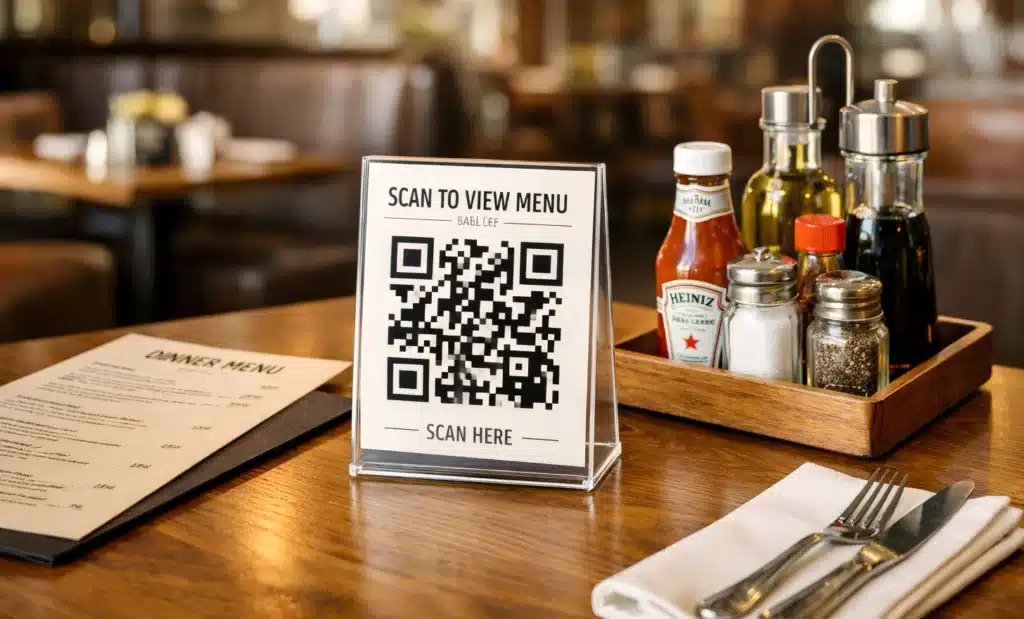
- One code on a restaurant table that links to menu, reviews, and Wi-Fi
- One code on packaging that connects to product info, instructions, and support
- One code on a flyer that directs to campaign details and signup
Strategic design can reduce complexity while keeping tracking precise.
How does QRCodeKIT help you manage multiple QR codes in practice?
In practice, QRCodeKIT makes the process structured and scalable.
It provides:
- A centralized dashboard
- Dynamic QR codes with editable destinations
- Project organization
- Bulk generation
- Advanced analytics
- Custom design tools
- Collaboration features
Whether you are managing two codes on the free plan or hundreds across marketing campaigns, the system helps prevent errors, improve usability, and support long-term strategy.
If you want to explore how QRCodeKIT helps you manage multiple QR codes, you can start by creating a few dynamic codes inside your account and organizing them into Projects. From there, tracking and optimization become part of your workflow instead of an afterthought.
Managing multiple QR codes is not about creating more codes. It is about building a smart, organized system behind them.