

How to automate bulk QR code creation
TL;DR
- Learning how to automate bulk QR code creation means generating many codes at once through CSV upload or an API, instead of building them one at a time.
- CSV upload fits one-off or occasional batches made by non-technical users. API integration fits ongoing workflows that connect QR generation to your own systems.
- Every code QRCodeKIT generates is dynamic, so destinations and tracking stay editable after the code is printed.
- This guide covers both paths, when each one fits, and how to keep automated codes consistent and secure at scale.
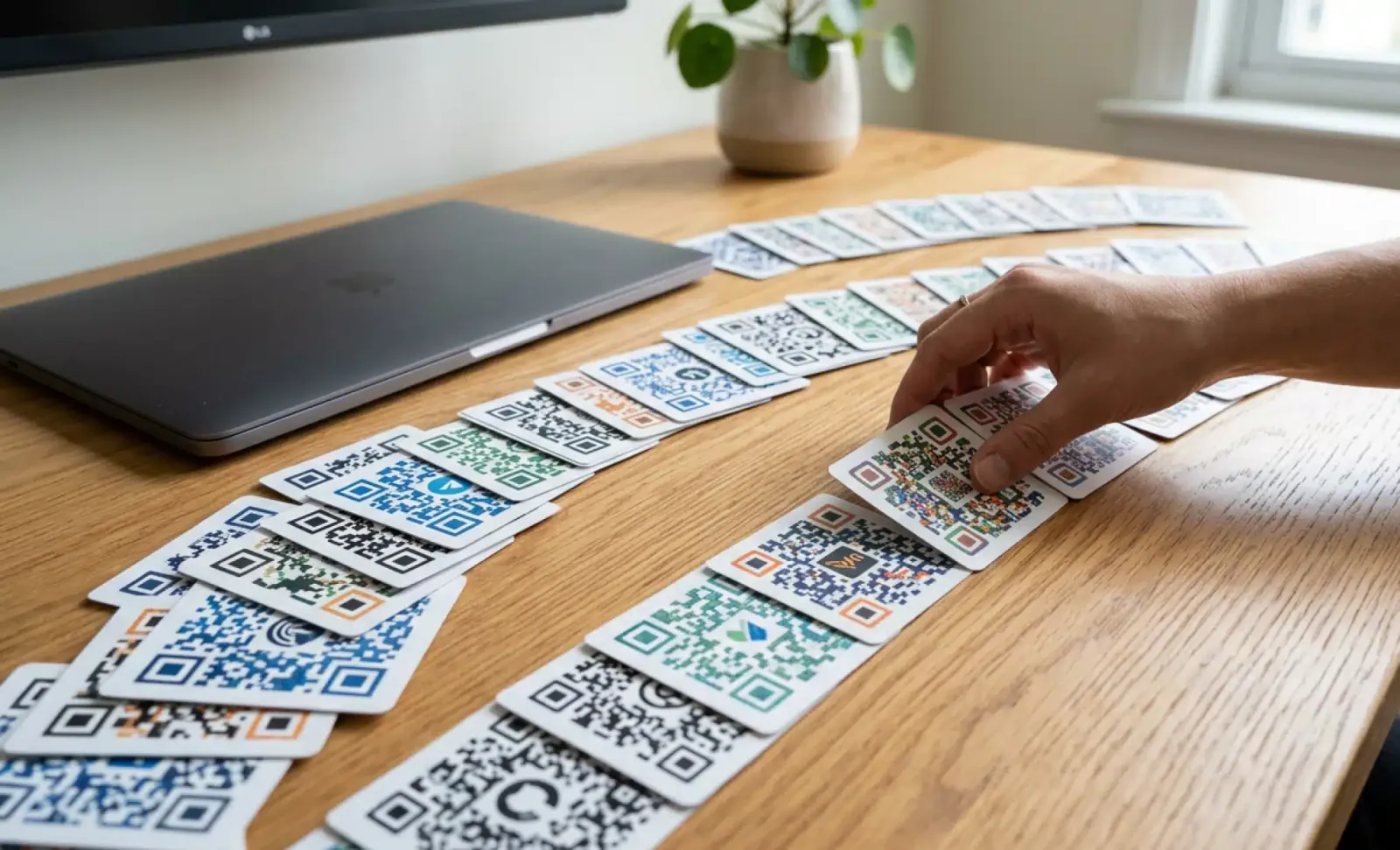
Knowing how to automate bulk QR code creation saves hours of repetitive work for any team that prints, ships, or tags things in volume. Bulk QR code creation is the process of generating many QR codes at the same time, either by uploading a spreadsheet or by connecting an API to the systems you already use. The right approach depends on how often you generate codes and whether that generation needs to happen automatically. This guide walks through both methods, the use cases that suit each one, and the practices that keep large batches accurate, on-brand, and secure.
What does it mean to automate bulk QR code creation?
Automating bulk QR code creation means producing many QR codes through a repeatable process rather than designing each one by hand. There are two common paths. The first is a CSV upload, where a spreadsheet of data becomes a batch of codes in a few clicks. The second is an API, where your own software requests codes programmatically, often without anyone touching a screen.
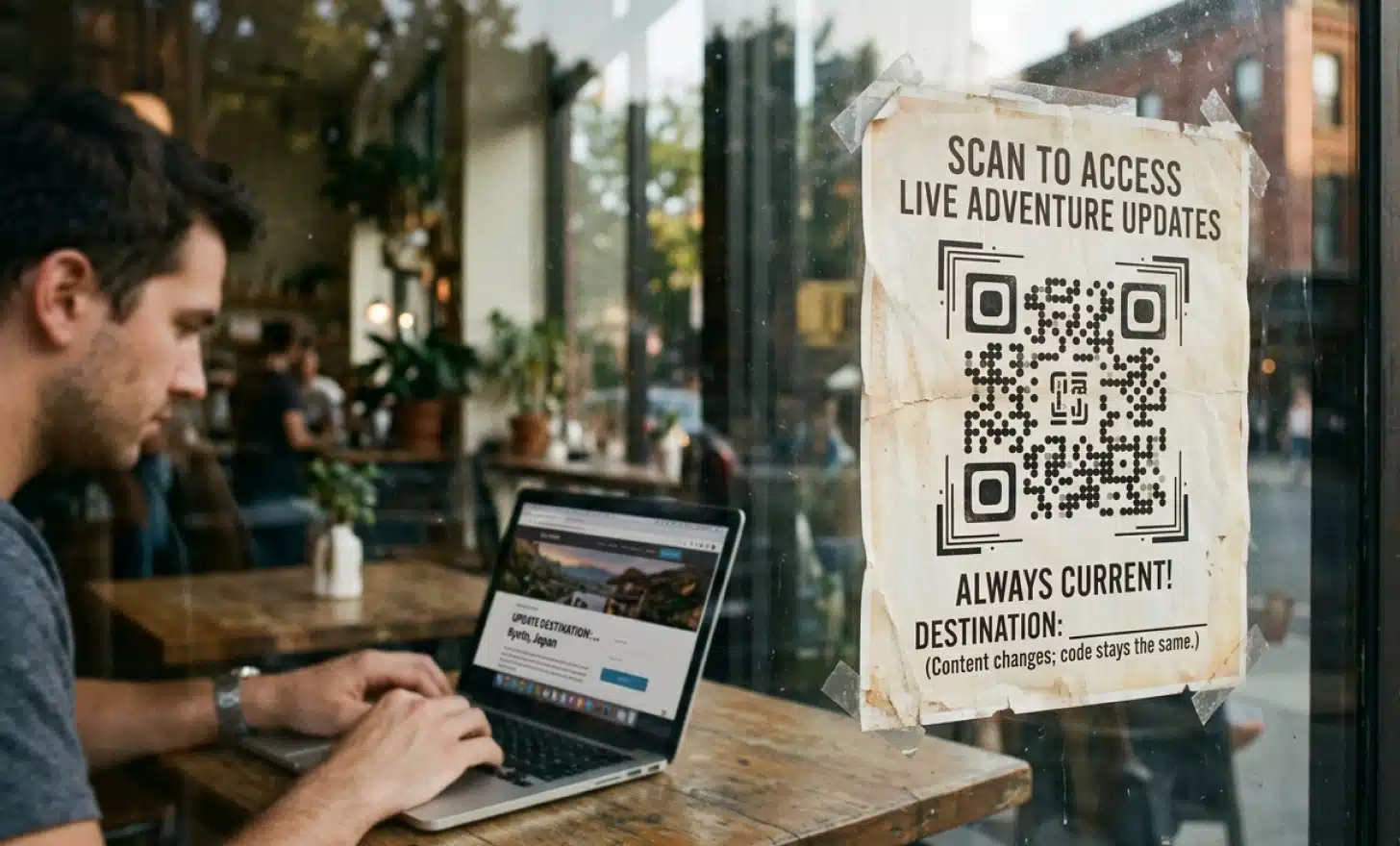
Both paths produce dynamic QR codes on QRCodeKIT, which means the destination behind each code can change after printing. That flexibility is what separates automated generation from a one-time export of fixed images. You build the batch once and keep control of where every code points long after the labels are on the shelf.
Why automate bulk QR code creation instead of doing it manually?
Automating bulk QR code creation removes the bottleneck that appears the moment you need more than a handful of codes. Creating fifty unique codes by hand is tedious. Creating five thousand by hand is not realistic. Automation lets a single person generate a full batch, keep it organized, and update it later without starting over.
Manual creation also introduces errors. A mistyped URL on code 400 of 1,000 is easy to miss and expensive to discover after printing. A structured CSV or an API request applies the same logic to every row, so the output stays consistent. For marketing, asset tracking, ticketing, or any task tied to physical objects, that consistency is the difference between a batch you can trust and one you have to recheck.
How do you prepare and upload a CSV file for bulk generation?
Preparing a CSV file is the most accessible way to generate QR codes in bulk, and it requires no technical background. You build a spreadsheet where each row represents one code, save it as a CSV, and upload it to QRCodeKIT. The tool reads each row and returns a matching dynamic QR code, ready to download.
Here is the full workflow:
- Create a spreadsheet in Excel, Google Sheets, or any similar tool.
- Add your data so that each row is one QR code. Use clear columns, for example column A for the destination URL and column B for a label or identifier used in the filename.
- Save the file in CSV format through File, then Save As, then CSV.
- Review the data for duplicates, blank cells, and formatting issues before you upload anything.
- Upload the CSV in the bulk creation section of QRCodeKIT. For a step-by-step walkthrough, see the help guide on how to create multiple QR codes at once.
- Map your columns to the right fields so the tool knows which data to encode.
- Adjust size, color, and logo if you want the batch to match your branding.
- Generate the batch, then download the codes, each named automatically from your CSV data.
- Scan a few codes with a phone or a compatible scanner to confirm they resolve correctly before printing.
QRCodeKIT supports CSV uploads of up to 1,000 codes per file, depending on your plan, which covers the large majority of one-off and recurring batch jobs.
What can API automation do that a CSV upload cannot?
An API lets QR code generation happen inside your own software, automatically and continuously, which a manual CSV upload cannot do. Instead of a person exporting a batch when they remember to, your system requests codes the moment it needs them. That unlocks real-time generation, ongoing integration with internal tools, and codes that are personalized to a single record.
At a high level the workflow is consistent. Your system authenticates with an API token, sends a request describing the code it needs, receives a dynamic QR code in return, and can later update that code’s destination or pull its scan analytics through the same connection. Because the codes are dynamic, the API supports generation, editing, and analytics retrieval rather than just a one-time render.
Common integration patterns follow the systems a business already runs. A CRM can issue a unique code for every new lead or account. A product information management or ERP system can generate a code as each new product is created. An event platform can mint a ticket code at the moment of purchase. Asset tracking tools can tag new equipment automatically, and marketing platforms can produce a code per customer for personalized campaigns. To build any of these, work from the QRCodeKIT API documentation rather than assumed endpoints, since the documentation holds the current parameters.

When should you use CSV upload versus API integration?
The honest answer is that most teams never need an API, and that is fine. The choice comes down to frequency and integration, not sophistication. Use the method that matches how your work actually happens.
CSV upload is best for one-off or low-frequency batches created by non-technical users. If you generate a set of codes for a campaign, an event, or an inventory pass every few weeks or months, a spreadsheet is faster to set up and needs no engineering time.
API integration is best for ongoing, automated workflows that connect QR generation to other systems. If codes need to appear the instant a record is created, or if generation should happen without a person involved, an API earns its setup cost. Many teams stay on CSV permanently and never feel a limitation, so treat the API as the answer to a specific need rather than an upgrade everyone should chase.
Put it into practice
Create a dynamic QR code free and see it work. No credit card required.
Get started freeHow do you keep automated QR codes consistent at scale?
Consistency at scale comes from deciding your rules once and applying them to every code in the batch. The bigger the batch, the more a small inconsistency multiplies, so a little structure up front prevents a lot of cleanup later. Four habits carry most of the weight.
Use a template so every code shares the same colors, logo, and contrast level, which keeps a thousand codes recognizably yours. Adopt a naming convention in your CSV or API requests so filenames and identifiers are predictable and searchable instead of a wall of random strings. Plan your destination URL structure so each code points to a logical, traceable address, which makes later edits and reporting far simpler. Finally, build in error handling, meaning you review the source data and confirm the batch resolved correctly before anything reaches a printer.
How do you keep API-driven QR generation secure?
API-driven QR generation is secure when you treat your API token like a password, because that is exactly what it is. A token can create, edit, and read codes on your account, so anyone who obtains it can act as you. The goal is to keep tokens private and limit what a leaked token could do.
Store tokens in a secrets manager or environment variables, never hard-coded in a repository or pasted into a shared document. Rotate tokens on a schedule and immediately if one is ever exposed, which makes an old credential useless. Where your setup allows it, use scoped access so a token can only perform the actions a given service actually needs, rather than holding full account permissions it will never use. These are standard practices for any API, and QR generation deserves the same care as the rest of your stack.
What are the main use cases for bulk and automated QR codes?
Bulk and automated QR codes appear anywhere an organization needs many codes tied to many things. The method scales from a small printed batch to millions of product-level codes generated programmatically. Common applications include:
- Asset tagging and internal inventory tracking, where each item carries a code linked to its record.
- Event ticketing, passes, and registration, with a unique code per attendee.
- School quizzes, exams, and assignments that route students to the right material.
- Interactive museum and exhibit content that gives visitors more detail on demand.
- Marketing campaigns across flyers, posters, packaging, and print.
- Personalized marketing, where an API issues a code per customer that points to a record-specific page.
- Digital business cards, or vCards, generated for a whole team at once.
- Regulatory-driven generation, such as the GS1 2027 sunrise toward 2D codes at checkout and the EU Digital Product Passport, both of which push brands to place unique codes across large product catalogs.
The last category is reshaping bulk generation in 2026. As retail and packaging move toward unique, scannable codes on individual products, the volume involved makes manual creation impossible and pushes more teams from occasional CSV batches toward continuous API generation.
What are the best practices for generating QR codes in bulk?
The best results come from testing early and labeling clearly. Before any batch goes to print, scan a sample of codes with a phone and a compatible scanner to confirm they resolve to the right destination. Catching a mapping error in a sample of ten is trivial. Catching it after ten thousand are printed is not.
Beyond testing, keep your source data clean by checking for duplicates, blank fields, and formatting problems before upload. Give every code a clear label or identifier so the finished batch is easy to sort and find. Choose a code size large enough to scan reliably on whatever surface it will live on, since a code shrunk onto a small label can fail in the field. Keep enough contrast between the code and its background when you apply branding, and back up your generated codes and source files so you can reprint or update without rebuilding the batch.
How do I generate hundreds of QR codes at once?
Upload a single CSV file where each row holds the data for one code. QRCodeKIT reads the file and returns a matching dynamic QR code for every row, up to 1,000 codes per upload depending on your plan. You then download the full set as image files, each named from your CSV data, with no need to create any code individually.
Do I need a developer to automate QR code generation?
Not for CSV-based bulk creation. Anyone comfortable with a spreadsheet can prepare a file and upload it, which covers the needs of most teams. A developer only becomes useful when you move to API integration, where the goal is to connect QR generation to other software and have codes created automatically. If a spreadsheet meets your needs, you do not need engineering help at all.
Can I connect QR code generation to my CRM?
Yes, through the QRCodeKIT API. Your CRM can call the API to generate a dynamic QR code whenever a new lead, account, or contact is created, then store the returned code against that record. Because the codes are dynamic, you can also update where they point or read their scan analytics later through the same connection. Your developer will work from the QRCodeKIT API documentation to set this up.
What plan do I need for API access at QRCodeKIT?
API access is available on QRCodeKIT’s higher-tier plans, such as Enterprise. CSV-based bulk creation is available more broadly, so you only need a top-tier plan if you specifically require programmatic generation. Check the QRCodeKIT pricing page for current plan details and the API documentation for the technical specifics before you build.
Can I edit a QR code after I have generated it?
Yes. Every QR code QRCodeKIT generates is dynamic, so you can change its destination or content after it has been printed, without producing a new code. Static QR codes, by contrast, lock their data permanently at creation and provide no analytics, which is why dynamic codes are the practical choice for any batch you may need to update or measure later.
What file format does my data need to be in?
Your data should be a CSV file, where each row represents one QR code and each column holds a piece of data to encode, such as a URL or a label. You can build the file in any spreadsheet tool and export it as CSV. Once generated, the codes themselves can be downloaded as PNG, JPG, or vector files for use in print and digital materials.
All images and visual content in this article were created using RealityMAX.
Related articles

QR code data retention
How to write a QR code data retention policy: what scan data you collect, the lawful basis, how long to keep it, and a sample retention schedule to follow.

Voice enabled QR code
Learn what a voice-enabled QR code is, how audio playback differs from voice interaction, and where each fits, from museum guides to multilingual menus.

Scan QR codes on iOS
Learn how to scan QR codes on iOS devices easily and for free. Read QRs with your iPhone or iPad built-in camera or use different solutions.
Two free dynamic QR codes. Yours forever.
No credit card. No expiry. The original dynamic QR platform since 2009.
