

QR codes for publishers that update after the print run.
Put one dynamic QR code on every cover, page and poster. Open a sample chapter, the audiobook or the tour dates, and change them after printing, and see which titles and pages readers scan.
No credit card required•GDPR-compliant•Hosted in the EU
By continuing you agree to our Terms and Privacy Policy.
Trusted by more than a million companies worldwide
What are QR codes for publishers?
QR codes for publishers are dynamic QR codes on book covers and inside pages, magazines, newspapers, bookmarks, posters and point-of-sale displays that open content the publisher can change after printing: a sample chapter, an audiobook clip, a video, the author’s events and social accounts, a newsletter sign-up or the online shop. Each title, issue or ad can have its own code, so every scan shows which title and placement it came from. QRCodeKIT, launched in 2009 as uQR.me, is the dynamic QR code platform publishers use to run them, hosted in the EU.
Who it’s for
From the cover to the last page
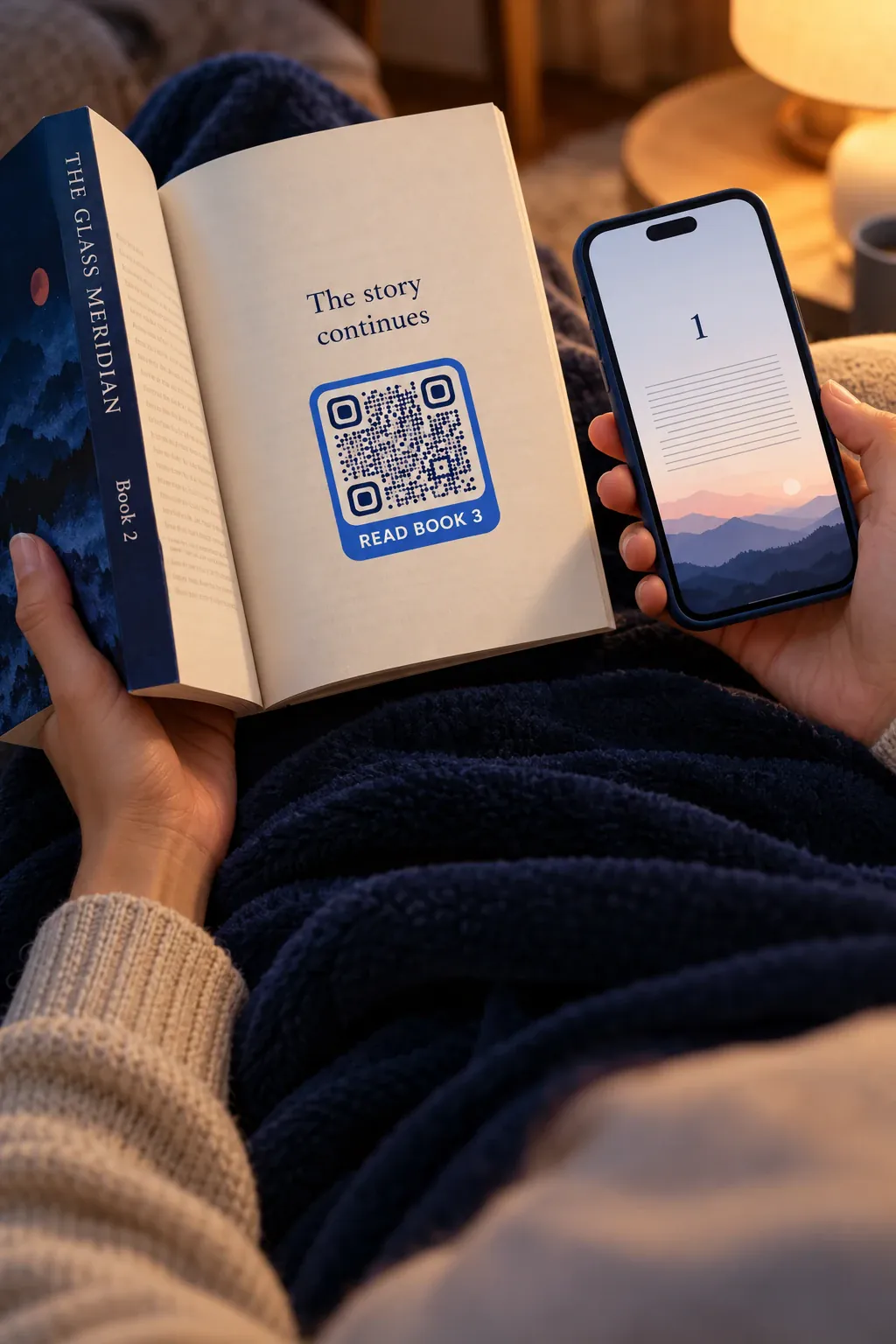 Book publishers
Covers that open the first chapter
A code on the cover, the flap or the bookmark opens a sample chapter, an audiobook clip or the author’s page, and the last pages point to the next book in the series.
QR codes on books →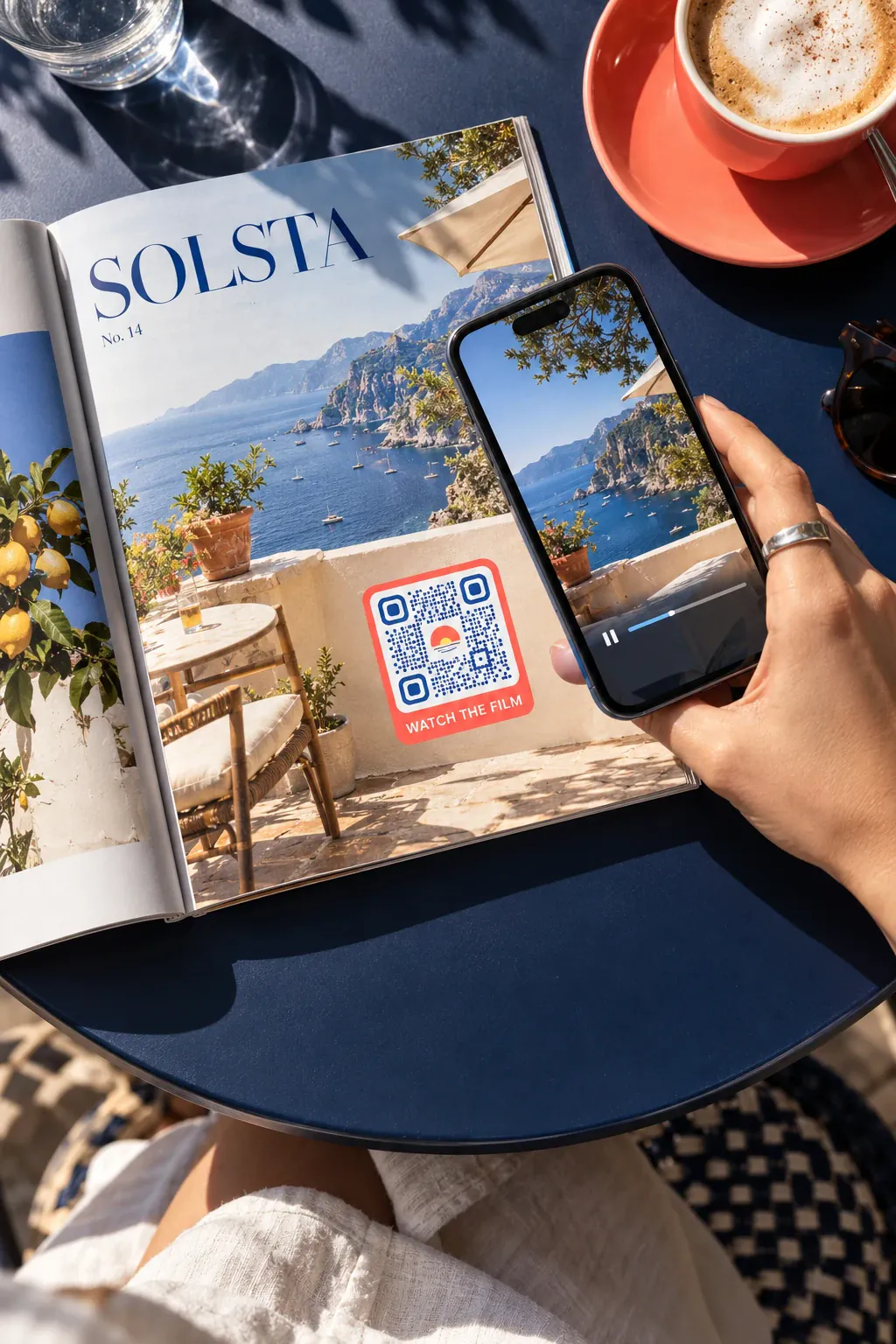 Magazines & newspapers
Print that opens what’s new
Articles, ads and inserts open videos, galleries, live updates and subscription offers, and advertisers see the scans their page brought in.
QR codes on newspapers →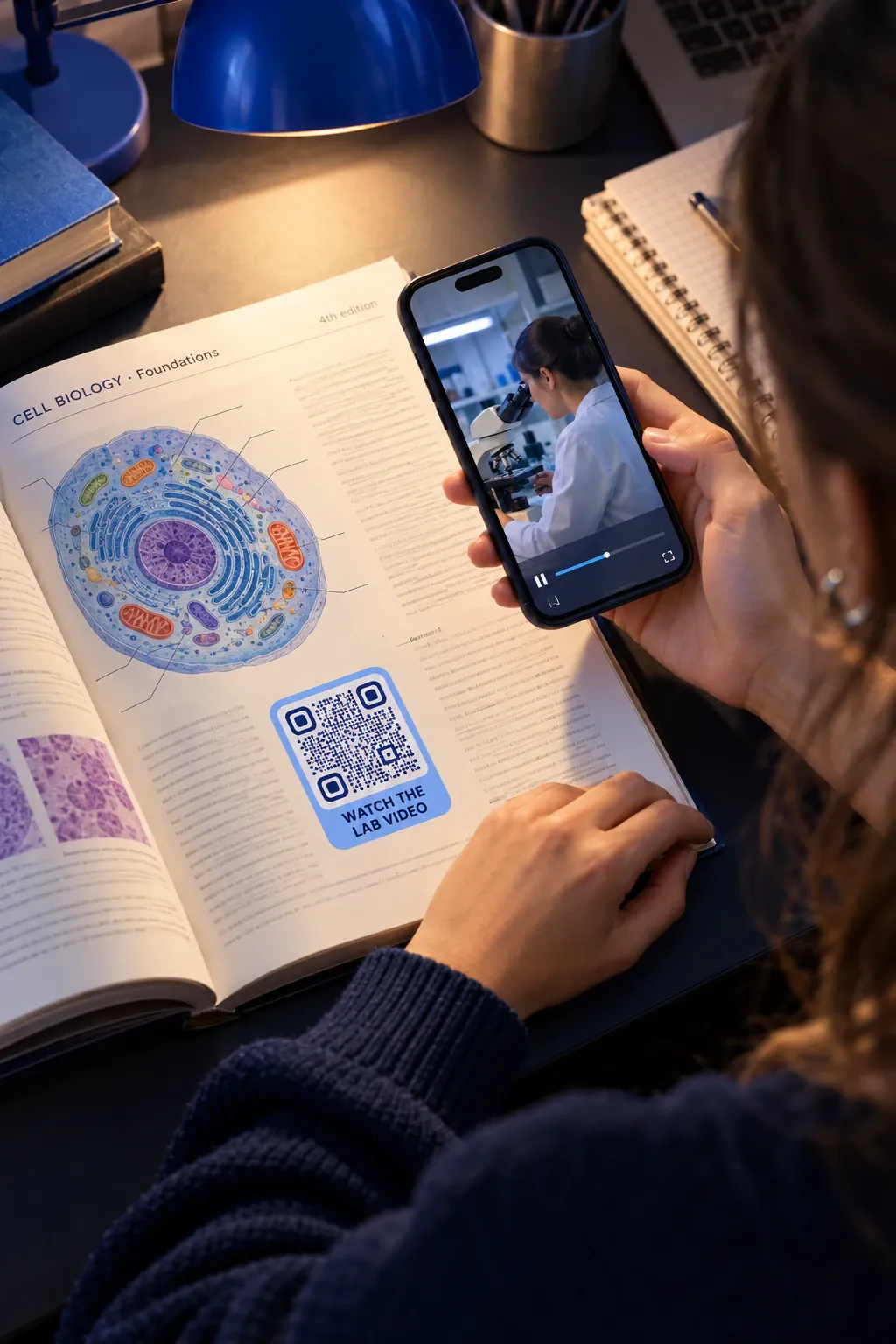 Educational & professional
Textbooks with extras that stay current
Codes in textbooks, manuals and standards open videos, exercises, answer keys and corrections, updated between editions without a reprint.
File download QR codes →Platform
Every title and issue, one dashboard
Create
One code per title, issue and campaign
Create codes in bulk for every title, edition and ad, group them by imprint, series or magazine, and change what they open after printing: a new edition, a corrected file or the next event. The print run stays as it is.
Bulk creation →File download QR codes →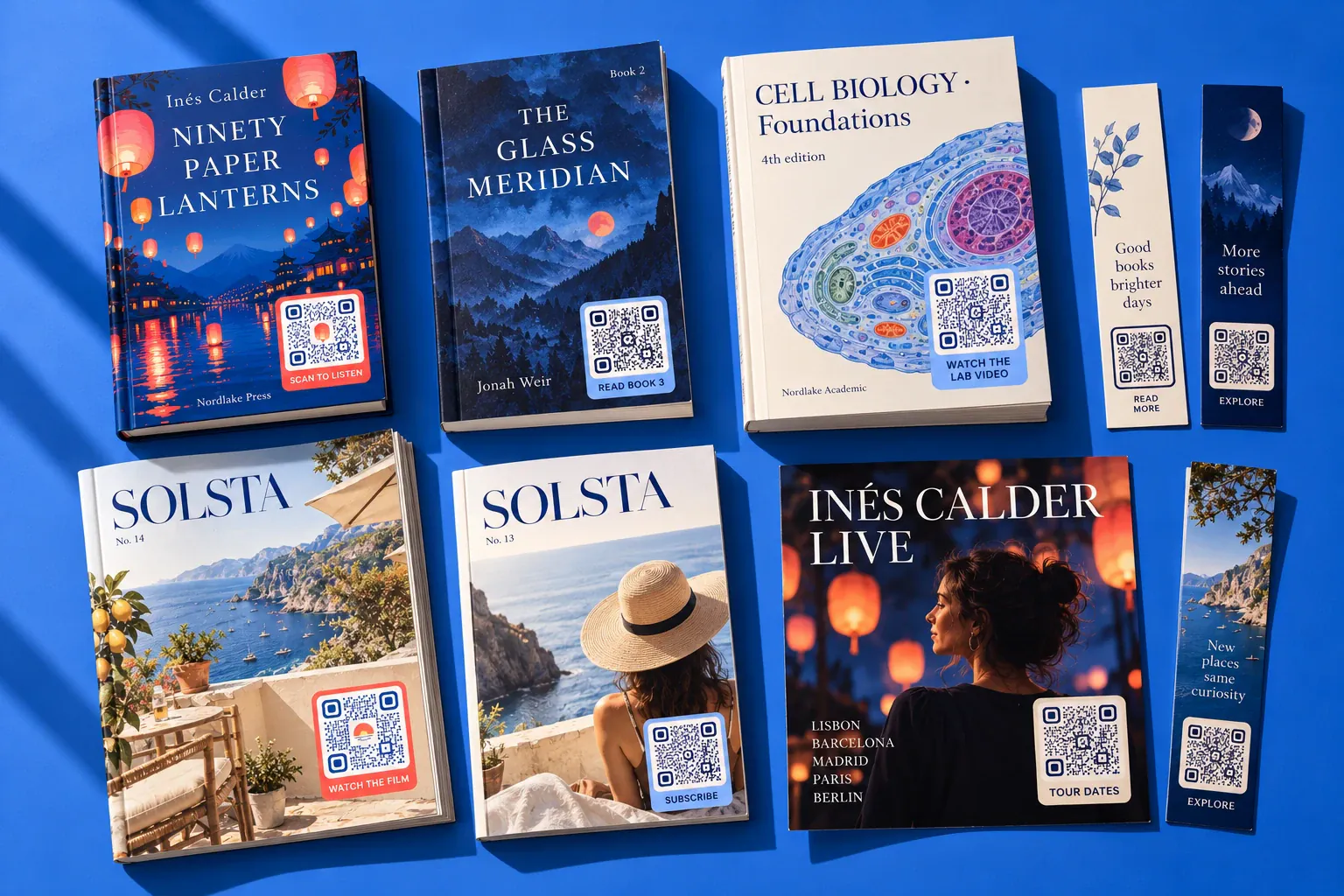
Design
Codes that belong on your covers
Your logo, colours and frame on covers, bookmarks and posters, with a live check that the code still scans. Point it to PDFs and audio files, videos, social accounts or a landing page from the same code types.
Social media QR codes →Landing page QR codes →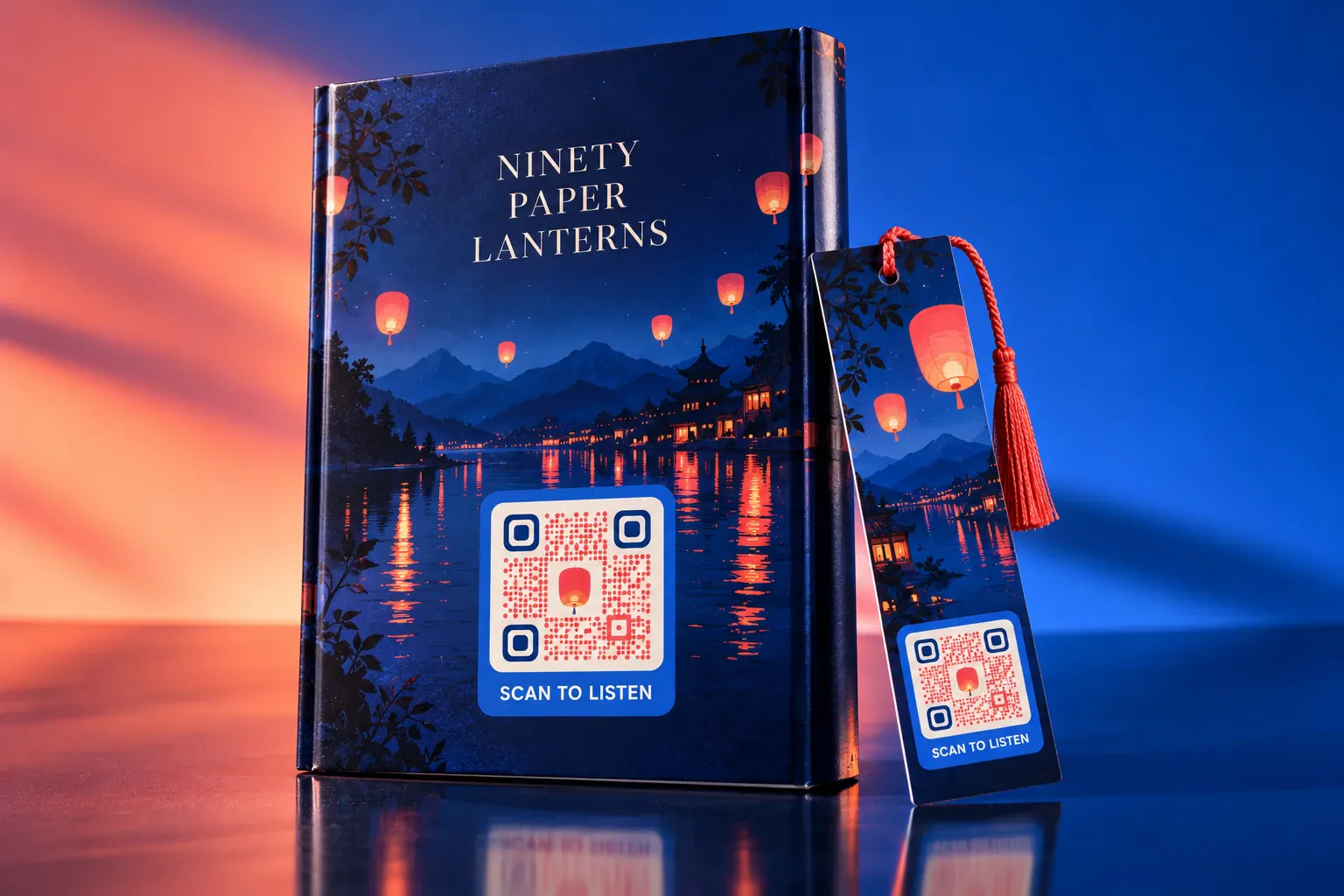
Track
See which titles and pages readers scan
Scans by title, city and device, first visits apart from repeat ones, and the days readers scan. Compare covers, inserts and ads, show advertisers what their page brought in, and send sign-ups to your CRM through the API and webhooks.
QR code analytics →QR code API →
Cleo · AI agent
A guide in every book, at any hour
Cleo is the AI agent that lives inside your QR codes. Train her on your catalogue, author biographies and reading guides, and she answers readers, teachers and booksellers in their own language, at any hour.
- Answers with no staff needed
- 24/7
- Languages supported
- 40+
Cleo answers from the documents you give her, so every answer matches your real titles, dates and prices.

Which book should I read next?
This is book two of the trilogy. Book three comes out in paperback in March, and you can read its first chapter now from the link below.


Control
Reader-safe codes in every edition
Books stay on shelves for years and ads run in public, where fake codes appear. QRCodeKIT keeps your codes on your own domain and your readers’ data in the EU, across every imprint.
- Your own domain. Readers see a link that is clearly yours, which helps them tell your code from a fake one. On Pro and Enterprise.
- Hosted in the EU. GDPR-compliant, with European-based infrastructure.
- Teams and single sign-on. Up to 10 team members on Pro; SSO and up to 50 members on Enterprise, for houses with several imprints.
- Forms with consent. Newsletter, competition and review-copy sign-ups with a required consent, and stored answers deleted automatically every week or month.
- Edit after printing. Change the chapter, the event or the offer behind any code, as many times as you need.
- GDPR
- EU hosting
- ISO 27001 framework
- SSO
Questions publishers ask us
QRCodeKIT is a dynamic QR code platform launched in 2009 as uQR.me and hosted in the European Union. Book, magazine and educational publishers use it to run the codes readers scan on covers, pages and posters.
What are QR codes used for in publishing?
To connect print with content that changes: sample chapters, audiobook clips, videos and galleries, author events and social accounts, newsletter sign-ups, teacher’s guides and corrections. A dynamic QR code lets you change that content after printing and count every scan.
Can I change what a QR code in a printed book opens?
Yes, if it is a dynamic QR code. The book stays as it is and you point its code to new content from the dashboard, such as a new edition, a corrected file or the next event, so the code keeps working for as long as the book is on the shelf.
Can a QR code open a sample chapter or an audiobook?
Yes. A file download QR code opens a PDF or an MP3 on the reader’s phone, and you can replace the file at any time without changing the code.
Where should a QR code go on a book?
On the back cover, the inside flap or the last pages, and on bookmarks, posters and point-of-sale displays. Print it at least 2 cm wide with a clear margin around it, and tell readers what they will get: “Read chapter one” works better than a bare code.
Can each title or issue have its own QR code?
Yes. Create codes in bulk, one per title, edition, issue or ad, and group them by imprint or series, so you can see which titles and placements readers scan.
Can I show advertisers how many readers scanned their ad?
Yes. Give each ad its own code and export its scans by date, city and device as a PDF or Excel report, or send them to your own tools through the API and webhooks.
Can a QR code answer readers’ questions about a book?
Yes, with Cleo, QRCodeKIT’s AI agent that lives inside your QR codes. Train her on your catalogue, author biographies and reading guides, and she answers in the reader’s own language, at any hour.
Is there a free trial?
Yes. Every new account starts with a 7-day free trial of Pro, with no credit card required, with up to 100 QR codes and 100 scans each. Teams that need SSO, API access or higher limits can compare the plans or book a demo.