May 12, 2026
How do QR codes for bars speed up orders during peak summer nights?
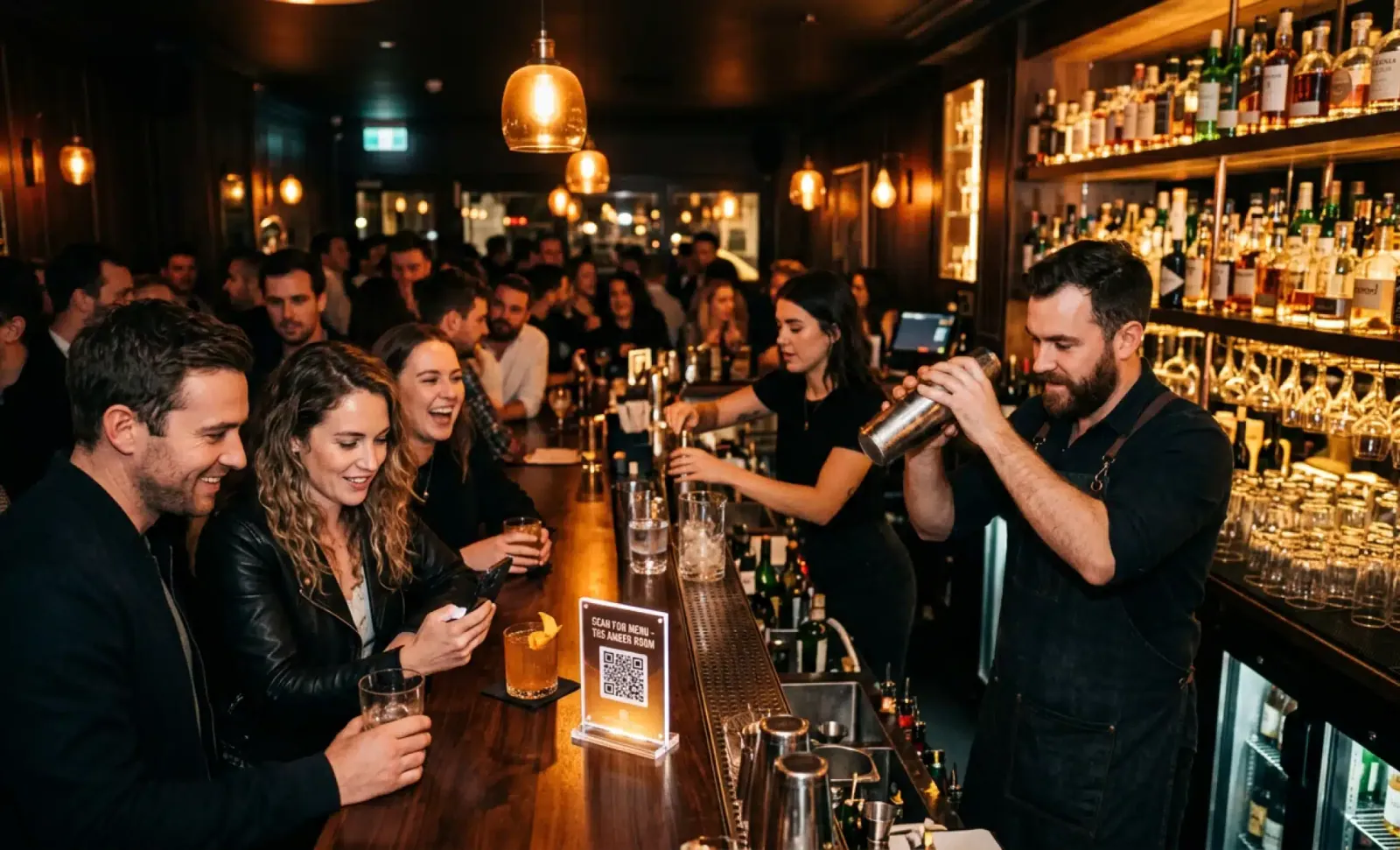
Friday at 10:47pm. Three deep at the counter. One bartender shaking a drink, the other taking an order from a group who can’t agree on what to get. Someone in the back waves a twenty in the air. A customer near the front is asking, again, whether the spicy margarita has cilantro.
This is the structural problem QR codes for bars are designed to solve. Not by replacing bartenders, but by removing the bottleneck of one person at a time standing in front of one staff member who can only do one thing at once. The order flow stops being linear. It becomes parallel.
This article walks through how dynamic QR codes change ordering at urban bars on peak nights, how to create QR codes that actually get scanned, where to display QR codes, and the common mistakes that keep them from working.
What is the real bottleneck at a bar on a Saturday night?
The bottleneck is not the bartender’s speed. A good bartender can pour a beer in twelve seconds and shake a cocktail in under a minute. The bottleneck is everything that happens before the drink gets made: getting attention, communicating the order, answering questions, handling payment.
On a busy weekend, every one of those steps stretches. Customers wait to be noticed. Bartenders explain the same menu fifteen times an hour. Someone asks if a wine is dry, someone else wants to know what bitters are in the Negroni, a third person is reading the chalkboard upside down trying to find the IPA.
QR codes for bars compress that pre-order phase. Customers read the menu on their phone, decide on their own time, and either order from where they are seated or come to the counter knowing exactly what they want. Bars are increasingly using this approach to transform the standard “flag down a bartender” model into a faster, tech assisted experience that gives customers autonomy and cuts ordering anxiety in half.
How do QR codes for bars actually change the order flow?
The change is mechanical. Instead of a customer competing for attention to ask a question or place an order, they scan a QR with their phone camera and a digital menu opens in the browser. When the QR is connected to a point of sale system, orders go straight from the customer’s phone to the bartender’s screen or the kitchen printer. No transcription, no misheard cocktail names, no “was that gin or vodka?” over the noise.
Three workflows tend to work in urban bars.
Counter ordering with a digital menu. The QR is printed on the bar top or coasters. Customers scan, browse, decide, then order at the counter knowing what they want. This works in cocktail bars where the bartender wants to keep the interaction but cut down on questions and indecision.
Table ordering. The QR is printed on the table or a small standee. Each table has its own unique QR, so orders and payments are automatically assigned to the correct seat in the POS. Customers scan, build their order, pay through Apple Pay, Google Pay, or a saved card, and a runner brings the drinks over. No card passing back and forth, no signature line, no waiting for the check.
Hybrid. The QR opens the menu and Cleo. Some items can be ordered through the phone, others require talking to staff. Wine bars use this often: bottle service stays human, glasses by the pour can be self ordered.
By automating order taking and payment, bars can run peak hours with fewer staff on the floor, increase table turnover, and lift average check size because reordering takes two taps instead of ten minutes of eye contact.
Why dynamic QR codes are the right choice for bars
Bar menus move. Happy hour changes the prices between six and eight. The Thursday wine flight is different from the Saturday wine flight. A keg blows mid shift and the IPA is replaced. A guest bartender takes over for a weekend and brings four new cocktails.
Static QR codes cannot follow that. Once printed, a static QR points to one URL forever. Updating the menu means reprinting every coaster, every table card, every bar top decal. The cost adds up, and so does the waste.
Dynamic QR codes work differently. They can be edited and changed at any time after they are created, which means the destination link updates without reprinting the code. The QR itself stays the same. What it points to is managed from a dashboard. Update the menu at 5pm, and the next scan at 5:01pm shows the new menu. The physical code on the table is untouched.
This is the practical difference that matters in a bar setting:
- A keg blows. Remove the beer from the menu in ten seconds. The next customer who scans does not see it.
- Friday’s wine special arrives late. Add it the moment it lands. No reprint.
- Happy hour ends at 8pm. The menu shifts automatically if you want it to.
- Seasonal cocktail menu rolls in. Swap the entire list without touching a single coaster.
All QRs from QRCodeKIT are dynamic for this reason. There is no scenario in a working bar where a static QR code would be the right call. The menu will change. The link behind the QR needs to change with it. Dynamic QR also means the same code can carry the bar through years of menu changes, brand refreshes, and seasonal rotations on a single print run.
How to create QR codes for your bar in a few clicks
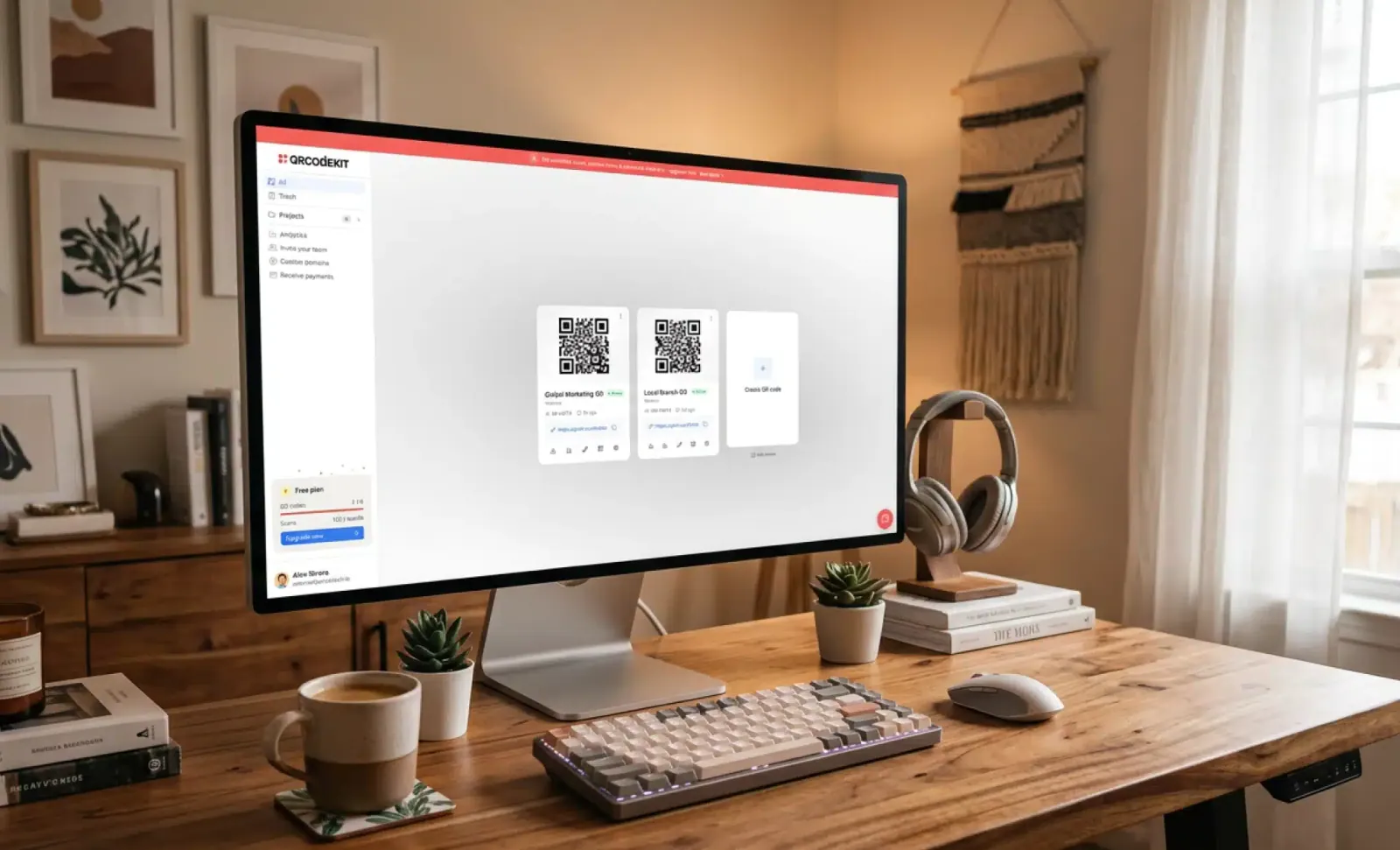
The setup is short. Open a free QR code generator that produces dynamic QR codes, pick the menu type, paste the URL of your digital menu or upload it, and the QR is ready. QRCodeKIT lets you create QR codes on a free plan with up to two dynamic QRs, which is enough to test the flow on one bar top and one set of tables before deciding on a wider rollout.
A few things to set up while you are in the dashboard:
- Name each QR clearly. “Bar top left”, “Table 4”, “Entrance wall”. You will want to know later which placement is pulling traffic.
- Connect the menu URL. If you do not have a digital menu yet, the platform’s landing page builder can host one.
- Add your company logo to the center of the code. QR codes maintain scannability with up to 30% of their surface covered, so a logo in the middle works fine and reinforces brand recognition every time someone scans.
- Pick brand colors with enough contrast. Dark code on light background is the rule. Reverse it only if the background is genuinely white, never with dark wood or dark stone.
The whole process takes a few clicks. No developer, no separate subscription, no technical knowledge required.
What does a good custom QR code for a bar look like?
A custom QR code does two jobs. It scans reliably, and it tells customers, at a glance, that it belongs to the bar.
Customization that works:
- Company logo in the center, sized so the code still scans cleanly. QRCodeKIT generates these with a contrast check built in.
- Brand colors on the modules, paired with a high contrast background. Dark teal on cream works. Dark teal on dark wood does not.
- Custom shapes for the corner markers, if your brand allows it. Rounded markers feel softer and less industrial.
- A transparent background option for placement on printed materials with their own design.
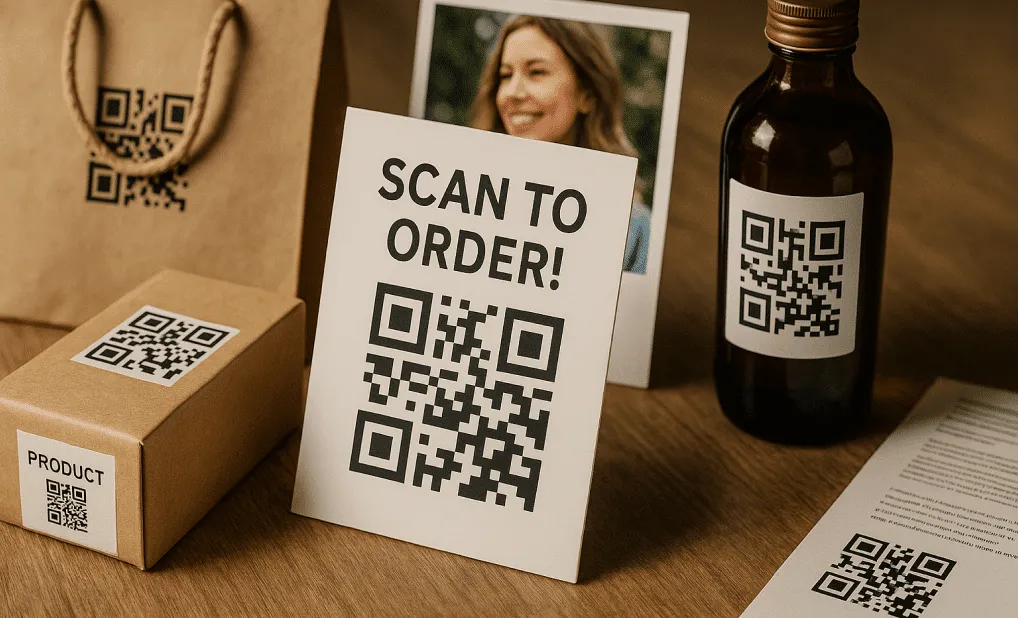
- A short scan cue next to the code. “Scan for menu” or “Scan to order”. Without the cue, scans drop noticeably.
Customizing QR codes this way is allowed for commercial purposes and does not affect scannability when contrast is preserved. The result is a QR that looks like part of the bar’s design rather than a piece of office equipment glued to the table.
Where should you display QR codes in a bar?
Placement decides whether the QR gets used. A good QR in the wrong spot gets ignored.
Put it into practice
Create a dynamic QR code free and see it work. No credit card required.
Get started freeThe bar top works for counter ordering. Embed the QR in a small acrylic stand, laminate it into the bar mat, or print it directly on the coaster under each drink. Customers see it the moment they put their hand down.
Tables work for sit down service. One unique QR per table, on a small block or printed into the tabletop laminate. Each table’s QR routes orders to the correct seat in the POS, which removes the “whose round was this?” guesswork from staff. Make sure the codes survive wet glasses and napkins.
Coasters are useful for hybrid setups. Every drink comes with a coaster carrying the QR. The customer who wants another round scans without leaving the seat.
Vertical surfaces work for the wait line. A QR on the wall near the entrance lets people queueing read the digital menu before they reach the counter. By the time they order, they know what they want.
You can display QR codes on multiple surfaces at once, and the dashboard will show you which placement is doing the work. A bar that prints four placements often discovers that two of them are pulling 80% of scans, which informs the next print run.
Avoid the back of the menu, the bathroom door, or anywhere that requires the customer to look up and search. The QR should be where the hand and the eye already are.
How does Cleo handle the questions bartenders keep getting asked?
A digital menu shows what is on offer. It does not answer questions.
Cleo is the AI assistant built into QRCodeKIT. When a customer scans a QR powered by Cleo, the menu opens as the bar configured it, and a small conversation bubble sits on the page. The customer can ask anything the bar has provided information for, in their own language, at any hour.
What does that look like in a bar?
Customer: Is the spicy margarita very spicy? Cleo: It has a medium kick from fresh jalapeño on the rim and in the shake. Most guests describe it as warm rather than burning. If you want it milder, ask the bartender to skip the jalapeño in the shake.
Customer: ¿Hay opciones sin gluten en los cócteles? Cleo: Sí. Todos los cócteles de la carta son sin gluten excepto el Tom Collins de cerveza y el Michelada. El whisky sour, el Negroni y el Old Fashioned son seguros.
Two things matter here. First, the bartender did not spend forty seconds on that exchange. The customer got the answer in the language they speak, at the moment they wanted it, and is closer to ordering. Second, the same conversation happens with the next customer asking the same question, and the next, without the bartender saying it for the twentieth time that night.
Allergens, ingredients, ABV, what is in the seasonal cocktail, whether a wine is dry or sweet, what pairs with what, these are the questions Cleo handles best. They repeat. They have correct answers. They eat bartender time when humans handle them one by one.
What design choices actually matter for QR codes in a bar setting?
Bars are dim, wet, and visually busy. QR design has to account for that.
- Size: minimum 3cm by 3cm on table cards, 4cm by 4cm on wall placements. Smaller works in good light. Bars do not have good light.
- Contrast: dark code on light background, always. A dark code on a dark wood bar top will not scan. If the surface is dark, the QR needs a light backing panel.
- Material: laminated, sealed, or printed under glass. Paper coasters with QRs get soaked and unreadable in one shift.
- Logo and color: a custom QR code with the bar’s logo and brand colors works fine, provided contrast stays high. QR codes keep scanning with up to 30% of their area covered by a logo.
- Cue: a short instruction next to the code. “Scan to order” or “Scan for menu”. Without the cue, scans drop.
- Preview before printing: every dashboard worth using lets you preview the QR at print size and test it from three feet away before committing to a print run.
The goal is a code that scans the first time, in low light, with one hand, while the customer is holding a drink in the other.
How do you measure whether the QR is actually working?
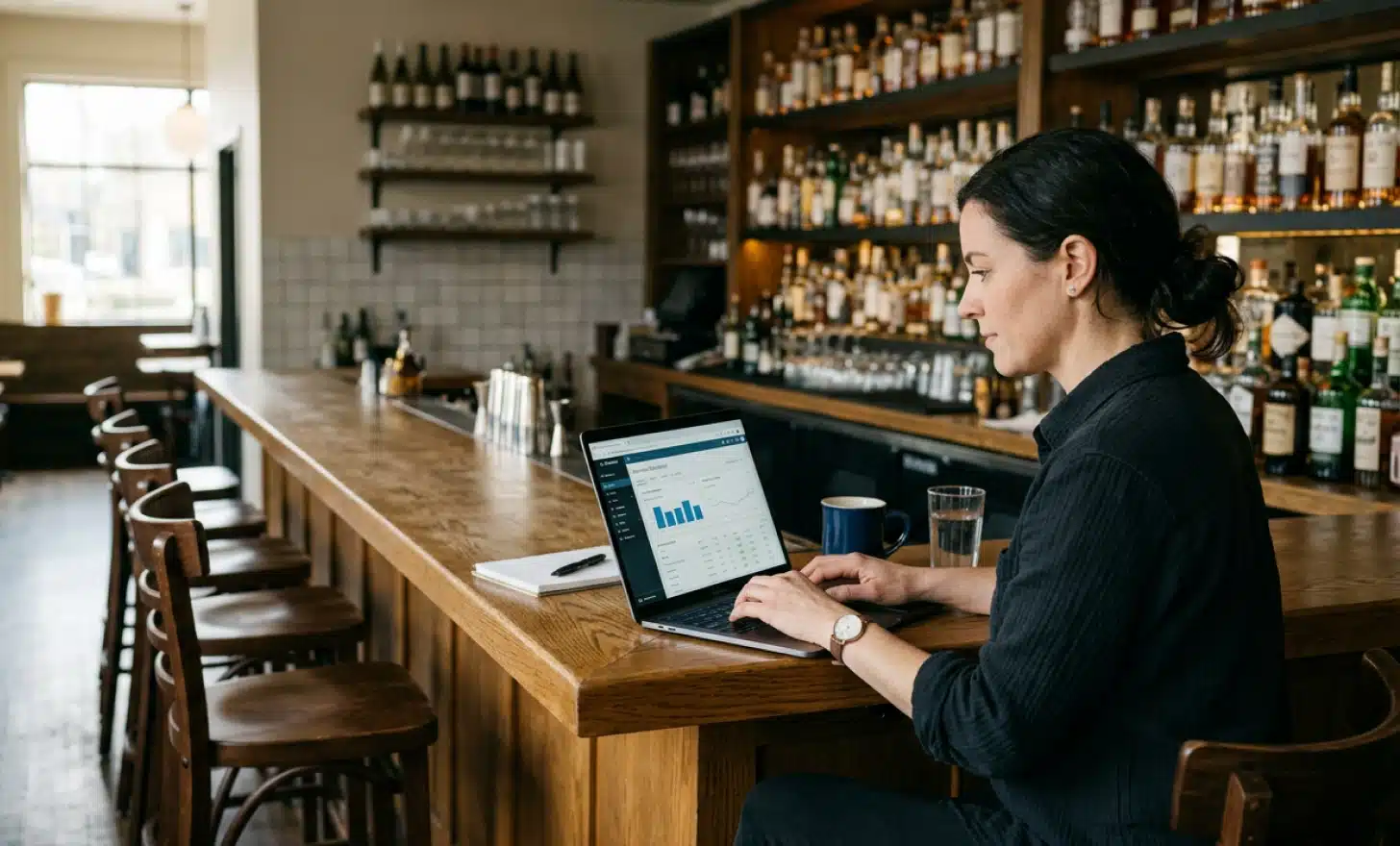
The point of dynamic QR codes is that they generate data. Use it.
- Scans per night, broken down by hour. If most scans land between 9pm and midnight, that confirms the peak you already feel.
- Scans per placement. If the bar top QR pulls 80% of scans and the table QRs pull 20%, the table version may need a clearer cue or better placement.
- Geographic location of scans and device type. Useful if you are running a hotel bar with international guests and want to know which languages to prioritize in Cleo.
- Conversion from scan to order, if you have ordering connected. Scans without orders mean the menu is opening but not converting. That usually points to a clunky menu or a confusing first screen.
- Top questions asked through Cleo. These tell you what the menu is not communicating well. If forty people a week ask whether a wine is dry, the menu should probably say so directly.
- Average ticket size before and after deployment. Faster, clearer menus tend to lift ticket size because reordering is easy and customers add a second drink or a snack when they are not pressured.
When QR codes are integrated with the POS, the data layer gets richer. Customer preferences, repeat visit patterns, and email opt ins for loyalty programs all become available, which feeds back into how the menu and the conversation are tuned.
A month of data is enough to make the first adjustments. Three months is enough to see whether the deployment is paying off.
What are the most common mistakes bars make with QR codes?
These keep coming up, and each one breaks the workflow.
- The QR opens a PDF. PDFs do not work well on phones. They pinch, zoom, scroll sideways, and refuse to update. The QR should open a proper digital menu page, not a PDF.
- No clear scan cue. Customers do not always recognize what the QR is for. A short line of text next to it solves this.
- Forced account creation before viewing the menu. The fastest way to lose a customer who already has a drink in hand.
- Low contrast code on a dark or busy surface. If the camera cannot find the corners of the QR, nothing happens.
- One QR for the whole bar. Place enough of them so customers do not have to walk to find one.
- Treating the menu as static. The whole point of dynamic QR codes is that the destination can be updated in real time. If the menu behind the QR is the same PDF as the printed menu, the deployment is doing less than half of what it could.
- Skipping the analytics. Bars that print the QR and never look at the dashboard miss the exact insight that justifies the change.
What does a working setup look like end to end?
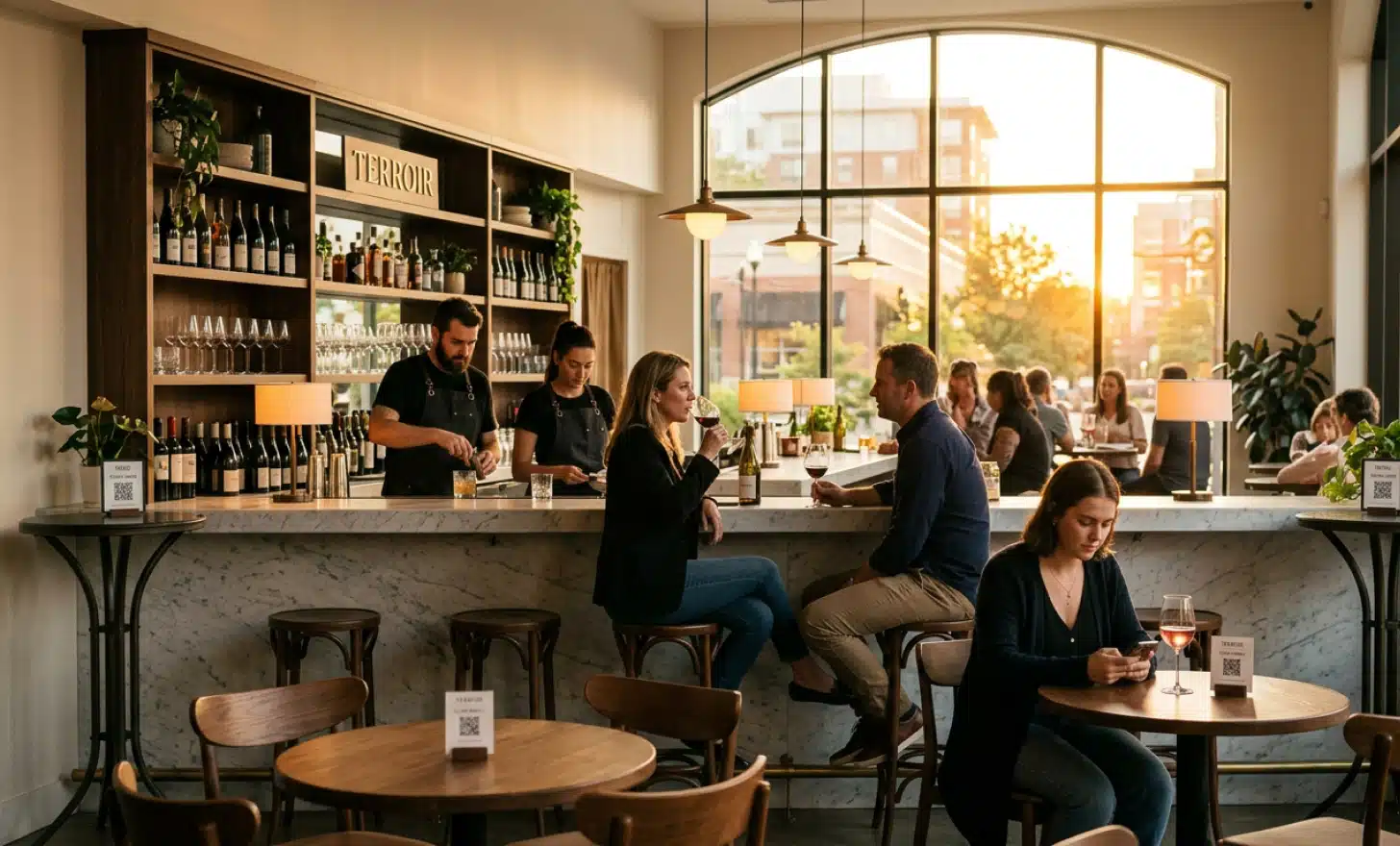
A wine bar in a mid sized city wants to cut counter queues on Friday and Saturday nights. Here is the sequence.
The owner opens QRCodeKIT, creates a dynamic QR code, and points it to a clean digital menu with the current wines by the glass, bottles, snacks, and a short note on what is open by the half bottle. They add the company logo to the center of the code in the bar’s brand colors. They turn on Cleo and load it with the wine list, tasting notes, allergens for the small plates, and the bar’s hours.
The QR is printed on small laminated table cards, on the bar top in two places, and on coasters at the entrance for people in line. Each one says “Scan for menu and questions” underneath.
On Friday, between 9pm and midnight, the dashboard shows 340 scans, with a peak at 10pm. Cleo logs 60 conversations, most of them about whether specific wines are dry, what pairs with the charcuterie board, and one customer in Italian asking about the Barolo. Counter wait time, measured informally by the manager, drops from “very long” to “manageable”. Ticket size goes up by about 12% over four weekends, mostly because customers add a second glass or a snack they would not have asked about.
The owner updates the menu at 5pm every Friday to swap in the weekend specials. The QRs on the tables do not move. The information behind them is current. The print run from January is still in service in November.
That is the deployment that works. A dynamic QR code, a clean digital menu, a conversational layer for the repeat questions, and placement that meets the customer where their hand already is. Point. Scan. Ask.
All images and visual content in this article were created using RealityMAX.
Related articles
What is an AI QR code generator?
The phrase “AI QR code generator” has been used to describe almost every product launch in this category over the past eighteen months. Most of those launches…
Which industries use QR codes most?
In 2026, QR codes are no longer just handy shortcuts, they’re a core part of how businesses connect with customers, manage operations, and deliver information.…
Average reprint cost by sector
Most companies do not have a clear line item called “reprinting” in their budgets. The cost is spread across design hours, marketing campaigns, store openings,…
Two free dynamic QR codes. Yours forever.
No credit card. No expiry. The original dynamic QR platform since 2009.