TL;DR
- A QR code on out-of-home advertising turns passive impressions into measurable interactions, but only when the execution matches the physical reality of each format.
- Sizing follows viewing distance: roughly 1 cm of code per 10 cm of expected distance, always with a clean quiet zone.
- Every placement needs its own code or tracking parameter, a fast mobile destination, and a dynamic code so the campaign can evolve mid flight.
- This playbook covers formats, sizing, placement, destination design, measurement, and a pre launch checklist you can apply immediately.
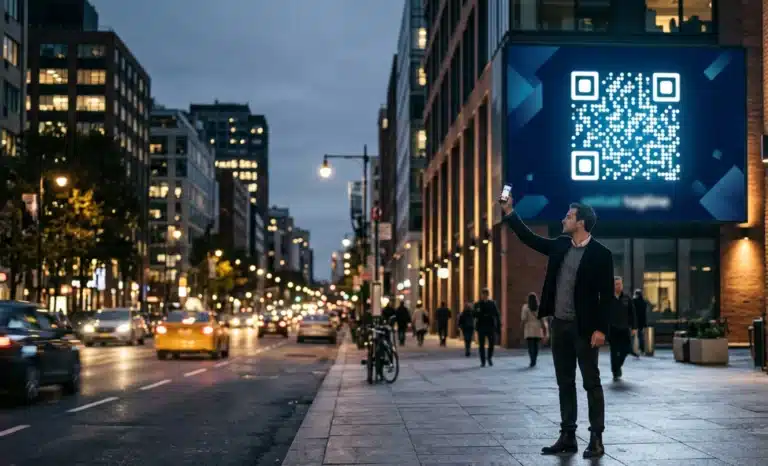
A QR code on out-of-home advertising is the practice of placing a scannable code on any OOH format, from billboards and transit ads to street furniture, digital displays, airport panels, cinema screens, and retail signage, so that passive impressions become measurable, trackable interactions with a digital destination.
The execution is harder than the definition. OOH viewers are moving, distracted, at variable distances, and in variable lighting. This playbook covers the operational decisions that determine whether a QR code OOH advertising campaign delivers or quietly fails.
Why does a QR code on out-of-home need its own playbook?
A QR code on out-of-home operates under physical constraints that digital placements never face. The viewer is walking, driving, or waiting. The distance to the creative varies from half a meter to forty. Light changes by hour and by weather. The code has to work in that environment, not on a screen at arm’s length.
Digital QR placements assume a captive viewer. OOH assumes almost nothing. The person who scans a marquesina while waiting for a bus behaves nothing like the driver who glimpses a highway billboard for four seconds, and treating all OOH formats as one channel is the most common reason these campaigns underperform.
If you are new to the topic, QRCodeKIT’s introductory article on QR codes for billboards covers the fundamentals of that specific format. This playbook assumes you already buy or approve OOH media and goes straight to execution across the full format range.
How do OOH formats differ for QR execution?
Each OOH format combines a viewing distance, a dwell time, and a motion condition. Those three variables dictate the code size, the on screen duration, and the kind of destination that makes sense. The table below summarizes the operational differences.
| Format | Typical dwell time | Typical viewing distance | QR execution notes |
|---|---|---|---|
| Static billboards (highway, urban) | Very low, drive by | 20 to 40 m | Very large code, short and clear destination, strong CTA |
| Transit ads (bus wraps, taxi tops, metro cars) | Low, in motion | 3 to 15 m | Works best when the vehicle is stopped; interior metro ads outperform exteriors |
| Street furniture (marquesinas, mupis, benches, kiosks) | Moderate, waiting | 1 to 3 m | Highest scan potential; small code is enough, destination can go deeper |
| Digital OOH (DOOH) | Brief exposure windows | 2 to 20 m | Code must stay on screen at least 10 seconds; consider companion prompts |
| Airport panels | Long, waiting for flights | 2 to 10 m | International audience; multilingual destinations matter |
| Cinema pre roll | High, seated, phone in hand | 10 to 25 m | Controlled lighting helps; keep the code on screen through the message |
| Retail signage and mall installations | Variable, potentially high intent | 0.5 to 5 m | Contextual destinations expected; shopper is close to purchase |
The pattern is clear once laid out. Street furniture and cinema reward the scan with time and proximity, highway billboards and moving transit punish anything smaller than the math requires, and airports reward preparation for an international audience.
How large should the QR code be for each viewing distance?
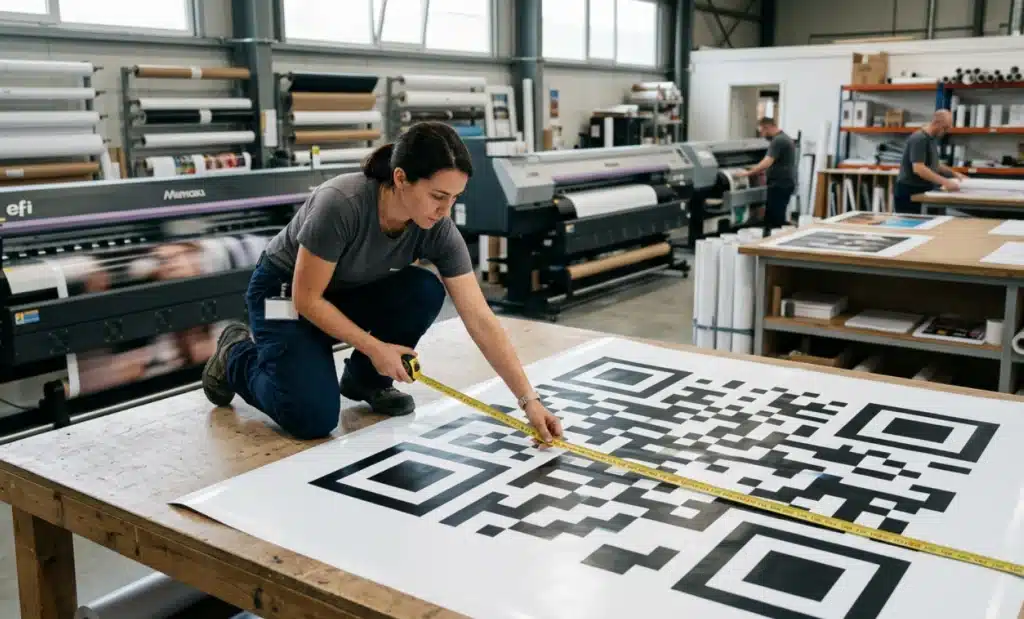
The working rule of thumb is a minimum of 1 cm of code side per 10 cm of expected viewing distance, or 1 inch per 10 feet. It is a floor, not a target. When in doubt, go larger, because the viewer rarely stands at the ideal spot.
Applied to real placements, a highway billboard read at 20 to 40 meters needs a code with a side of 20 to 40 cm at minimum, while a street level marquesina viewed at 2 to 3 meters typically works with a 2 to 3 cm code. That gap is why street furniture tolerates subtle integrations that would be useless on a billboard.
DOOH adds a second variable: resolution. A code can hit the right physical size on a low resolution LED board and still fail because the modules blur into each other. Ask the media owner for pixel dimensions, not just screen size.
Whatever the format, preserve the quiet zone: a minimum of 4 modules of clean white space on all sides. Designers under layout pressure trim it first, and it is the most frequent silent killer of scannability in produced creative.
Where should the QR code sit on the creative?
Place the code where the eye naturally rests after reading the main message, not in the corner nobody looks at. In most layouts that means near the headline’s landing point or the primary visual, integrated into the reading flow rather than appended to it.
Keep the code away from folds, edges, and overlap zones, since panel seams on bus wraps and hoardings can distort it enough to break it. Contrast matters more than brand colors: strong dark modules on a light background beat any subtle on subtle treatment, however elegant the palette.
The code also needs a reason to exist in the viewer’s mind. A short call to action next to it, such as “Scan for the offer” or “Scan to see it in 3D”, consistently outperforms a naked code. People do not scan what they do not understand.
For DOOH specifically, keep the code on screen for at least 10 seconds within each creative rotation. Anything shorter forces the viewer to wait for the loop to come around again, and almost nobody does.
Finally, test in the physical environment before production: print at scale, stand at the real distance, and scan with several phones in real lighting. A test on a computer screen validates nothing about a billboard.
What should the destination look like after an OOH scan?
The destination page carries more weight in OOH than in any digital channel because the scanner is standing in a public space, often on a congested mobile network, with limited patience. The page has to load fast, deliver value immediately, and match the promise made on the creative.
Test load times on a throttled 3G connection, not on office wifi. A page that takes eight seconds to render on a street corner loses the scan. Strip signup walls and long forms from the first screen and ask for data after delivering value, not before.
Design mobile first without exception, since every OOH scan happens on a phone, and keep the message consistent: if the billboard promises an offer, the page opens with the offer. For airports and tourist heavy areas, language detection turns an international audience from a problem into an advantage.
Why do OOH campaigns need dynamic QR codes?
OOH campaigns run for weeks or months, and almost nothing about them stays fixed. Offers expire, launch dates move, landing pages get rebuilt. A dynamic QR code lets the destination behind the printed code change at any point without touching the physical creative.
A static code locks the campaign to the moment the file went to print. If the destination needs to change mid flight, the only fix is reprinting and reinstalling the creative, a five figure correction on a national buy for what should have been a two minute edit. Platforms like QRCodeKIT generate dynamic codes by default, so the destination stays editable for the entire life of the placement, including after the campaign ends.
How do you measure OOH performance with a QR code?
A QR code gives OOH something the channel has historically lacked: behavioral data tied to specific placements. Impressions in OOH are estimated by the media owner; scans are counted, timestamped, and located. That difference is what turns OOH from an act of faith into an accountable line on the media plan.
The measurement layer worth building includes total scans by placement, scan through rate (scans divided by the provider’s estimated impressions for that unit), geographic distribution of scans, time of day patterns, and downstream conversion tracked through UTM parameters. With that in place you can compare formats inside one campaign and see, with real behavior, whether the transit buy outperformed the billboards.
QRCodeKIT’s scan analytics cover the placement level data side of this natively, and UTM tagging connects the scan to whatever happens afterward in your own analytics.
One honest caveat: QR codes improve OOH attribution, they do not complete it. A scan measures the viewers who acted, not everyone the campaign influenced, so brand effects, search lift, and store visits still need their own measurement. Treat scan data as the strongest direct signal, not the whole picture.
How do you run QR codes across multi location campaigns?
For campaigns spanning dozens or hundreds of placements, each placement should carry its own unique QR code, or at minimum a unique URL parameter, so performance can be attributed to the individual billboard, shelter, or screen. One shared code collapses all that signal into a single undifferentiated number.
At that scale, manual code creation stops being realistic. Bulk generation through CSV upload or an API becomes the operational backbone: one row per placement, each with its own code and tracking parameters, generated in one pass. QRCodeKIT supports both routes, which matters when the placement list changes the week before launch and the set has to be regenerated fast.
Which mistakes hurt OOH QR campaigns most?
The same handful of errors accounts for most underperforming campaigns:
- Undersized codes on highway billboards, unreadable at driving speed and distance.
- Static codes on campaigns whose destination will inevitably change mid flight.
- No call to action next to the code, so viewers have no reason to scan.
- Destination pages that load slowly on real mobile networks.
- Ignoring the dwell time of each format, expecting a bus wrap at speed to perform like a marquesina.
- One shared code across all placements, making placement level attribution impossible.
- Codes placed where the eye never travels, or crowded against edges and seams.
None of these are creative failures. They are operational oversights, which is exactly why a checklist catches them.

What should the pre launch checklist include?
Run this review before anything goes to production:
- Code sized to the real viewing distance, using the 1 cm per 10 cm rule as the floor.
- Quiet zone of at least 4 modules preserved on all sides.
- Contrast checked: dark modules on a light background.
- Clear call to action placed next to the code.
- Dynamic code confirmed for any campaign that may evolve.
- Destination page loads in under 3 seconds on a 3G connection.
- Unique code or UTM parameter per placement for attribution.
- Scan test completed in the physical environment, at distance, with multiple devices.
Eight items, ten minutes, and most of the failure modes in this playbook are off the table.
Frequently asked questions
How long should a QR code stay visible on a DOOH screen?
A minimum of 10 seconds per rotation. That window gives a walking viewer time to notice the code, raise the phone, and complete the scan; shorter exposures force people to wait for the loop to repeat. If the rotation cannot accommodate 10 seconds, add a short URL or a cross media prompt as backup.
Can one QR code cover every placement in a campaign?
It can, but it should not. A single code reports one aggregate number and tells you nothing about which placements earned it. Unique codes or unique URL parameters per placement cost nothing extra with bulk generation and give you placement level attribution, which is the main measurement advantage QR codes bring to OOH.
Do QR codes work on moving formats like bus wraps?
They work with the right expectations. A bus exterior is scannable mostly when the vehicle is stopped at lights or in traffic, so urban routes with frequent stops outperform fast corridors. Interior transit ads, where riders sit near the creative for whole journeys, offer far better scan conditions.
Should the QR code send people to the homepage?
No. The destination should fulfill the specific promise on the creative: the offer, the product, the event page. A homepage forces the scanner to hunt for what the billboard already promised, and on a street corner most people abandon first. Match destination to message, always.
How do you test a QR code before an OOH campaign goes live?
Print the creative at final size or preview it on the actual screen, then scan from the real viewing distance with several phone models in the lighting the audience will face. Check the destination on a throttled mobile connection. Desk testing confirms the code works, not that the placement works.
What scan performance should you expect from OOH?
There is no universal benchmark worth trusting, because performance depends on format, dwell time, creative, and offer. The reliable approach is internal comparison: track scan through rate per placement from day one, set your own baseline, and optimize against it. Your marquesinas versus your billboards beats any industry average.
All images and visual content in this article were created using RealityMAX.