How hosts use QR codes in short-term rentals to answer guest questions without being there

QR codes in short-term rentals have become one of the quietest upgrades a host can make. No new hardware. No extra staff. Just a printed code placed somewhere guests will see it, and suddenly the most common questions answer themselves.
The Wi-Fi password. The checkout process. What to do if the hot tub smells strange. These are not complicated questions, but they generate calls, messages, and moments of friction that chip away at the guest experience. A well-placed QR code does not just pass along information. It signals to the guest that the host thought ahead.
This article looks at how hosts and property managers are using QR codes strategically across the rental experience, from the front door to the checkout area, and what makes the difference between a code that gets scanned and one that gets ignored.
The moment a guest arrives with no one to greet them
Most short-term rentals today run without a host physically present. Check-ins happen through smart locks, lockboxes, or keyless entry systems. That convenience is real, but it creates a gap. The guest is standing in an unfamiliar space with questions and no one to ask.
That first fifteen minutes sets the tone for everything. Guests who feel oriented relax quickly. Guests who feel lost start messaging.
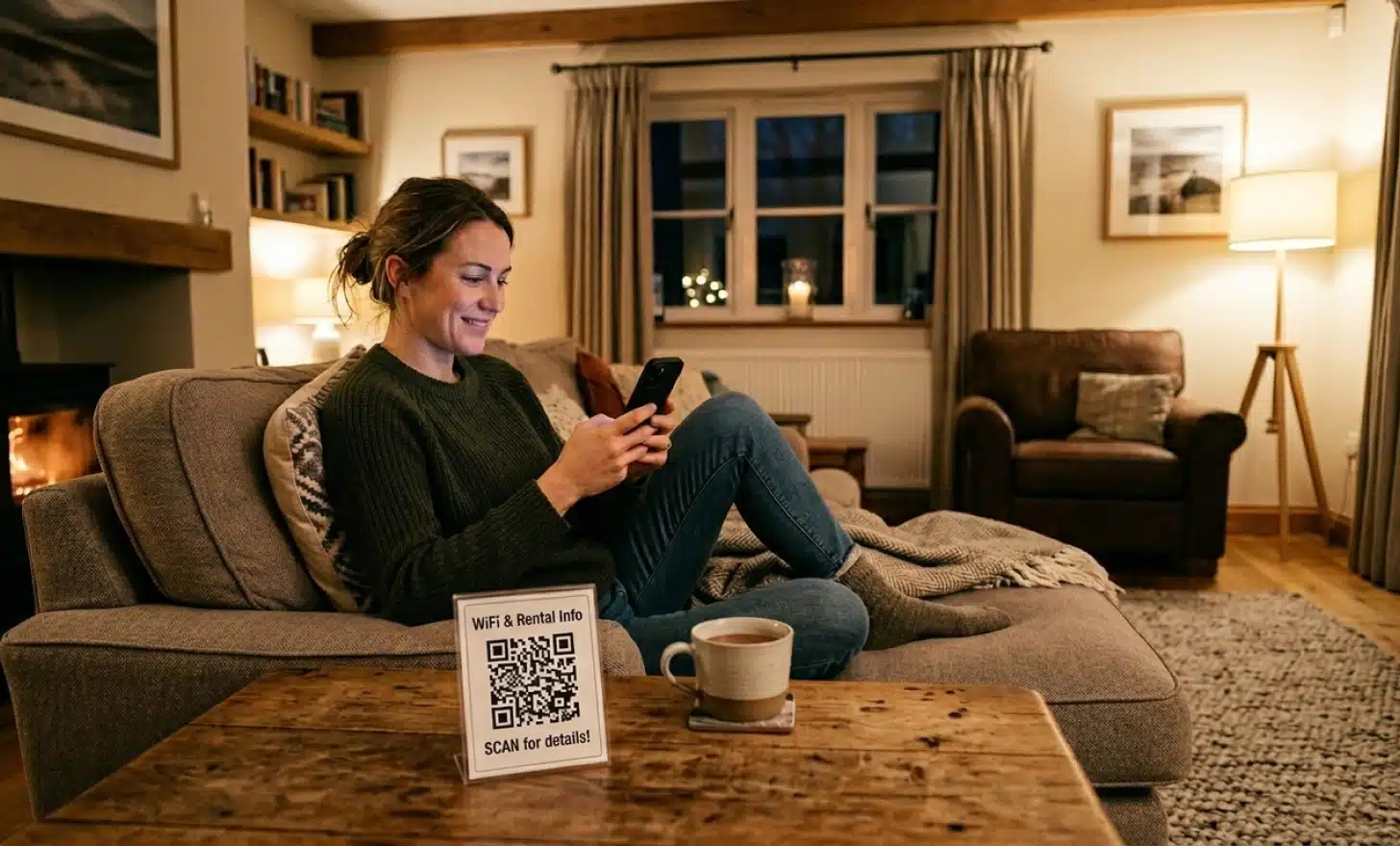
A QR code placed near the front door or on the kitchen counter gives guests a first point of contact. Modern smartphones read QR codes directly through the camera, no app required, so the barrier is close to zero. One quick scan and the guest lands on a page built specifically for their stay.
What belongs in a rental QR code experience
The answer depends on the property, but most hosts converge on a similar core. The information guests need immediately is almost always the same: Wi-Fi credentials, house rules, appliance instructions, and emergency contacts. Everything else is a bonus.
Beyond the basics, there is real value in local recommendations. Guests scanning a QR code at a vacation rental are often looking for exactly that kind of insider guidance. A curated list of restaurants, the nearest grocery store, or the best coffee within walking distance turns a code into something guests actually want to use rather than something they feel obligated to consult.
A few categories that tend to reduce late night calls and repeat messages:
- Wi-Fi password and network name
- Checkout instructions with specific times and steps
- How to use appliances that are not intuitive (smart TVs, washing machines, thermostats)
- Parking instructions and any permit requirements
- Emergency contacts and property manager details
- Local tips the host genuinely recommends
The goal is not to replace the host’s personality but to make the information available at the moment the guest needs it rather than twenty minutes later when a reply arrives.
Why a printed QR code does not mean fixed information
One of the most common misconceptions about QR codes is that once they are printed, the content behind them is locked. That is only true of static QR codes, which encode a fixed destination directly into the pattern itself.
Dynamic QR codes work differently. The code points to a short redirect URL, and the content behind that URL can be updated at any time. The physical code on the sign stays the same. What guests see when they scan can change whenever needed.
For rental hosts, this matters a great deal. House rules get updated. Local restaurant recommendations change. Emergency contacts shift. A dynamic QR code means the printed sign does not need to be replaced every time the underlying information does. Platforms like QRCodeKIT offer dynamic QR codes as the default, so hosts are not committing to permanent content at print time.
One QR code or several: thinking about placement strategically
Some hosts create a single comprehensive code with all the property information. Others use multiple codes, each placed where it is most relevant. Both approaches work, and the right choice depends on the size of the rental and how guests actually move through it.
A single code near the entrance works well for apartments or smaller properties. Guests scan once and have everything they need. There is less cognitive overhead, and it keeps the property feeling clean rather than plastered with signage.
Larger properties or ones with more complex amenities often benefit from contextual placement. A code near the hot tub that links directly to operating instructions is more useful than one that sends the guest to a general page where they have to hunt for it. A code at the checkout area that focuses specifically on departure instructions removes ambiguity at the moment it matters most.
Too many QR codes, though, creates its own problem. When guests see codes everywhere, they start to tune them out. Intentional placement, one code per distinct context, is more effective than comprehensive coverage for its own sake.
When a static page is not enough: AI QR codes for rental properties
A standard QR code sends guests to a page. They arrive, read through the information, and either find what they need or do not. That experience is better than nothing, but it still puts the burden on the guest to locate the right answer.
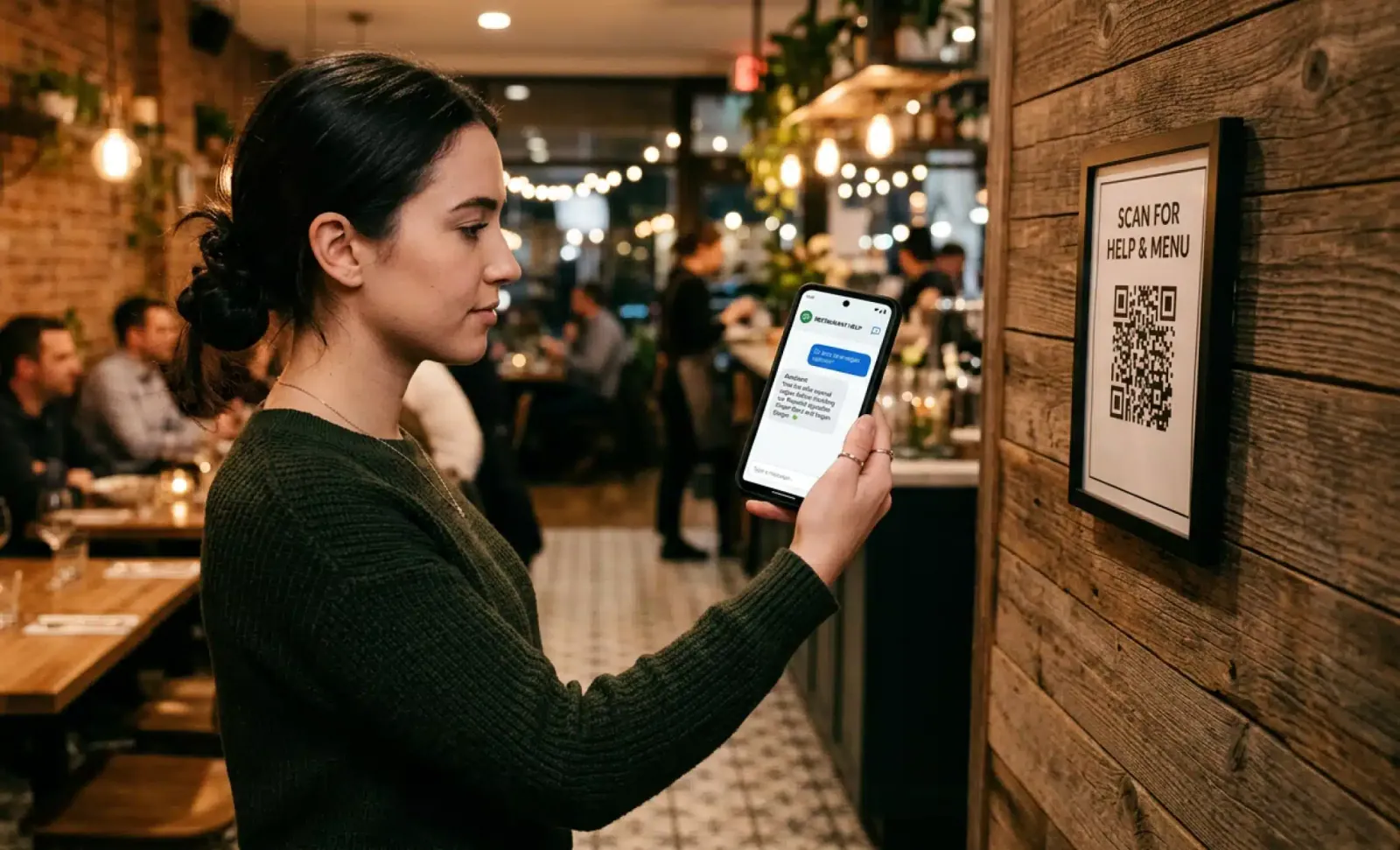
A newer category, AI QR codes, changes the dynamic. Instead of landing on a static page, guests land on a page where a conversational AI is ready to answer questions directly. The host loads the property information into the system once, and from that point, guests simply ask what they want to know.
QRCodeKIT has built this into its platform through Cleo, an AI assistant embedded directly into the QR code experience. When a guest scans a Cleo-powered code, they do not just get access to a digital guidebook. They can ask “What time is checkout?” or “Is there parking nearby?” and get an answer in seconds, in whatever language they are most comfortable in.
For international guests in particular, this matters. A guest who is more comfortable in Spanish or German should not have to work harder to get the same information as a guest who reads English fluently. Cleo handles that without any extra configuration on the host’s side.
Put it into practice
Create a dynamic QR code free and see it work. No credit card required.
Get started freeWhat scan data tells hosts about their rental experience
Dynamic QR codes do not just deliver information. They collect it. Every time a guest scans, the system logs the scan: when it happened, where, and on what device. Over time, that data tells a story that is hard to see otherwise.
High scan frequency on a particular code, say, the one near the washing machine, suggests that guests are confused about how it works and that the appliance instructions may need to be clearer. A spike in scans on checkout day points to guests looking for departure guidance that they could not find easily enough. Low scan frequency on a well-placed code might indicate that the placement itself needs to move.
This feedback loop is one of the less visible but genuinely useful advantages of integrating QR codes into a rental property systematically rather than as an afterthought. Hosts who pay attention to scan data often find that it highlights gaps in their guest communication before those gaps turn into negative reviews.
Connecting the rental experience to reviews and repeat bookings
The connection between guest experience and Airbnb listing performance is direct. Guests who feel well looked after leave better reviews. Better reviews drive more bookings. The logic is obvious, but the execution often falls down in the small moments: the unanswered question, the confusion about checkout, the missing Wi-Fi info.
A QR code that gives guests instant access to the right information at the right moment removes most of those friction points without requiring the host to be available around the clock. It is not about replacing the personal touch. It is about making sure the basics are handled reliably so that the host’s attention can go toward the things that actually benefit from a human response.
Some hosts also use a unique QR code placed in the checkout area to link directly to their review page. Guests who have just had a smooth experience and are wrapping up their stay are in exactly the right moment to be asked. The code removes the friction of finding the review link independently.
How property managers use QR codes across multiple rentals
For those who manage more than one property, the question shifts from whether to use QR codes to how to manage them efficiently. Creating a separate QR code for each property is straightforward enough. The real value comes from being able to update the content behind each code remotely without touching the physical signage.
A property manager overseeing ten vacation rentals can update house rules, swap out seasonal local recommendations, or change emergency contact details across all ten properties from a single platform. The codes on the walls remain unchanged. The information guests access is always current.
This scalability is one of the main reasons property managers have been early adopters of dynamic QR codes for guest communication. The time saved on individual property updates adds up quickly when it is multiplied across a portfolio.
Where should hosts place QR codes in a short-term rental?
Placement should follow the guest’s natural path through the property. The front door or entryway is the highest-value location because it catches guests at the moment of arrival when they are most in need of orientation. The kitchen counter is the second most natural location, as it is where guests congregate and where appliance and house rules questions tend to arise.
After those two, placement becomes more specific to the property. A code near the hot tub, one in the bedroom for specific appliance instructions, one at the checkout area. The principle is that a code should appear where a question is likely to arise, not just where there is empty wall space.
Do guests actually scan QR codes in rental properties?
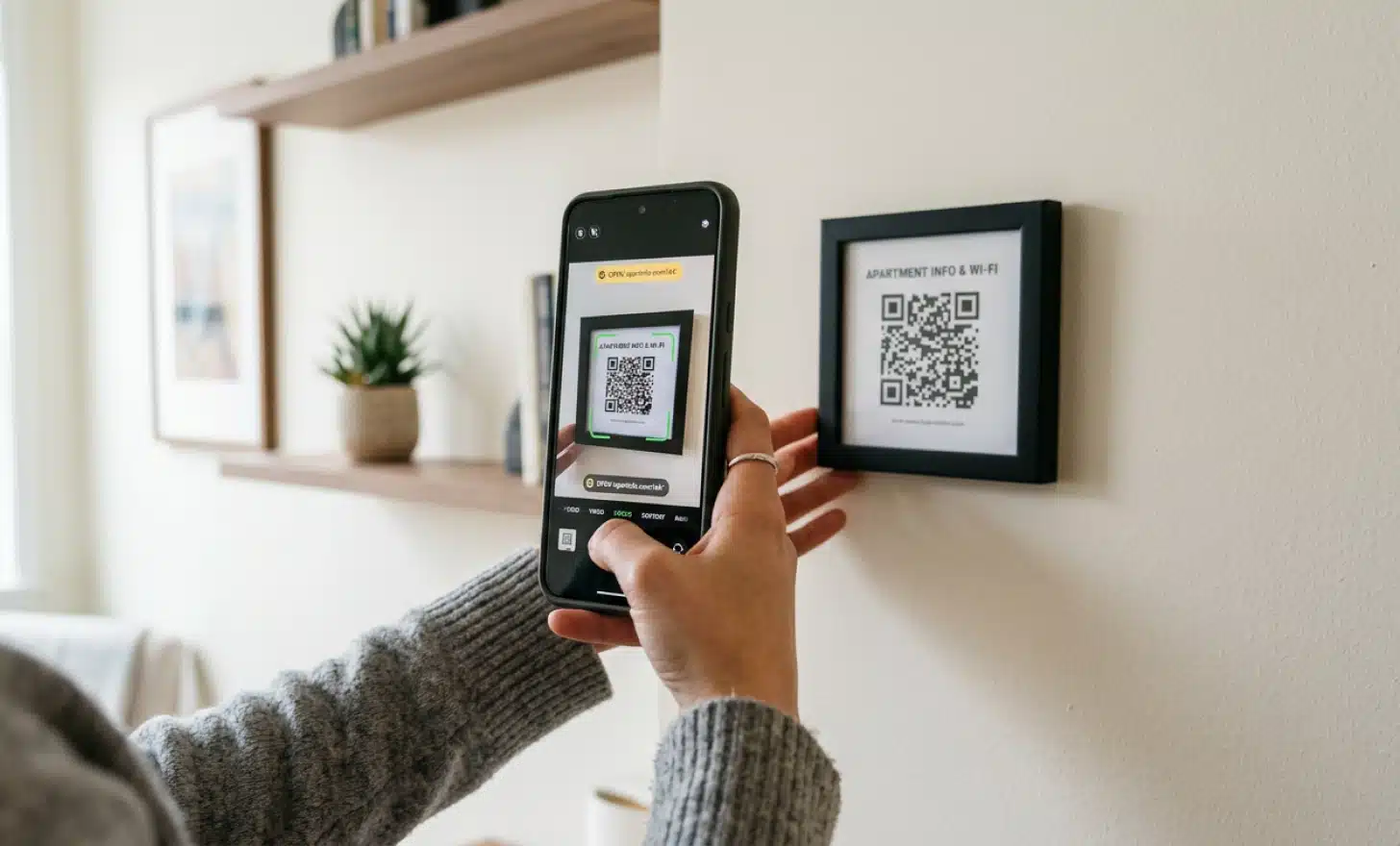
Yes, when the placement and framing are right. The key assumption many hosts make incorrectly is that guests will assume a QR code leads to promotional content or requires an app download. A small label next to the code that says something like “Scan for Wi-Fi, house rules, and local tips” removes that uncertainty entirely.
Modern smartphones scan QR codes directly through the built-in camera on both iOS and Android, so there is no barrier on the guest’s side. The question is really about whether the code signals clearly enough that something useful is behind it. Hosts who add brief context around their codes consistently report higher scan rates than those who place the code alone.
The audience also matters. Guests who have chosen a tech-enabled rental with smart locks and keyless entry are exactly the audience most likely to engage comfortably with a QR code. They have already opted into a self-serve experience. The code fits the context.
Can a QR code replace a digital guidebook for short-term rentals?
A QR code and a digital guidebook are not competing solutions. A QR code is the access point. The digital guidebook, or the AI-powered conversation behind it, is what the guest reaches when they scan.
The relevant question is what kind of experience the guest finds after the scan. A simple landing page with static text works for properties where the information rarely changes and guests are unlikely to have follow-up questions. An AI QR code powered by something like Cleo works better for properties with more complex amenities, multilingual guests, or hosts who want to handle guest questions without being personally available at all hours.
Either way, the physical QR code is simply the bridge. What matters is that the destination is genuinely useful when the guest arrives there.
All images and visual content in this article were created using RealityMAX.
Related articles
What are AI QR codes?
What are AI QR codes, exactly? Not just a QR code that links somewhere smarter. A QR code that answers questions, speaks the visitor’s language, and helps them…
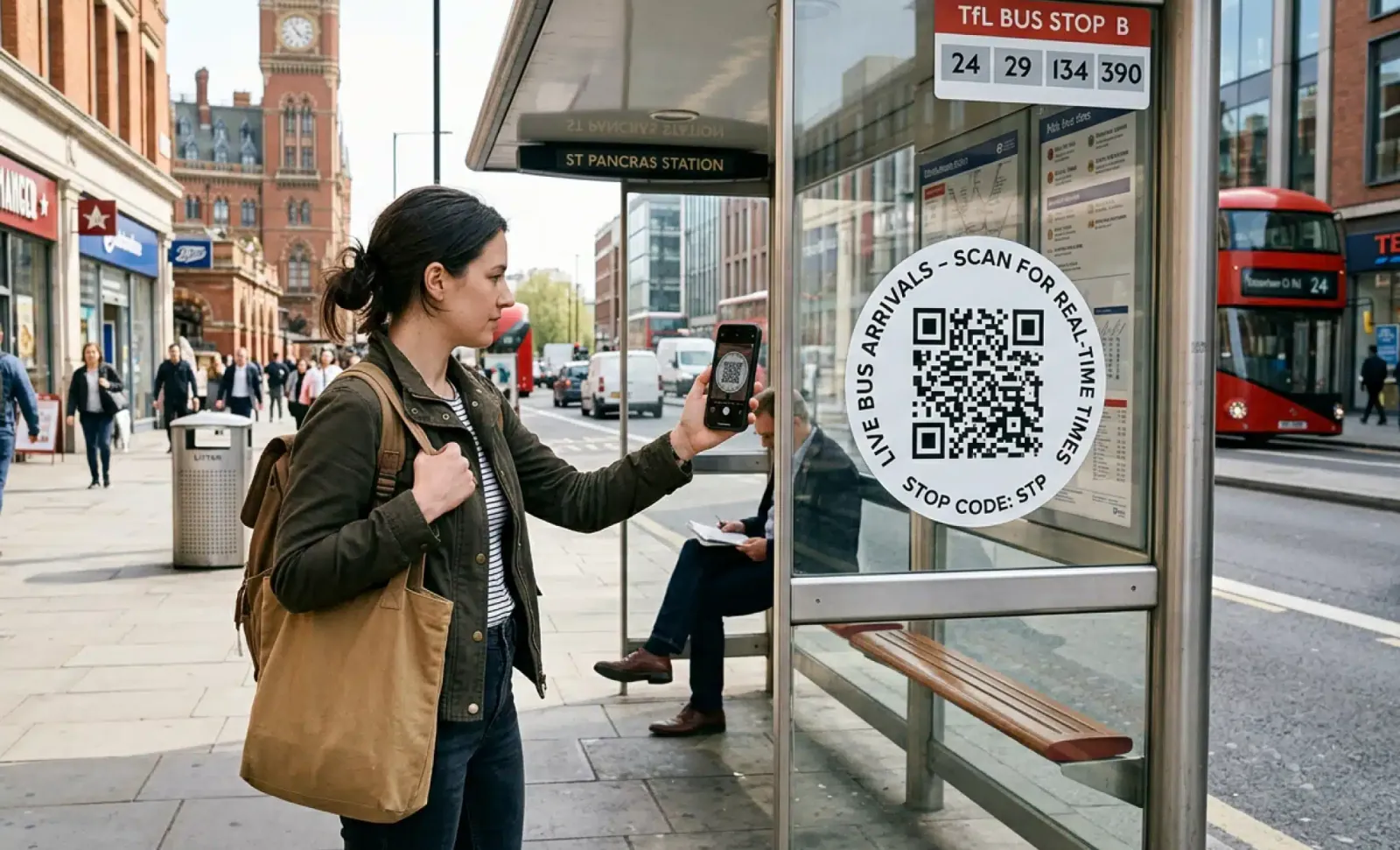
AI QR codes for public transport
Public transport moves millions of people every day. And yet, for all its scale, it still leaves passengers standing at bus stops squinting at faded…
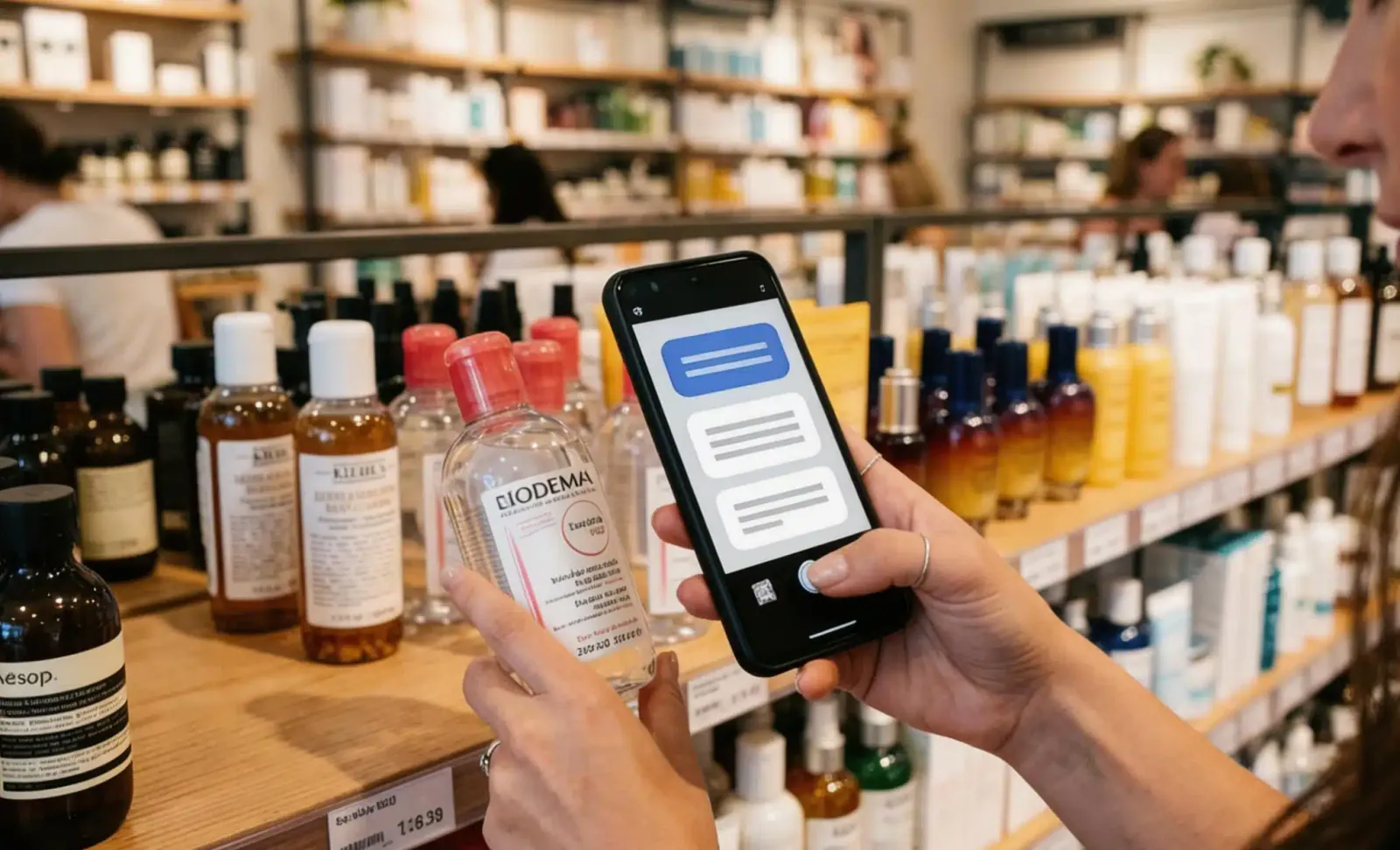
AI QR codes for retail
A shopper stops in front of a display. They want to know if the product contains allergens, whether it comes in a different size, and what other customers say…
Two free dynamic QR codes. Yours forever.
No credit card. No expiry. The original dynamic QR platform since 2009.