
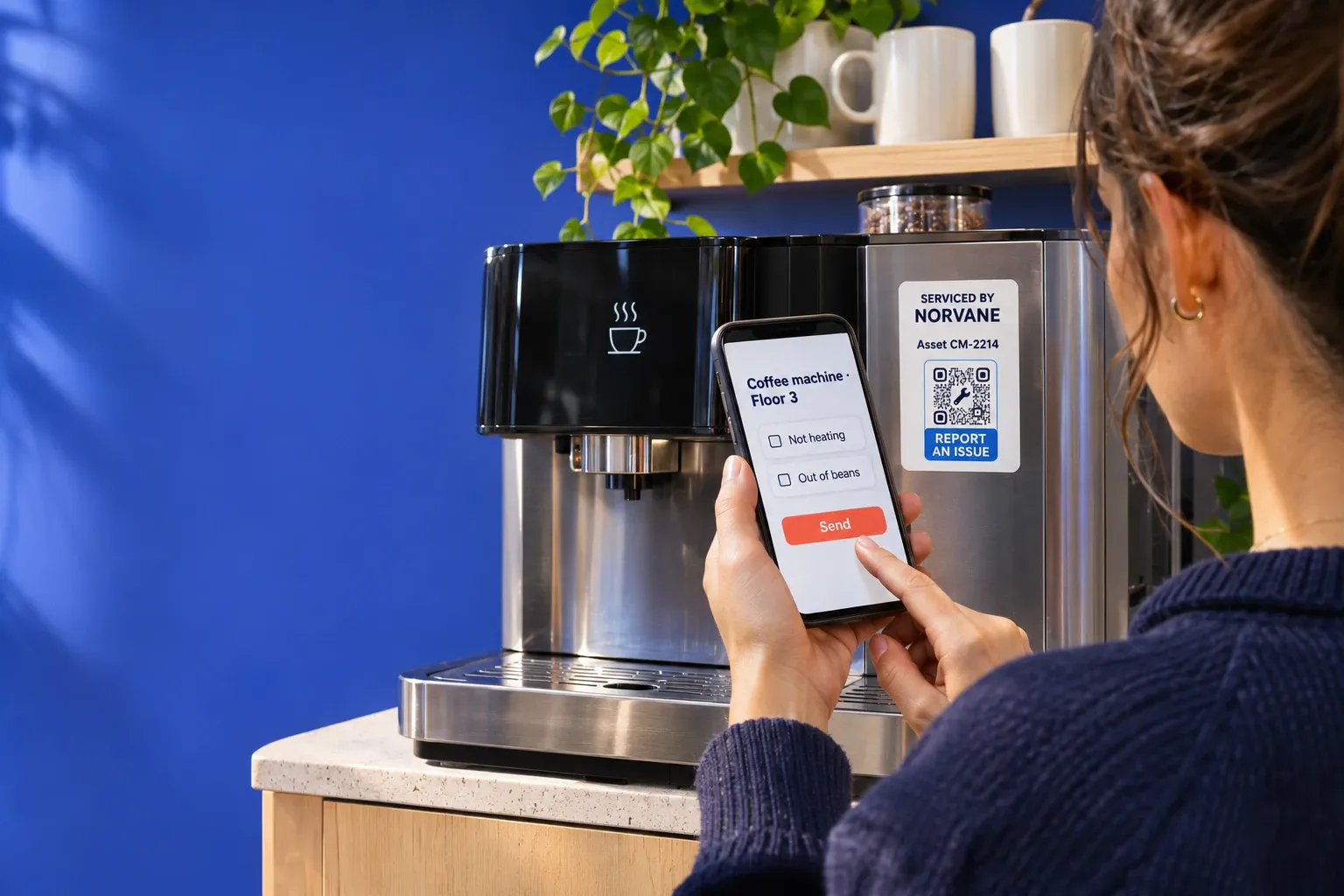
QR codes for business services that turn every sticker into a service desk.
Put one dynamic QR code on every service sticker, van and invoice. Let clients report an issue, reach your team or find their documents with one scan, and see which sites, assets and vans people scan.
No credit card required•GDPR-compliant•Hosted in the EU
By continuing you agree to our Terms and Privacy Policy.
Trusted by more than a million companies worldwide
What are QR codes for business services?
QR codes for business services are dynamic QR codes on service stickers and asset labels, vans, invoices, proposals, letterheads and business cards that open content the provider can change at any time: an issue report form, a WhatsApp chat with the service team, a manual or service document, a portfolio of case studies or a contact card. Each asset, site or vehicle can have its own code, so every scan shows which one it came from. QRCodeKIT, launched in 2009 as uQR.me, is the dynamic QR code platform service companies use to run them, hosted in the EU.
Who it’s for
From the client’s site to the invoice
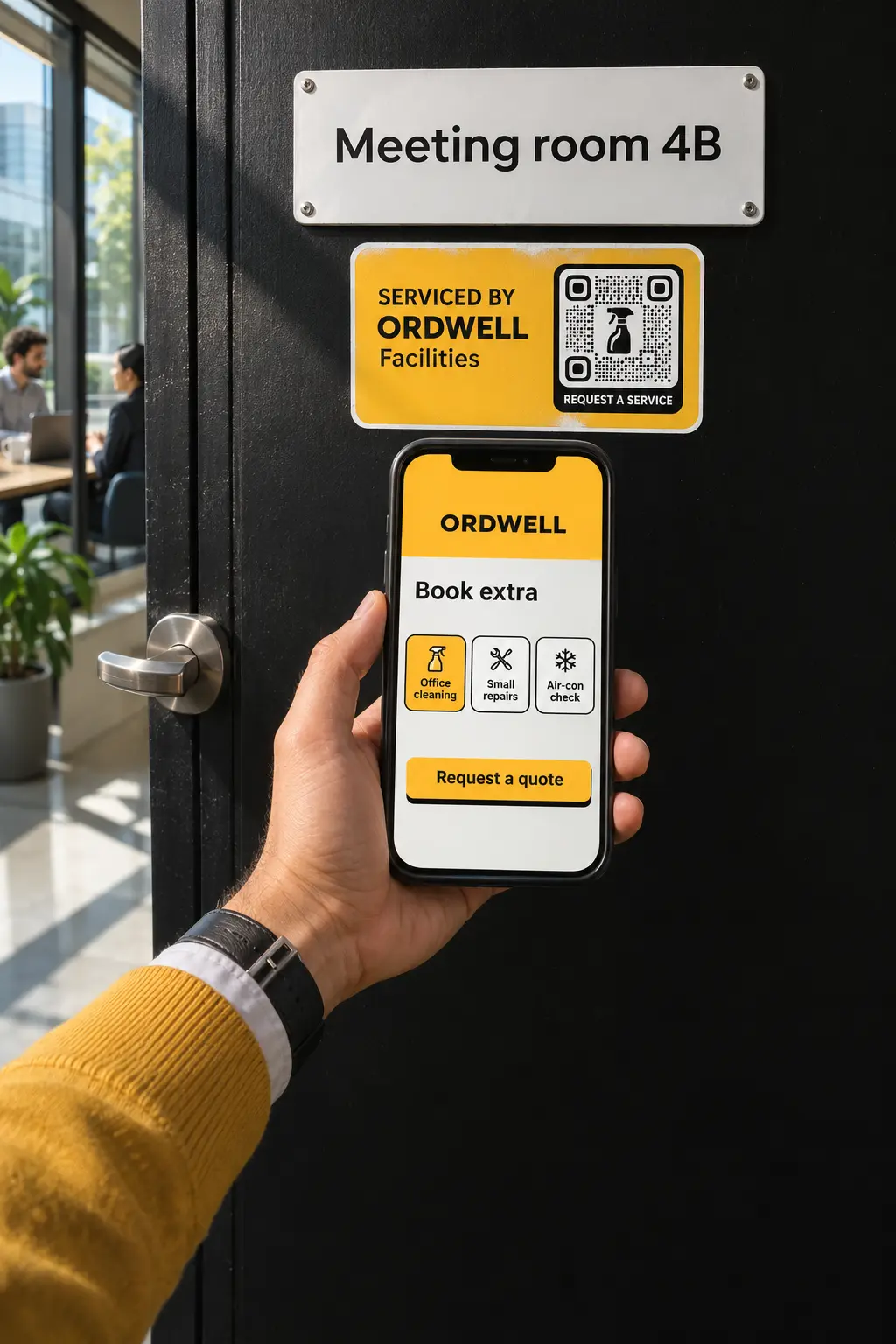 Facility & cleaning services
Service stickers that take requests
A code on each machine, room or asset opens a short form to request a service or report an issue, so your team knows what and where before anyone calls.
Form QR codes →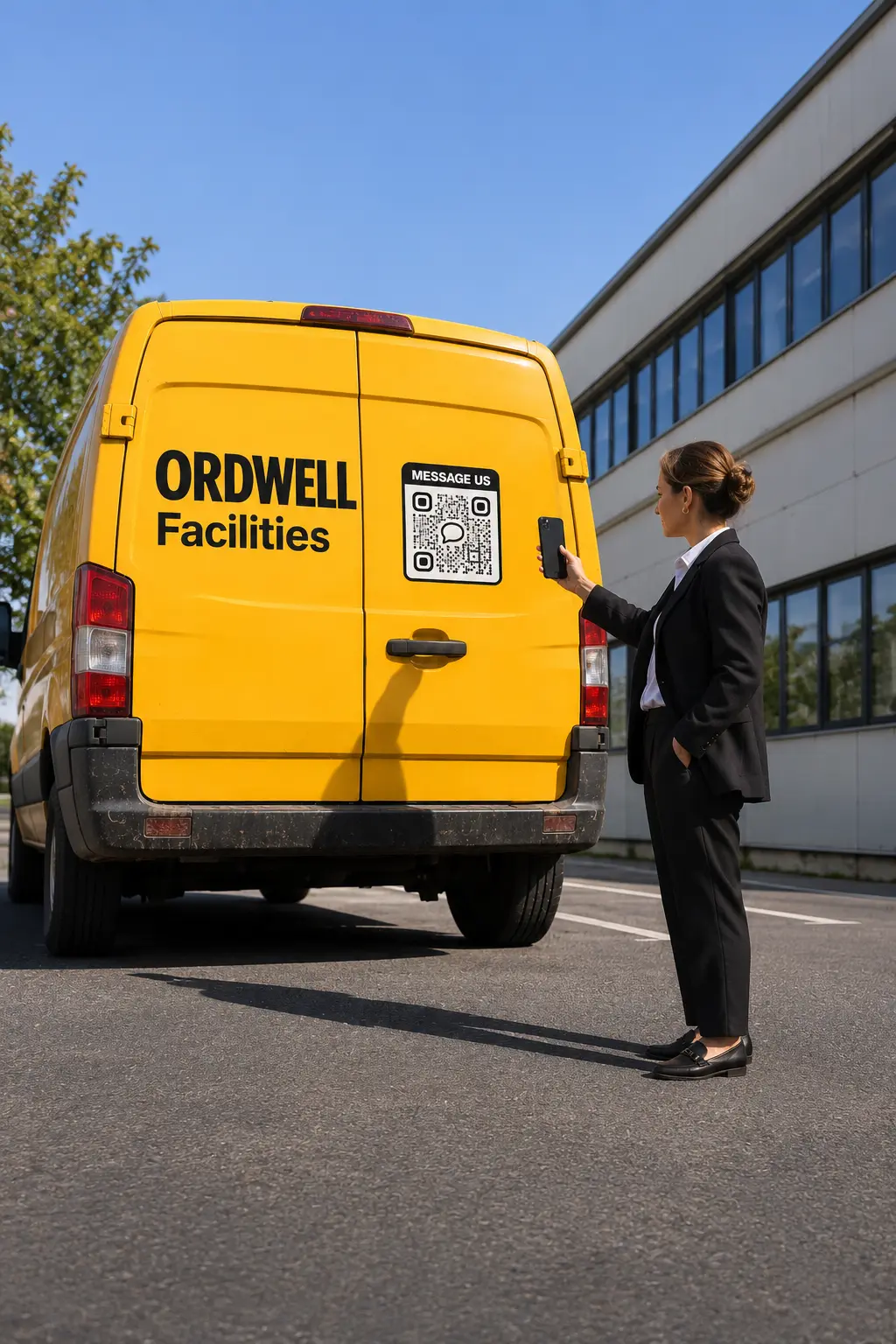 Logistics & field services
Vans and drivers people can reach
A code on the van, the delivery note or the uniform starts a WhatsApp chat with a pre-written message, or opens your contact page.
QR codes on vehicles →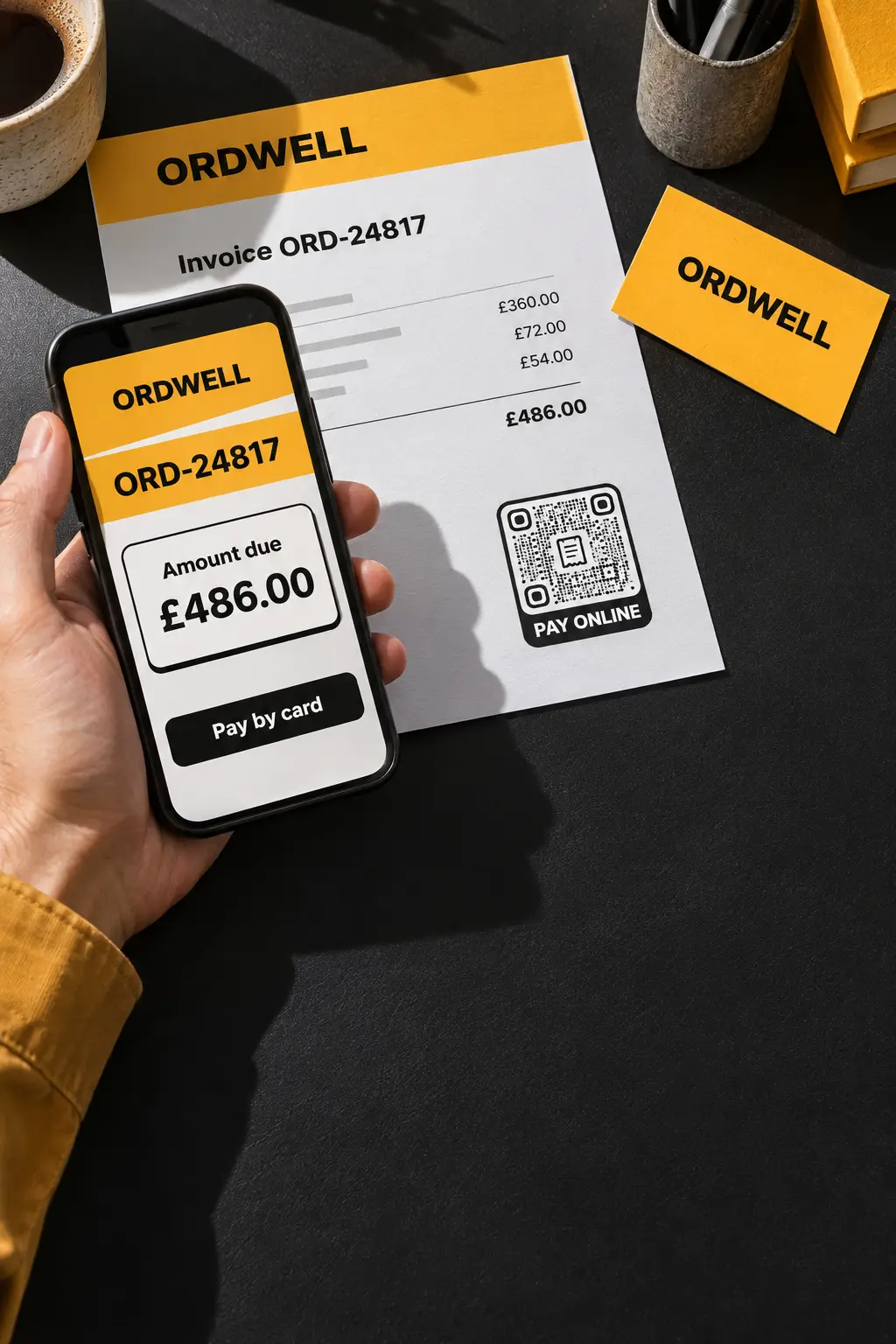 IT, printing & office services
Invoices and proposals that answer questions
A code on the invoice opens the invoice online, ready to pay by card. On the letterhead or the proposal it opens your contact page and case studies, and the business card saves your details in one scan.
QR codes on stationery →Platform
Every asset, van and client, one dashboard
Create
One code per asset, site and vehicle
Create codes in bulk from your asset list, one per machine, room, van or client site, and group them by client or contract. Change what a code opens when the contract changes: the stickers stay where they are.
Bulk creation →QR code serial numbers →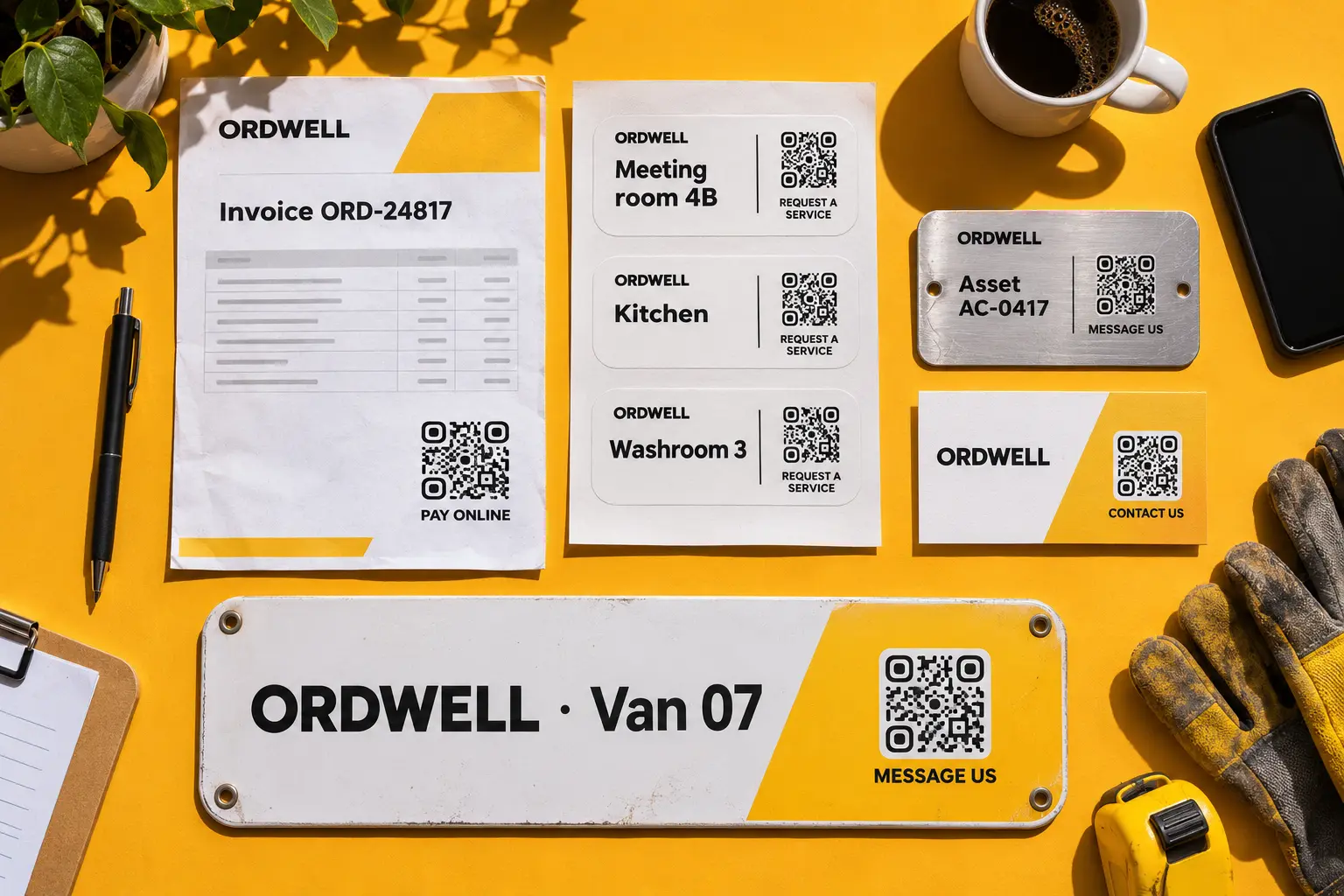
Design
Codes that belong on your stickers and vans
Your logo, colours and frame on stickers, vehicles and invoices, with a live check that the code still scans. Point it to report forms, WhatsApp chats, contact cards or a portfolio page from the same code types.
WhatsApp QR codes →Landing page QR codes →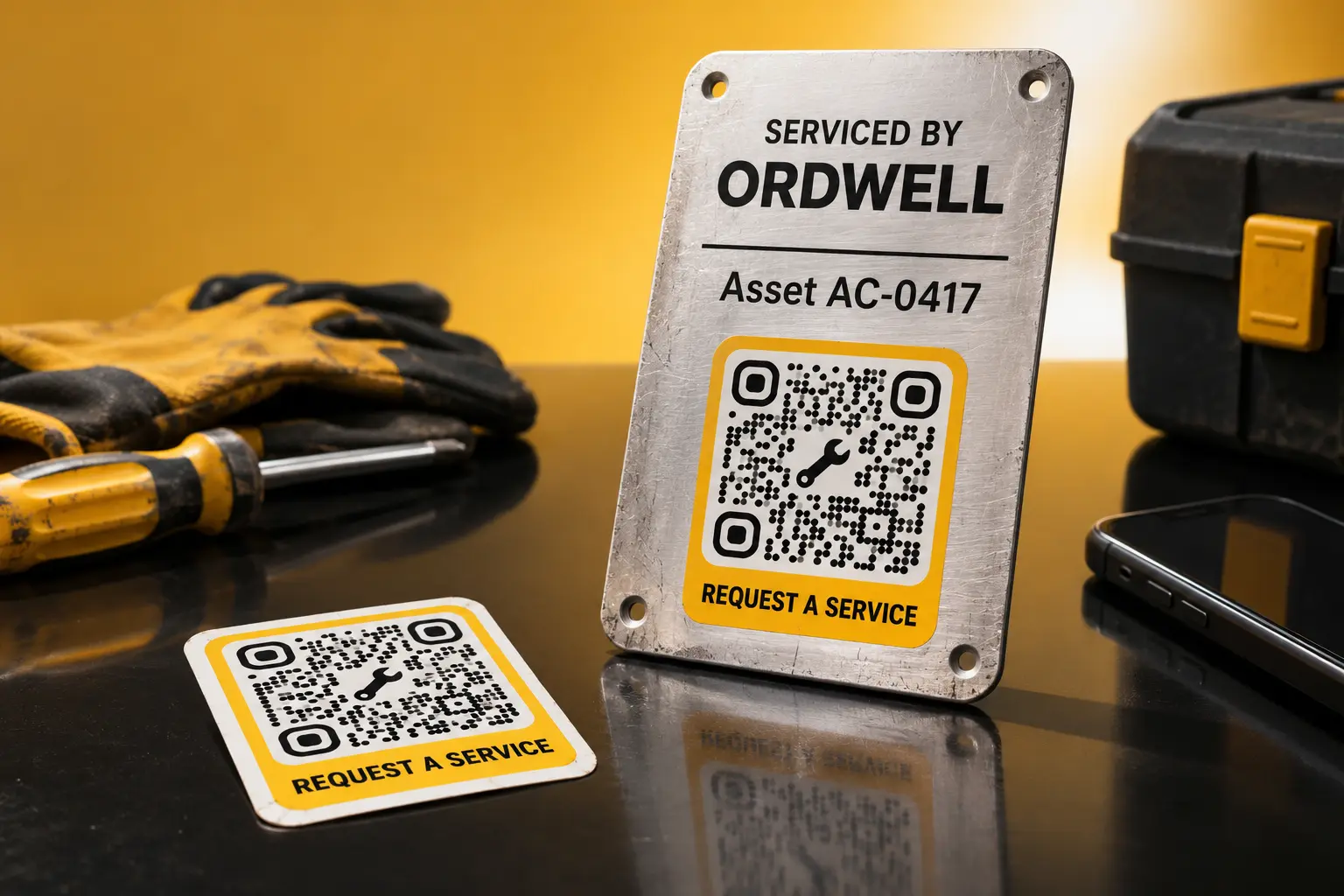
Track
See where clients scan and report
Scans by asset, site and device, first visits apart from repeat ones, and the hours people scan. Compare stickers, vans and invoices, and send each report to your helpdesk through the API and webhooks.
QR code analytics →QR code API →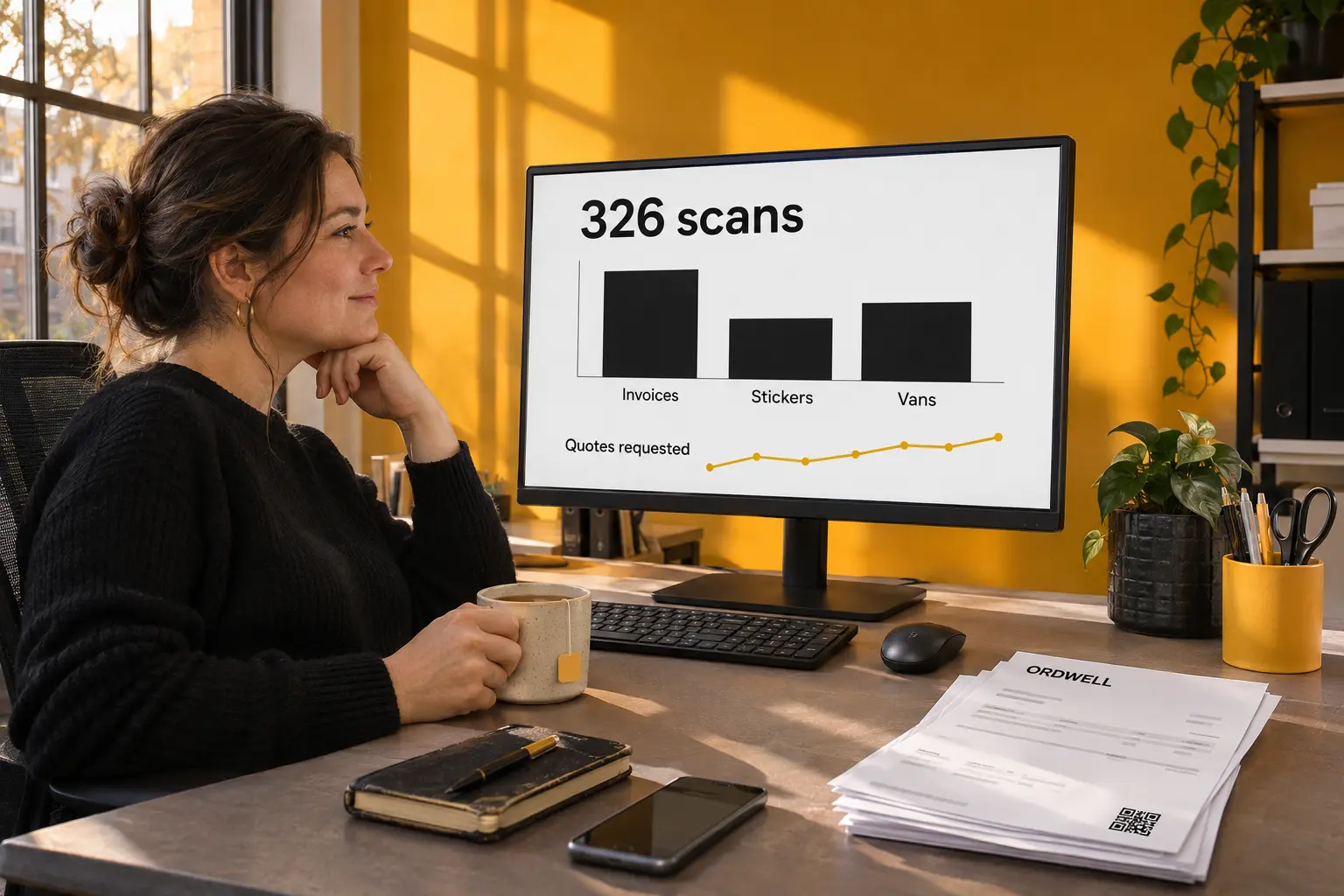
Cleo · AI agent
A service desk in every QR code
Cleo is the AI agent that lives inside your QR codes. Train her on your service catalogue, manuals and contract terms, and she answers clients and their staff in their own language, at any hour, while your team is out on site.
- Answers with no staff needed
- 24/7
- Languages supported
- 40+
Cleo answers from the documents you give her, so every answer matches your real services, hours and contract terms.

The coffee machine on floor 3 isn’t heating. What do I do?
Sorry about that. Use the form below to report it with the asset number on the sticker, and the team on duty will see which machine and floor it is.

Control
Client-safe codes on every asset
Stickers on machines and vans are in public, where fake stickers appear. QRCodeKIT keeps your codes on your own domain and your clients’ data in the EU, across every site and contract.
- Your own domain. Clients and their staff see a link that is clearly yours, which helps them tell your code from a fake sticker. On Pro and Enterprise.
- Hosted in the EU. GDPR-compliant, with European-based infrastructure.
- Teams and single sign-on. Up to 10 team members on Pro; SSO and up to 50 members on Enterprise, for companies with field teams and several offices.
- Forms with consent. Issue reports, service requests and feedback forms with a required consent, and stored answers deleted automatically every week or month.
- Edit after printing. Change the form, the contact or the document behind any code, as many times as you need.
- GDPR
- EU hosting
- ISO 27001 framework
- SSO
Questions service companies ask us
QRCodeKIT is a dynamic QR code platform launched in 2009 as uQR.me and hosted in the European Union. Facility, logistics, IT and other service companies use it to run the codes clients scan on assets, vans and paperwork.
What are QR codes used for in business services?
To connect assets and paperwork with content that changes: issue report forms, WhatsApp chats with the service team, contact pages and office hours, manuals and service documents, case studies and contact cards. A dynamic QR code lets you change that content at any time and count every scan without reprinting.
Can clients report an issue by scanning a sticker?
Yes. Put a form QR code on each machine, room or asset, so every report arrives with the code of the asset it came from. Forms can ask for a required consent, and reports can reach your helpdesk through the API and webhooks.
Can each asset, van or site have its own QR code?
Yes. Create codes in bulk from your asset list, one per machine, vehicle or site, and group them by client or contract, so you can see where people scan and report.
Can a QR code start a WhatsApp chat with our team?
Yes. A WhatsApp QR code opens a chat with your number and a pre-written message, so clients reach the right team without typing a number.
Can I change what a QR code on a van or invoice opens?
Yes, if it is a dynamic QR code. The sticker, the van and the printed invoice stay as they are and you change the page, form or file the code opens from the dashboard.
How do I protect clients from fake QR stickers?
With your own domain on Pro and Enterprise, clients can see that the link belongs to your company, and you can change any code at once if a fake sticker appears.
Is there a free trial?
Yes. Every new account starts with a 7-day free trial of Pro, with no credit card required, with up to 100 QR codes and 100 scans each. Teams that need SSO, API access or higher limits can compare the plans or book a demo.