

January 9, 2026
Can QR codes be hacked? How to spot the risks and scan safely
TL;DR
- Can QR codes be hacked? Not the code itself. A QR code is only encoded data, so the real risk sits in the link or action it triggers.
- Most attacks work by swapping a legitimate code for a malicious one, or hiding a phishing link inside a scan sent by email or SMS.
- Previewing the URL before you open it and avoiding sensitive forms after scanning stops nearly every common scam.
- Businesses lower risk by using dynamic QR codes on a secure platform like QRCodeKIT, where a compromised destination can be updated or deactivated.
QR codes are part of daily life now, from restaurant menus to payments and Wi-Fi logins. That convenience raises a fair question: can QR codes be hacked? On their own, QR codes carry no virus and no malicious code. The danger comes from where they send you, and from how easily a quick scan skips the caution you would normally apply to a link.
Can QR codes be hacked directly, or is the real risk elsewhere?
QR codes cannot be hacked in the way most people imagine. A QR code (short for quick response) is a pattern of squares that encodes information such as a URL, phone number, payment detail, or Wi-Fi credential. It holds no executable code. The risk lives entirely in the destination it points to, never in the pattern itself.
When you point your camera at a code, your device decodes the data and acts on it, usually by opening a page or prompting an action. That is also the weakness. Unlike typing a web address by hand, you cannot see where a code leads until you are already there. Attackers exploit that blind spot by hiding links to phishing pages, fake logins, or malware downloads.
What are the most common QR code scams?
The most common scams do not touch the code’s technology at all. Attackers simply place a malicious code where people expect a legitimate one, or slip one into a message that looks routine. The scan feels normal, and the victim rarely notices anything is wrong until later.
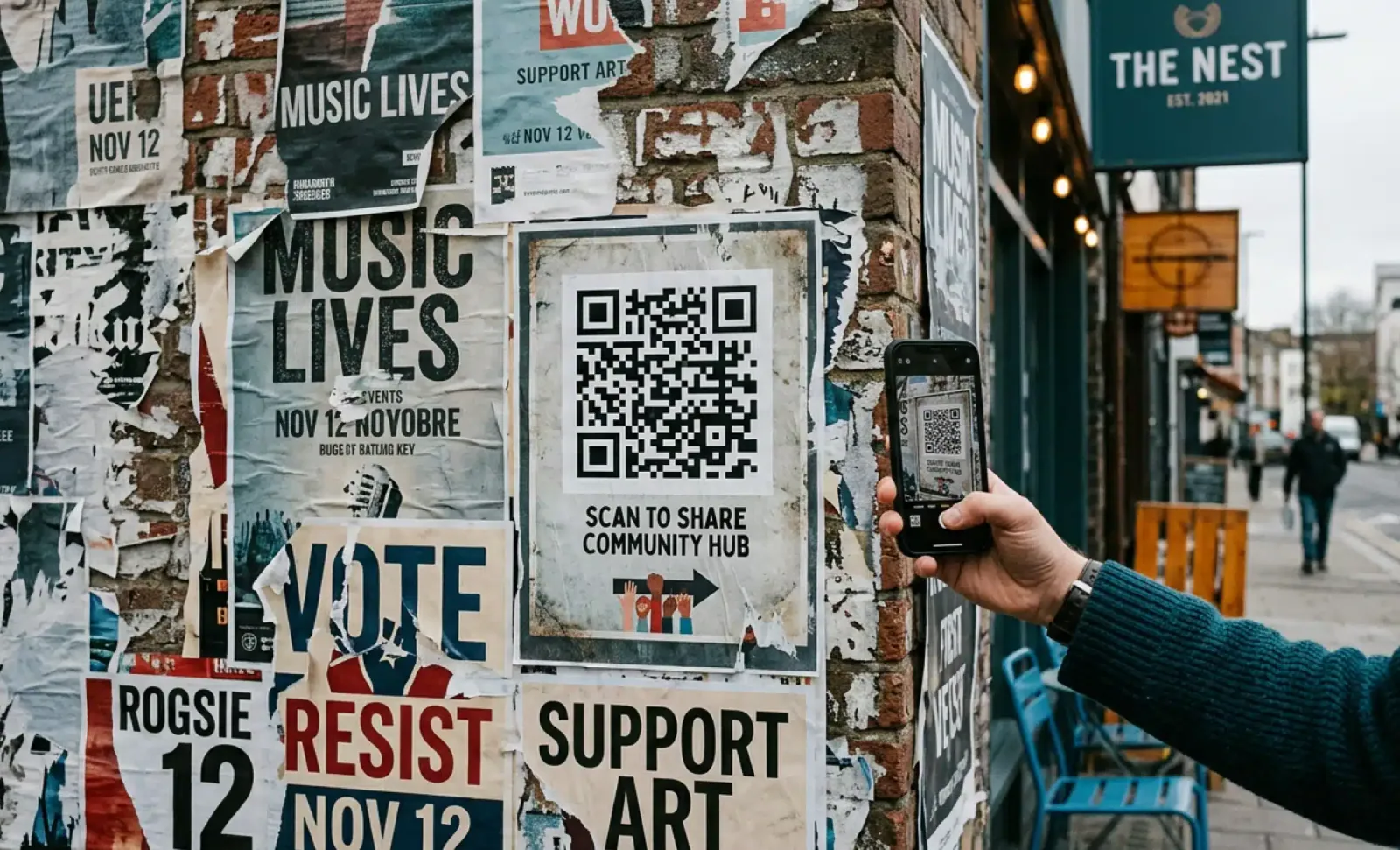
A frequent tactic is covering a real code with a sticker. Picture a poster promoting a giveaway: a scammer pastes a code over the original, and every scan lands on a phishing site instead. The same trick has hit restaurant tables, where diners expecting a menu were sent to pages asking for personal or financial details.
Messages are the other major vector. Criminals send emails or SMS texts containing a code that leads to a counterfeit website built to harvest login credentials or push a malicious app. Some codes connect you to a Wi-Fi network, and if that network is controlled by an attacker, they can intercept traffic and capture whatever you send.
Why are mobile users more vulnerable?
Mobile users are more exposed because QR codes were built for phones, and phones hide the very details that reveal a scam. Mobile browsers often truncate the full web address, so misspelled or suspicious domains slip past unnoticed. Scanning also feels fast and frictionless, which nudges people to drop their usual guard.
Security software is not always running on a phone either. And once someone taps through to a convincing fake page and enters information, there is usually no way to reverse the damage.
What makes one QR code safe and another dangerous?
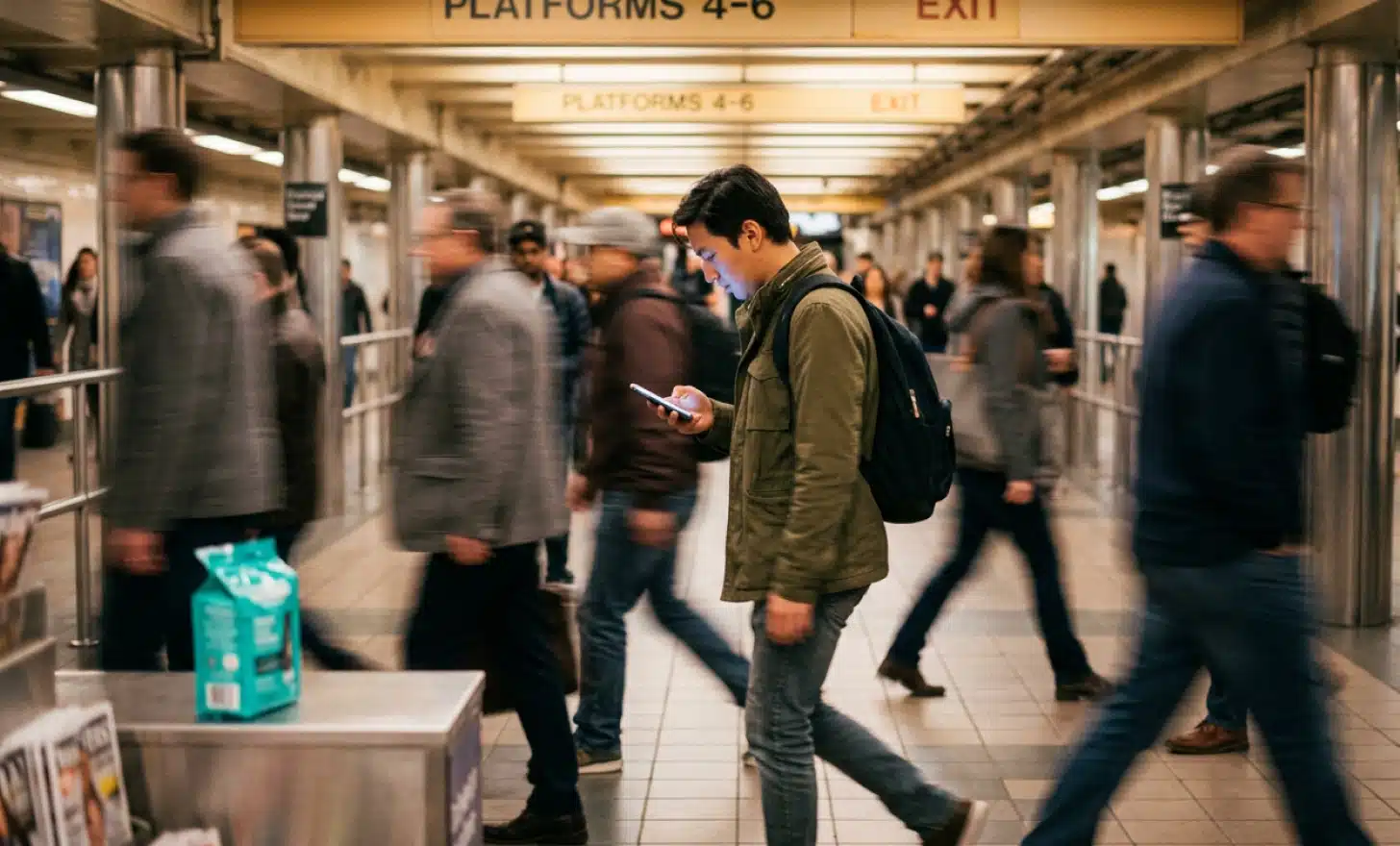
A QR code is neither safe nor dangerous by itself. Everything depends on the link or action it triggers, which means you cannot judge a code by looking at it. Every code looks roughly the same on the surface, so the surrounding context is your only real clue before scanning.
Safe codes usually appear in clear, branded settings: printed on official packaging, receipts, or company materials. Dangerous ones tend to show up in random places, pasted over another code or stuck in a public spot with no obvious source. Codes arriving by email or SMS from a sender you do not recognize deserve the most suspicion of all.
What happens when you scan a malicious QR code?
Scanning a malicious code does not infect your device on its own, but it can send you somewhere harmful in a single tap. It might open a phishing page dressed up as a real login screen, trigger a malware download, or ask for banking details. Some codes connect you to a rogue Wi-Fi network or fire off messages without your full awareness.
What makes these attacks effective is how ordinary they look. The fake site can be polished, the form can look official, and many victims never realize anything went wrong. That polish is exactly the point.
Put it into practice
Create a dynamic QR code free and see it work. No credit card required.
Get started freeHow can you scan QR codes safely?
You do not need to avoid QR codes, just approach them with a little care. A few habits stop almost every common attack before it starts:
- Preview the URL before opening it. Many scanner apps show the destination first, so check for typos or odd domain names.
- Use a trusted scanning app that verifies links instead of opening them automatically.
- Keep mobile security software active to flag known phishing sites and block malicious URLs.
- Avoid entering passwords, banking data, or phone numbers on any page reached through a scan. If in doubt, type the address manually.
- Watch for tampered codes in public. A sticker placed over another code, or one taped up with no branding, is a warning sign.
Can scanning a QR code install malware on your device?
Not directly. A QR code cannot install anything on its own. It can only send you to a location or trigger a prompt. The risk appears when the destination talks you into installing an app or granting permissions you would normally refuse.
Android users face higher exposure if they allow installs from outside the official Play Store. iOS applies more safeguards, though no system is fully immune once a user is persuaded to act against their own interest.
Can hackers really steal your data through a QR code?
Yes, though never through the code itself. Data theft happens in what comes next. If you are tricked into typing credentials on a fake page or installing a bad app, an attacker can reach personal and financial information already on your device.
That can range from login details and contacts to payment credentials and location data. The more trust you hand to an unknown code, the more you stand to lose.
Are QR codes still safe to use?
Yes, QR codes are safe when you use them with awareness. Most legitimate codes are printed by brands you already trust, embedded in secure apps, or placed in reliable physical settings. The ones that call for caution are anonymous, unverified, or delivered inside a phishing message.
QR codes remain a fast, convenient bridge to digital content. The goal is not to stop scanning. It is to scan with the same skepticism you would give any other online link.
How can businesses make QR codes more secure for their users?
Businesses lower risk by controlling the code at its source and giving users clarity about what to expect. Because a printed code cannot be changed once it is on a wall or a flyer, the platform behind it matters as much as the design.
Dynamic QR codes are the foundation here. Every QRCodeKIT code is dynamic, which means a destination can be updated or deactivated the moment something looks wrong, with no reprinting required. Choosing a secure platform that monitors traffic, such as QRCodeKIT, adds another layer of oversight. Beyond that, businesses should place codes where they cannot easily be covered, tell users what a scan will open, and use branded frames that are harder to fake. Securing the code at the source protects customers and the company’s reputation at the same time.

What should you do if you scan a suspicious QR code?
If you suspect you have scanned a malicious code, move quickly to limit the damage:
- Close the page immediately.
- Run an antivirus or malware scan on your device.
- Change any passwords you may have entered.
- Check your financial accounts for unfamiliar activity.
- Report the code if you found it in a public or branded location.
A fast response often prevents the worst of the fallout and helps protect the next person who might scan the same code.
Can QR codes be hacked, or are users the ones being tricked?
QR codes themselves are not hacked. Users are. Attackers treat the code as a wrapper that exploits trust, curiosity, and speed, while the real threat is always the site, link, or app on the other side of the scan. The pattern is neutral; the destination decides everything.
The takeaway is simple: stay alert, check where a code leads, and treat every scan like any other online link, with a healthy dose of skepticism.
All images and visual content in this article were created using RealityMAX.
Related articles

Best QR code generators for restaurants
A clear 2026 framework for choosing the best QR code generators for restaurants: 10 features to check, from dynamic menus to accessibility and guest data.
Taylor swift wedding QR code
See what the Taylor Swift wedding QR code story teaches couples about invitation privacy, watermarking, and using dynamic QR codes to control guest access.
QR codes for FIFA world cup
QR codes for FIFA World Cup 2026 help bars, restaurants, and small businesses turn match day crowds into loyal customers, with practical ideas to set up today.
Two free dynamic QR codes. Yours forever.
No credit card. No expiry. The original dynamic QR platform since 2009.
