May 20, 2026
EAA compliance for restaurant menus: what to do now
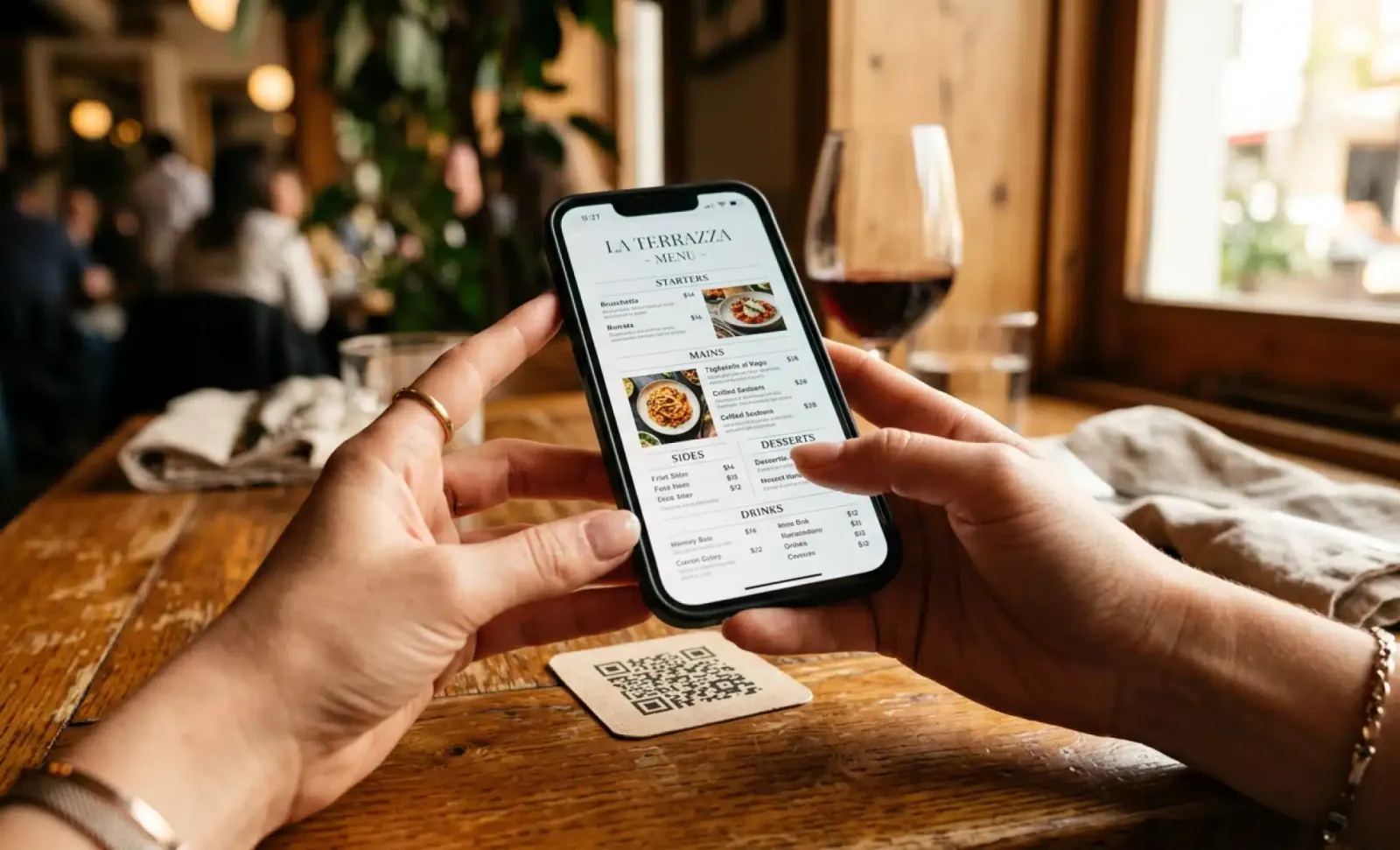
If your restaurant serves customers in the European Union and offers any kind of digital menu, the European Accessibility Act now applies to you. It entered into force on 28 June 2025, and it changed what counts as an acceptable digital menu experience. The good news is that EAA compliance for restaurant menus is not as complicated as it sounds. Most of it comes down to clear structure, readable design, and giving up a few habits that were never great for diners anyway.
This guide walks through what the law actually expects, what an accessible digital menu looks like in practice, which assistive technologies your menu needs to support, and where to start if the whole thing feels like a wall to climb. Think of it as a path toward digital inclusion, not just legal compliance.
What does the EAA require for restaurant menus?
The European Accessibility Act applies to digital services offered to EU consumers, and digital menus fall squarely inside that scope. If a customer scans a QR code on your table and lands on a menu, that menu is a digital service. It needs to be usable by people with vision impairments, hearing loss, motor disabilities, or cognitive disabilities. In practice, EAA compliance for restaurant menus means meeting the technical accessibility standards already defined by WCAG 2.1 Level AA and the European standard EN 301 549.
The honest answer to “does this affect my restaurant?” is yes, in almost every case. If you serve EU customers and any part of your menu lives online, you are inside the scope. Legal compliance here is not just a box to tick. It is the minimum expectation for serving the public in 2026 and beyond. The only common exception is the microenterprise exemption, which we will get to further down.
You do not need to memorize the legal text. What matters is what an accessible digital menu actually looks like, which assistive technologies it must work with, and what to fix first if yours is not there yet.
Why PDF menus behind a QR code are the biggest problem
The single most common compliance gap in restaurants right now is the PDF menu hidden behind a QR code. It is fast to set up. It is also, in most cases, the least accessible option you could choose.
Screen readers struggle with PDFs that were exported from design software without proper tagging. Layout breaks the moment a user enlarges text. There is no semantic structure for assistive technology to follow, no logical order of headings, no real labels on prices or sections. For a diner using a screen reader, a typical restaurant PDF reads as a wall of disconnected fragments, if it reads at all.
The fix is not to add accessibility on top of the PDF. The fix is to move away from PDFs as the primary menu format. An accessible HTML menu, structured properly, will outperform any tagged PDF and will be easier to update on the fly. That alone closes the biggest gap most restaurants have today, and it removes a clear legal risk for any restaurant inside EAA scope.
What does an accessible digital menu look like?
An accessible digital menu is a normal web page that respects how assistive technology reads content. There is nothing exotic about it. The ingredients are simple.
It uses structured HTML with semantic markup, so a screen reader knows what is a heading, what is a list of menu items, what is a price, and what is a button. Dish images carry descriptive alt text. Text and background have sufficient color contrast, at least 4.5 to 1 for normal text under WCAG 2.1 Level AA. Buttons and form fields carry proper HTML labels. ARIA attributes and ARIA labels fill in the gaps where standard HTML cannot communicate purpose on its own. The whole interface works with keyboard navigation, because not every user can tap a screen or use a mouse. Text scales up to 200 percent without breaking the layout. Touch targets are at least 44 by 44 pixels, so users with motor disabilities can hit them reliably.
That is the baseline. Done well, none of this hurts your design. It just removes the friction that was quietly excluding part of your audience.
Which assistive technologies should your menu support?
A compliant menu is one that works with the assistive technology real diners use. There are four main categories to plan for, and they cover most accessibility concerns you will encounter.
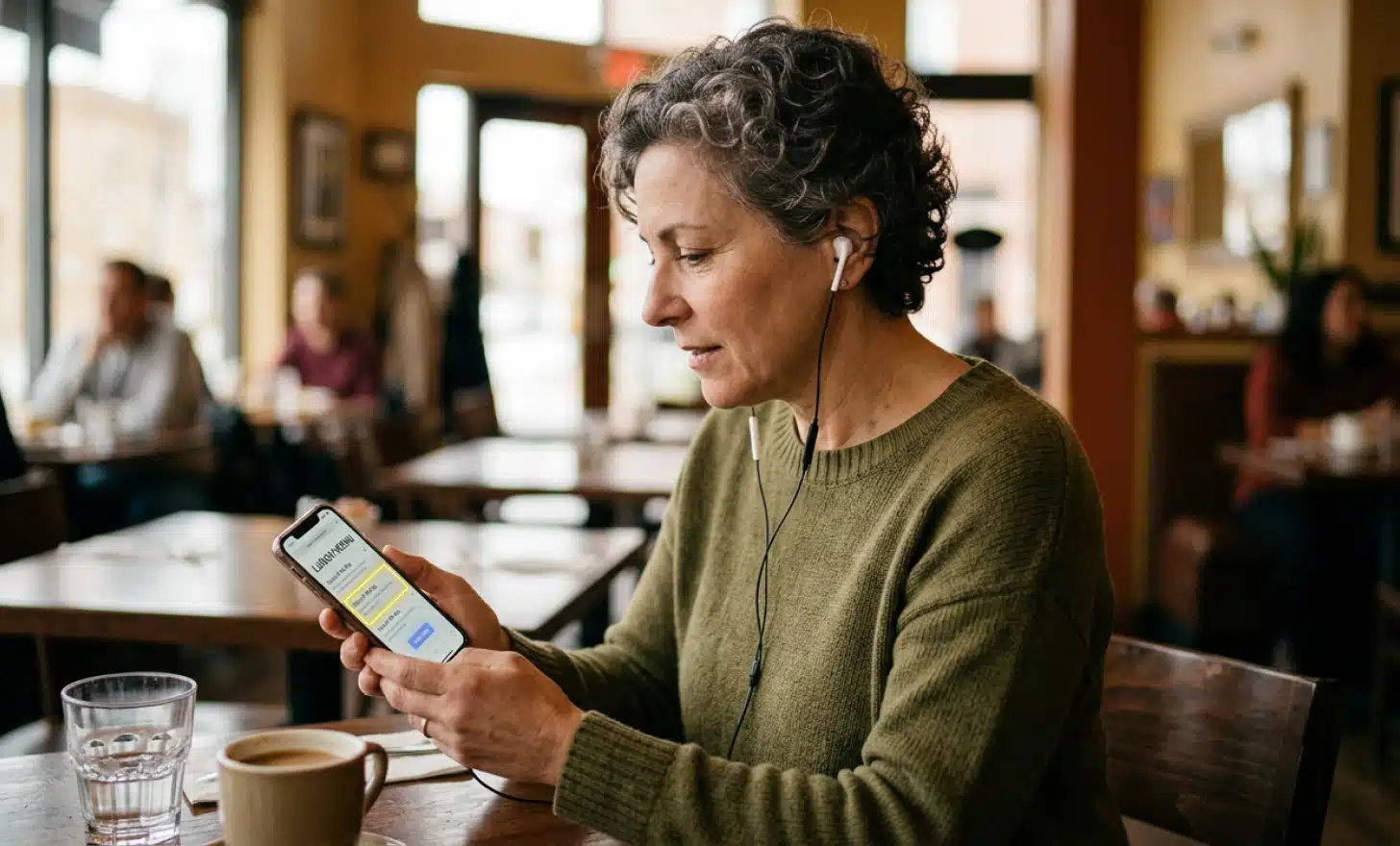
Screen readers are the most common assistive technology for users with low vision or blindness. Tools like VoiceOver on Apple devices, TalkBack on Android, NVDA and Narrator on Windows read web pages aloud. Screen reader compatibility depends almost entirely on semantic HTML, ARIA attributes, and descriptive alt text on images. Skip those and the menu becomes silent in the worst possible way.
Keyboard-only navigation matters for users with motor disabilities or anyone who cannot use a pointing device. Every interactive element on the menu must be reachable with the Tab key and operable with Enter or Space.
Screen magnifiers and browser zoom serve users with low vision who do not rely on screen readers. Your menu pages need to remain functional at 200 percent zoom, with no clipping, no overlap, and no information hidden behind broken layouts.
Voice control tools like Voice Control on iOS and Voice Access on Android let users operate a phone by speaking. They depend on visible, clearly labeled buttons. If your menu hides actions inside images or non-semantic elements, voice control breaks.
Supporting these four categories well covers the vast majority of accessibility requirements under both EAA and ADA expectations.
The concrete checklist for EAA compliance
Here is a practical checklist you can use as a first pass. Group it by area so the work is easier to assign.
Content and structure
- Use semantic HTML for the menu, not styled divs pretending to be headings.
- Order headings in logical order (H1 for the menu name, H2 for sections like Starters or Mains, H3 for sub-sections if needed).
- Add ARIA attributes and ARIA labels to interactive elements where their purpose is not obvious from the visible text.
- Use proper HTML labels on every form field, including search bars and quantity selectors in online ordering.
- Write descriptive alt text for every dish image, focusing on what the dish is, not how artistic the photo looks.
Visual design
- Check color contrast for text against background. Minimum 4.5 to 1 for normal text. Brand colors that fail this need a workaround.
- Make sure text can scale up to 200 percent without breaking the layout or hiding menu information.
- Size touch targets to at least 44 by 44 pixels, with enough spacing between them.
Interaction
- Ensure the menu is fully usable with keyboard navigation alone. Tab through it yourself and see if you can reach every item and complete every action.
- Avoid time-limited interactions, or always offer an alternative that does not depend on speed.
Format
- Avoid PDFs as the only format. Use accessible HTML or a structured digital menu.
- If you need to offer a PDF, treat it as a download option alongside an accessible HTML version, not as the main menu.
In-house alternatives
- Keep Braille and large-print menus (18 point font or larger) available for diners who prefer them. Restaurant accessibility is not only digital.
Print this list. Walk through it with whoever maintains your menu. Most restaurants find they can resolve half of these items in an afternoon, which is a meaningful step toward digital menu accessibility without hiring outside help.
How conversational AI can extend accessibility further
Compliance is a floor, not a ceiling. Meeting WCAG 2.1 Level AA is the legal requirement under the EAA. Going further is what actually improves the dining experience for people who have been ignored by clunky digital menus for years.
A conversational layer on top of a QR menu can carry a meaningful part of that load. Cleo, the AI assistant built into QRCodeKIT, sits on the menu page as a conversation bubble. A diner can ask whether a dish contains nuts, whether the kitchen can adjust a recipe for a low-sodium diet, or whether anything on the menu fits a vegan request. Cleo answers in the language the customer prefers, with no app to download and no form to fill.
Put it into practice
Create a dynamic QR code free and see it work. No credit card required.
Get started freeFor a user with low vision who finds reading long pages tiring, asking is faster than scrolling. For a user with cognitive disabilities, a clear back-and-forth is often easier to follow than a dense menu page. For wheelchair users who cannot easily flag down a waiter, the conversation removes the need to. None of this replaces the structured accessible menu underneath. It complements it, and it does the kind of work that turns a compliance checklist into something diners actually feel.
Does the microenterprise exemption apply to your restaurant?
The EAA includes a specific exemption for microenterprises providing services. Typically that means fewer than 10 employees and an annual turnover or balance sheet total not exceeding 2 million euros. If your restaurant fits that profile, you are likely outside the scope of mandatory compliance for now.
Even so, treating the exemption as a reason to skip accessibility work is short-sighted. Around 100 million people in the EU live with some form of disability. Accessible menus improve customer satisfaction across the board, help your SEO because structured HTML is easier for search engines to read, and protect your brand reputation as accessibility expectations keep growing. The thresholds can change. Your business can grow past them. Doing the work once, properly, is cheaper than retrofitting later.
What about restaurants serving US customers?
If your restaurant also serves the US market, the Americans with Disabilities Act has applied to digital services since updated DOJ guidance in 2024. ADA requirements for online menus now mirror what the EAA expects: WCAG 2.1 Level AA, in practice. ADA compliant restaurant websites and online ordering systems are no longer optional for businesses operating in the US. ADA-related digital accessibility lawsuits in hospitality have grown in recent years, which makes a single accessible menu source a useful asset for any restaurant operating across both regions.
The practical implication is that you do not need two separate accessibility strategies. One properly built accessible menu satisfies both expectations.
How can you test accessibility for free?
You do not need a consultant to start. Free accessibility tools will catch most of the issues in a first-pass audit, and you can run them in under a morning.
WAVE is a browser extension that highlights accessibility errors directly on your page. It flags missing alt text, contrast failures, heading order issues, and unlabeled form fields. Axe, available as a browser extension and a developer tool, does similar work with slightly different emphasis. Run both. Automated tests catch different things depending on the engine, so two tools are better than one.
After automated tests, do two manual checks. First, turn on the screen reader built into your operating system (VoiceOver on Mac and iOS, TalkBack on Android, NVDA or Narrator on Windows) and try to navigate your menu with your eyes closed. Second, unplug your mouse and try to reach every interactive element with the Tab key. If you can complete both, you are in good shape.
A practical first-pass audit takes hours, not weeks. The fixes take longer, but you will know exactly what needs attention.
What are the most common mistakes restaurants make?
The patterns repeat across kitchens of every size, and they show up on menu pages, restaurant websites, and online ordering systems alike.
Relying on a PDF menu behind a QR code, as covered above. It is fast to publish and almost guaranteed to fail accessibility checks.
Choosing brand colors that look great in print but fail WCAG contrast ratios on screen. Pale gold on cream, light grey on white, anything that designers love and screen users cannot read. Sufficient color contrast is one of the easiest things to fix and one of the most often ignored.
Publishing image-only menus, where the entire menu is one big JPEG with no alt text. Beautiful for Instagram, invisible to screen readers.
Treating accessibility as a one-time setup. Menus change. Specials rotate. Every update can introduce new issues if no one is checking. Improve accessibility once and then forget it, and you slide back within weeks.
Forgetting that accessibility is partly physical too. Braille menus and large-print versions still matter for diners who request them, just like accessible entrances and seating still matter in public spaces.
Where should you start if it feels overwhelming?
Prioritize. You do not have to fix everything before service tomorrow.
First, replace any PDF-only menu with a structured HTML version. That single move resolves the largest accessibility gap most restaurants have.
Second, fix color contrast. Audit your menu page with WAVE, identify any text that fails the 4.5 to 1 ratio, and adjust either the text color or the background until it passes.
Third, add descriptive alt text to every dish image. Treat this as part of the menu copy, not an afterthought.
Fourth, test keyboard navigation. Tab through your menu. Anything you cannot reach gets fixed.
Fifth, set up a recurring check. Every time the menu changes, run WAVE again. Keep the discipline.
This is the order that gives you the most progress with the least effort. By the time you reach step five, your menu is in better shape than most restaurants in Europe, and the legal risk you started with is largely gone.

Do small restaurants really need to comply with the EAA?
If you have fewer than 10 employees and turnover or balance sheet under 2 million euros, you may qualify for the microenterprise exemption. Even if you do, accessible menus improve customer satisfaction, brand reputation, and SEO. The cost of doing it well is low. The benefit lasts.
Can a QR code menu be EAA compliant?
Yes, as long as the page behind the QR code meets WCAG 2.1 Level AA and EN 301 549. The QR code itself is just a link. What matters is the digital menu it leads to. Structured HTML, proper contrast, keyboard navigation, ARIA labels, and alt text are what make the experience compliant.
Are PDF menus banned under the EAA?
PDFs are not banned, but a PDF as the only format almost never passes the accessibility bar. If you want to offer one, treat it as an extra download alongside an accessible HTML menu, not as the primary format.
How long does it take to make a digital menu accessible?
A first audit takes a few hours. The fixes depend on your starting point. Most restaurants can reach a compliant baseline in a few working days if they replace PDF menus, adjust contrast, add alt text, label form fields properly, and test keyboard navigation.
Does Cleo make a menu automatically EAA compliant?
Cleo by QRCodeKIT adds a conversational layer on top of your menu that helps users in their preferred language and answers questions about dishes, allergens, and availability. That improves accessibility for users with cognitive disabilities, vision impairments, or motor disabilities. The structured accessible menu underneath still needs to meet WCAG 2.1 Level AA. The two work together.
All images and visual content in this article were created using RealityMAX.
Related articles
QR code scans in hospitality
Hospitality operators have spent the last five years watching QR code scans in hospitality go from emergency pandemic tool to permanent fixture in the guest…

QR code sticker overlay fraud
A sticker the size of a coin can cost a business its customers’ trust. That is the uncomfortable reality of QR code sticker overlay fraud, a low-effort scam…
AI QR code vs chatbot
A customer stands in front of your product on a shelf. Another customer sits at their laptop comparing options across three browser tabs. Both have questions.…
Two free dynamic QR codes. Yours forever.
No credit card. No expiry. The original dynamic QR platform since 2009.