June 4, 2026
Why use a QR code for excursions and tours during high tourist season?
TL;DR
- A QR code for excursions and tours turns repeated guest questions into self-service, freeing staff during the busiest weeks of the year.
- Dynamic QR codes let you update routes, times, and itineraries after printing, so brochures and signage never go out of date.
- A multilingual conversational AI layer such as Cleo answers international visitors in their own language about routes, timing, and accessibility.
- One scan can cover check in, audio guides, photo galleries, feedback, and bookings, with no app to download.
High tourist season rewards operators who plan for pressure. When bookings peak and international visitors arrive in waves, a QR code for excursions and tours becomes one of the simplest ways to absorb that pressure. The same logistical questions get asked thousands of times across a season. Where do we meet. What time does it start. Is the route accessible. A quick scan puts those answers in the guest’s hand, on their own phone, without staff repeating themselves all day.
What makes high tourist season so hard for tour operators?
High season concentrates demand into a short window. Tour operators juggle multilingual groups, packed schedules, weather that reshuffles routes, and last minute itinerary changes, all with limited staff. The same questions repeat endlessly, and every minute spent answering them is a minute not spent running the tour itself.
The cost is rarely a single dramatic failure. It is the slow drain of small interruptions. A guide fielding the same three questions at every meeting point. A front desk translating a route description for the fourth time that morning. A printed brochure that listed a site now closed for renovation. QR codes work because they intercept these predictable moments before they reach a staff member, which is exactly when bandwidth is thinnest.
How does a QR code for excursions and tours speed up check in?
A QR code for excursions and tours placed on the booking confirmation or ticket lets guests check in without queuing. They scan on arrival, the system registers them, and the group forms faster. This matters most for early morning departures, where a ten minute delay at the start ripples through every stop on the schedule.
Contactless check in also protects the guest experience at the moment it is most fragile. People who booked weeks ago do not want to start a vacation excursion standing in a line while a staff member cross references a printed manifest. A scan on the confirmation email closes that gap. Modern smartphones read QR codes natively, with no separate app, on iOS since iOS 11 and on Android, so almost every guest can use the code straight from the camera.
What can you put behind a QR code for tour content?
A QR code on a printed brochure or on signage can link to far more than a single page. Because the destination is a live web page rather than fixed ink, the same printed code can hold an entire content library that grows across the season. Common uses include:
- The full itinerary with current meeting points and timings
- Real time updates when weather or traffic changes the route
- Photo galleries and short videos that preview the experience
- Audio guides for self paced listening at each stop
- Route maps that work on a phone, with a clear point of interest list
Pulling this content behind one scan reduces printed material costs and keeps everything current. Instead of reprinting a brochure every time a detail shifts, you update the page once and every future scan reflects it.
Why are dynamic QR codes essential for tour operations?
Dynamic QR codes are essential for tour operations because tourism content never stays still. Weather affects routes, new sites get added, opening hours move for high season, and prices change. A dynamic code lets you update the destination behind it without reprinting brochures, signage, or tickets. The image on the sign stays identical while the information behind it changes.
This is the difference that matters most during peak weeks. A static code locks you to one piece of content for the entire season, so a single change forces a reprint or leaves guests reading something wrong. With a dynamic QR code from a platform like QRCodeKIT, you edit the page and the fix is live everywhere at once. You also gain scan analytics, including timestamp, country level location, device type, and traffic source, which tell you when demand spikes and where your visitors are coming from.

How do QR codes help with multilingual tour groups?
International tourists arrive speaking many languages, and translating the same details over and over consumes a guide’s whole morning. A conversational AI layer such as Cleo can respond in the visitor’s own language without the operator building separate content for each one. The owner configures the information once, and Cleo answers in whatever language the guest chooses.
The value shows up in the questions that are hard to anticipate. A visitor asking whether the coastal path is wheelchair accessible. Another checking if there is a vegetarian option at the lunch stop. Someone wanting the historical context of a monument before the group reaches it. A single multilingual QR code can serve all of them, so you are not printing one code per language or staffing a polyglot front desk. Cleo handles the routine exchange, and your team steps in only when a real judgment call is needed.
How do QR codes power self-guided tours at historical sites?
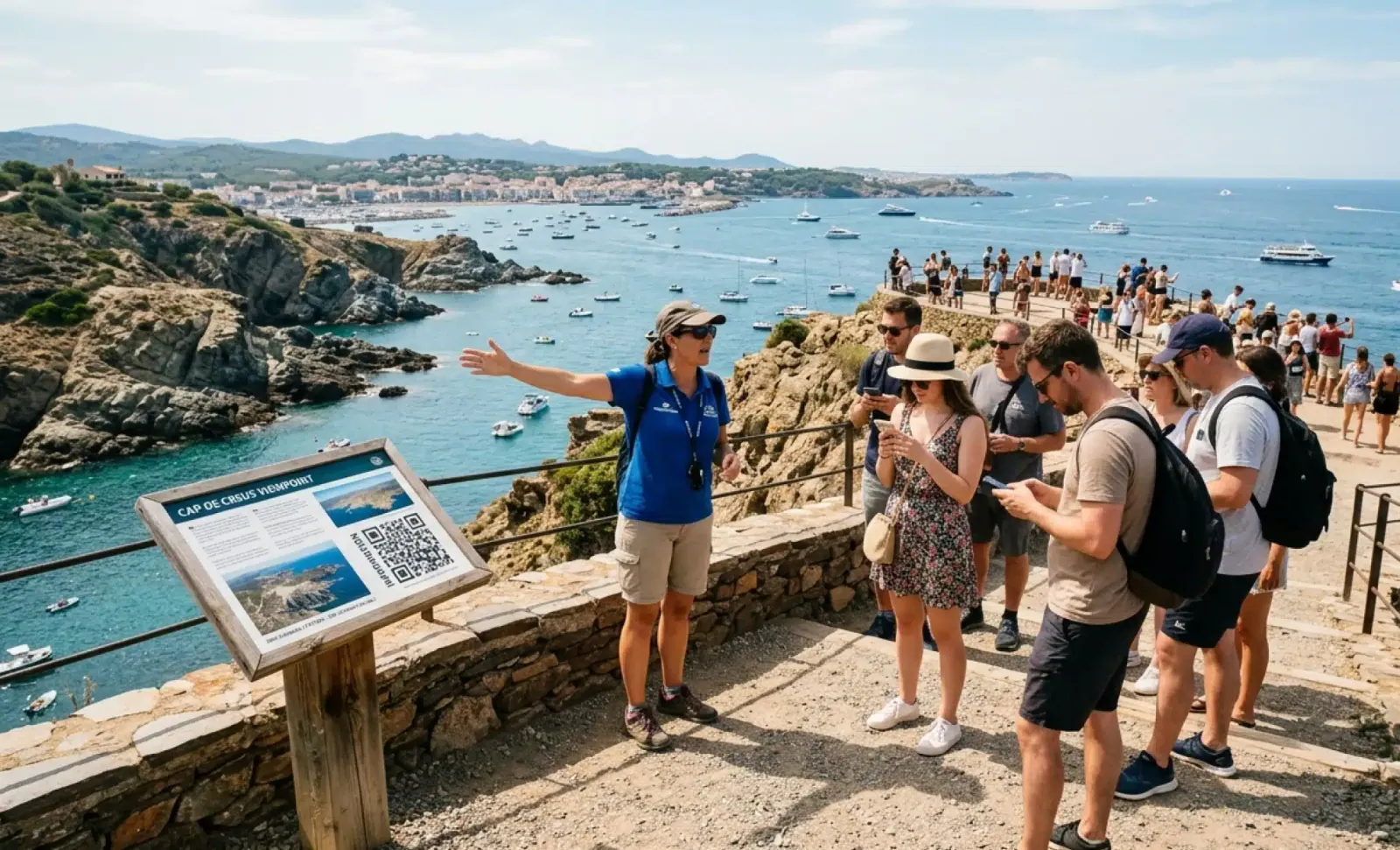
QR codes placed at points of interest let visitors run their own self guided tour. Each code at a monument, viewpoint, or exhibit can link to an audio guide, historical context, archive photos of how the location looked in earlier eras, or a short video. Visitors choose their own pace and how deep they want to go.
This suits high season crowds well, because it spreads people out instead of funneling them around one guide. A family can linger at a single stop while another group moves ahead, and both get the full story. For cultural sites and landmarks, it also turns idle waiting time into engagement. Someone in a queue can scan, explore the detail behind the next room, and arrive already curious.
Put it into practice
Try QRCodeKIT Pro free for 7 days and see it work. No credit card required.
Start free trialCan a QR code share photo galleries after the tour?
Yes. A QR code on the tour confirmation or on site signage can link to a gallery where the operator uploads photos from each departure. Guests scan, find their group’s images, and download or share them without a staff member emailing files one by one. It is a small touch that guests remember and post about.
Post tour content also keeps the relationship alive after the experience ends. A gallery page can sit alongside a soft prompt to review the tour or browse a related excursion, so the same scan that delivers the photos quietly opens the door to a repeat booking.
How can QR codes collect feedback during a tour?
A QR code at the meeting point or printed on a receipt can link straight to a short feedback form. Capturing impressions during or right after the experience produces more honest, useful reviews than an email sent days later, when the details have faded and the moment has cooled.
The timing is the advantage. A guest who just finished a sunset boat tour and scans a code on the dock is far more likely to leave a thoughtful note than one who opens a follow up email mid commute a week on. Keep the form short, one or two questions, so it fits the few seconds people will actually give it.
Can QR codes drive bookings and upsells for excursions?
A QR code on signage or printed materials can link to early bird booking offers, related tours, or photo packages. During a vacation, typing a long URL is friction. A scan is not. That lower friction is exactly why placing a code next to a clear, specific call to action tends to convert better than a printed web address ever did.
Think about where attention naturally lands. A code on a tour receipt suggesting the next excursion. A code on lobby signage pointing to a high season package. A code beside the photo gallery offering a downloadable bundle. Each one meets the guest at a moment they are already thinking about the experience, which is when an offer feels helpful rather than pushy.
What mistakes do tour operators make with QR codes?
Most QR code problems on tours come from a handful of avoidable setup errors. The common ones include:
- Using static codes that lock you to one piece of content for the whole season, so any change means a reprint.
- Hiding a PDF itinerary behind the code that pinches and scrolls badly on a phone, instead of a mobile friendly page.
- Skipping multilingual setup, which forces international visitors to translate the content themselves.
- Placing the code with no call to action nearby, so visitors cannot tell what they will get if they scan.
- Ignoring accessibility, with codes printed too small or positioned where a wheelchair user cannot reach them.
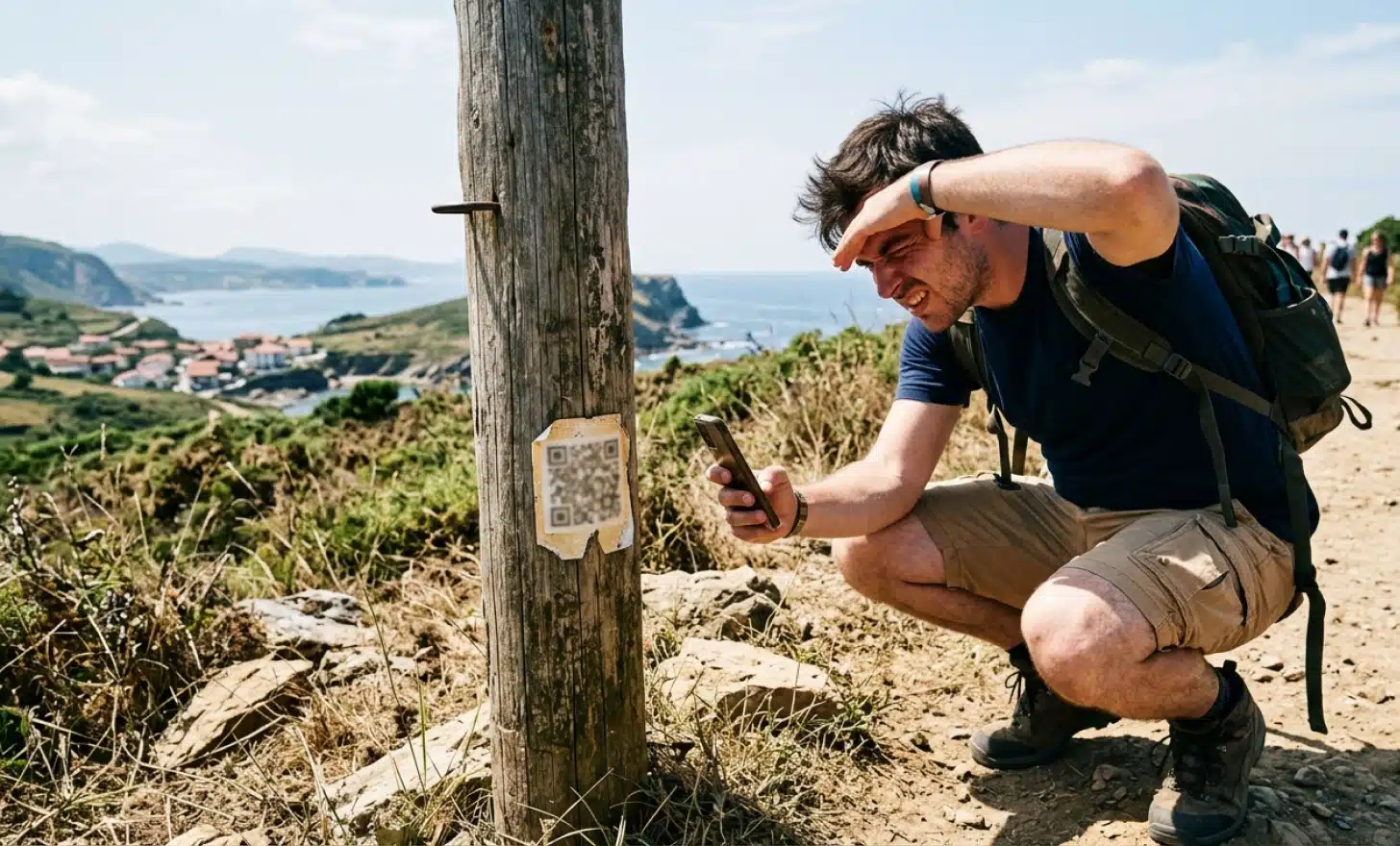
Each of these is easy to fix before the season starts. Test every code on a real phone, in the lighting and at the height where guests will actually find it, and confirm the page behind it loads fast on mobile data.
Do guests need an app to scan a QR code on a tour?
No. Modern smartphones scan QR codes natively through the camera, with no extra app required, on iOS since iOS 11 and on current Android devices. The guest points the camera, taps the link that appears, and lands on the page. This is what makes QR codes practical for a mixed international crowd where you cannot assume anyone has downloaded anything.
How early should you set up QR codes before high season?
Set them up well before the first peak weekend, ideally during the quieter weeks beforehand. That gives you time to test each code on real devices, confirm the destination pages are mobile friendly, and load the multilingual content. Because dynamic codes can be updated later, you can print early and still adjust the details behind the code as the season develops.
Can one QR code serve visitors in different languages?
Yes. A single multilingual QR code can serve visitors across many languages without a separate code for each one. With a conversational AI layer such as Cleo, the guest simply asks in their own language and gets an answer, so you configure the content once rather than maintaining parallel versions.
How do you measure whether a tour QR code is working?
Dynamic QR codes provide scan analytics, including timestamp, country level location, device type, and source. Reviewing these tells you when scans cluster, which nationalities are arriving, and which printed placements get used. If a code on a particular sign barely registers, you can move it or change the prompt beside it without reprinting the code itself.
Where do QR codes fit in a high season tour operation?
The clearest place to start is the predictable pressure points: check in, the questions that repeat all day, and content that changes with the weather. A dynamic QR code for excursions and tours absorbs those first, and a multilingual layer like Cleo handles the international conversations that would otherwise tie up your guides. From there you can add galleries, feedback, and booking prompts as the season gives you room. Platforms such as QRCodeKIT let you test the approach on a small scale before committing your whole printed run.
All images and visual content in this article were created using RealityMAX.
Related articles
How to add a QR code in your WhatsApp business?
TL;DR: Knowing how to add a QR code in your WhatsApp Business setup turns any printed or physical touchpoint into a one scan path to a real conversation. This…
QR code for a swimming pool
Learn how a QR code for a swimming pool turns loungers into ordering stations, why dynamic codes fit pool menus, and how to set up faster, smarter service.
AI QR code privacy
Understand AI QR code privacy and how platforms prevent AI hallucinations. Learn what data a scan collects, what to ask vendors, and how to stay GDPR aligned.
Try QRCodeKIT Pro free for 7 days.
No credit card required. The original dynamic QR code platform since 2009.