

May 12, 2026
QR code on podcast cover art: does it work?
The short answer is: sometimes. A QR code on podcast cover art can drive new listeners, sponsor conversions, and real engagement, but only in the right contexts. Inside a podcast app, where the cover sits at the size of a postage stamp on the same phone someone would use to scan it, a QR code is mostly decoration. On a printed poster, a YouTube thumbnail, a conference banner, or a business card, that same QR code becomes one of the most effective ways to turn passive attention into a real listen.
With podcast audiences expected to reach 500 million listeners globally by 2025, the competition for attention is real. Smart QR code placement is one of the few ways to bridge the gap between offline visibility and digital subscription. This article lays out when a QR code on podcast cover art actually pays off, where it fails, what to link to, and how to design one that gets scanned.
When does a QR code on podcast cover art actually work?
A QR code on podcast cover art works when there is physical or visual distance between the viewer and the screen they will use to act on it. That single principle explains almost every good and bad placement.
Think about how someone sees your cover art. If they are looking at it inside Spotify or Apple Podcasts on their phone, the cover is already on the device they would use to subscribe. A QR code there is awkward. They would need a second phone to scan it. The artwork is also constrained by app requirements, since Apple Podcasts and Spotify require square cover art between 1400×1400 and 3000×3000 pixels, and the image is then displayed at thumbnail size in most listening contexts. There is simply no room for a code that can be reliably scanned.
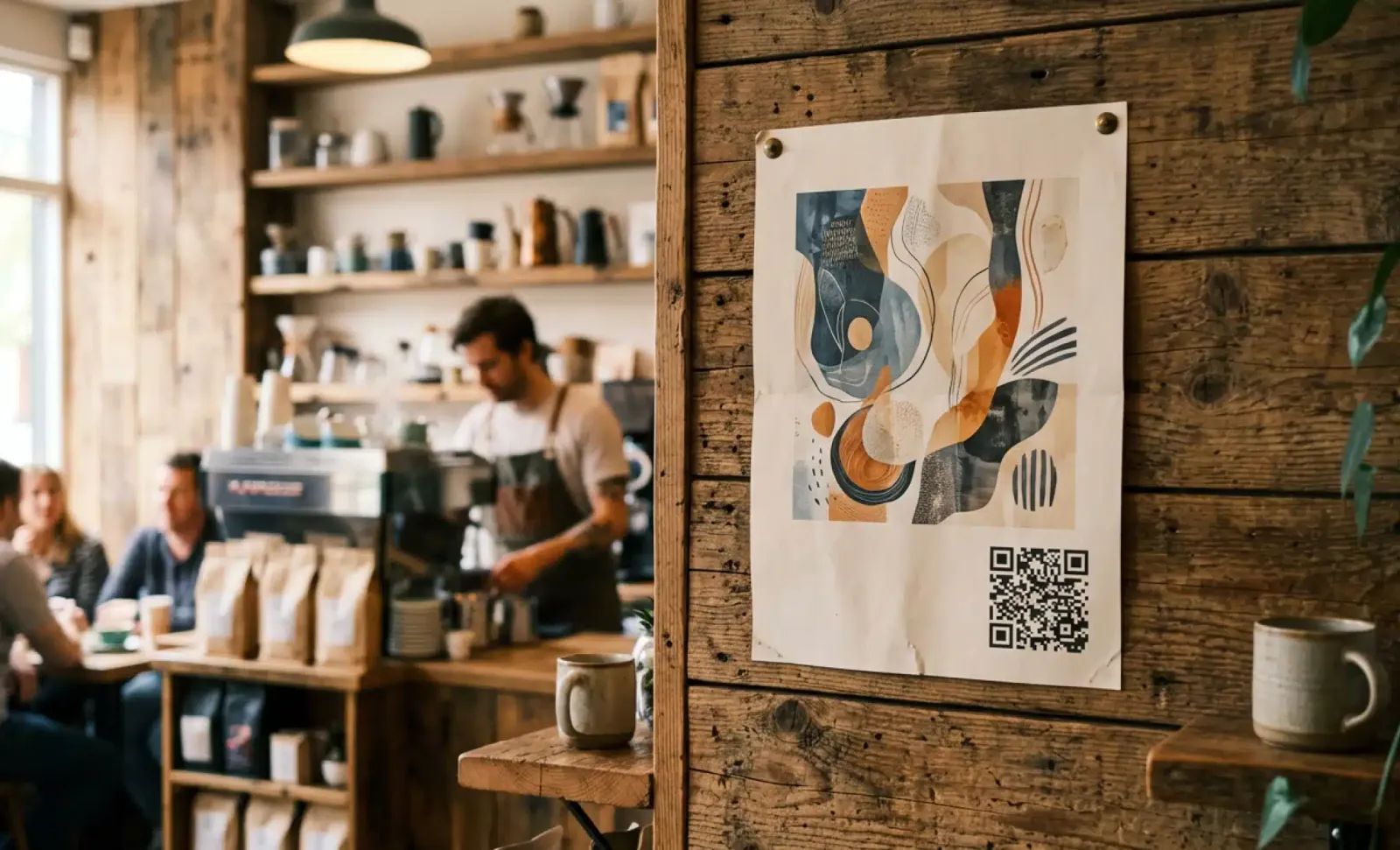
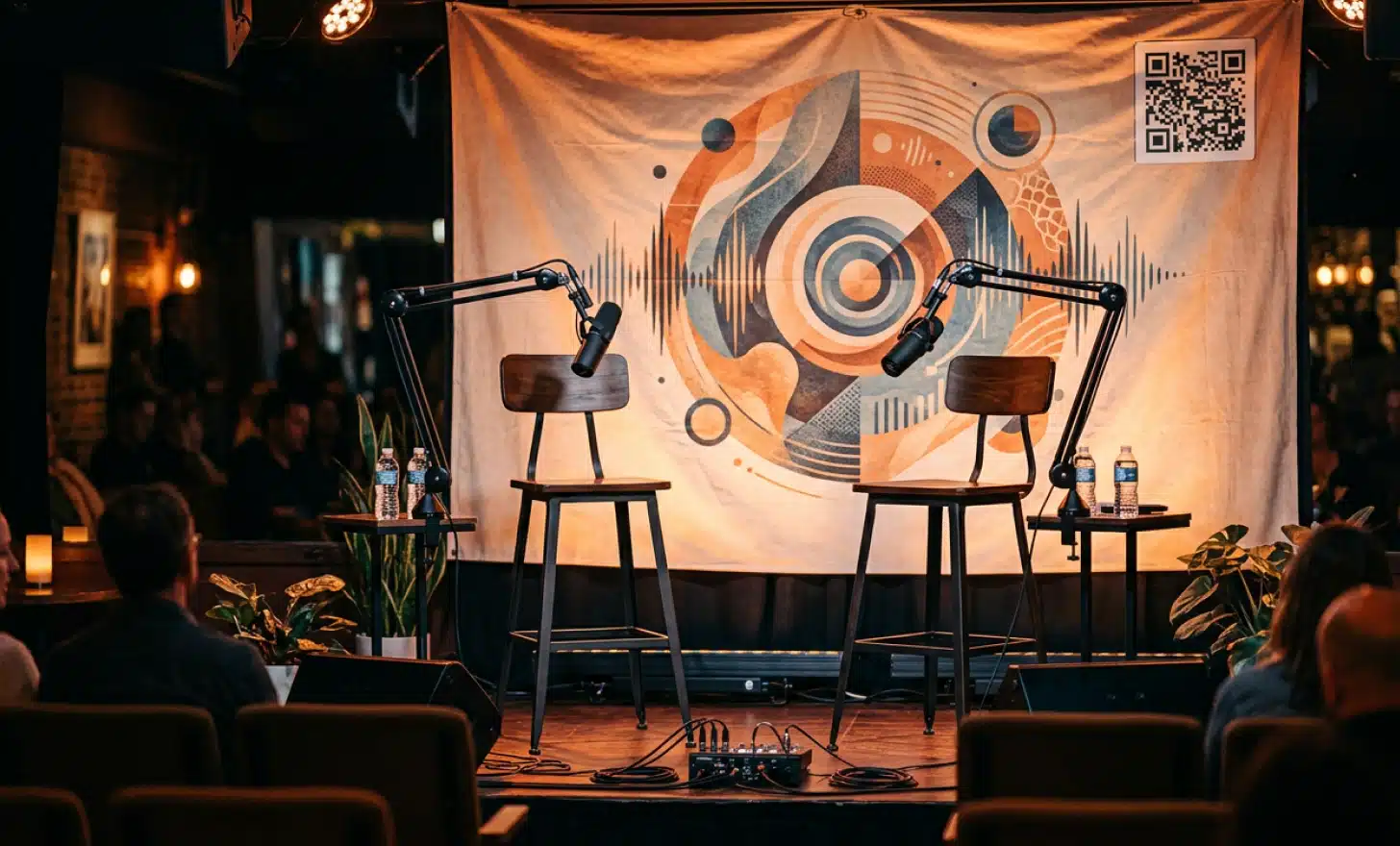
Now picture the same cover art on a printed flyer pinned to a coffee shop wall, on a sponsor’s handout at a conference, on a roll-up banner behind a live recording, or as part of a YouTube thumbnail playing on someone’s laptop. The viewer’s phone is free. The artwork is large. Scanning is natural. This is where a QR code on podcast cover art earns its place.
So the honest framing is this. Do not put a QR code on the cover art uploaded to the app stores. Put it on the versions of your cover art that live in the physical world or on a screen the listener is not holding.
Where does a podcast QR code pay off in promotional materials?
There are a handful of contexts where a podcast QR code consistently delivers, and they all share that same characteristic of physical or visual distance from the listening device.
- Printed posters, flyers, and stickers placed in cafes, bookstores, gyms, or wherever your audience already spends time.
- Business cards for the podcast, used at networking events and conferences where a quick scan saves the awkward “let me spell out the URL” moment.
- Conference banners and trade show booths, especially when the podcast covers an industry vertical and you are meeting potential listeners face to face.
- Sponsor handouts and partnership materials, where a scan can take a curious reader directly to the sponsor’s offer page rather than your generic homepage.
- YouTube versions of the podcast, where the QR can sit in a corner of the video frame and stay visible during long-form episodes played on a separate screen.
- Press kits and media one-sheets, where journalists scanning a code can land instantly on a curated page with bio, episodes, and contact info.
- Live event displays during recordings, panels, and meetups, where the audience can scan from their seats.
The pattern is consistent. QR codes work for podcast promotion when the listener has a free phone and a clear visual target. They do not replace your podcast app presence. They feed it.
Why dynamic QR codes are the right choice for podcast marketing
A podcast is not a static product. New episodes drop weekly. Sponsors change quarterly. You might add YouTube halfway through season two. You might launch merch in year three. A newsletter signup might become more important than your latest episode link six months from now.
If you print a static QR code on your podcast cover art, you are locking the destination forever. The only way to change it is to reprint everything. That is the wrong tool for a podcast.
Dynamic QR codes allow you to edit the destination URL even after the code has been printed, which is exactly what podcast marketing needs. The pattern on the poster stays the same. The link behind it can change whenever the strategy changes. You can point it at your latest episode this month, your live event next month, and your merch store after that, without touching the artwork.
Dynamic codes also unlock different formats for different purposes. App QR codes can route iOS users to Apple Podcasts and Android users to Spotify automatically. Social media QR codes can send scanners to your Instagram or TikTok depending on the campaign. Video QR codes can deep-link to a specific YouTube episode. Each serves a different promotional purpose, and all of them can be created and managed from the same platform.
This is the model platforms like QRCodeKIT have offered since 2009. Every QR code generated through QRCodeKIT is dynamic, which means the link, the destination, and even the type of content behind the code can be updated without printing anything new.
What should a QR code on podcast cover art link to?
The destination matters more than the code itself. A QR that takes someone to a generic homepage with five menu items is a wasted scan. Pick one clear next step for the viewer and design the landing page around it.
The strongest destinations for a podcast QR code tend to be a landing page for the latest episode with embedded players for Spotify, Apple Podcasts, and YouTube. A simple smart link that detects the user’s device and offers the right listening option works well too. If newsletter growth is your priority, point the code at a subscribe page focused entirely on email signup. For sponsor handouts, link to the sponsor’s offer page so the scan converts within the right context. For live events, a merch store can capture impulse buyers. For press materials, a media kit page gives journalists everything in one place.
The point is to match the destination to the context. The cover art used on a poster outside a live recording should not link to the same page as the cover art used in a press release. With a dynamic QR code, you can run separate codes for separate contexts and track which ones actually convert.
How to design a QR code for podcast artwork and marketing materials
Podcast cover art is a strong visual identity, and a QR code can disrupt it if added carelessly. A few design considerations go a long way.
- Use high-contrast color schemes. Mobile cameras need strong contrast between the code and its background to read reliably. A dark QR on a dark cover will fail. If your artwork is dark, place the code inside a clean light panel that breaks visual continuity intentionally.
- Customize the code to match your brand. Dynamic QR platforms let you adjust colors, add a logo in the center, and shape the corners to align with your podcast’s visual identity. A branded code increases recognition and trust, which directly improves scan rates.
- Size for the worst case. The minimum reliable scan size on print is roughly 2 by 2 centimeters at arm’s length. On a poster meant to be scanned from across a room, the code needs to be much larger, often 5 to 10 centimeters or more. Calculate from the typical viewing distance, not from the design file.
- Add a clear call-to-action caption. A simple “Scan to listen” or “Scan for new episodes” near the code dramatically increases scan rates by telling the viewer exactly what to expect.
- Test with multiple devices before finalizing. Scan with both an iPhone and an Android phone, in different lighting, from the realistic viewing distance. A small misalignment in error correction or contrast can break the scan, and there is no way to fix it once the posters are on the wall.
- Keep one version clean. Have a version of your cover art without the QR code for the app stores where it would not be scannable anyway.
A QR code is a piece of typography. Treat it with the same care as the rest of your visual identity and it will sit naturally inside your podcast artwork instead of fighting it.
Put it into practice
Create a dynamic QR code free and see it work. No credit card required.
Get started freeHow can you use QR codes to track podcast promotion performance?
One of the strongest reasons to use QR codes for podcast marketing is the data they generate. Dynamic QR codes route every scan through a tracking layer, which means you can see how often the code is being scanned, where geographically, at what time, and on which devices.
This turns each promotional placement into a measurable channel. A QR code on conference business cards, another on coffee shop flyers, and another on YouTube thumbnails can each carry their own tracking. After a month you know which placement actually drove listeners and which one looked good but produced nothing. That data lets you put budget and effort where it works, and stop pouring money into formats that do not.
Without tracking, podcast promotion is mostly guesswork. With it, you can run something close to a real marketing operation.
Common mistakes when using QR codes for podcast marketing
A few patterns show up over and over, and all of them are avoidable.
- Putting the QR on the cover art used inside podcast apps. The thumbnail is too small and the listener is already on the right device.
- Linking to a generic homepage. The scan happens in a specific context, so the landing page should match that context.
- Using a static QR code. Static codes cannot be updated, which means every change to your podcast strategy forces a reprint of every poster, card, and flyer.
- Ignoring contrast and size. A code that looks fine in a design tool may be unreadable when printed at the size it will actually appear.
- Skipping the call-to-action caption. Without a short line of text near the code, many viewers will not bother scanning because they do not know what they will get.
- Forgetting to test on real devices. Always scan the printed proof with multiple phones before approving a print run.
The common thread is treating the QR as decoration rather than as a working part of the marketing system. It is a real channel, and the same rigor you apply to thumbnails, titles, and show notes should apply here.
How can podcasters integrate QR codes across social media and other channels?
QR codes are not limited to print. They work across nearly every channel a podcaster uses, as long as the scan context makes sense.
On social media, a QR code on a static Instagram post, a TikTok cover, or a LinkedIn banner can be scanned by anyone viewing the platform on a desktop or a second device. Pinned Instagram story highlights with the cover art and code can sit on your profile for months. On YouTube, the QR can live in the video frame, on the channel banner, or in the end screen. On Twitter or X, an image card with the cover art and a QR can boost the click-through rate when the link in the post would otherwise be ignored.
Across all of these, the same logic applies. The viewer needs a free device and a visible code. When both are true, a QR is a clean way to convert attention into a listen.
Short FAQ
Should I put a QR code on the cover art uploaded to Spotify and Apple Podcasts?
No. Inside podcast apps, your cover sits at thumbnail size on the same phone the listener would use to scan. The friction is too high to be worth it. Keep your app store cover clean and reserve the QR for printed materials, video versions, and physical displays.
Can I track how many people scan the QR code on my podcast cover art?
Yes, if you use a dynamic QR code. Dynamic codes route through a tracking layer that records each scan, including time, location, and device. Static QR codes do not offer this.
Can I change where the QR code points to after printing my podcast posters?
Only with a dynamic QR code. The pattern printed on the poster stays the same, but the destination URL behind it can be updated at any time. This is why dynamic codes are the right choice for any podcaster planning to use the same artwork across multiple seasons.
What size should a QR code be on a podcast poster?
It depends on viewing distance. As a rule of thumb, the code should be about one tenth of the distance between viewer and poster. A poster meant to be scanned from two meters away needs a code roughly 20 centimeters wide.
Is a QR code worth it for a small podcast with a tight budget?
Yes, if you are running any physical or video promotion. Generating a dynamic QR code is low cost, and even one good placement at a local event or on a printed flyer can pay back in subscribers and engagement.
All images and visual content in this article were created using RealityMAX.
Related articles
QR codes for bars
Friday at 10:47pm. Three deep at the counter. One bartender shaking a drink, the other taking an order from a group who can’t agree on what to get. Someone in…
What is an AI QR code generator?
The phrase “AI QR code generator” has been used to describe almost every product launch in this category over the past eighteen months. Most of those launches…
Which industries use QR codes most?
In 2026, QR codes are no longer just handy shortcuts, they’re a core part of how businesses connect with customers, manage operations, and deliver information.…
Two free dynamic QR codes. Yours forever.
No credit card. No expiry. The original dynamic QR platform since 2009.
