

QR code platform for agencies in 2026: what to look for

TL;DR
- A QR code platform for agencies must handle multiple clients, bulk campaign generation, white label delivery, and client-grade reporting under one account.
- Ten criteria separate agency-ready platforms from generic QR generators, from Projects-style client separation to API access and EU regulatory readiness.
- Every serious platform offers dynamic QR codes. The real differences appear in what happens after the code is created.
- Use the checklist in this article to evaluate any platform, including QRCodeKIT, Uniqode, QR TIGER, Flowcode, Scanova, and Bitly.
A QR code platform for agencies is not the same purchase as a QR generator for a single business. Agencies juggle multiple clients, thousand-code campaigns, and reporting that has to survive client scrutiny. This guide defines the ten criteria that matter most and shows how to evaluate any platform against them.
What is a QR code platform for agencies?
A QR code platform for agencies is a QR code management tool built to handle the specific realities of agency work: multiple clients under one account, bulk campaign generation, professional reporting, team collaboration, white label options, and API integration with the wider agency tech stack. It is infrastructure for a service business, not a utility for a single brand.
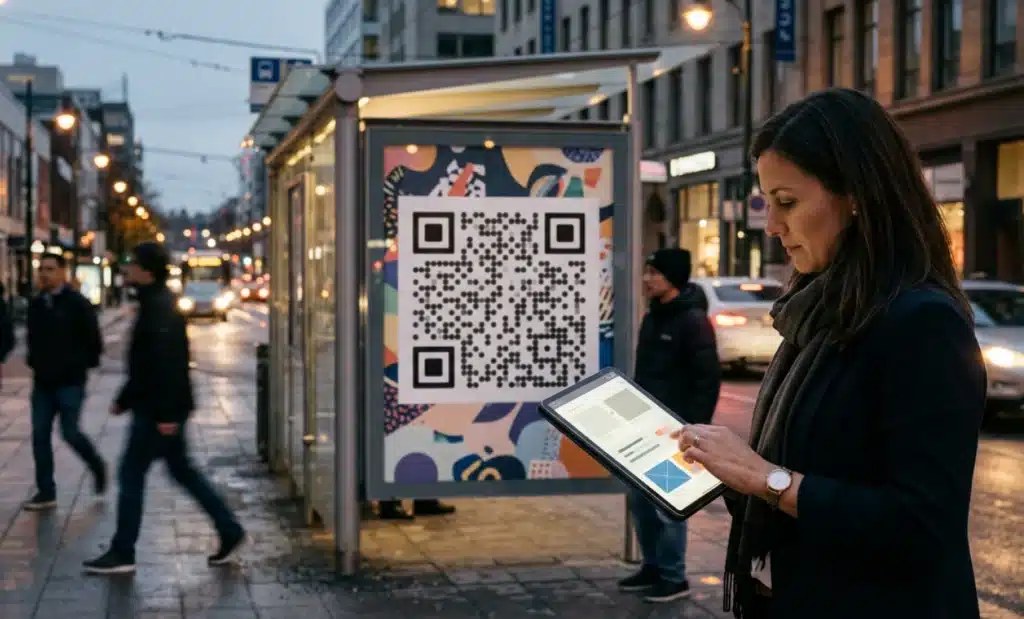
That distinction matters because most QR tools were designed for the second scenario. A restaurant owner with one menu code and an agency running campaigns for twelve clients are solving different problems. The rest of this article breaks the agency problem into ten concrete criteria.
Why do generic QR generators fall short for agency work?
Generic QR generators fall short because they assume one brand, one owner, and modest volume. Agency work violates all three assumptions at once: several clients who expect data separation, campaigns that jump from ten codes to a thousand overnight, and stakeholders who demand proof of results rather than promises.
This is also why an agency QR code tool differs from a platform chosen by an in-house marketing team. An in-house team answers to internal leadership about one brand. An agency answers to paying clients about many brands, often with reselling and white label revenue on the line. None of this makes generic generators bad products. They simply were not built for these workflows.
How should the platform organize multiple clients?
The platform must let the team separate QR codes by client and by campaign so that analytics never mix and no client can ever glimpse another client's data. Multi-client QR management is the first criterion to test, because retrofitting separation after fifty live campaigns is painful.
Look for a Projects structure or an equivalent workspace concept. QRCodeKIT organizes codes into Projects for exactly this reason: each client lives in its own container with its own codes, campaigns, and analytics, so a client review only ever shows that client's data.
Can it generate QR codes in bulk for large campaigns?
An agency rarely needs one QR code. It needs hundreds, sometimes thousands, generated consistently across a client's print materials, packaging, out-of-home placements, and events. The platform should support batch creation from a CSV file, keep design templates consistent across the batch, and give every code a dynamic destination that can be updated centrally.
Bulk workflows are a visible theme across the market. Some platforms, QR TIGER among them, are known for bulk creation at enterprise scale, while design-first platforms like Flowcode prioritize the visual quality of the printed code, which can matter when the code lives on high-visibility placements or premium packaging. QRCodeKIT supports CSV upload for up to 1,000 codes per batch, plus an API for programmatic generation when campaigns outgrow spreadsheets. Whichever tool you evaluate, test the bulk path with real campaign data before committing.
Does it support white label and reselling?
If the agency plans to package QR management as part of its service offering, the platform must be able to disappear behind the agency's brand. That means custom domains on short links, no "powered by" credit lines in the scan experience, and reporting that can carry the agency's identity in front of the client.
A white label QR code capability is not cosmetic. It protects two revenue models: invisible delivery, where QR management is baked into a retainer, and line-item reselling, where the agency charges for QR services directly. Platforms without white label support quietly close both doors.
Will the analytics survive a client meeting?
Client meetings demand data that survives scrutiny. Look for scan analytics broken down by campaign, location, device, and time, along with UTM parameter tracking, Google Analytics integration, and exports formatted for client presentations. Agency QR reporting is only as good as the least defensible number in the deck.
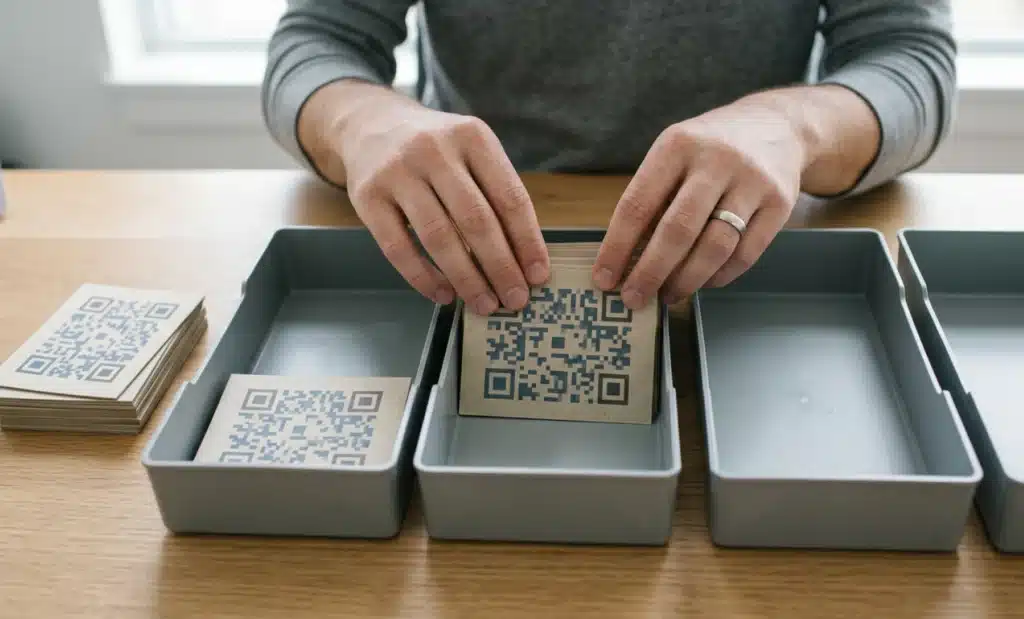
Some tools prioritize lead capture and landing page analytics, Scanova being one example of that orientation. The question for an agency is whether the reporting maps to how clients think: by campaign, by placement, by period. If every report has to be rebuilt in a spreadsheet, the platform is generating work instead of removing it.
Can the whole team work in it safely?
Agencies run on mixed teams: account managers, designers, analysts, media buyers, and interns. Not everyone should hold full admin access, and nobody outside an account team should see that client's data. The platform needs role-based access where you invite members, assign permissions, and scope visibility per client or project.
This criterion tends to be invisible during a trial with two users and decisive a year later with fifteen. Test it early: create a restricted role, log in as that role, and confirm what it can and cannot see.
Does it connect to the rest of the agency stack?
Agencies live inside a stack of tools for CRM, analytics, project management, and paid media. A QR code platform that integrates with that stack lets the team automate generation and reporting instead of copying data between browser tabs. API access is the baseline; native integrations reduce build time.
Approaches vary across the market. Bitly, for example, extends from link shortening into QR codes, which suits teams already organized around links. QRCodeKIT connects natively to Google Analytics, Meta Pixel, Airtable, Canva, Zapier, Make, and n8n, and exposes a REST API for custom workflows. Evaluate against the tools your team actually uses, not against the longest integrations list.
Are dynamic QR codes the foundation?
Yes, without exception. Agencies work on campaigns with print lead times measured in weeks, and clients change direction mid-campaign. A dynamic QR code lets the destination update without reprinting anything, which makes it the only workable foundation for agency campaigns. Static codes lock the destination at print time and cannot adapt.
Every serious platform in this space, including QRCodeKIT, Uniqode, QR TIGER, Scanova, and Bitly, offers dynamic codes. The differentiator is what dynamic actually enables in practice: real-time editing, version history, and scheduled updates. Ask each vendor to show those workflows live rather than accepting the feature name at face value.
Put it into practice
Create a dynamic QR code free and see it work. No credit card required.
Get started freeCan it power conversational campaigns?
Modern campaigns increasingly benefit from a conversational experience at the destination. Instead of landing on a page and hunting for information, the person who scans can ask a question and get an answer immediately. For agencies pitching high-value campaigns, that is a concrete differentiator to put in front of the client.
QRCodeKIT offers this natively through Cleo, its conversational AI, developed iteratively over years. Cleo sits on the destination page as a conversation layer, answers questions in the language the visitor chooses, qualifies leads, and captures contact details before a human gets involved. Very few platforms offer conversational AI natively in 2026, so this criterion quickly narrows the field for agencies that want it.
Will it hold up during live events?
Agencies run codes during broadcast events, live sports, and product launches, moments when scan volume concentrates into minutes. The platform should demonstrate proven uptime under peak load, not just claimed uptime in the marketing copy. An unreachable destination during a client's biggest media moment is an unrecoverable failure.
QRCodeKIT has been tested during peak events such as MotoGP and Champions League matches. Whatever platform you evaluate, ask for evidence of production performance under concentrated load. Verifiable behavior during real events beats brochure claims every time.
Is it ready for EU regulation?
If any client sells into the EU, regulation is now part of the evaluation. The European Accessibility Act has been in force since 28 June 2025, GS1 Sunrise brings Digital Link QR codes to retail checkout by 2027, and the EU Digital Product Passport begins rolling out from 2026. Each one touches agency deliverables that carry a QR code.
Compliance postures differ by market focus. Uniqode carries strong credentials for the US enterprise market, including SOC 2 and HIPAA. QRCodeKIT builds in GDPR compliance, EU hosting, and GS1 Digital Link support. The right choice depends on where the agency's clients operate, which is a strategic question before it is a feature question.
What does the full agency checklist look like?
Here is the complete evaluation framework in one place. Score any QR code platform for agencies against these ten points:
- Multi-client organization with strict data separation, such as a Projects structure
- Bulk generation via CSV and API, tested with real campaign volumes
- White label delivery with custom domains and no platform branding in the scan experience
- Analytics and exports built for client reporting, with UTM and Google Analytics support
- Role-based team access scoped per client and project
- API access plus native integrations with the agency's existing stack
- Dynamic QR codes with real-time editing, version history, and scheduled updates
- Native conversational AI for interactive campaign destinations
- Demonstrated uptime under peak live-event load
- Regulatory readiness matched to where clients operate, in the EU, the US, or both
Any platform that clears all ten is agency-ready. Most clear five or six.
Where do agencies sometimes get it wrong?
The most common evaluation mistakes follow a pattern: deciding based on the first campaign instead of the twentieth. These are the failure modes worth avoiding:
- Choosing a generic QR generator and hitting scale limits three campaigns in
- Selecting a platform without white label capability and losing a reselling revenue stream
- Underestimating reporting requirements and scrambling before every client review
- Ignoring API access and forcing the team to work in yet another disconnected tool
- Evaluating for the US market when clients sell into the EU, or the reverse
- Treating the QR platform as a cost center rather than a client service offering
Each of these is cheap to prevent during evaluation and expensive to fix after migration. The QR platform ROI for agencies usually hides in the mistakes that never happen.
Why does the platform matter more than the code?
Any generator can produce a working QR code in seconds, which is exactly why the code itself is the wrong unit of evaluation. The code is the visible artifact. The platform is the operating system behind it, and the evaluation should be framed accordingly.
That framing changes the questions an agency asks. A design purchase is judged on how the deliverable looks today. Infrastructure is judged on how it behaves across twenty clients and two years. Agencies that treat the code as the product shop on price and design options, then discover the real costs in account management hours. Agencies that treat the platform as infrastructure evaluate it the way they would a CRM, and that framing produces better decisions.
Where should you go deeper?
This framework tells you what to look for. If you want to see how a platform built around these criteria presents its agency offering, the QRCodeKIT page on QR codes for agencies walks through Projects, white label, and bulk workflows in product terms. If you want pricing detail and side-by-side platform comparisons, the QRCodeKIT guide to the best QR code generators covers the same market with numbers included.
Frequently asked questions
What is the difference between an agency platform and one for in-house marketers?
An in-house team manages QR codes for one brand and reports internally. An agency manages codes for many brands at once, reports externally to paying clients, and often resells QR services. That changes the priorities: client separation, white label, and per-client reporting matter for agencies in ways they rarely do in-house.
Can an agency resell QR code services to clients?
Yes, provided the platform supports white label delivery. With custom domains and no platform branding in the scan experience, an agency can offer QR management under its own name, bundled into a retainer or billed as a line item. Without white label support, reselling exposes the vendor to the client.
How many QR codes can an agency create in one batch?
It depends on the platform. As a reference point, QRCodeKIT accepts CSV uploads of up to 1,000 codes per batch, with an API for programmatic generation beyond that. Whatever the platform, test bulk creation with a realistic campaign file rather than trusting the feature table.
Do agencies need API access to a QR code platform?
Most agencies benefit from it, and high-volume agencies need it. An API lets the team generate codes from campaign data automatically, pull scan metrics into existing dashboards, and connect QR workflows to CRM and project management tools. Without it, someone on the team becomes the manual bridge between systems.
Which QR code platform features matter most for EU clients?
GDPR-compliant data handling, hosting within the EU, accessibility that meets the European Accessibility Act, and support for GS1 Digital Link ahead of the 2027 Sunrise transition. Agencies with clients in regulated categories, such as packaged goods sold in the EU, should also track the Digital Product Passport rollout that begins in 2026.
How should an agency report QR campaign results to clients?
Report by campaign and placement, not by individual code. Clients think in campaigns, so the platform should aggregate scans by campaign, location, device, and time period, pass UTM parameters into the client's analytics, and export clean visuals for the review deck. If assembling that report takes hours, the platform is the bottleneck.
All images and visual content in this article were created using RealityMAX.
Related articles

QR code platform for ecommerce in 2026: what to look for
How to choose a QR code platform for ecommerce in 2026: dynamic codes, bulk generation, post-purchase journeys, analytics, and EU readiness for DTC brands.
QR code platform for hospitality in 2026: what to look for
Learn how to choose a QR code platform for hospitality in 2026: ten criteria covering multilingual guests, menu QRs, peak reliability, and EU compliance.

QR code platforms for marketers in 2026: what to look for
A ten-point framework for evaluating QR code platforms for marketers: brand consistency, attribution, analytics, AI QR codes, and EU regulatory readiness.
Two free dynamic QR codes. Yours forever.
No credit card. No expiry. The original dynamic QR platform since 2009.
