

April 22, 2026
QR codes for summer camps and kids’ activities: parent communication without a dedicated app
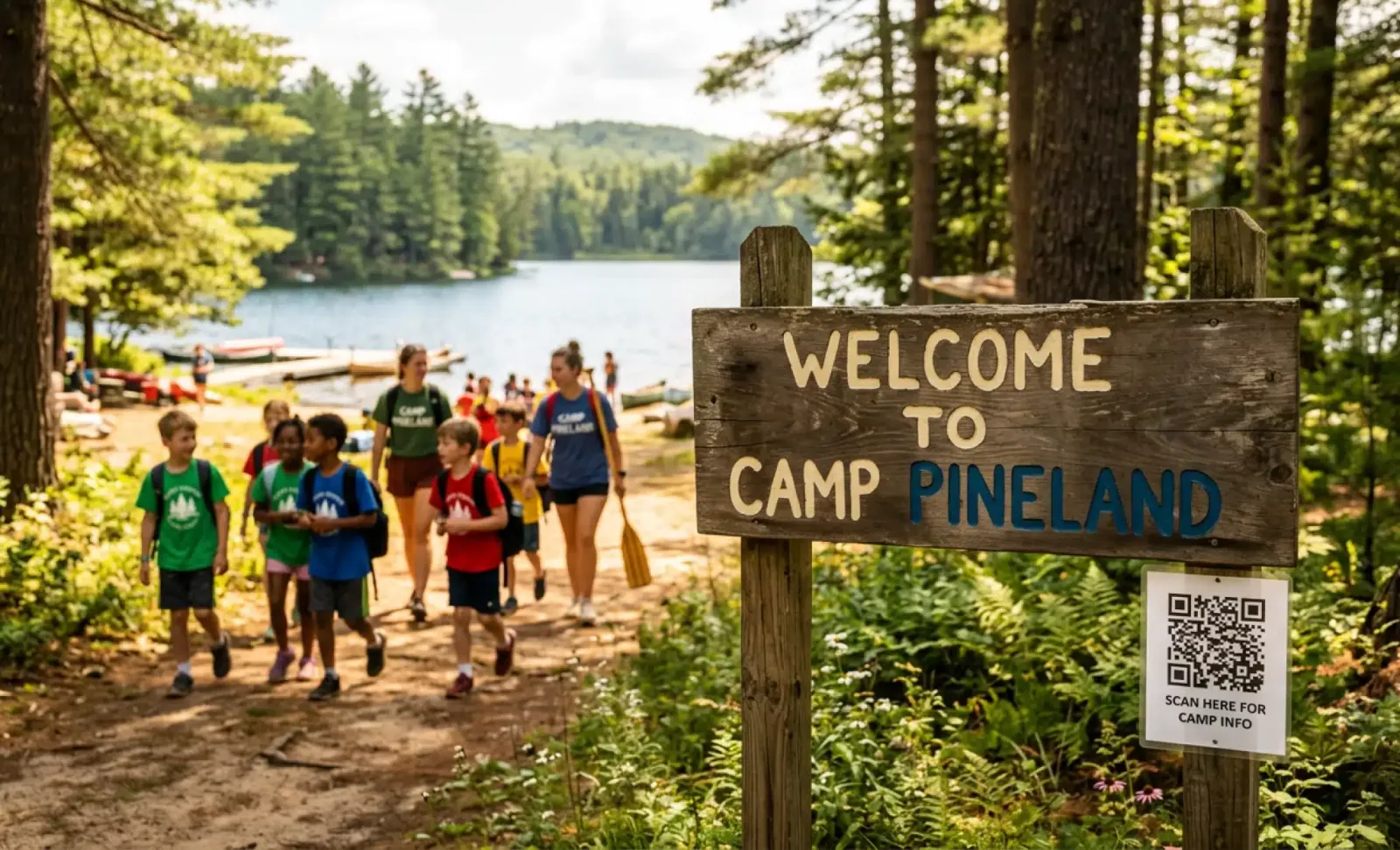
Every summer, thousands of camps face the same quiet problem. Parents drop off their child at 8:45 in the morning and spend the rest of the day wondering. Did she eat lunch. Did he find his group. Is the sunscreen enough. The camp has the answers. The parents do not. And the gap between those two facts is where most parent communication issues are born.
This is where QR codes for summer camps stop being a nice touch and start becoming a real operational tool. Not as a gimmick on a flyer, but as a bridge between the camp and the families who trust it with their kids.
Why summer camps need a different kind of communication
Camps are not schools. They run for two weeks, or four, or eight. There is no time to build habits. There is no parent portal that families log into every morning. There is no app worth asking parents to download for a program that ends before August.
And yet the communication needs are intense. Parents want to know about allergies, pickup times, weather changes, gear lists, bus schedules, what their child did today, and whether the trip to the lake is still on after last night’s storm. Camps answer these questions all day long, usually by phone, sometimes by email, occasionally through a rushed WhatsApp message at 7 a.m.
The result is predictable. Staff gets pulled away from the kids to answer the same fifteen questions over and over. Parents feel anxious because they are not sure where to look for information. And the camp, which is doing everything right in person, looks disorganized on the communication side.
QR codes solve a very specific piece of this. They let you put the right information in front of a parent at the exact moment they need it, without asking them to install anything.
The case against a dedicated camp app
Before we go further, it is worth saying plainly. Most summer camps do not need an app.
Apps require downloads, accounts, passwords, push notification permissions, and a learning curve. Parents will go through that friction for their bank, their child’s school, and maybe their pediatrician. They will not go through it for a two week camp. Data shows that even when camps invest in custom apps, usage drops off sharply after the first few days, and families who arrive mid season often never onboard at all.
QR codes do the opposite. A parent opens the camera on their phone, points it at a code on the fridge or the welcome packet, and lands directly on whatever the camp wants them to see. No download. No login. No tutorial.
The browser becomes the app. And because the QR code is dynamic, the camp can change what sits behind it without reprinting anything.
Where QR codes actually fit in the camp experience
Think about a camp day in slices. Each slice has natural points where a QR code earns its place.
At registration and welcome. Families get a folder or an email with a code that leads to the full parent handbook, daily schedules, emergency contacts, and the gear list. Instead of printing forty pages, the camp prints one card. Updates to the handbook appear instantly for any parent who scans again.
On the fridge or bulletin board at home. A magnet with a QR code is a simple way to give parents a persistent link back to the camp’s information hub. They will scan it the night before a field trip. They will scan it when they forget what time pickup is. They will scan it when grandma is doing pickup instead.
At drop off and pickup. Codes on the sign in board can link to daily announcements, weather updates, or notes from the camp director. This is where the information is freshest and where parents are most likely to have a question.
On lunchboxes, name tags, and gear. A small QR sticker on a water bottle or backpack can link to the child’s group page, their counselor’s name, or emergency information for staff who find lost items at a facility.
In bathrooms and common areas. Codes near the first aid station can point to allergy protocols. Codes in the dining hall can show the week’s menu, including substitutions for kids with dietary restrictions.
None of these require a new app. All of them can be updated mid summer. And together they create a communication layer that works whether the parent is standing at the gate or sitting at their desk at work.
Making QR codes conversational with Cleo
Here is where things get more interesting. A standard QR code sends a parent to a page. That page might be useful. It might also be long, hard to scan visually, and missing the one answer the parent actually needs.
This is the gap Cleo fills. Cleo is the AI assistant built into QR codes from QRCodeKIT. When a parent scans a Cleo powered code, they land on the camp’s page and find a conversation bubble ready to answer questions directly.
A parent does not have to read through the handbook to find out if peanut butter is allowed in lunches. They ask. Cleo answers, using the information the camp has provided.
Parent: My son has a bee allergy. What happens if he gets stung during outdoor activities? Cleo: Every counselor at our camp is trained in allergy response and carries an emergency kit that includes epinephrine auto injectors for campers with known allergies. If your son is registered with a bee allergy, his counselor will have his specific medication on hand during all outdoor time. You can also review our full allergy protocol in the parent handbook.
The conversation happens in the browser. No app. The parent gets an immediate, accurate answer. The camp director does not get pulled out of an activity to take a call.
For camps that run in bilingual communities, Cleo handles multiple languages natively. A Spanish speaking parent can ask about pickup in Spanish and get an answer in Spanish. The camp sets up the content once. Cleo matches the language of whoever is asking.
The operational benefits camp directors actually care about
Strategic thinking about QR codes for summer camps usually comes down to four things.
Staff time. Every question a parent asks Cleo is a question your head counselor does not have to answer. Over a summer, this adds up to dozens of staff hours returned to actual camp programming.
Consistency of information. When parents call and ask about the Thursday field trip, they get whatever the person answering the phone remembers. When they scan and ask Cleo, they get the answer the director wrote down. No contradictions, no guessing.
Updates without reprinting. A camp can print its QR codes in May and still be updating the information behind them in July. New bus route. Changed pickup location. Updated weather policy. The physical code does not change. The answers do.
Insight into what parents are worried about. Every conversation generates data. A camp director who sees that forty parents asked about ticks in the first week knows exactly what to address in the next newsletter. Questions are a map of parent concerns.
This last point matters more than most camps realize. Parent anxiety is often invisible until a complaint arrives. QR code conversations make it visible early, when there is still time to respond.
Put it into practice
Try QRCodeKIT Pro free for 7 days and see it work. No credit card required.
Start free trialReal examples of QR codes for summer camps in action
Picture a day camp in a suburban community. The director prints a QR code on the front of every welcome folder. Parents scan it and get the daily schedule, pickup procedure, and a conversation bubble.
On Monday, a parent asks about the swim test. Cleo explains the process and reassures her that her daughter will not be forced into deep water on day one. On Tuesday, a grandfather doing pickup scans the same code and asks where to park. Cleo tells him. On Wednesday, a parent whose child has a new medication scans the code in the morning and asks who to hand the medicine to. Cleo directs him to the camp nurse and flags the arrival.
Three different people. Three different questions. Zero calls to the camp office.
Now picture an overnight camp. The code is printed on the parent resources card mailed out before the summer starts. It is also on the fridge magnet sent with each camper. Parents who want comments from a past camp season can read them on the same page. During drop off week, parents use it to check visiting day rules. In late July, they use it to confirm the departure bus schedule.
The code stayed the same from March through August. Everything behind it changed constantly.
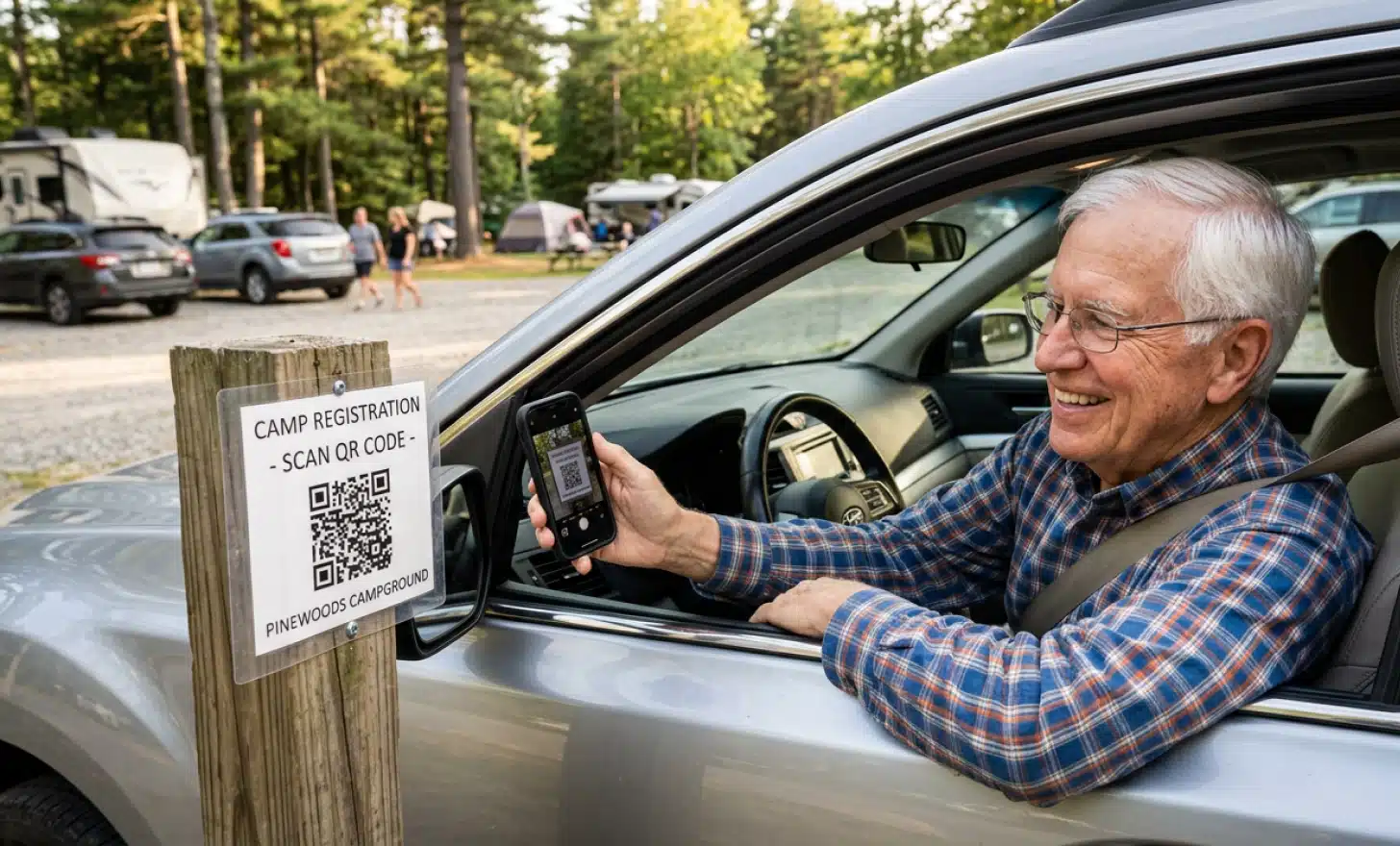
Privacy and safety considerations for camps
Kids and public information do not mix casually. Any camp using QR codes needs to think carefully about what sits behind them.
Public codes, meaning codes anyone can scan, should contain general information. Schedules, policies, gear lists, allergy protocols at a general level, and contact numbers. They should never contain individual camper information, group rosters with names, or photos of children accessible without authentication.
For anything that needs to be secure, such as specific camper records or parent to counselor messages, QR codes can link to gated pages that require a password or login. The QR handles the entry point. A secure portal handles the sensitive content.
It is also worth being thoughtful about where codes are placed. A code taped to the outside of a cabin is a different privacy situation than a code inside a parent welcome folder. The physical location of a QR code is part of who can see it.
How to choose what belongs behind a QR code
Not every piece of information needs a QR code. Some things belong in an email. Some things belong in a direct conversation. QR codes work best when they meet three conditions.
The information is something a parent might want right now, standing in front of something physical. The information might change during the season. The information is the same for many families, so putting it in one place saves repeating it.
Drop off procedures meet all three. The Friday menu meets all three. A child’s individual behavior report does not. An emergency contact form filled out by each family does not.
Strategic camps start with two or three QR codes, placed at the moments of highest parent confusion, and grow from there. Trying to put a code on everything at once leads to clutter and signs nobody reads.
What makes QR codes work for kids programs specifically
Summer camps and kids’ activities share something that most businesses do not. The user and the customer are different people. The kid experiences the camp. The parent pays for it, worries about it, and needs to be informed about it.
QR codes give you a way to communicate with the customer without interrupting the user’s experience. A kid does not need to know that his mom just scanned a code to check tomorrow’s weather plan. The code connects parents to information while counselors stay focused on the kids.
This matters for after school programs, youth sports, music camps, and any facility that serves children with parents as the decision makers. The communication pattern is the same. A fast, no install way for parents to get answers, combined with the ability for the organization to update information in real time.
Schools have started to understand this. A QR code on the school pickup line sign, linking to a parent resources page with a Cleo conversation, turns a five minute confusion into a five second answer. The same logic applies to any community program built around children.
How do QR codes compare to email updates and WhatsApp groups for camps?
Email is slow and easy to miss. A parent sorting through two hundred work emails at 9 a.m. is unlikely to notice the camp’s Tuesday update. WhatsApp groups feel fast but quickly become chaotic, with important information buried under conversations between parents about lost jackets and carpool logistics.
QR codes occupy a different space. They are pull based rather than push based. The parent goes to the information when they need it. This means camps do not have to compete for attention in a parent’s inbox. It also means parents do not feel bombarded.
The best camp communication strategies use both. Email for the major announcements that need to reach everyone. WhatsApp for community feeling and quick check ins. And QR codes as the always available reference layer, answering the questions that come up between the planned updates.
What should a camp look for when choosing a QR code platform?
A few things matter more than most.
The codes should be dynamic, meaning the information behind them can be updated without reprinting. Static codes are a trap for any program that runs across a full season. All QR codes from QRCodeKIT are dynamic by default, which is why they work for camps that need to adapt week to week.
There should be basic analytics. Not to track individual parents, but to understand which codes get used and when. This informs decisions about what to print next year.
If the camp wants conversational answers rather than static pages, the platform should support an AI layer like Cleo that can be set up without technical knowledge. The camp director should be able to paste in the parent handbook and have the assistant ready to answer questions within an afternoon.
Finally, the visual design of the code matters more than people think. A QR code on a camp brochure sits next to the camp’s logo and colors. A code that looks like a generic black and white square undermines the effort that went into the rest of the branding. Platforms that offer artistic or branded QR codes help the communication tool match the camp’s identity.
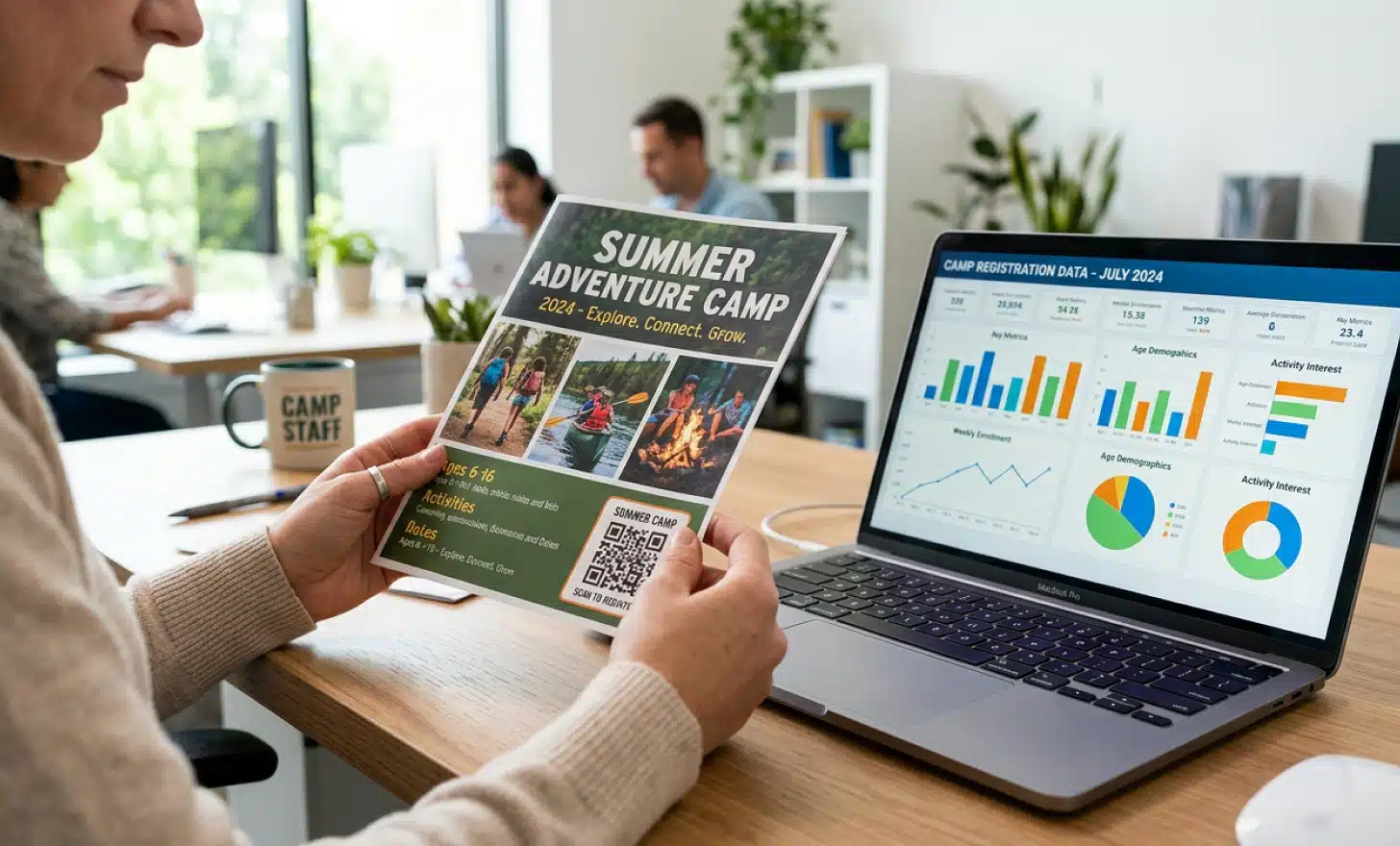
What is the most common mistake camps make with QR codes?
Treating them as a one time marketing asset rather than a living communication channel.
A camp will print a QR code on its registration flyer in February, link it to a basic landing page, and never update what sits behind it. By July, the information is stale, the code has become decorative, and parents have stopped scanning it because the last three times they tried, it did not help.
The camps that succeed do the opposite. They treat the QR code the way they treat their bulletin board. Something to update weekly, sometimes daily, with whatever parents need to know right now. The code stays the same. The usefulness stays fresh.
That shift in thinking, from flyer decoration to communication infrastructure, is what turns QR codes from a novelty into a tool that actually reduces phone calls, calms anxious parents, and gives staff their time back.
All images and visual content in this article were created using RealityMAX.
Related articles

QR codes for outdoor music festivals
A festival gate at 4 PM on a Friday. Thirty thousand people funneling through security. Questions coming from every direction. Which stage is Phoenix playing?…

Trusted domain QR codes
Every week, security teams deal with a threat most of their tools were not built to handle. Someone sends a QR code by email or prints it on a flyer. A…
State of dynamic QR codes
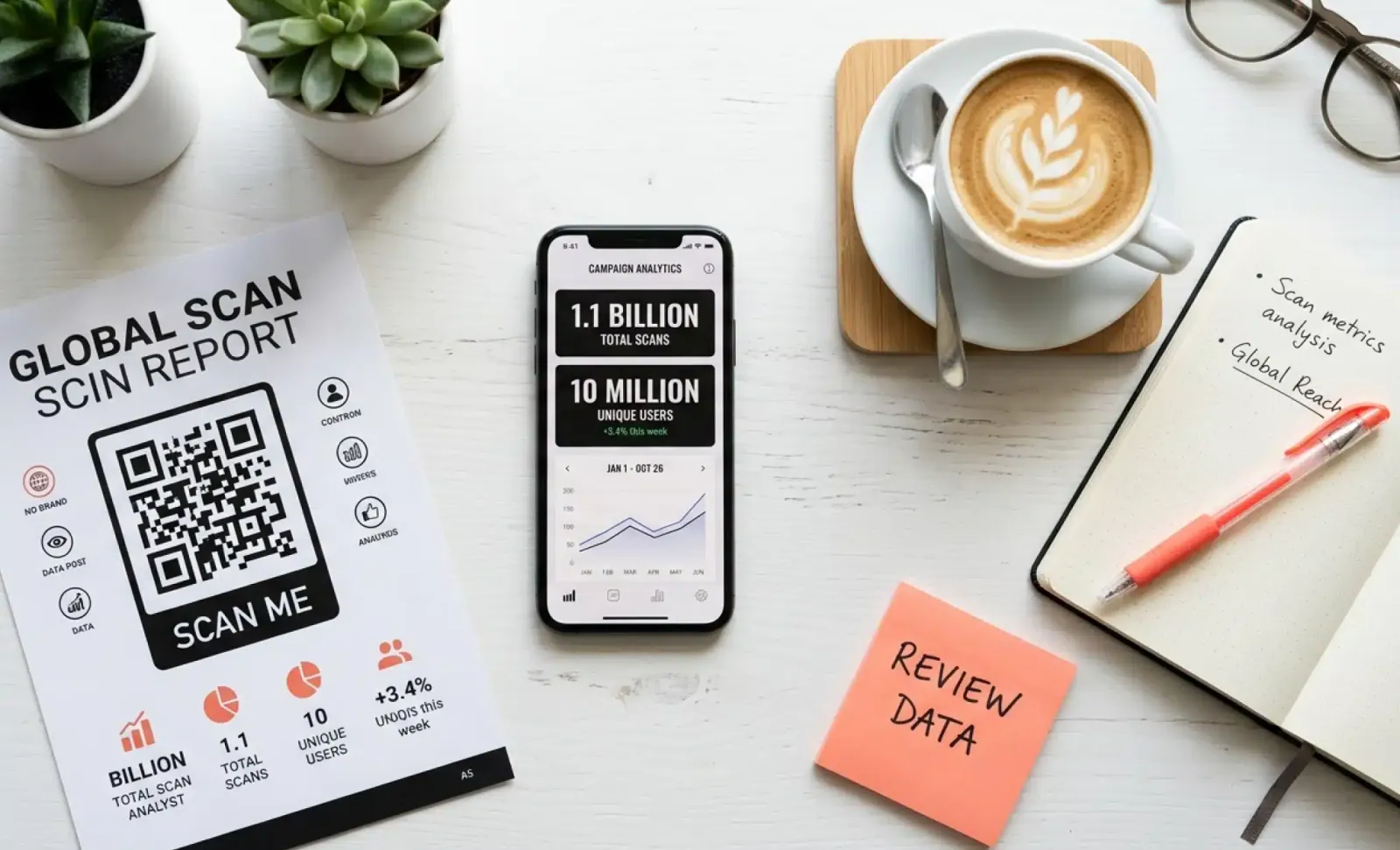
Surveys tell you what people say they do. Platform data tells you what they actually do.
Try QRCodeKIT Pro free for 7 days.
No credit card required. The original dynamic QR code platform since 2009.
