
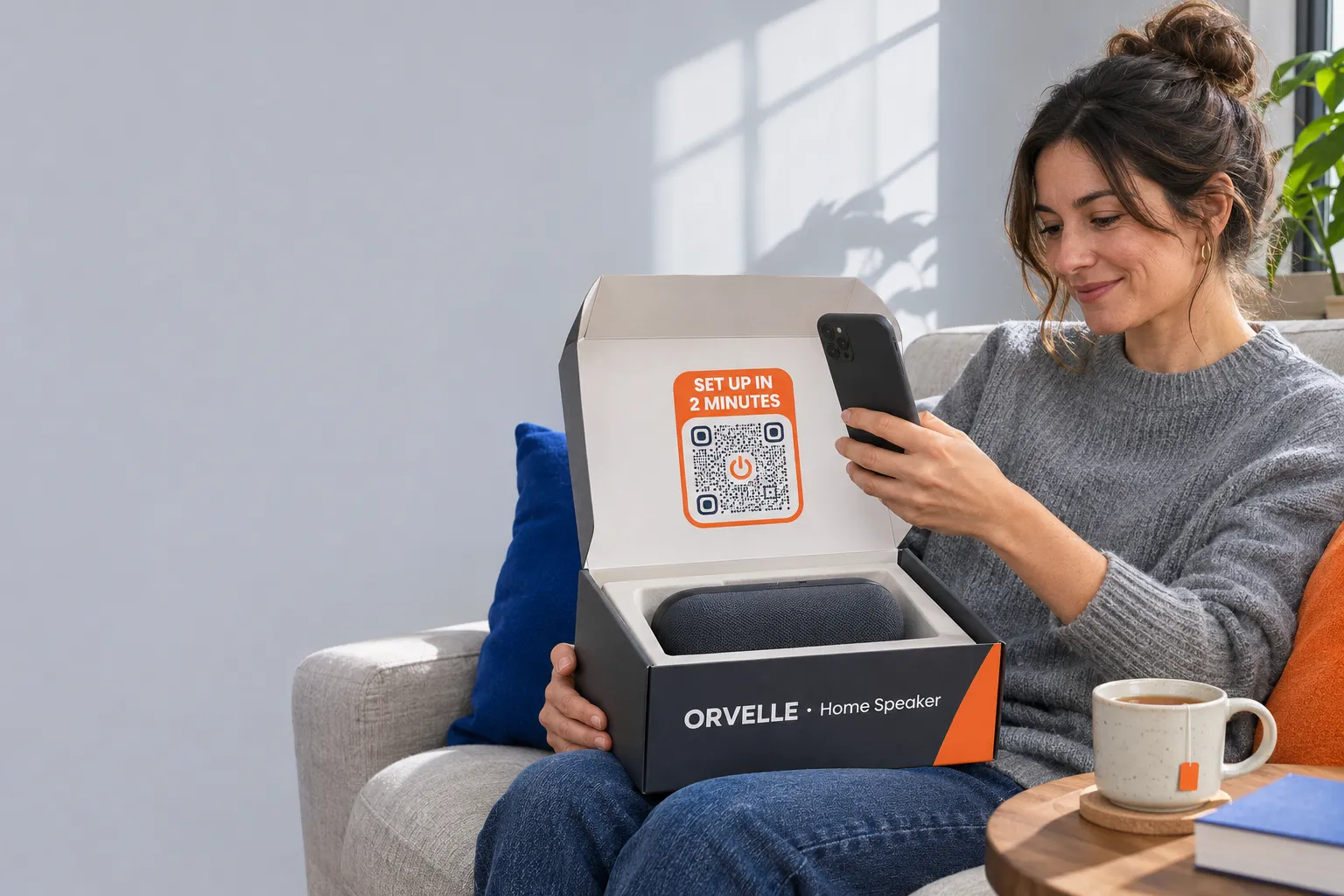
QR codes for consumer electronics that keep working after the sale.
Put one dynamic QR code on every box, manual and device. Open the right guide, video or warranty form in the buyer’s language, update it after printing, and see which products and markets scan.
No credit card required•GDPR-compliant•Hosted in the EU
By continuing you agree to our Terms and Privacy Policy.
Trusted by electronics brands such as Philips · Beko · Apple
Ready for launch day
Electronics brands rely on QRCodeKIT when a new product ships to every market at once.
- Companies of all sizes
- 1M+
- QR visits processed
- 1.2B
- Platform uptime
- >99%
- Platform monitoring
- 24/7
What are QR codes for consumer electronics?
QR codes for consumer electronics are dynamic QR codes on boxes, quick-start guides, labels and the devices themselves that open content the brand can change at any time: the manual, a set-up video, warranty registration, spare parts, support or a review page. One code can serve every language and market, and each model can have its own, so every scan shows which product and country it came from. QRCodeKIT, launched in 2009 as uQR.me, is the dynamic QR code platform electronics brands use to run them, hosted in the EU.
Who it’s for
From the box to the first set-up
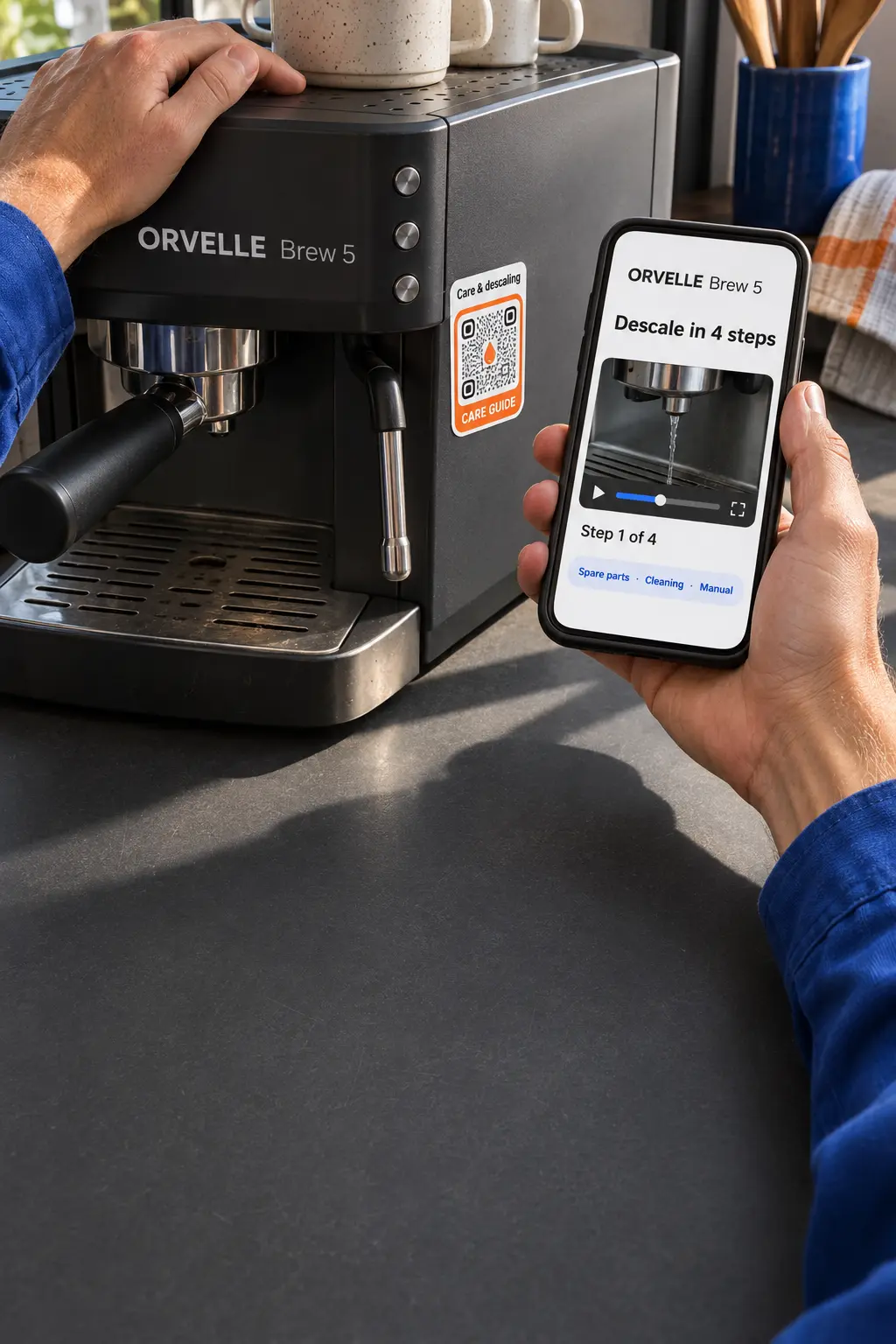 Home appliances
Set-up and care at the machine
A code on the appliance opens installation, cleaning and descaling guides and spare parts, long after the paper manual is lost.
QR codes on product packaging →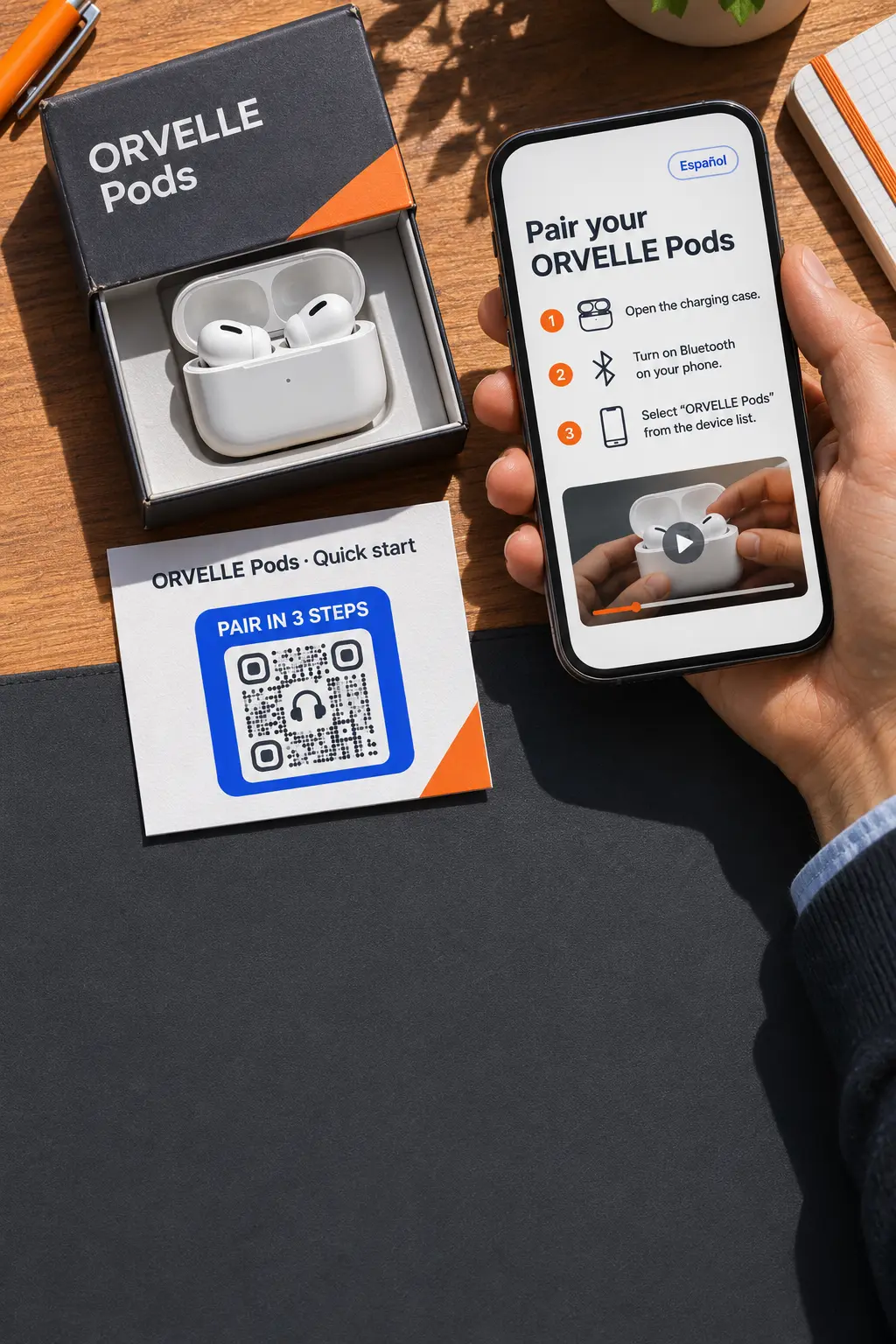 Phones, audio & wearables
Quick-start guides that fit in a pocket
Replace pages of paper with one code on the quick-start card that opens the manual, pairing steps and videos in the buyer’s language.
Multilingual QR codes →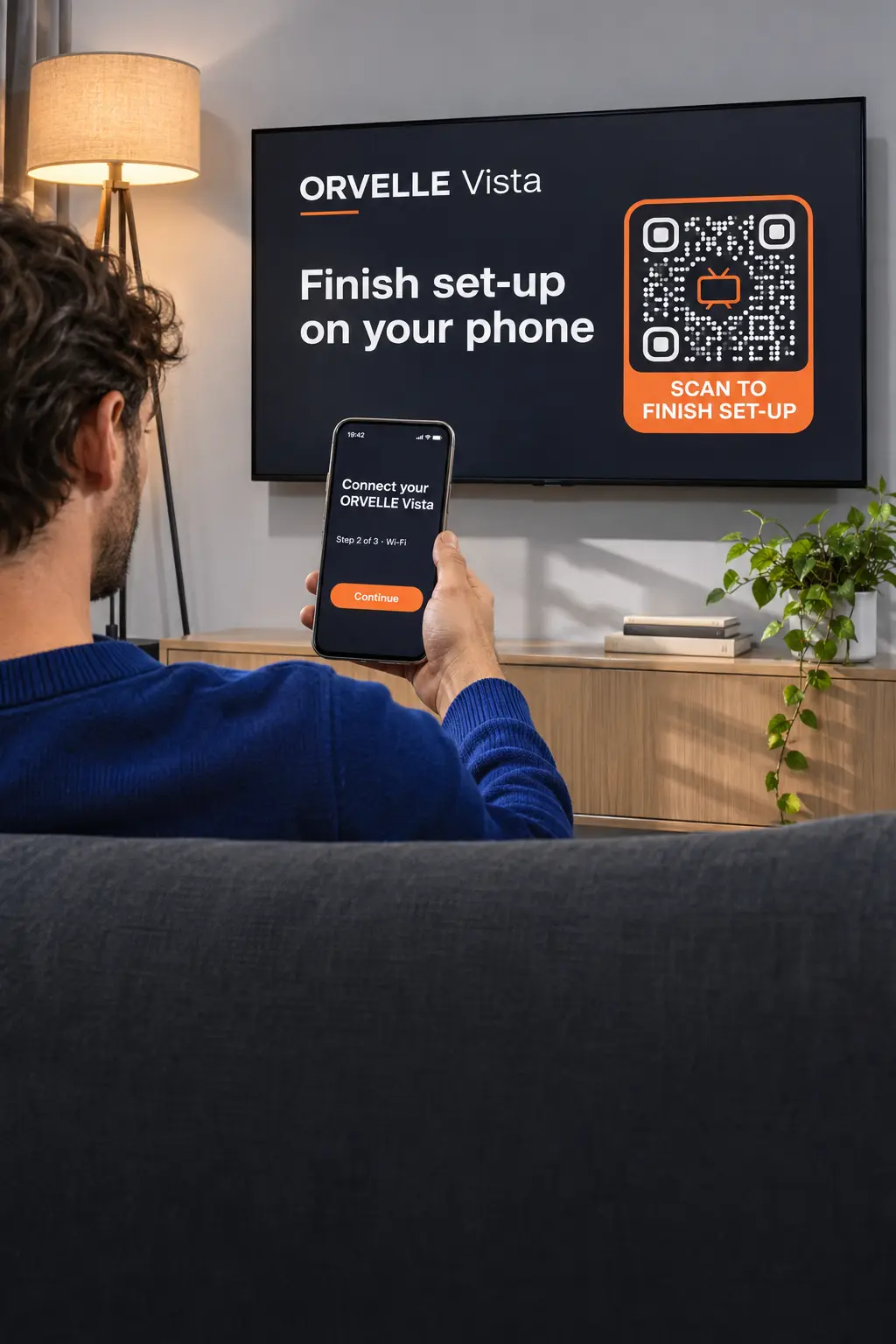 TV & smart home
Help on the screen, not on hold
A code on the screen or the device opens apps, set-up steps and support right where the customer is stuck.
AI QR codes →Platform
Every model and market, one dashboard
Create
One code per model, language and market
Create codes in bulk from your product list, one per model or SKU, and send each buyer to the content for their language and country. Change the manual or the release notes the same day: the box stays printed.
Bulk creation →Multilingual QR codes →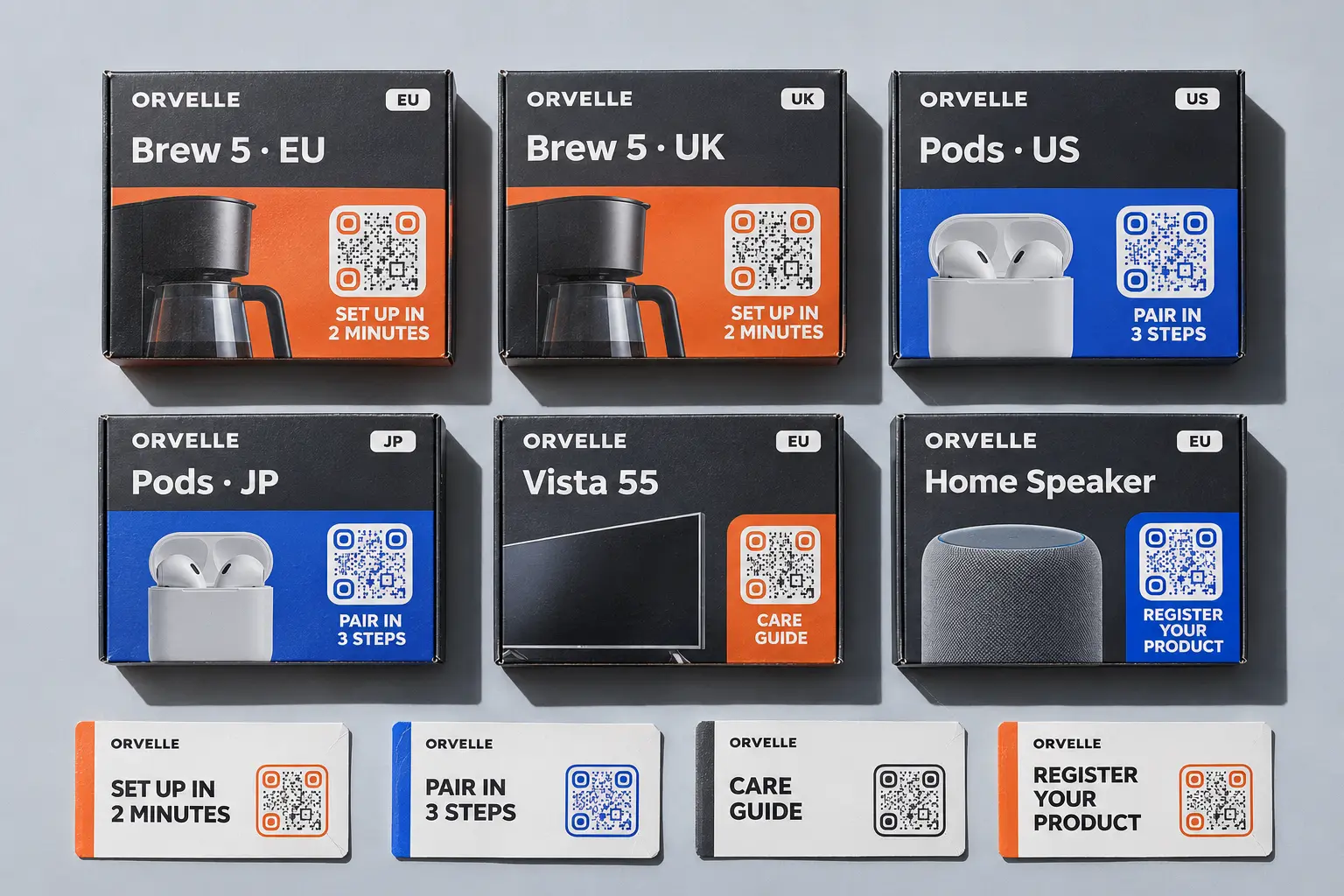
Design
Codes that belong on your packaging
Your logo, colours and frame on boxes, labels and the device itself, with a live check that the code still scans. Point it to manuals, videos, registration forms or app downloads from the same code types.
File download QR codes →Form QR codes →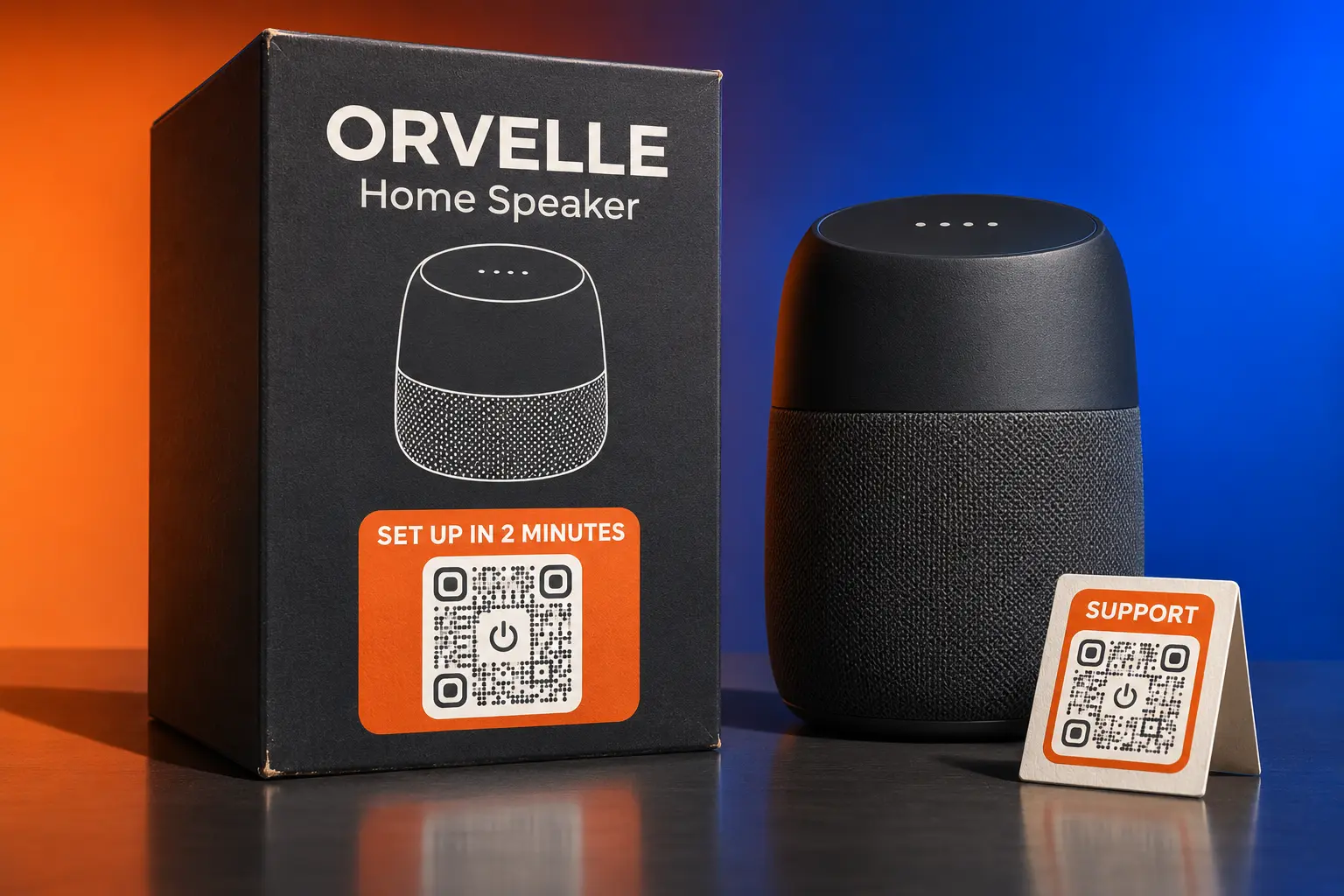
Track
See which products and markets scan
Scans by model, country, city and device, first visits apart from repeat ones, and which guides buyers open after the sale. Send registrations to your CRM through the API and webhooks.
QR code analytics →QR code API →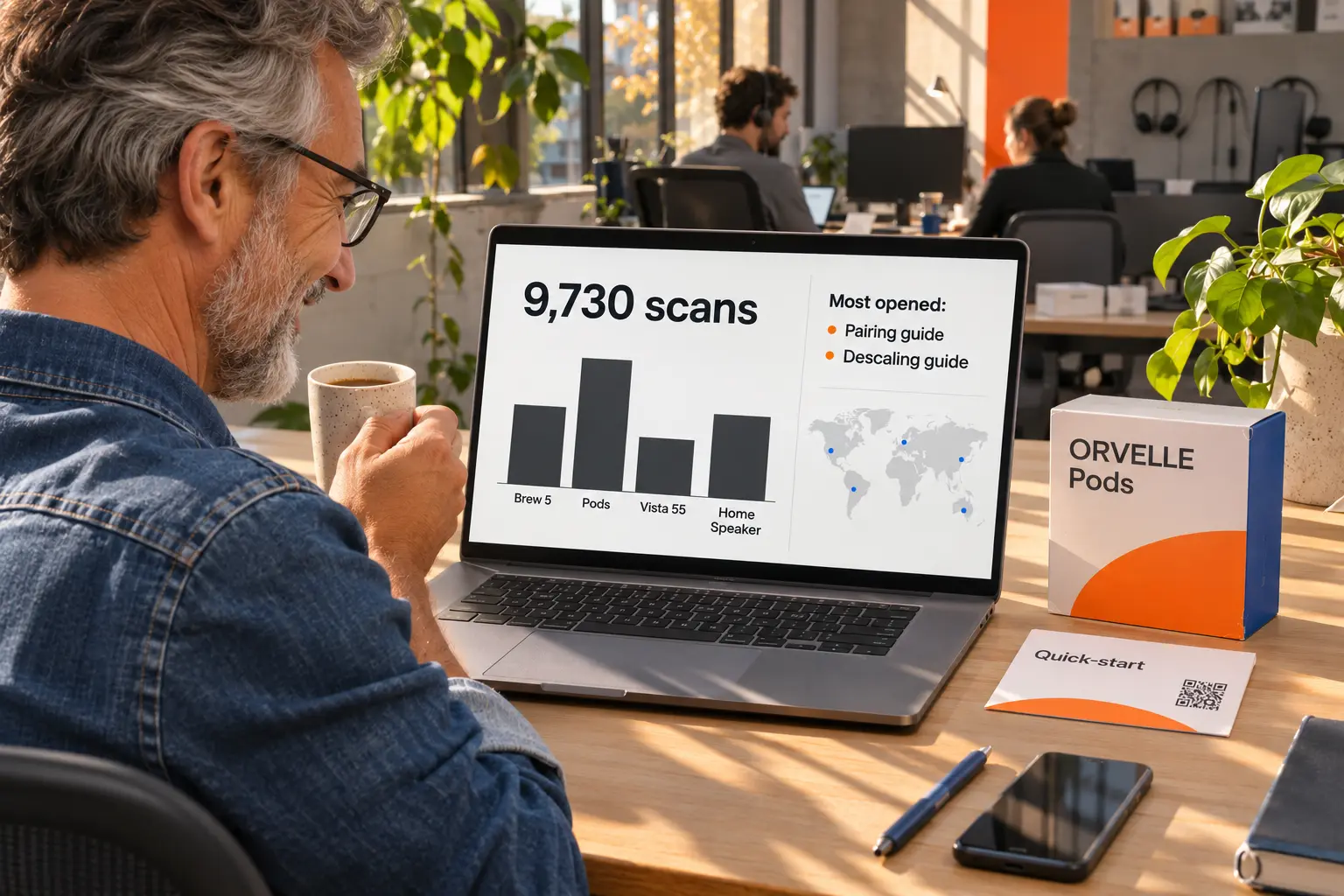
Cleo · AI agent
A support agent in every box
Cleo is the AI agent that lives inside your QR codes. Train her on your manuals, troubleshooting guides and warranty terms, and she answers buyers in their own language, at any hour, before they call support.
- Answers with no staff needed
- 24/7
- Languages supported
- 40+
Cleo answers from the documents you give her, so every answer matches your real manuals, models and warranty terms.

How do I connect it to my Wi-Fi?
Open the app, tap “Add device” and hold the power button for 5 seconds until the light blinks blue. Then pick your network and enter its password. Want to see the video?


Control
Brand-safe codes on every device
A code on a device stays in homes for years. QRCodeKIT keeps your codes on your own domain and your customer data in the EU, so a scan years after the sale still lands on your content.
- Your own domain. Buyers see a link that is clearly yours, which helps them trust the code on the box. On Pro and Enterprise.
- Hosted in the EU. GDPR-compliant, with European-based infrastructure.
- Teams and single sign-on. Up to 10 team members on Pro; SSO and up to 50 members on Enterprise, for product, support and marketing teams.
- Forms with consent. Warranty and registration forms with a required consent, and stored answers deleted automatically every week or month.
- Edit after printing. Change the manual, the video or the support page behind any code, as many times as you need.
- GDPR
- EU hosting
- ISO 27001 framework
- SSO
Questions electronics teams ask us
QRCodeKIT is a dynamic QR code platform launched in 2009 as uQR.me and hosted in the European Union. Electronics and appliance brands use it to run the codes buyers scan on boxes, manuals and devices.
What are QR codes used for in consumer electronics?
To connect the product with content that changes after it ships: manuals and quick-start guides, set-up videos, warranty registration, spare parts, support and review pages. A dynamic QR code lets you update that content and count every scan without reprinting the box.
Can one QR code open the manual in the buyer’s language?
Yes. A multilingual QR code opens the version in the buyer’s language, so one code on the box serves every market.
Can I update a manual after the box is printed?
Yes, if it is a dynamic QR code. The code on the box stays the same and you replace the PDF, video or page it opens from the dashboard, for example after a software update.
Can I have a different QR code for each model?
Yes. Create codes in bulk, one per model, SKU or market, and group them by product line, so you can see which products bring the scans.
How do QR codes help with warranty registration?
A code on the box or the device opens a short registration form. The form QR code asks for consent before storing answers and can delete them automatically every week or month. Send registrations to your CRM through the API and webhooks.
Do QR codes help with the EU Digital Product Passport?
They are how buyers will reach it. From February 2027, batteries sold in the EU must carry a QR code that opens their information, the first step of the Digital Product Passport. A dynamic code on your own domain lets you keep that information up to date for the life of the product.
Can a QR code answer customers’ questions about the product?
Yes, with Cleo, QRCodeKIT’s AI agent that lives inside your QR codes. Train her on your manuals, troubleshooting guides and warranty terms, and she answers in the buyer’s own language, at any hour.
Is there a free trial?
Yes. Every new account starts with a 7-day free trial of Pro, with no credit card required, with up to 100 QR codes and 100 scans each. Teams that need SSO, API access or higher limits can compare the plans or book a demo.