
YouTube QR code: connect your audience to video in seconds
Create your QR code
How it works
Step 1: Choose your content
Decide whether you want to link a single video, a full playlist, or your entire channel. Copy the YouTube URL you’d like to share.
Step 2: Create your QR
Paste your link into QRCodeKIT and instantly generate a YouTube QR code. Add your own colors, logos, and design touches so the code looks unique and scan-friendly.
Step 3: Share it everywhere
Place your code on flyers, packaging, posters, or social posts. With a quick scan, anyone can open your YouTube content instantly, boosting views, subscribers, and engagement.
Why use a YouTube QR code?
Because it removes every obstacle between your content and your audience. No typing, no searching, just scan and play. A YouTube QR code helps you capture attention in the moment, turning curiosity into views and subscribers.
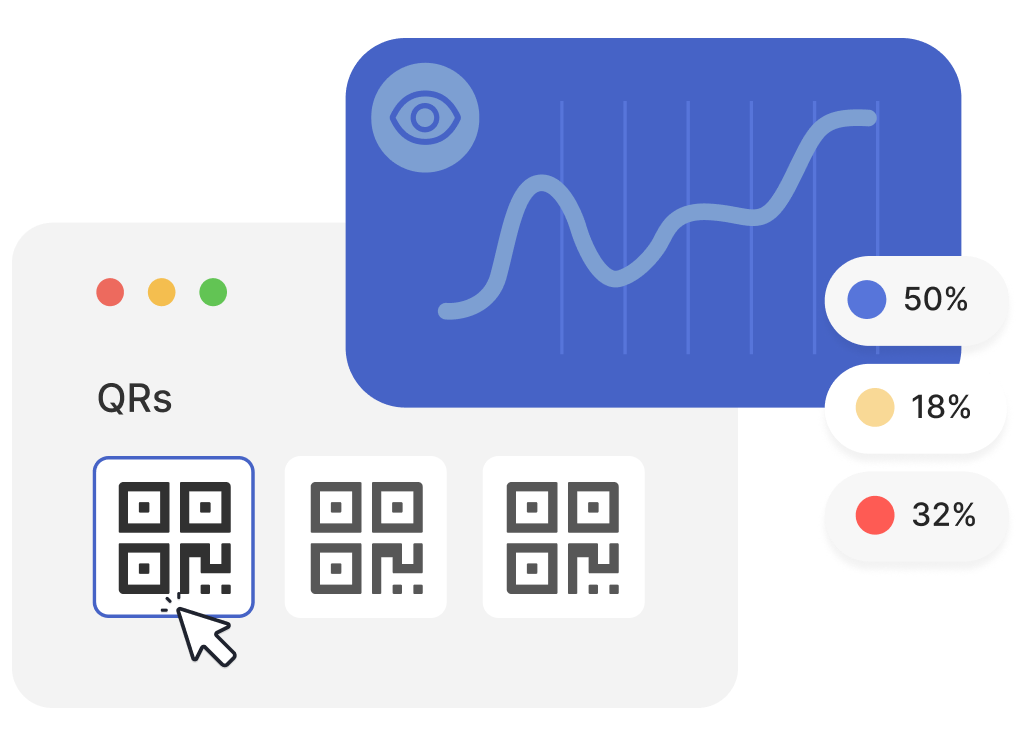
Turn scans into views
Every scan is an instant play. Instead of hoping someone remembers your link, a YouTube QR code guarantees they land right where you want them: on your video. More convenience means more views.
Create your QR codeBoost views, subscribers, and reach
The true power of a YouTube QR code is how it grows your audience. Every scan is a chance to get another view, another like, another subscription. Unlike traditional links, a QR works everywhere: in print ads, at events, or on product packaging. By making your content accessible in one scan, you give your videos more visibility and your channel more traction.
Keep your videos fresh
Want to switch from an old upload to your latest release? With QRCodeKIT, your YouTube QR code is dynamic, so you can update it anytime without reprinting.
Create your QR codeThe smart way to promote YouTube content
A YouTube QR code works for creators, marketers, teachers, and event organizers alike. Musicians can link to a new single, brands can share tutorials, schools can provide learning playlists, and festivals can promote after-movies. Whatever your content, QR puts it in people’s hands instantly.
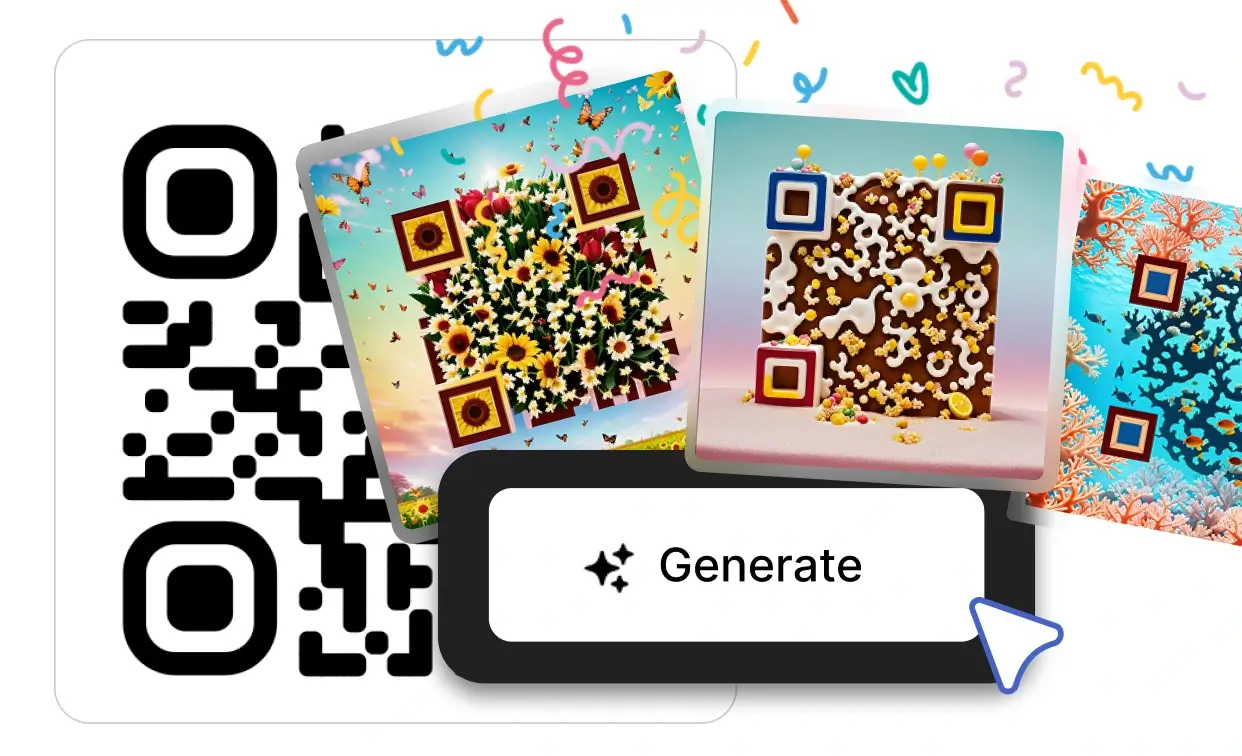
AI-powered designs for your YouTube QR code
With our own artificial intelligence, you can turn a simple YouTube QR code into a piece of design that people actually want to scan. QRCodeKIT’s AI helps you generate unique, artistic QR codes that match your branding and catch the eye on posters, flyers, or packaging. The result is a QR that’s not only functional but also visually compelling, boosting scans and getting more viewers to your videos.
Create your QR code
Safe, secure, and trusted
All YouTube QR codes created with QRCodeKIT run on a platform that has been certified to ISO/IEC 27001. That means your viewers scan with confidence, and your content is always delivered safely.
Create your QR codeFrequently asked questions
What is a YouTube QR code?
It’s a QR code that links directly to a YouTube video, playlist, or channel. When scanned, the content opens instantly on the viewer’s device.
How can a YouTube QR code help grow my channel?
By removing friction. Instead of asking people to search, type, or click, you let them access your video instantly. More convenience means more views, subscribers, and engagement.
Where can I use a YouTube QR code?
Anywhere you want to connect offline to online. Add it to flyers, packaging, event banners, business cards, or merchandise to get your videos seen.
Two free dynamic QR codes. Yours forever.
No credit card. No expiry. The original dynamic QR platform since 2009.
