
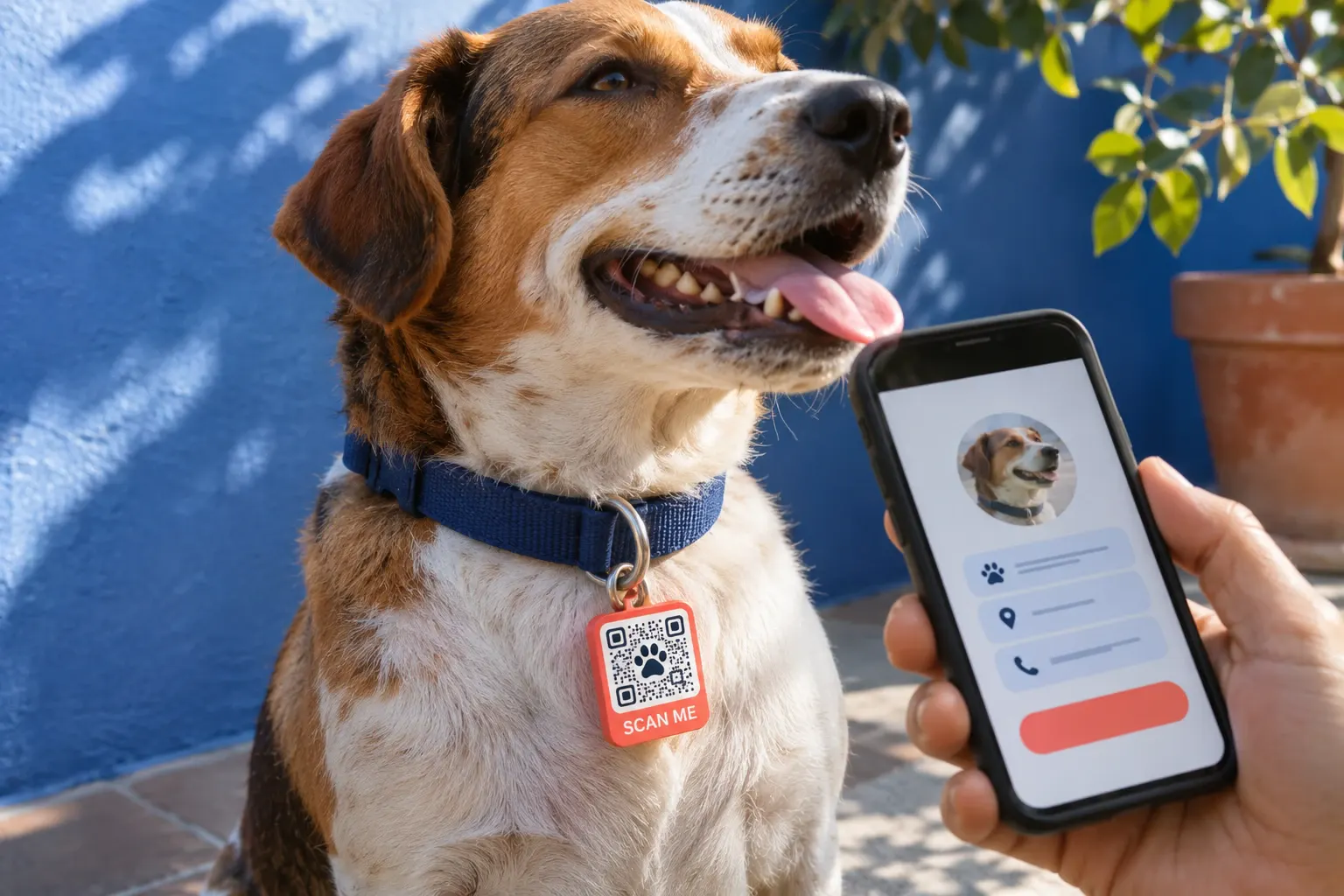
QR codes for personal use that stay editable after printing.
Put one dynamic QR code on an invitation, a CV, a gift or your pet’s collar. Open a video, your portfolio or your phone number, and change it after printing, as often as you need.
No credit card required•GDPR-compliant•Hosted in the EU
By continuing you agree to our Terms and Privacy Policy.
Trusted by more than a million companies worldwide
What are QR codes for personal use?
QR codes for personal use are dynamic QR codes on wedding invitations and thank-you cards, CVs, gift tags, T-shirts, luggage and pet tags, and the Wi-Fi card at home that open content you can change at any time: a video, a photo gallery, an RSVP form, your portfolio or your contact details. Because the code is dynamic, a new phone number or a new video doesn’t mean reprinting. QRCodeKIT, launched in 2009 as uQR.me, is the dynamic QR code platform people use to run them, hosted in the EU.
Who it’s for
From the invitation to the luggage tag
 Weddings, birthdays & parties
From the RSVP to the video of the day
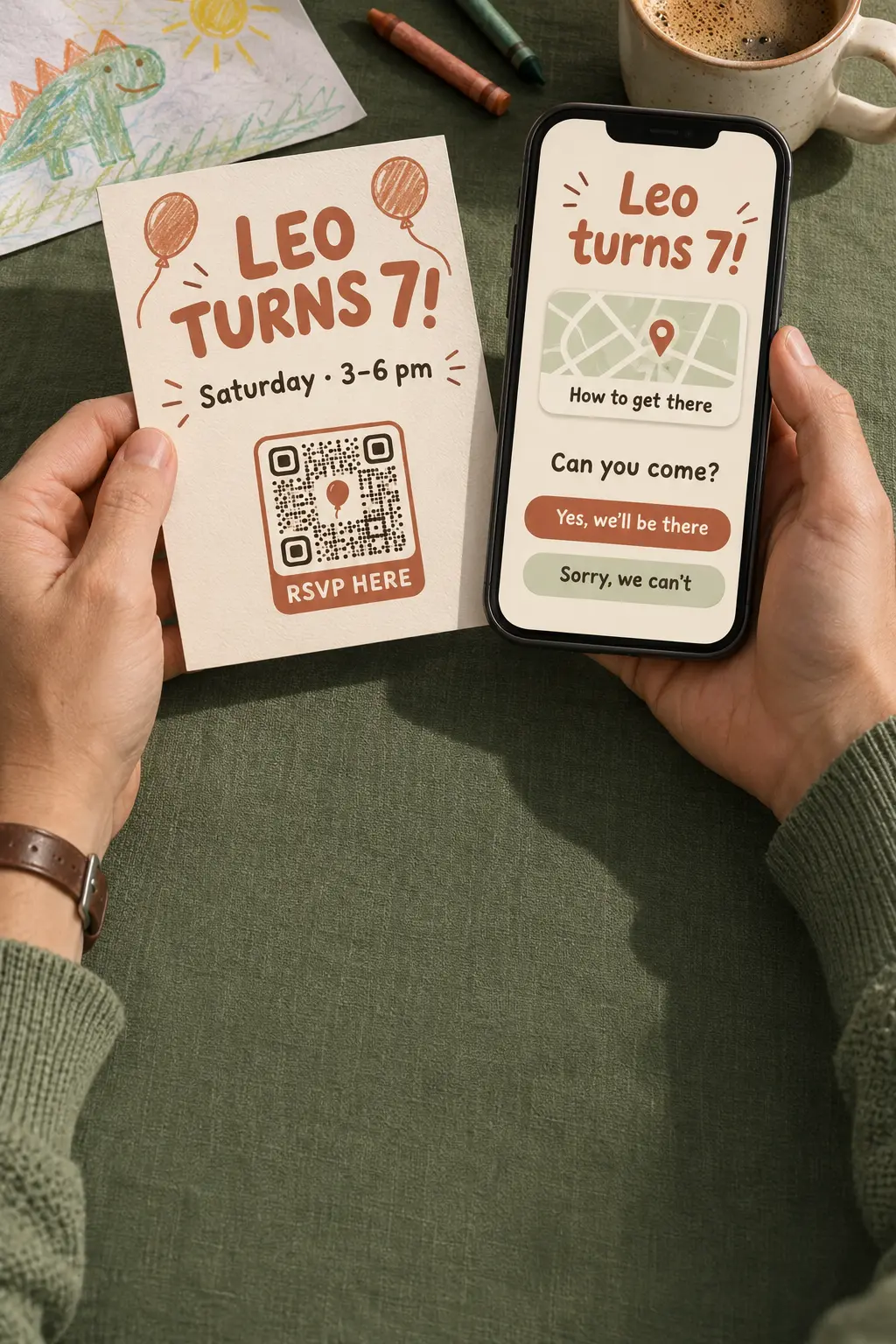
Invitations to a wedding or a birthday open the RSVP form and the way to the venue, and the thank-you cards open the video of the celebration.
QR codes for wedding RSVPs →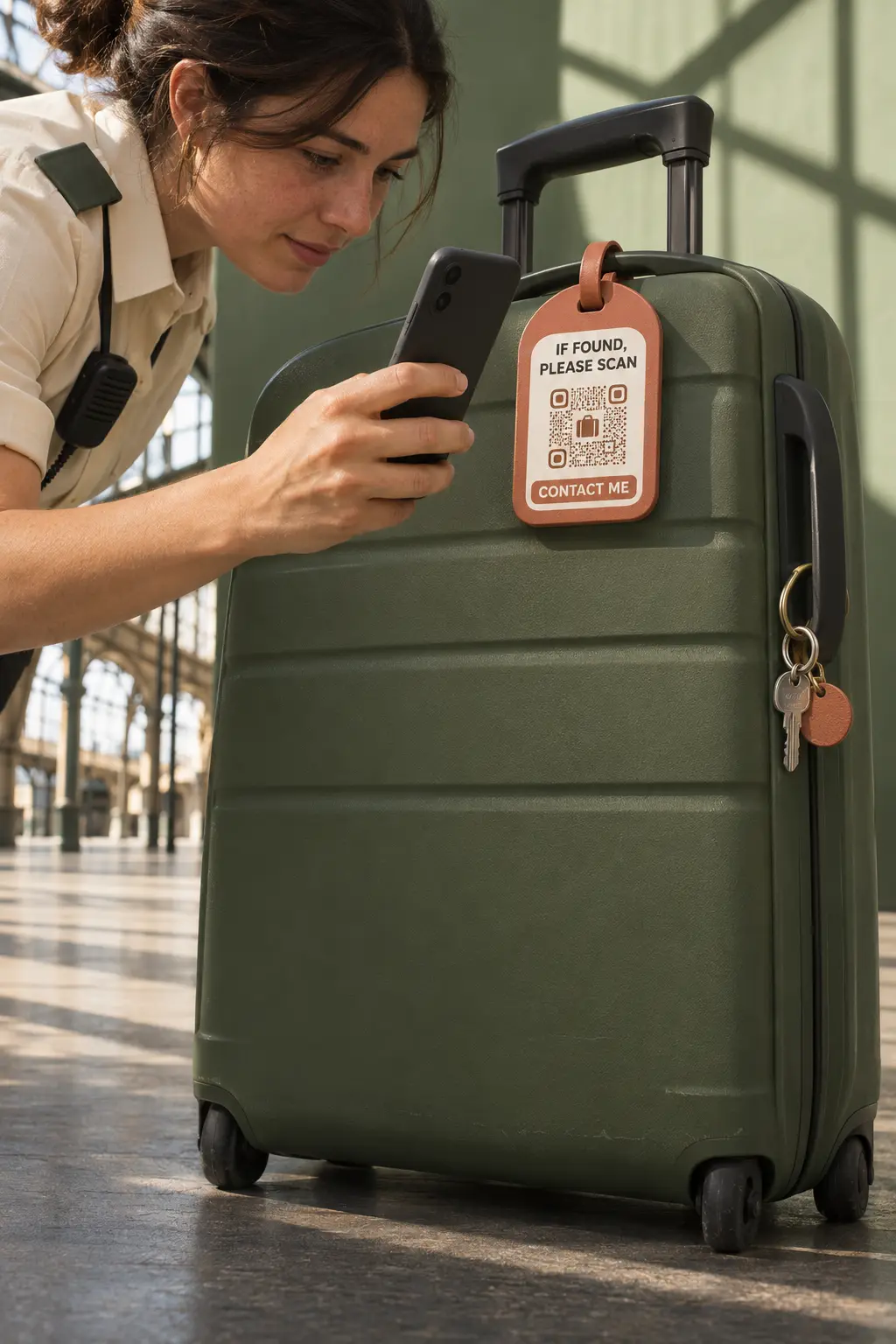 Travel & belongings
Tags that help things find their way home
A code on a suitcase, a key ring or a pet’s collar opens your contact details, and you can change them without a new tag.
Digital business cards →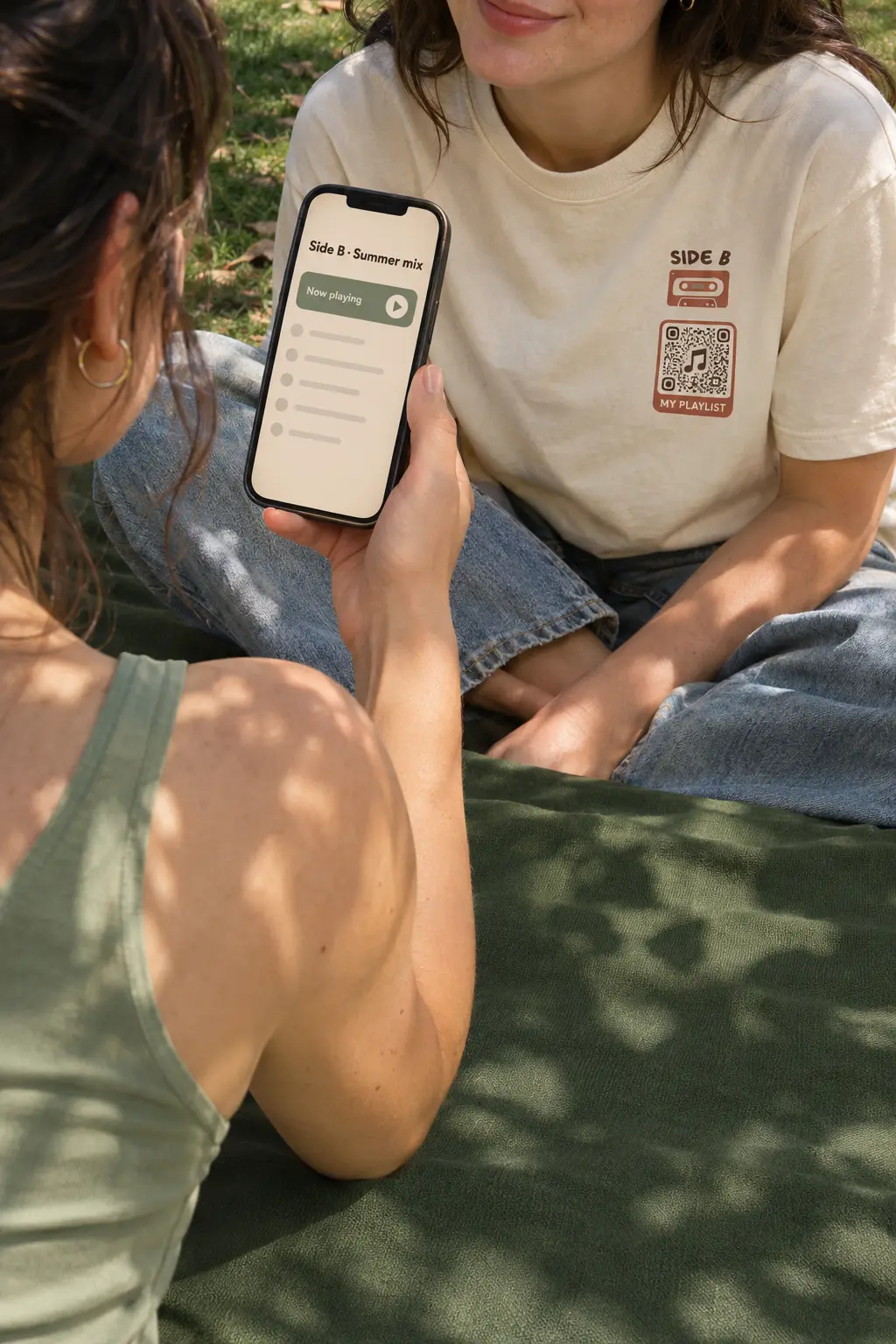 T-shirts & gifts
A T-shirt or a gift that says more
A code printed on a T-shirt, a tote bag or a gift tag opens a playlist, a video message or a photo album, and you can change it after printing.
QR codes on clothing →Platform
Every card, tag and invitation, one dashboard
Create
One code for each occasion
Make a code for the invitations, another for the thank-you cards and one for each tag, bag or set of keys, all in one account. Change what they open as plans change: whatever you printed keeps working.
Landing page QR codes →Form QR codes →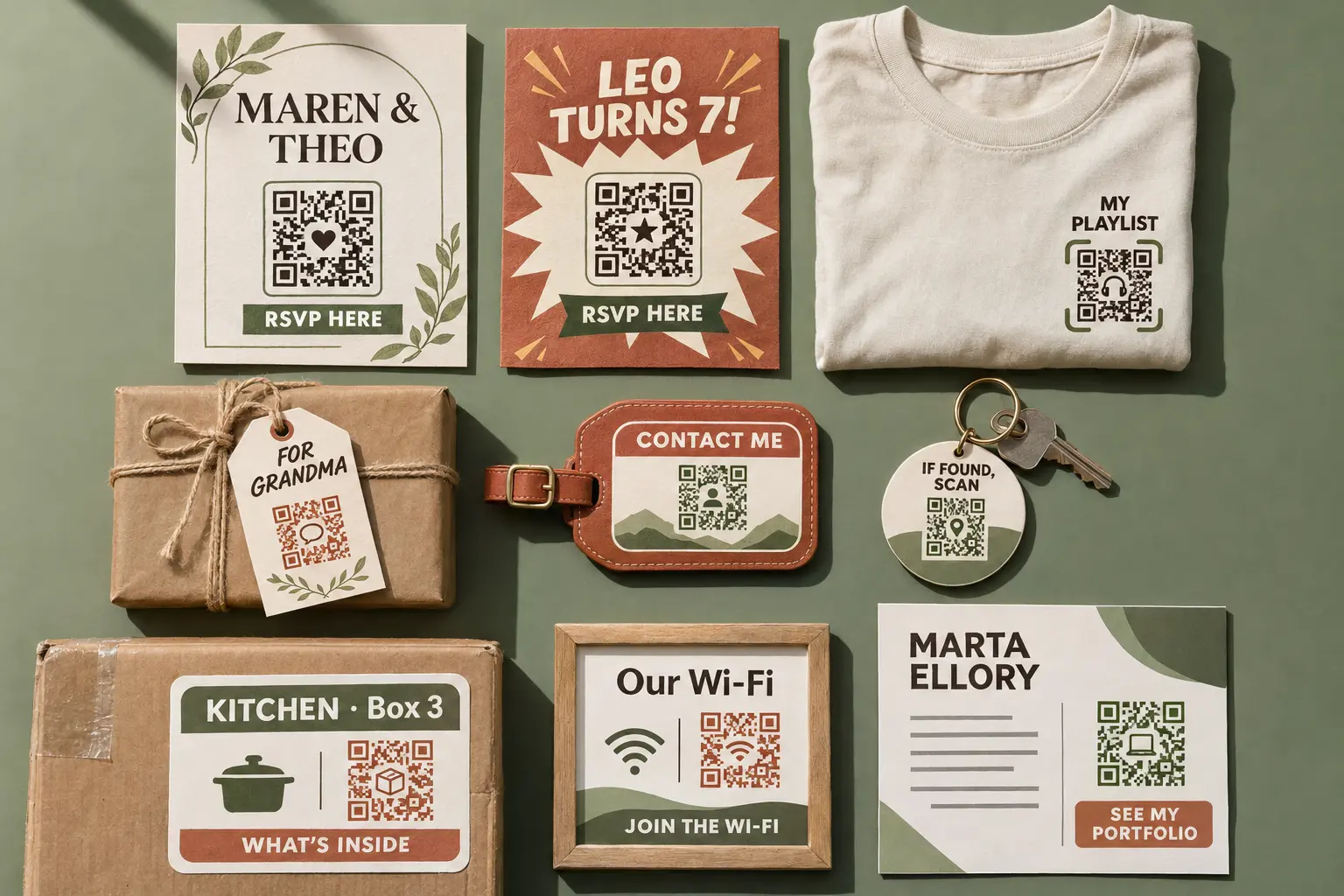
Design
Codes that match the occasion
Choose the colours, the frame and a short label such as “RSVP here”, with a live check that the code still scans, or an artistic QR code generated with AI. Point it to a video, a photo gallery, the Wi-Fi details or your contact card from the same code types.
Artistic QR codes →Wi-Fi QR codes →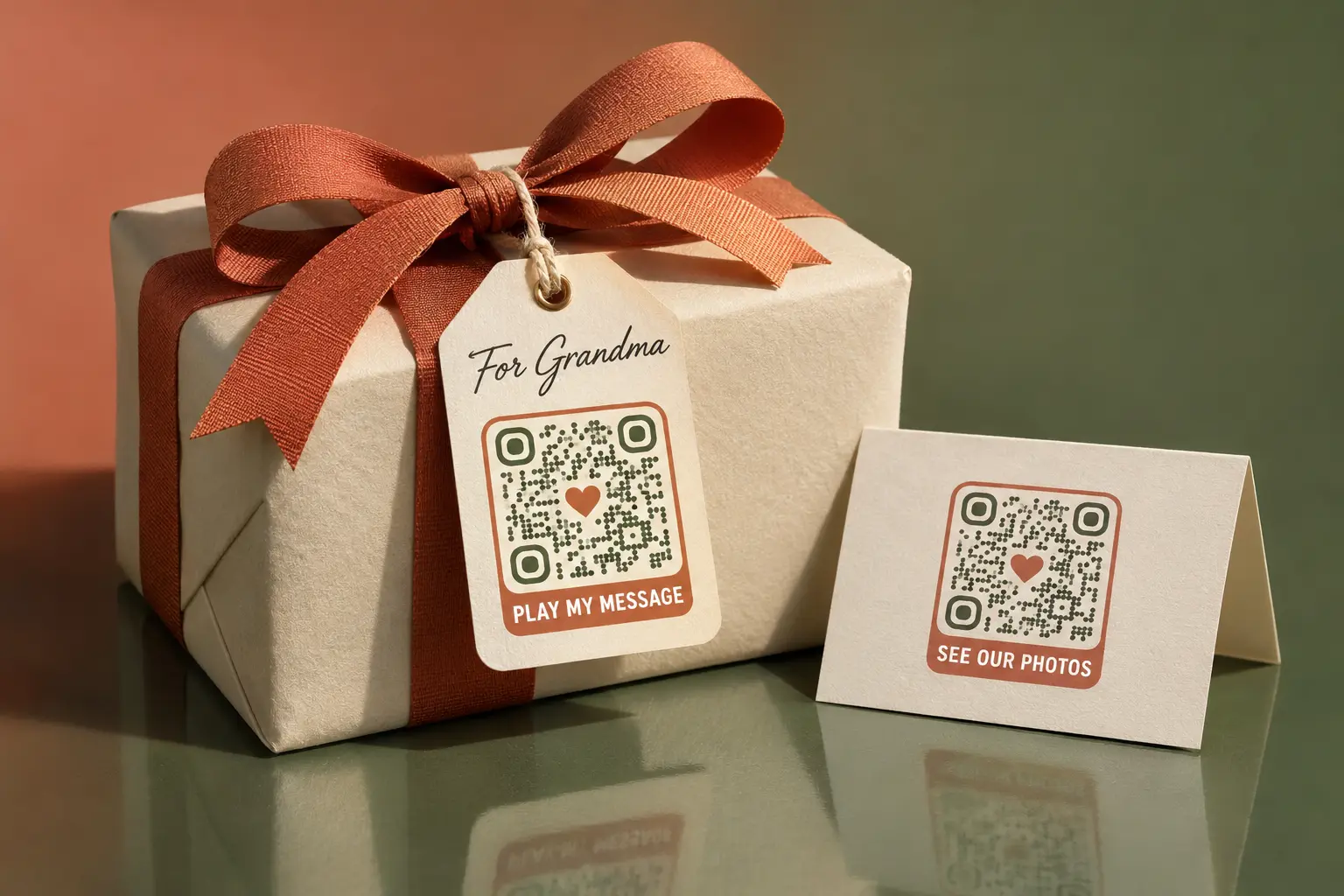
Track
See when and where your codes are scanned
Scans by city and device, first visits apart from repeat ones, and the days people scan, so you can see that the invitations are being opened, or where a tag was scanned.
QR code analytics →Edit a QR code after printing →
Cleo · AI agent
Answers for your guests, so you don’t have to
Cleo is the AI agent that lives inside your QR codes. Train her on your plan for the day, the venue details and the gift list, and she answers guests in their own language, at any hour, while you enjoy the day.
- Answers with no staff needed
- 24/7
- Languages supported
- 40+
Cleo answers from the documents you give her, so every answer matches your real times, places and plans.

What time should we arrive?
Please be at Villa Serelle by 16:30. The ceremony starts at 17:00 in the garden, followed by dinner and dancing until late.


Control
Your details, under your control
Invitations, CVs and tags travel far once they’re printed. QRCodeKIT keeps what each code opens in your hands and your guests’ answers in the EU, so you can change any detail at any time.
- Your own domain. Guests and recruiters see a link that is clearly yours, which helps them tell your code from a fake one. On Pro and Enterprise.
- Hosted in the EU. GDPR-compliant, with European-based infrastructure.
- Share the editing. Up to 10 team members on Pro, so a partner, a friend or your wedding planner can update the codes with you.
- Forms with consent. RSVP and contact forms with a required consent, and stored answers deleted automatically every week or month.
- Edit after printing. Change the video, the CV or the contact details behind any code, as many times as you need.
- GDPR
- EU hosting
- ISO 27001 framework
- SSO
Questions people ask us about personal QR codes
QRCodeKIT is a dynamic QR code platform launched in 2009 as uQR.me and hosted in the European Union. Couples, job seekers, travellers and pet owners use it to run the codes they print on invitations, CVs and tags.
What can I use a personal QR code for?
To share things that change: a wedding video or photo gallery, an RSVP form, your CV or portfolio, a gift message, the Wi-Fi at home, and contact details on a pet tag or a suitcase. A dynamic QR code lets you change that content after printing and count every scan.
Can I change what the QR code on my invitations opens?
Yes, if it is a dynamic QR code. The invitations stay as they are and you change the page they open from the dashboard: the RSVP form before the day, and the photos and the video after it.
How do I collect RSVPs with a QR code?
Point the code on the invitation to a form QR code with the questions you need and a required consent. You can review and download the answers at any time, and stored answers can be deleted automatically every week or month.
Can I share my Wi-Fi with a QR code?
Yes. A static Wi-Fi QR code joins the network in one scan, and a landing page QR code shows the network name and password on a page you can update when the password changes. See Wi-Fi QR codes.
What should I put on a pet tag or a luggage tag?
Your contact details, through a digital business card QR code: whoever finds your pet or your bag can save your number or call you in one scan, and if your number changes, you edit it in the dashboard without a new tag.
Can a QR code answer my guests’ questions?
Yes, with Cleo, QRCodeKIT’s AI agent that lives inside your QR codes. Train her on your plan for the day, the venue details and the gift list, and she answers in each guest’s own language, at any hour.
Is there a free trial?
Yes. Every new account starts with a 7-day free trial of Pro, with no credit card required, with up to 100 QR codes and 100 scans each. Teams that need SSO, API access or higher limits can compare the plans or book a demo.