June 3, 2026
Accessible QR codes for visually impaired users
TL;DR
- Accessible QR codes for visually impaired users depend on two layers working together: a code that can be found and scanned, and a destination a screen reader can navigate.
- Physical design matters (size, contrast, matte surfaces, consistent placement, tactile cues) and so does a destination page that meets WCAG 2.1 Level AA.
- A conversational layer like Cleo by QRCodeKIT can answer in audio and accept voice input, turning a visual task into a spoken one.
- The European Accessibility Act, in force since 28 June 2025, makes the page behind the code a real concern for businesses serving the EU market.
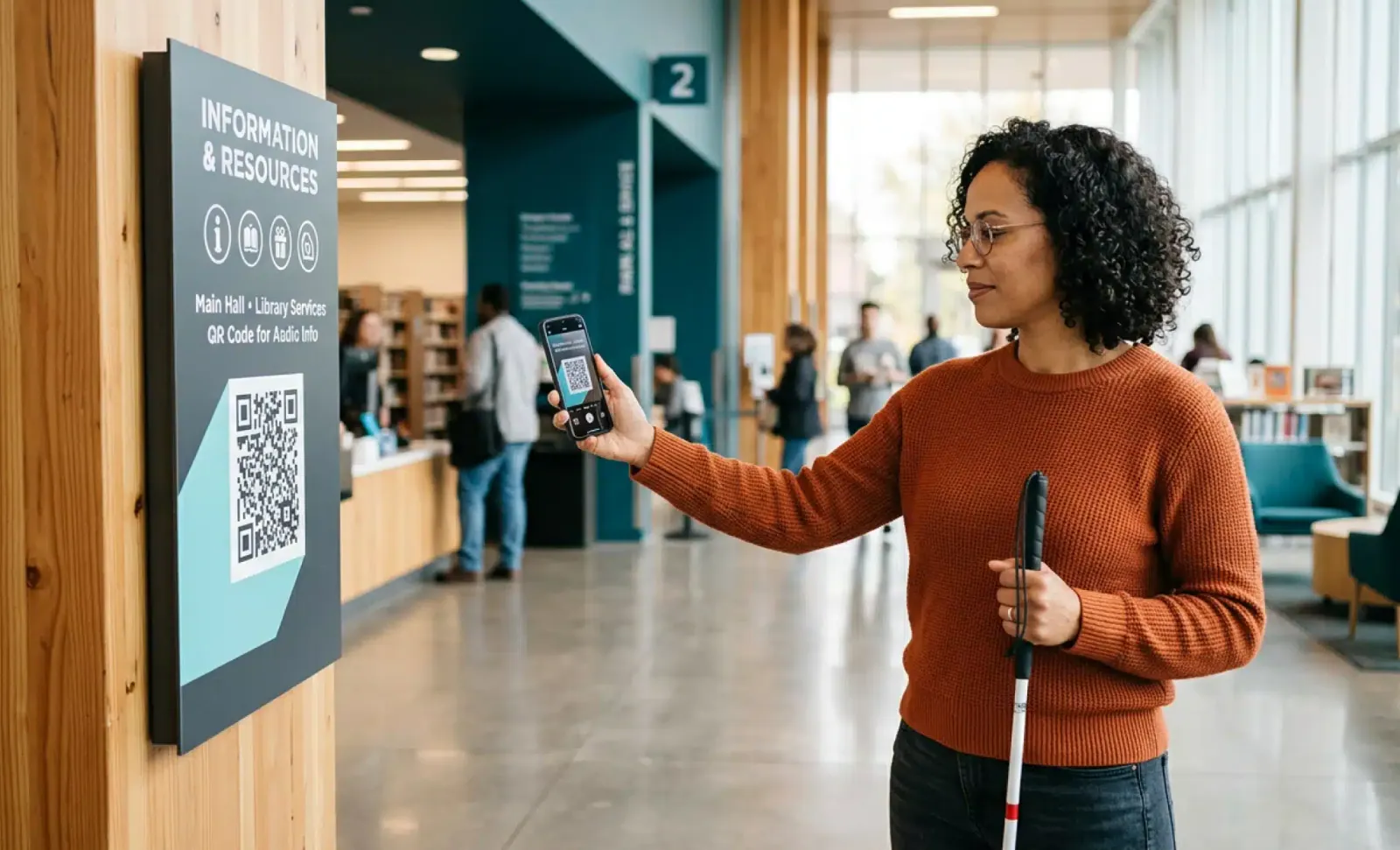
A QR code is only useful if the person standing in front of it can find it, scan it, and understand what comes next. For roughly 315 million people worldwide who are blind or have low vision, that simple chain often breaks at the first step. Accessible QR codes for visually impaired users solve this by treating the code and the page behind it as one connected experience rather than two separate problems. This guide walks through both layers, the physical code and the digital destination, with practical specs you can apply and a clear sense of where a conversational layer like Cleo by QRCodeKIT fits.
What does an accessible QR code actually mean?
An accessible QR code is one that a visually impaired user can both locate and scan, leading to a destination they can navigate with assistive technologies. The phrase covers two layers at once. A perfectly designed code that links to an unreadable PDF fails the user. So does a clean, accessible page hidden behind a code no one can find.
Most accessibility efforts focus on only one of these layers and assume the other will take care of itself. It rarely does. The useful way to think about it is as a single journey, from the moment someone notices a code to the moment they get the answer they came for. If any step in that journey breaks, the whole thing is inaccessible, no matter how good the other parts are.
How big is the accessibility gap in QR code usage?
Around 315 million people worldwide are blind or have low vision, and studies suggest roughly 9 in 10 of them struggle to read product information from packaging. That makes accessible QR code usage less of a niche courtesy and more of a sizable audience that most current deployments quietly leave out.
These are not edge cases. They are customers, visitors, and patients who already use phones and screen readers fluently and who run into a wall the moment a business assumes everyone scans the same way. Designing for them tends to improve the experience for everyone else too, including sighted users in bright sunlight or with shaky hands.
How do you design the QR code itself to be findable and scannable?
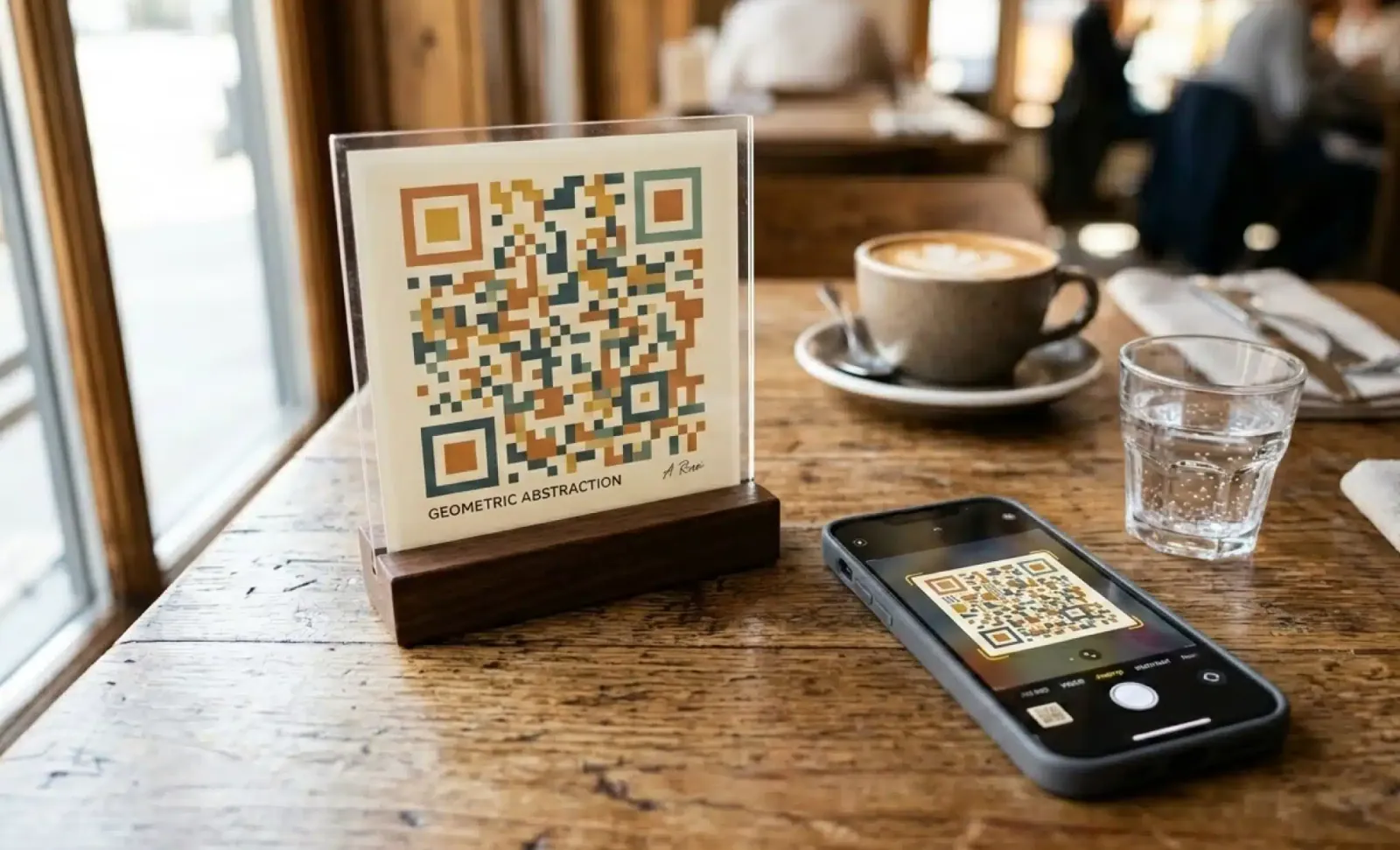
Start with the physical code. To be found and scanned by someone with low vision, a QR code needs enough size, strong contrast, a glare free surface, predictable placement, and a cue that tells the user it is there at all. These choices decide whether the experience begins or stalls before the destination ever loads.
- Size: keep the code at least 2 cm by 2 cm, and scale it up for longer scanning distances. A rough rule is a scanning distance of about ten times the width of the code.
- Contrast: aim for a contrast ratio of at least 4.5:1 between the code and its background. Decorative brand colors that look good often fail this, which matters for users with low vision and color blindness.
- Surface: print on matte paper or a matte finish. Glossy surfaces create glare that can defeat a camera, especially for users who are sensitive to reflections.
- Placement: keep the code at a consistent height and position across products, signage, and menus, so it can be found by touch and by habit.
- Tactile cues: a raised border or a Braille label tells a blind user that the code exists and what it leads to.
- Instructions: provide instructions in plain text next to the code, explaining what the user will get when they scan.
How does a NaviLens code differ from a standard QR code?
A NaviLens code is a separate technology designed specifically for accessibility. Unlike a standard QR code, it can be detected from greater distances and without precise alignment, which helps users who cannot center a camera on a small target. It complements standard QR codes rather than replacing them.
NaviLens codes are read through a free app that can detect them from across a room and read information aloud. Brands such as Kellogg’s and Coca-Cola UK have piloted the technology on packaging, and it has been used in transit settings, including subway stations on the New York metro, to support wayfinding. For many businesses, a well designed standard QR code paired with an accessible destination is enough. NaviLens earns its place where scanning distance and alignment are the main barriers, such as large public spaces.
What makes the page behind the code work with assistive technologies?
The destination is where most accessible QR deployments fail. A code that opens a PDF menu is not accessible, however well the code itself is designed. The page needs to meet the Web Content Accessibility Guidelines, WCAG 2.1 at Level AA, so that screen readers and other assistive technologies can read and navigate it properly.
In practice that means structured HTML with semantic markup, so a screen reader can announce headings and regions in the right order. Images need descriptive alt text. Text should scale without breaking the layout, color contrast should pass the same 4.5:1 threshold used on the code, and the whole page should be usable with a keyboard alone. Avoid time limited interactions that expire before a screen reader user can respond, or always offer an alternative. These are the details that separate a page that technically loads from one a visually impaired user can actually move through.
Put it into practice
Create a dynamic QR code free and see it work. No credit card required.
Get started freeHow does a conversational AI layer help people with disabilities?
A conversational layer at the destination changes the interaction itself. Instead of navigating a visual interface, a person with disabilities can ask a question and hear an answer. Cleo by QRCodeKIT can respond in audio, accept voice input, simplify language, and reply in the user’s preferred language, which removes friction for several groups of users at once.
For someone with low vision, hearing that the master bedroom faces east and gets morning light is easier than zooming into a floor plan. For users with motor disabilities, voice input avoids fiddly typing on a small target. Cleo appears as a conversation bubble on the destination page the owner has set up, so the page is enhanced, not replaced. Because every QRCodeKIT code is dynamic, the information behind Cleo can be updated at any time and reflected immediately, without reprinting the code on the sign or packaging. This is accessibility beyond the compliance checklist: a spoken, real time exchange rather than a screen someone has to decode.
How does the European Accessibility Act apply to accessible QR codes?
The European Accessibility Act has been in force since 28 June 2025 and requires many digital services placed on the EU market to meet accessibility standards aligned with WCAG 2.1 Level AA. When a QR code on a product or in a venue links to a service covered by the law, the destination behind the code falls within that scope.
This is context, not legal advice for any specific case. The practical point for product and content teams is simple. The page behind the code is part of the digital service, so accessibility work cannot stop at the code itself. If you already design destinations to WCAG 2.1 Level AA, the code becomes one more accessible entry point into a service you have already made inclusive.
What do brands get wrong about accessible QR codes?
The most common mistake is treating a code as accessible because it carries a Braille label, while the page behind it is an unreadable PDF. Accessibility lives in both layers, and a strong code attached to a weak destination still fails the user.
The other recurring errors follow a pattern. Placement drifts across products, so the code cannot be found by touch from one item to the next. Auto triggered actions fire after a scan and take control away from the user, when the better practice is to let people confirm before anything happens. Brand colors are chosen for looks and quietly fail contrast standards. And accessibility gets treated as a one time setup rather than a living standard, so a page that was compliant at launch slips out of compliance the next time the content changes. Each of these is easy to miss and easy to fix once you know to look for it.
How do you test an accessible QR code before you print it?
Test both layers before anything goes to print, because a printed code is expensive to correct. Check that the physical code scans for real users, and that the destination works with the tools visually impaired people actually rely on. A short, repeatable checklist catches most problems early.
- Test the physical code with people who have low vision or are blind, not only with sighted colleagues.
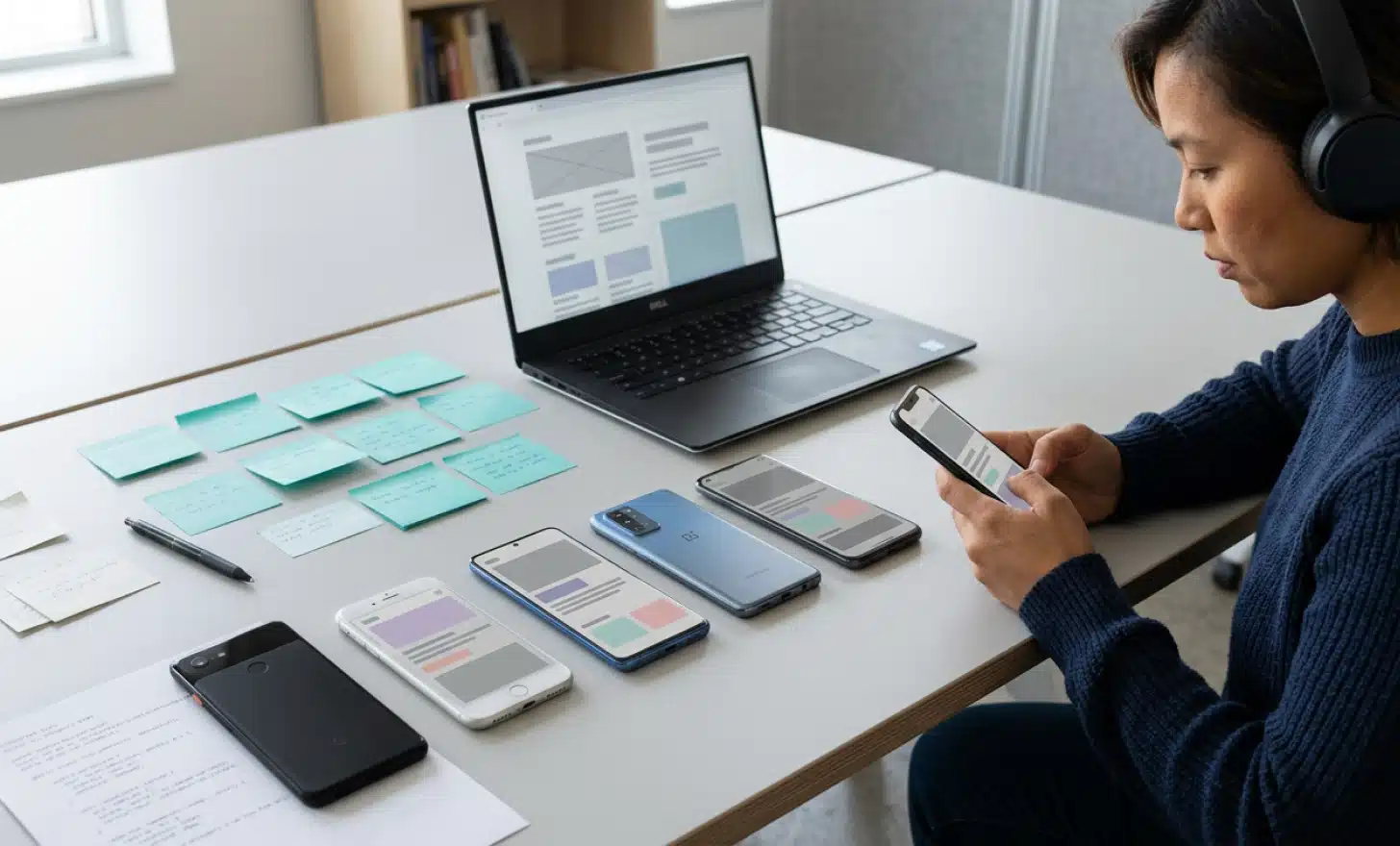
- Open the destination with screen readers such as NVDA, JAWS, or VoiceOver and listen to how it reads.
- Run free tools like WAVE or Axe to catch common WCAG issues automatically.
- Navigate the whole page using only a keyboard, with no mouse.
- Repeat the test on several devices and operating systems, since results vary between them.
Can a standard QR code be made accessible without NaviLens?
Yes. A standard QR code becomes far more accessible through physical design choices like size, contrast, a matte surface, consistent placement, and tactile cues, paired with a destination that meets WCAG 2.1 Level AA. NaviLens helps most where scanning distance and alignment are the main barriers, but it is an addition, not a requirement.
Do visually impaired users need a special app to scan accessible QR codes?
For a standard QR code, no. Most modern phone cameras read QR codes natively, and screen readers then handle the destination page. NaviLens codes are the exception, since they use the free NaviLens app, which is built to detect codes from a distance and read them aloud.
Where should accessible QR codes be placed for low vision users?
Place them at a consistent height and position across products, packaging, and signage, so users can find them by habit and by touch. Pair the code with a tactile cue and a short written instruction. Predictable placement matters more than a single perfect location chosen in isolation for one product.
Are accessible QR codes legally required in the EU?
It depends on what sits behind the code. The European Accessibility Act requires many digital services on the EU market to meet accessibility standards. If your QR code links to a covered service, that destination needs to comply. This is general information rather than legal advice for your specific situation.
Can a conversational AI layer read answers aloud for blind users?
Yes. A conversational layer like Cleo can respond in audio and accept voice input, so a blind or low vision user can ask a question and hear the answer instead of reading a screen. It can also reply in simplified language or in the user’s preferred language, which widens access further.
All images and visual content in this article were created using RealityMAX.
Related articles
AI QR code cost per conversation
Learn what drives AI QR code cost per conversation, how the three billing models compare, and how to estimate whether it pays back against human support.

GS1 digital link 2027
GS1 Digital Link 2027 explained for European brands: what the Sunrise 2027 deadline means, why retailers want 2D barcodes, and how to prepare in time.

AI QR code reduces customer support tickets
Learn how an AI QR code reduces customer support tickets by answering routine questions at the point of need, freeing agents for the cases that need them.
Two free dynamic QR codes. Yours forever.
No credit card. No expiry. The original dynamic QR platform since 2009.