How are QR codes generated?
TL;DR
- How are QR codes generated? The process turns your data into a grid of black and white modules through encoding, error correction, and matrix structuring, then exports it as a scannable image.
- A QR code generator does the heavy lifting, so you can create a code in a few clicks and customize colors, logos, and shapes.
- Dynamic QR codes route through a short URL, so the destination can be edited later and every scan can be tracked. Every QRCodeKIT code is dynamic.
- Higher error correction levels keep a code readable even when part of it is damaged or covered by a logo.
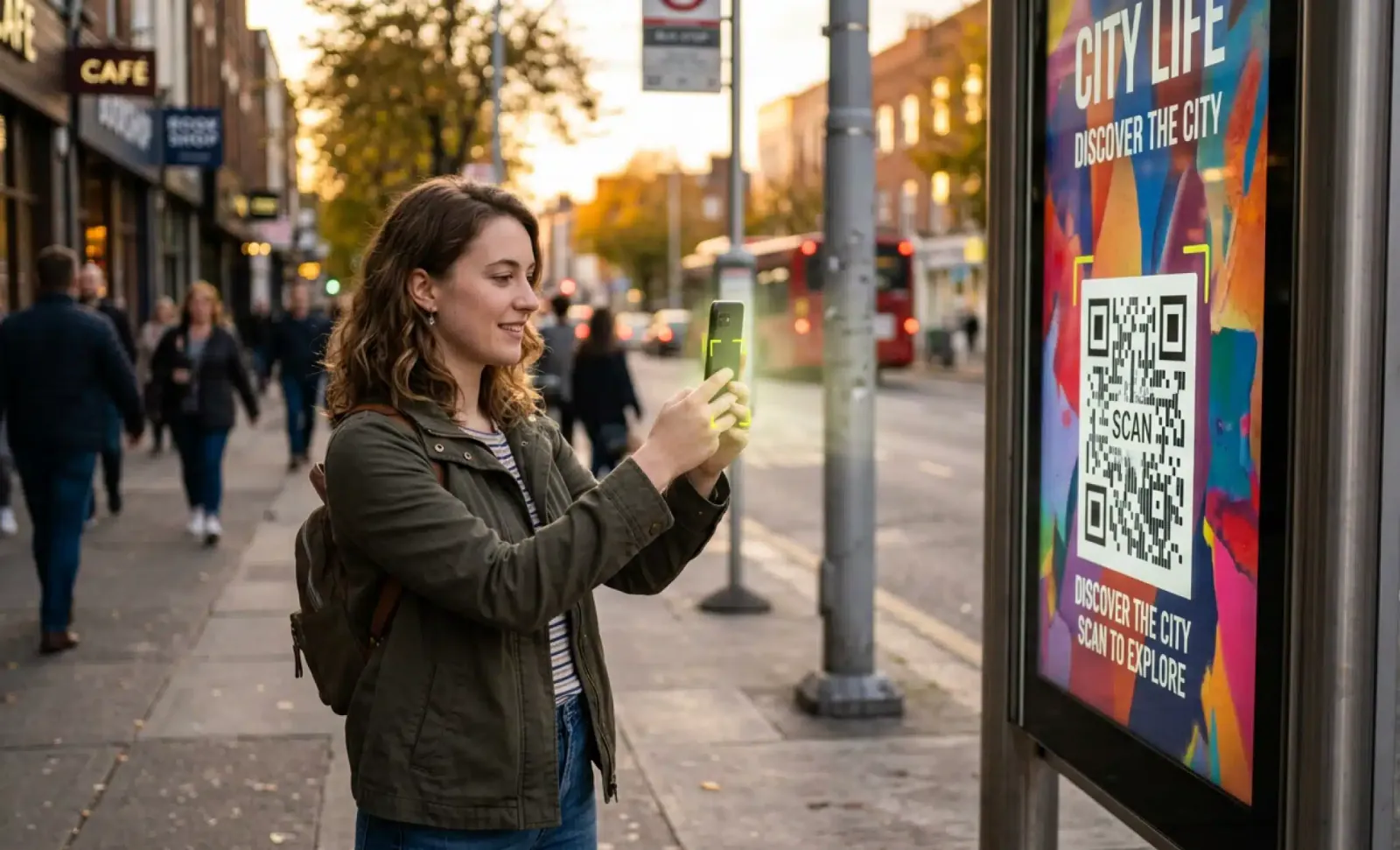
QR codes sit on packaging, restaurant tables, posters, and business cards. Most people scan one without a second thought. But how are QR codes generated in the first place? Behind that small black and white square is a precise sequence of data encoding, error correction, and design choices. This guide walks through the full process, the tools involved, and what makes each code scannable and unique.
What exactly is a QR code?
A QR code, short for Quick Response code, is a two-dimensional barcode that stores data in a grid of black and white squares. Unlike a one-dimensional barcode such as a UPC, it holds far more information and in many more formats, from plain text and URLs to contact details and links to video.
It was invented in 1994 by the Japanese company Denso Wave, originally to track parts in car manufacturing. Today QR codes are part of everyday life, used across marketing, retail, logistics, and dozens of other settings.
How are QR codes generated from data?
QR codes are generated by feeding data into a QR code generator, which converts that input into a pattern of black and white modules following the QR code standard, ISO/IEC 18004. The data is encoded, wrapped in error correction, mapped onto a grid, and exported as a scannable image.
Here is the process broken down:
- Encoding the data: the input, such as a website URL, phone number, or text, is converted into binary.
- Adding error correction: redundant data is added so the code stays readable even if it is partly damaged.
- Structuring the matrix: the binary is mapped onto a two-dimensional grid with position detection markers, alignment patterns, and timing patterns.
- Adding design: optional colors, a logo, or rounded shapes are applied without breaking the pattern.
- Output: the finished QR code image is exported, ready to be scanned.
What is the difference between static and dynamic QR codes?
Across the industry, QR codes fall into two technical types. A static QR code holds fixed data that cannot change after it is created. A dynamic QR code routes through a short redirect URL, so the destination can be updated at any time and every scan can be tracked. Every QR code generated with QRCodeKIT is dynamic.
That difference matters in practice. With a dynamic code you can change the destination without reprinting anything physical, and you can measure how a campaign performs. If you ever need to fix a broken link, swap an offer, or track results, the code on the sign or flyer stays the same while the content behind it stays current.
Why are QR codes made up of squares?
QR codes use squares because each black or white module represents a single bit of binary data, a 0 or a 1. Scanners read these patterns using fixed visual anchors that keep reading accurate from almost any angle.
Three features do most of the work. Position detection markers in three corners tell the scanner how the code is oriented. Alignment patterns keep the read accurate even when the surface is curved or distorted. Timing patterns map out the grid so the scanner knows where each module sits. Together they make a QR code robust enough to scan even when slightly smudged or bent.
How do you create a QR code in a few clicks?
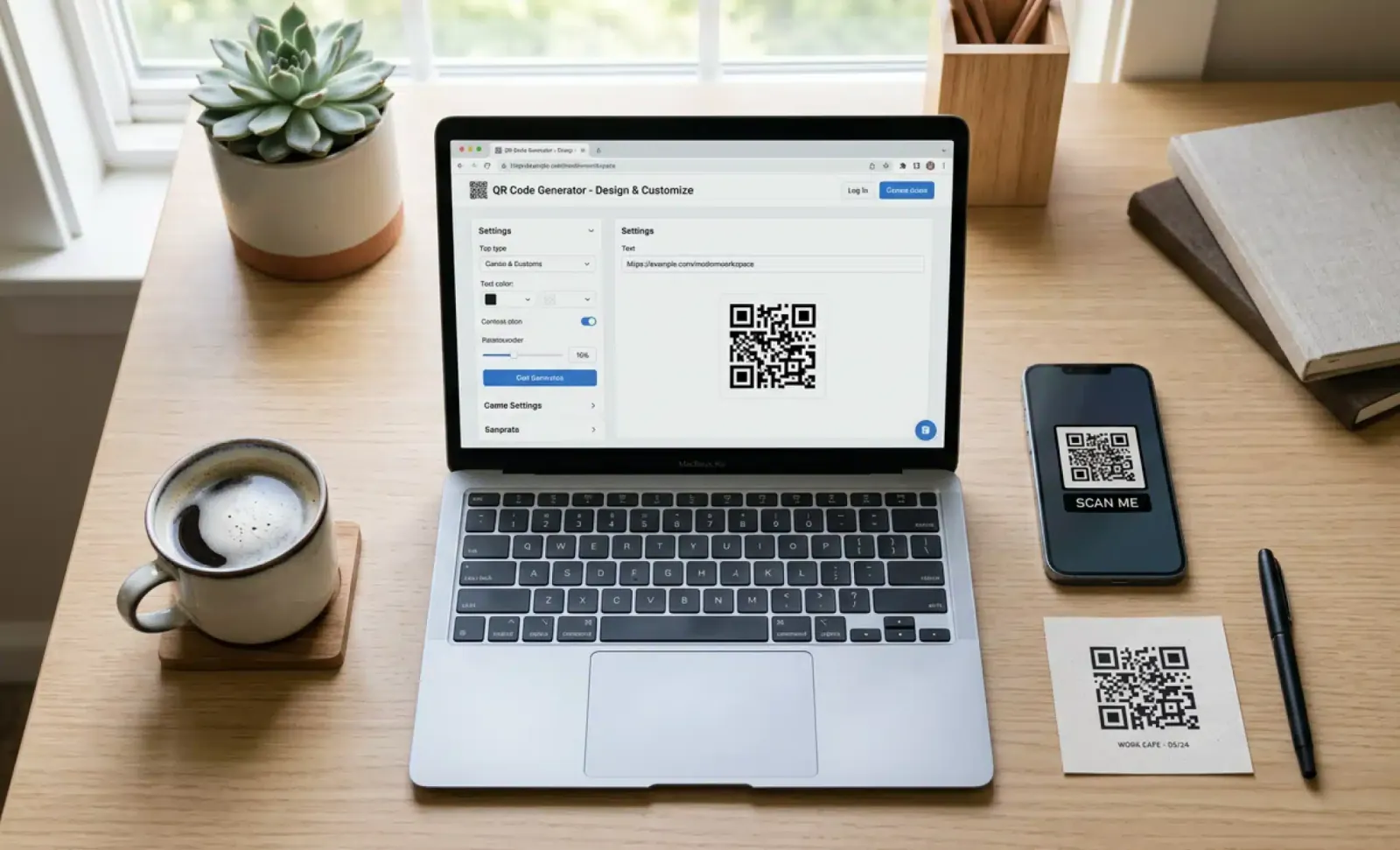
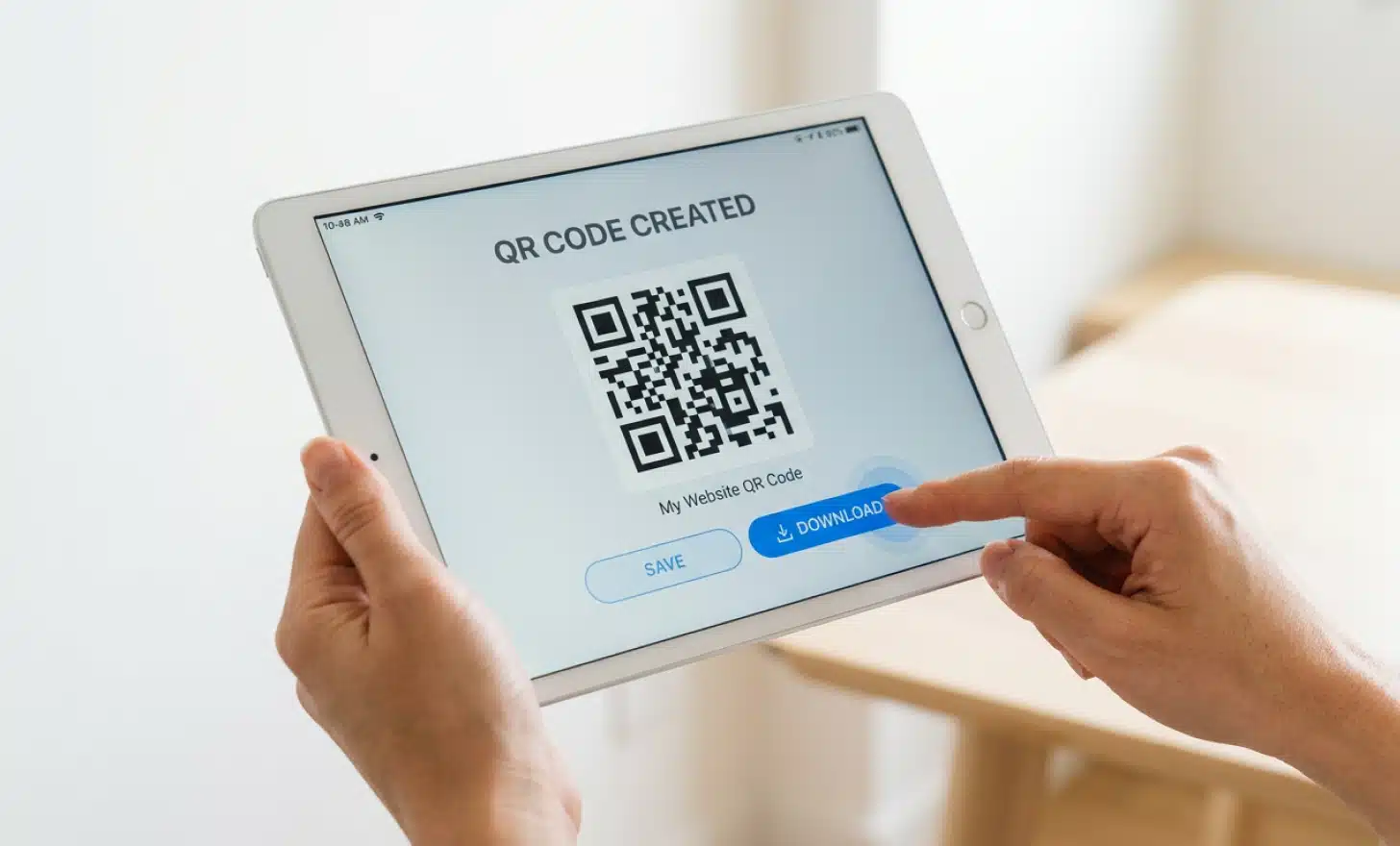
Creating a QR code takes minutes with a modern generator. You open a tool such as QRCodeKIT, choose the type of code you need, paste your data, adjust the design, and download the image. No coding is involved, and the code is ready to print or share straight away.
The one habit worth keeping is testing. Before you print at scale, scan the finished code with a couple of phones to confirm it reads cleanly and lands on the right page.
What types of QR codes can you generate?
QR codes can do far more than open a website. The type you choose shapes what happens after the scan, from a digital menu to a contact card. These are some of the most common QR code types you can generate with QRCodeKIT:
- Social media QR code: shows your website and social profiles as a simple, shareable list.
- App store QR code: sends users to the right store for their device, Google Play or the Apple App Store.
- Landing page QR code: builds a custom landing page with text, images, buttons, and links.
- Menu QR code: shares a digital menu customers view on their phones, ideal for restaurants and cafes.
- File download QR code: lets users download a file, such as a PDF brochure, straight from a scan.
- WhatsApp QR code: opens a direct WhatsApp chat, useful for customer service or enquiries.
- Website QR code: takes users to a web page, product page, or homepage instantly.
- Digital business card: shares contact details in a scannable format users save in one tap.
The right choice comes down to matching the type of code to your specific goal.
Can you customize a QR code’s appearance?
Yes. Most generators let you change colors, add a logo, round the corners, and apply custom patterns so a code matches your brand. The limit to watch is clarity. Over-designing can stop a reader from scanning, so the code needs enough contrast to stay readable.
A common mistake is pushing the design too far, using a pale color on a busy background or shrinking the code until the modules blur together. The fix is simple: keep strong contrast, leave a clear margin around the code, and test the final version before it goes to print.
How are QR codes scanned on mobile devices?
Most smartphones scan QR codes straight from the built-in camera app. You open the camera, point it at the code, and a notification appears with the destination. On current iOS and Android phones, no extra app is required.
Some older devices may still need a dedicated QR code scanner app, and many of those are free to download. If a phone does not detect a code automatically, a quick check of the camera settings usually solves it.
What is error correction in QR code generation?
Error correction is what lets a QR code stay readable when part of it is damaged, dirty, or covered. The generator adds redundant data, so a scanner can rebuild the missing information rather than failing the read.
The QR code standard defines four levels. Level L recovers up to 7 percent of a damaged code, M up to 15 percent, Q up to 25 percent, and H, the highest, up to 30 percent. Higher levels are worth choosing when you add a logo over part of the code or print on a surface that may scuff or wear over time.
Put it into practice
Create a dynamic QR code free and see it work. No credit card required.
Get started freeHow is a unique QR code generated for each use?
A QR code becomes unique the moment its data is unique. A code pointing to example.com/page-1 produces a different pattern from one pointing to example.com/page-2, because the underlying binary is different.
With dynamic QR codes you can go a step further and attach unique identifiers per campaign or per scan. That makes every interaction traceable without printing a separate code for each one, which is useful when you want to compare placements or audiences from a single printed asset.
Do all QR codes need internet access to work?
Not always. A QR code that stores contact details or plain text works offline, because the information sits inside the code itself and the phone can read it directly. There is nothing external to fetch.
If the code points to a web page, an app download, or an online video, then the person scanning will need an internet connection to reach that destination. The code still scans, but the content behind it lives online.
How do QR codes support digital marketing?
QR codes connect printed material to digital content. A poster, flyer, or product pack becomes a tappable link that sends people to a campaign page, prompts an app download, or opens a social profile. They turn passive print into a measurable channel.
Because dynamic QR codes are editable and trackable, marketers can change a destination mid-campaign and see what each placement delivers. You can even run an A/B test through a single code, sending the same scan to different pages and comparing the results before committing to one.
How can businesses use QR codes across industries?
Beyond marketing, QR codes solve practical problems in almost every industry. The pattern is the same everywhere: someone stands in front of a physical object with a question, and a scan answers it.
In retail, packaging links to tutorials and reviews. In hospitality, codes carry menus and feedback forms. Events use them for contactless check-in and ticket validation, healthcare for quick access to patient records, and education for assignments and resource downloads. The key in every case is to match the code to a clear need and offer the person scanning something genuinely useful.
What is a micro QR code, and how is it different?
A micro QR code is a smaller version of a standard QR code, built for tight spaces such as electronic components or small product labels. It uses a single position detection marker instead of three, which saves room while still allowing an accurate scan.
The trade-off is range. Micro QR codes carry less error correction and fewer alignment patterns, so they need to be scanned from closer up and in good light. Even so, they still support numeric strings, alphanumeric text, and short URLs, which makes them practical for internal tracking, asset tagging, and manufacturing.
Can you use one QR code for multiple destinations?
Yes, and it relies on dynamic QR codes with smart redirect logic. Instead of pointing to one fixed URL, the code links to a redirect server that decides where to send each person in real time, based on signals like their country, language, or device.
For example, a global campaign can route users in Spain to a Spanish-language page while sending those in the United States to an English one. The same code can send Android users to Google Play and iOS users to the App Store. One printed code, many tailored destinations, with no need to manage separate codes for each case.
What role does QR code design play in engagement?
Design influences whether people scan at all. A code that matches the brand, uses strong contrast, and looks intentional invites curiosity. A generic, low-contrast code is easy to overlook or hard for a reader to capture.
The balance to strike is between appeal and function. A well-designed QR code encourages a scan and reinforces the brand, but if styling reduces scannability it works against you. Treat the design as part of the user experience, not just decoration, and the code becomes both noticed and reliable.
How do you know if your QR code works?
Test it before you publish. Scan the code with different phone cameras, under various lighting conditions, at the sizes you plan to print, and on both iOS and Android. A code that reads on your screen may behave differently once it is printed small or placed in low light.
Check three things each time: that it reads quickly, that it lands on the correct destination, and that the error correction level suits where the code will live. A few minutes of testing prevents a reprint later.
Can QR codes be tracked?
Only dynamic QR codes can be tracked. Because they route through a short redirect URL, that URL can log each scan, including the time and date, the device and operating system, and the approximate location when the user grants permission.
A static code carries no redirect, so it leaves no scan data to measure. For any campaign where results matter, dynamic tracking is what turns a scan into insight, helping you understand engagement and measure return on investment.
How do QR codes compare to traditional barcodes?
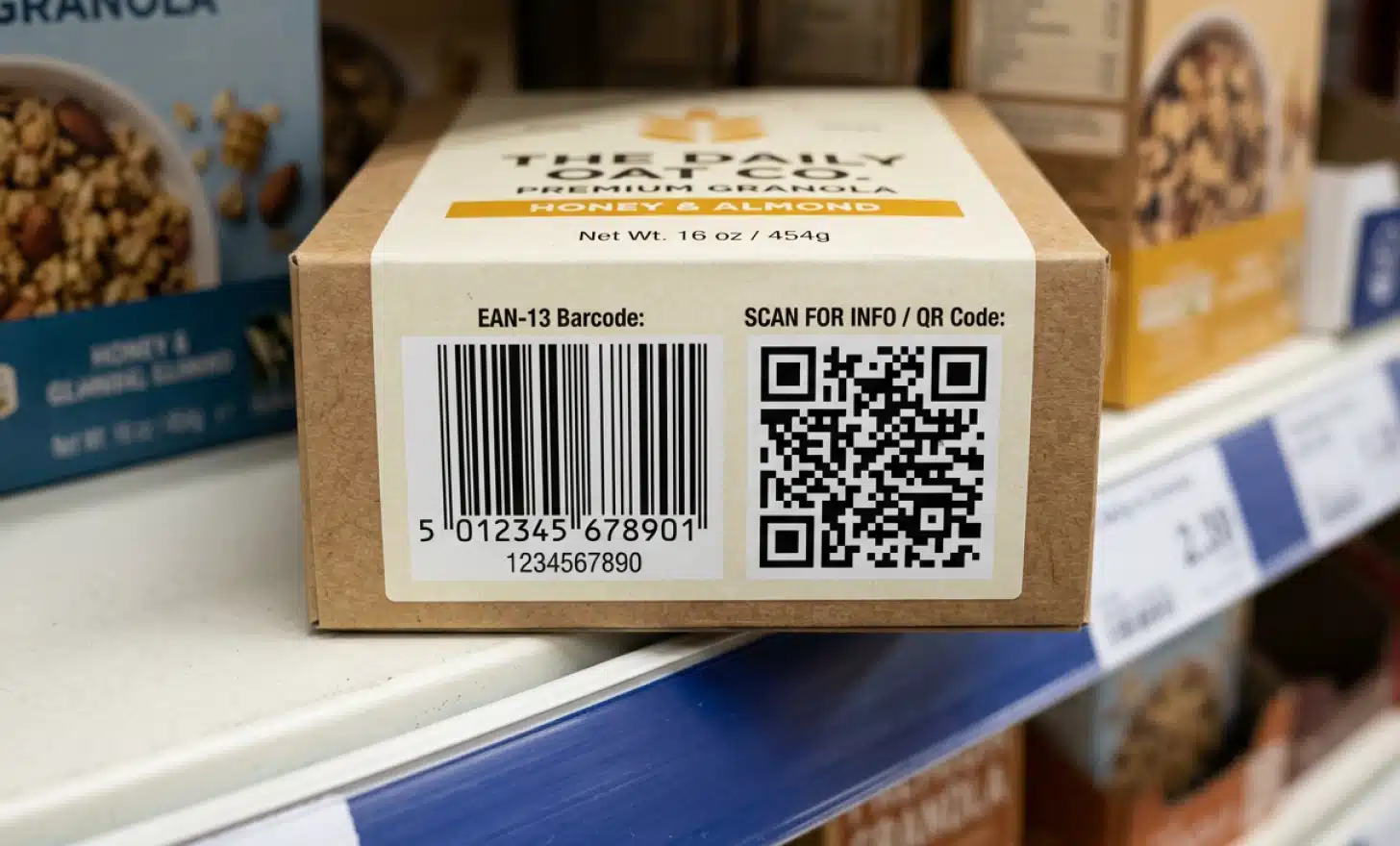
A traditional barcode is one-dimensional and stores a short string of numbers that usually needs a database lookup to mean anything. A QR code is two-dimensional, holds far more data directly, scans from any angle, and can open a website, video, or app on its own.
Orientation is a big part of the difference. A QR code reads quickly even when it is tilted, which suits fast environments like checkout lines or event entry. QR codes also allow far more customization, with logos, colors, and shaped edges that a linear barcode cannot support. For mobile-first marketing and smart packaging, that versatility makes QR codes the better fit.
What is next in QR code technology?
QR codes are becoming more intelligent. The clearest shift is the rise of AI QR codes, where a scan does more than open a static page. Instead it can start a conversation that answers a visitor’s questions in real time, in their own language, the moment they scan.
QRCodeKIT builds this directly into the code with Cleo, an AI layer that lives on the page a code leads to and answers questions without any staff involvement. Alongside this, augmented reality is starting to layer 3D demos and guided instructions over the real world, and deeper app and social integrations let a single code open a prefilled message or a device-aware download. In the enterprise world, QR codes are extending into inventory tracking and secure identity workflows. The direction is consistent: with one scan, a code can deliver an experience that is richer and more tailored than ever. Because QR codes should not just send you to a webpage anymore.
All images and visual content in this article were created using RealityMAX.
Related articles
How QR codes work?
Learn how QR codes work, from their black and white structure and error correction to scanning, data storage, common uses, safety, and dynamic QR codes.

Vibe coding
Vibe coding QR codes lets you share and host AI-generated HTML in minutes. Upload an HTML file to a dynamic QR code and send a short link, no developer tools.

How to add a QR code in google slides?
Adding a QR code to a Google Slides presentation is one of the simplest ways to turn a passive deck into something the audience can actually take with them.…
Two free dynamic QR codes. Yours forever.
No credit card. No expiry. The original dynamic QR platform since 2009.