What are AI QR codes and how are they transforming dynamic QR technology
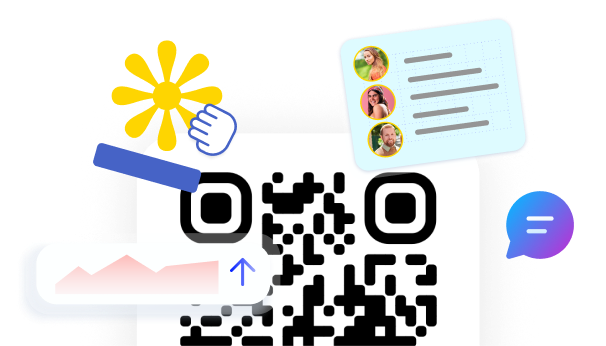
What are AI QR codes, exactly? Not just a QR code that links somewhere smarter. A QR code that answers questions, speaks the visitor’s language, and helps them decide, without any human involvement in the moment. That shift is already happening. AI QR codes are not a feature layered on top of existing technology. They are a different kind of tool, one built around conversation rather than redirection. QRCodeKIT has been developing this category since 2009, and what is available today reflects more than a decade of working with dynamic QR codes at scale.
What AI QR codes actually are
The term AI QR code refers to a dynamic QR code that has a conversational AI layer built into the experience. When someone scans the code, they reach a destination page configured by the owner. On that page, a conversation bubble appears and is ready to respond to questions in real time, in whatever language the user chooses, at any hour of the day.
The landing page does not disappear. The AI does not replace the content the owner has prepared. It sits alongside it, extending what a static page can do. A visitor who wants to know something specific does not need to scroll or search. They ask.
This is what QRCodeKIT calls an AI QR code. The conversational layer is native to the QR creation workflow, not something the owner builds separately or subscribes to as a different product.
AI QR codes and what makes them different from standard dynamic codes
Dynamic QR codes have always had an advantage over static ones: the destination can be updated without reprinting the physical code. That is still true here. But the difference with an AI QR code goes deeper than updateability.
A standard dynamic code points to content. An AI QR code responds to the person reading it. The owner provides the knowledge base, whether that is a property listing, a menu, an event description, or a product page. The AI uses that content to answer questions as they come, without any human involvement needed in the moment.
The contrast is between passive delivery and active engagement. A static page waits. An AI QR code responds.
How Cleo powers the AI QR code experience
The AI assistant built into QRCodeKIT is called Cleo. It is not a standalone chatbot. It is not a third-party integration. Cleo is embedded directly into the QR code experience, from the moment the owner sets it up to the moment someone scans the code and starts asking questions.
Setup requires no developers and no technical knowledge. The owner creates the QR code through QRCodeKIT, provides the content Cleo will draw from, and the AI handles the rest. If a restaurant updates its menu, that change is reflected immediately in every future conversation. The physical code on the table stays the same.
Cleo works in multiple languages natively. A visitor who asks in French receives an answer in French. One who asks in Japanese receives an answer in Japanese. The owner configures content once.
No app is required. The entire conversation happens in the browser after scanning. Nothing to download, nothing to log into.
A real conversation looks like this:
Someone scans a QR code attached to a property listing sign. They ask: does the master bedroom get morning light? Cleo responds: it does. The master bedroom faces east, so you get natural light from early morning until around midday.
That exchange happens at midnight on a Sunday, without anyone from the agency involved. It is one question answered correctly and immediately, which is often the difference between a lead that continues and one that does not.
Where AI QR codes are already being used
The underlying idea applies anywhere someone stands in front of a physical object with a question. The use cases that QRCodeKIT has already built or is actively building out reflect how broad that actually is.
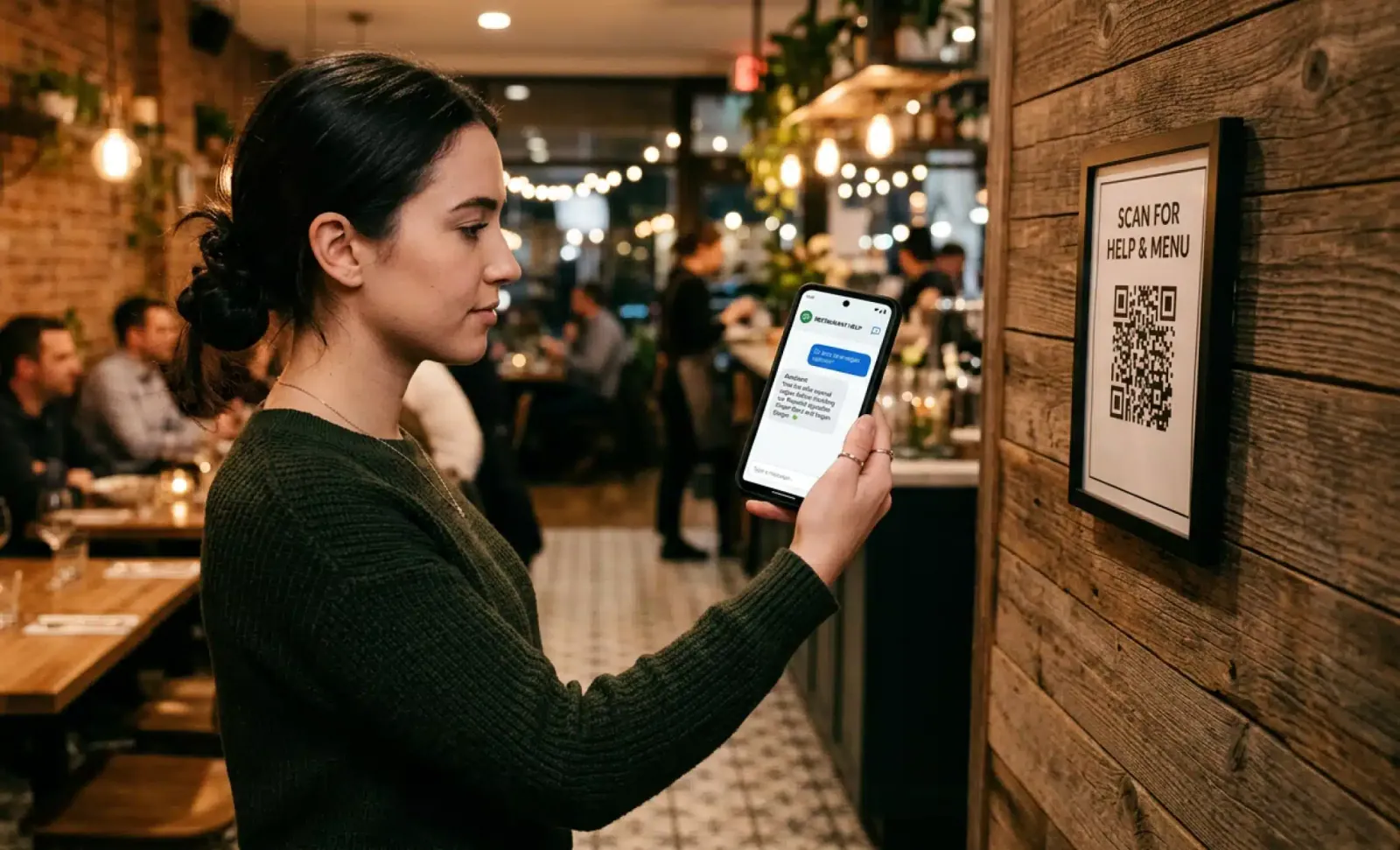
Restaurants and hospitality venues use AI QR codes to handle questions about their menus, ingredients, allergens, and reservations. The AI manages the conversation. The team manages the kitchen.
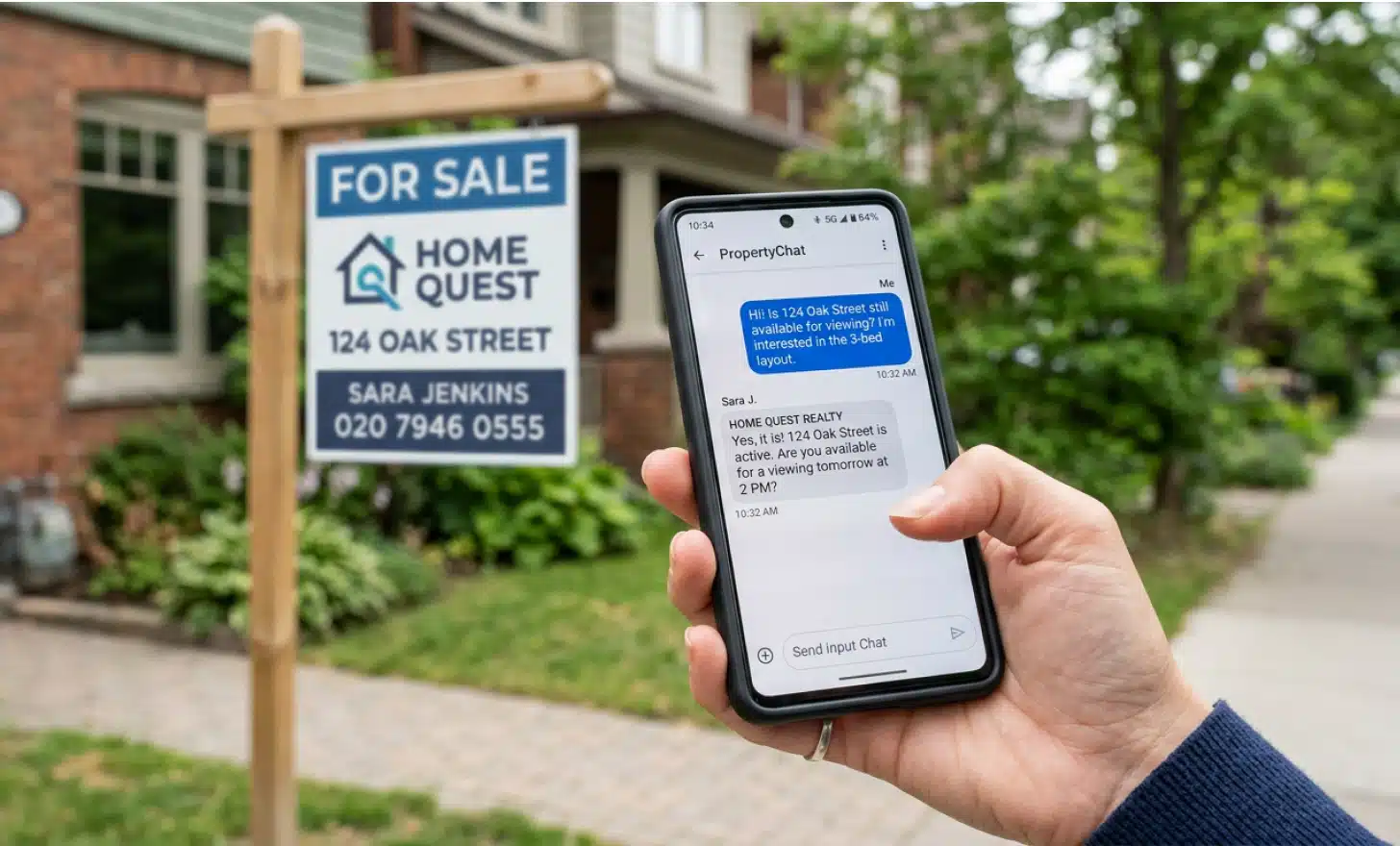
In real estate, AI QR codes on property signs let prospective buyers ask about the listing at any hour. Details about square footage, orientation, availability, and viewing slots are all within reach through the conversation.
At events and trade shows, a QR code on a stand can field dozens of simultaneous conversations about what a product does, how it compares to what a visitor already uses, and what the next step is.
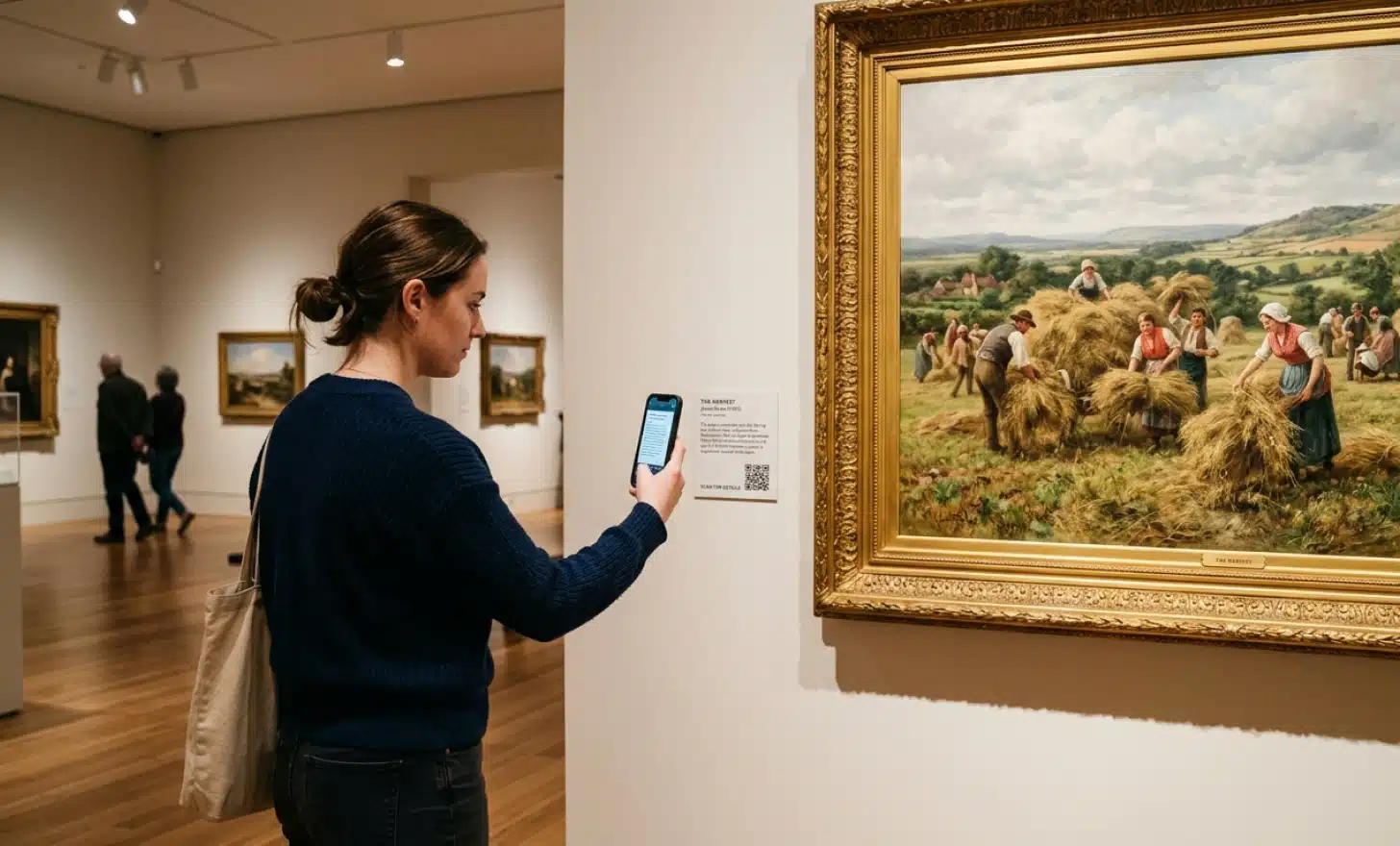
Museums and cultural spaces use AI QR codes to give visitors context on what they are looking at, in the language they speak, without needing a physical guide or an audio device.
Retail products and packaging bring AI QR codes into the hands of consumers who want to know more about what they have picked up before they decide to buy.
Put it into practice
Create a dynamic QR code free and see it work. No credit card required.
Get started freeWhat Cleo captures beyond the conversation
Every scan and every conversation generates data. Owners can see what users ask most often, where conversations end, and what content is driving engagement. That information shapes decisions about the knowledge base, about pricing, about what to highlight.
Beyond analytics, Cleo can collect lead information through the conversation itself. A visitor who asks about viewing a property can be prompted to leave their contact details or book a slot directly, without leaving the page and without a form in the traditional sense.
This is where the gap between a QR code that delivers content and one that starts a relationship becomes measurable.
The design layer: AI-generated visuals for branded codes
Parallel to the conversational AI, QRCodeKIT also uses in-house AI to generate artistic QR codes. These are visually distinctive codes that maintain full scannability while integrating brand identity, color, and imagery into the code itself.
The design challenge with any QR code is that visual interest and technical reliability tend to pull in opposite directions. More visual complexity can reduce scan rates on older devices or in poor lighting. QRCodeKIT’s approach to artistic QR codes is built around solving that tension rather than ignoring it.
The result is a code that works reliably and that people are more likely to notice and scan. For brands, packaging, and marketing materials, that distinction matters.
Frequently asked questions about AI QR codes
Does an AI QR code replace the landing page?
No. The destination page the owner has configured remains in place. Cleo appears on that page as a conversation bubble. The page is extended, not replaced. Visitors can still read the content directly, and Cleo is there for whoever prefers to ask.
Do visitors need to download an app to use Cleo?
No. The entire experience happens in the browser after scanning. There is no download, no account, and no login required on the visitor side.
How does Cleo handle multiple languages?
The owner configures the content once, in their language. Cleo detects the language the visitor is using and responds accordingly. There is no additional setup required per language.
Can AI QR codes be updated after printing?
Yes. All QR codes on QRCodeKIT are dynamic. The knowledge base behind Cleo can be updated at any time and the changes are reflected in all future conversations immediately. The physical code does not need to be reprinted.
Is Cleo available for use cases beyond restaurants?
Yes. Cleo is live and native for restaurant and hospitality use cases. For real estate, retail, events, museums, education, and other sectors, it can be implemented on request. If a business is interested in an AI QR code for their specific context, QRCodeKIT can have it ready within hours.
Point. Scan. Ask.
QR codes were never supposed to be the end of the experience. They were always a bridge. AI QR codes are what happens when that bridge leads somewhere genuinely useful, somewhere a question gets answered rather than a page gets loaded.
QRCodeKIT has been building with this in mind since 2009. Cleo is where that work lands in practice. If you want to see what an AI QR code looks like for your specific context, start with a free account and explore what is already possible.
All images and visual content in this article were created using RealityMAX.
Related articles
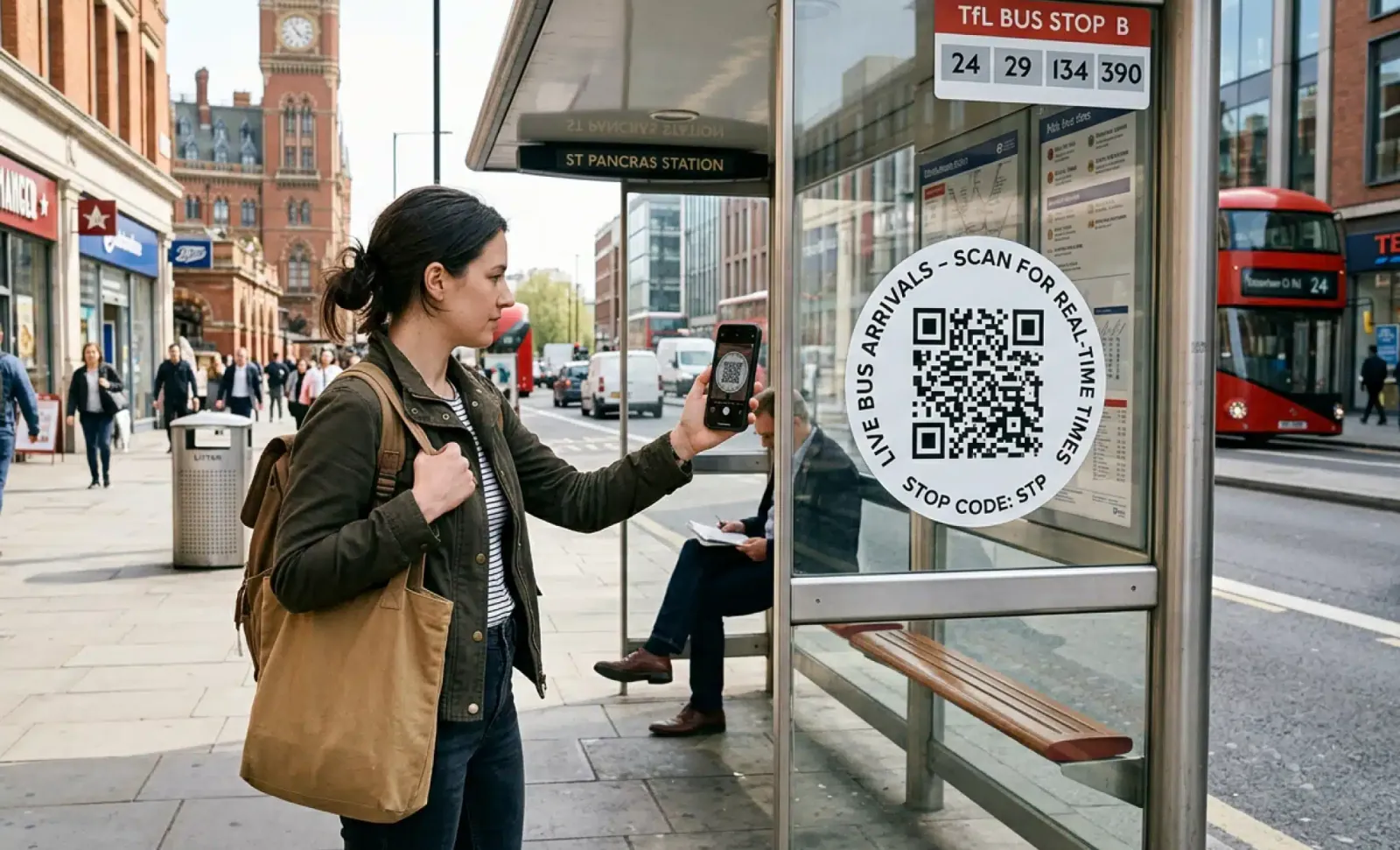
AI QR codes for public transport
Public transport moves millions of people every day. And yet, for all its scale, it still leaves passengers standing at bus stops squinting at faded…
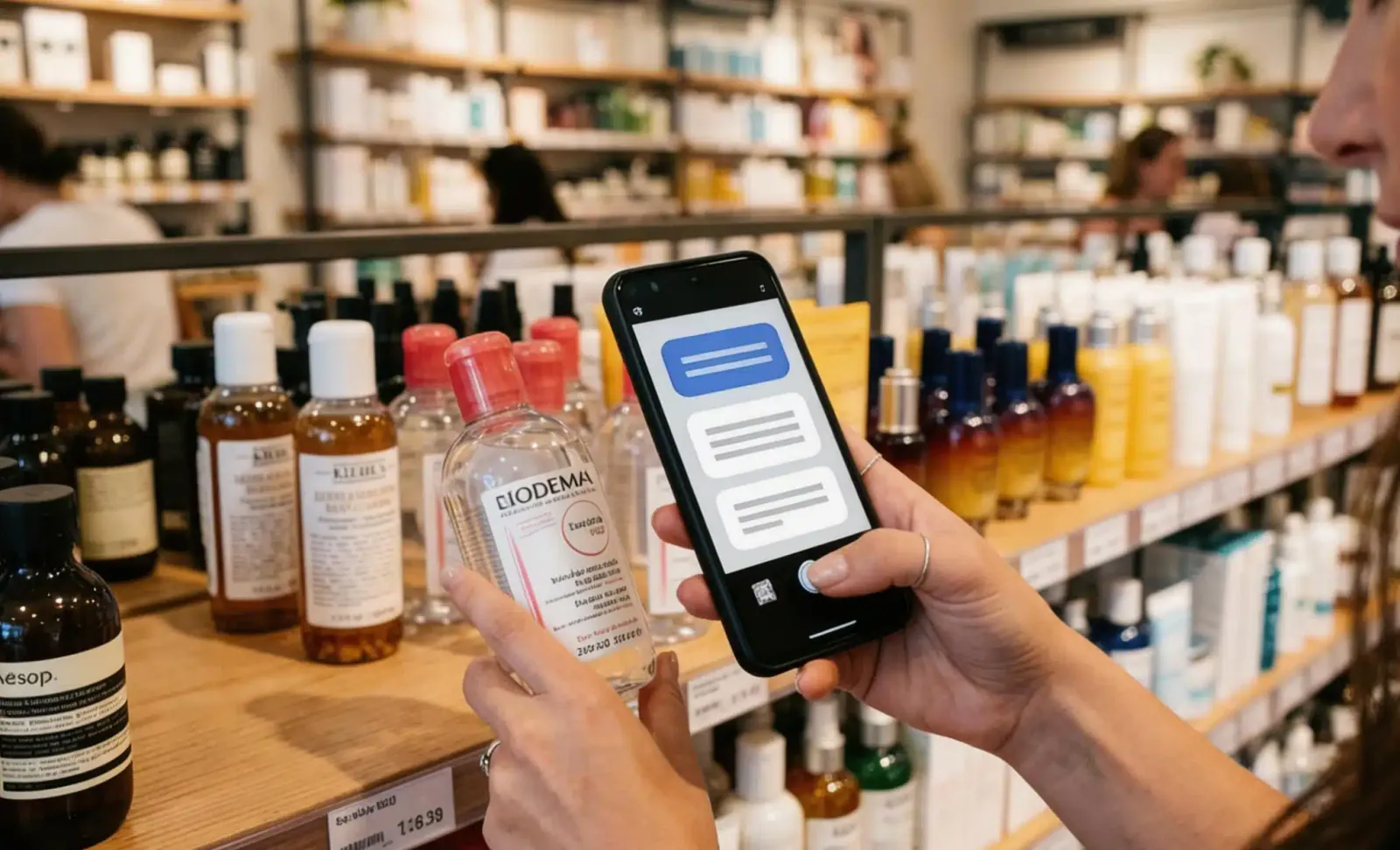
AI QR codes for retail
A shopper stops in front of a display. They want to know if the product contains allergens, whether it comes in a different size, and what other customers say…

AI QR codes for healthcare
Healthcare runs on information. The right detail, at the right moment, reaching the right person. When that flow breaks down, care suffers. Waiting rooms fill…
Two free dynamic QR codes. Yours forever.
No credit card. No expiry. The original dynamic QR platform since 2009.