

PDF QR code generator: how to share, track, and update PDF documents with dynamic QR codes
TL;DR
- A PDF QR code generator converts a PDF file into a scannable code that opens or downloads the document on any smartphone, with no app or login needed.
- Static codes from generic tools break when the file moves and offer no analytics. Dynamic PDF QR codes can be updated at any time without reprinting.
- QRCodeKIT hosts your PDF, up to 10 MB per file, tracks every scan, and lets you swap the document behind a printed code whenever you need.
- The most common pitfalls are oversized files, print-formatted layouts that are unreadable on phones, and codes placed without a call to action.
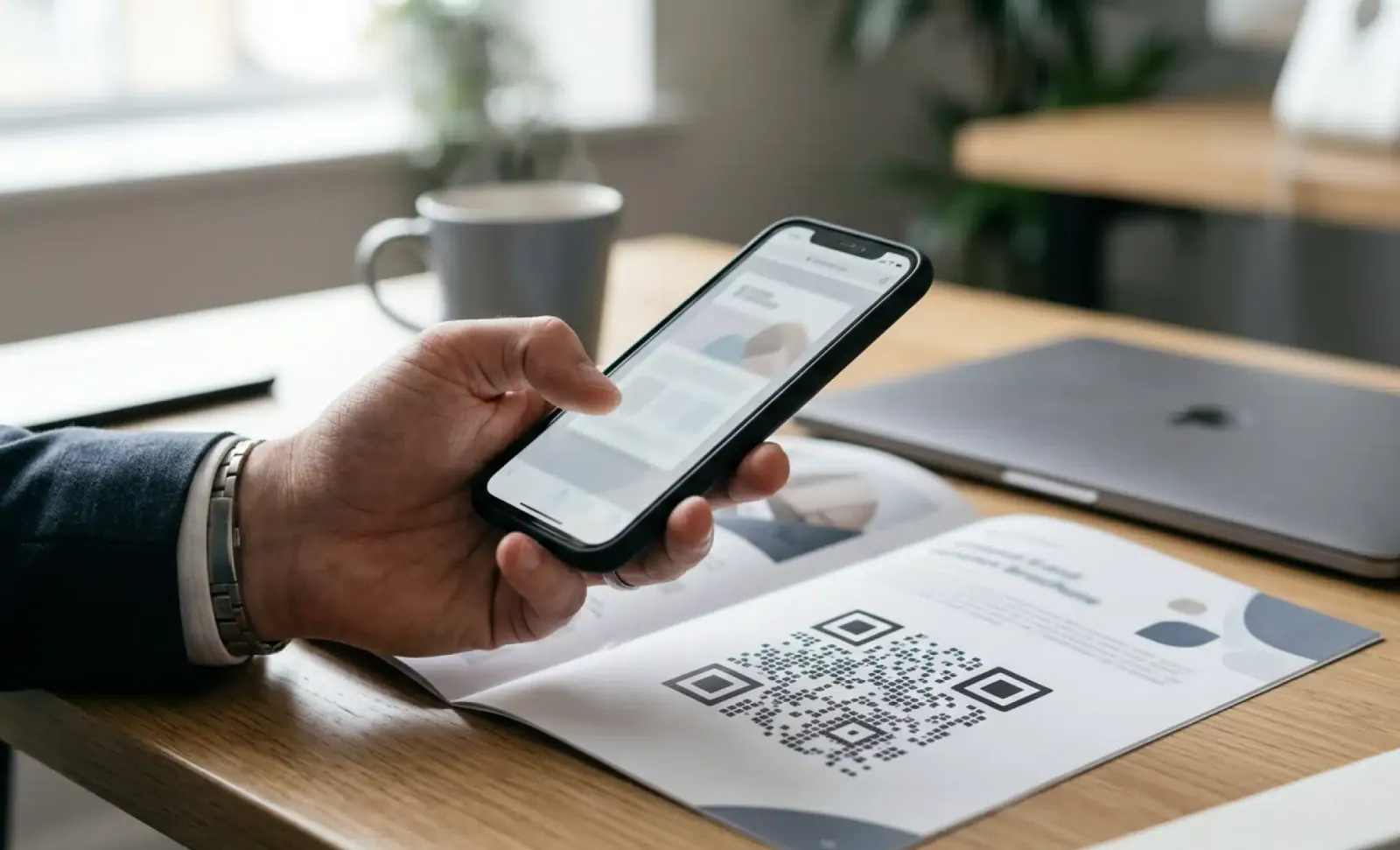
A PDF QR code generator is a tool that converts a PDF file into a scannable QR code. When someone scans the code, their phone opens or downloads the PDF instantly, with no app, email attachment, or login required. For professional use, the code should always be dynamic, so the document behind it can change without reprinting anything.
Anyone can turn a PDF into a QR code in thirty seconds. Whether that code still works in six months, or lets you fix a typo after 5,000 brochures have been printed, depends entirely on how it was created.
What is a PDF QR code generator?
A PDF QR code generator is a tool that links a PDF file to a scannable QR code. Scanning the code opens or downloads the document on the scanner's phone. It replaces email attachments, printed handouts, and long URLs nobody types by hand.

One technical point worth being precise about: the QR code does not contain the PDF itself. It encodes a URL that resolves to the file. The document lives on a server, and the code is the bridge to it. That detail explains why file hosting is part of the service and why the destination can change after printing.
Turning a PDF to QR code works on any modern smartphone. The native camera app recognizes the code, and the document opens in the browser or downloads to the device. No reader app, no account, no friction.
Why use a QR code for a PDF?
A QR code for a PDF turns any physical surface into a distribution channel for a digital document. The poster, business card, product box, or table tent becomes the access point, and the scanner's own phone becomes the reader.
This solves a real logistics problem. Print materials have limited space and a fixed shelf life. A PDF has depth: full specifications, complete menus, detailed policies, entire catalogs. The QR code lets the printed piece stay lean while the substance lives in the document. When you share a PDF with a QR code, you also skip the usual delivery friction. Nobody requests the file, types an address, or digs through an inbox. They scan, and they have it.
What is the difference between static and dynamic PDF QR codes?
This is the single most important distinction in this topic, and the one most generic tools gloss over. In the wider QR industry, a static code encodes the file's URL permanently. If the file moves, gets renamed, or needs replacing, the code breaks or keeps serving the outdated version forever. There is no fix except reprinting everything.
A dynamic PDF QR code encodes a short redirect URL instead. The redirect can be pointed at a new or updated document at any time. The printed code never changes, but what it delivers can change next week or three years from now. Dynamic codes also make measurement possible, because each scan passes through the redirect and can be counted.
For anything printed at scale or expected to stay accurate over time, dynamic is not an upgrade, it is the baseline. All QR codes created with QRCodeKIT are dynamic by default, so this decision is already made for you.
How do you create a PDF QR code with QRCodeKIT?
Creating a QR code PDF download takes a few minutes from a blank account to a printable file. The process looks like this:
- Sign up for a free QRCodeKIT account. No credit card is required, and the free plan includes 2 dynamic QR codes.
- Choose the file download QR code type. This is the format built for documents.
- Upload your PDF. QRCodeKIT hosts the file, up to 10 MB per document, so you do not need separate hosting or a public link.
- Customize the design. Add your logo, adjust colors, and add a frame with a call to action such as "Scan to download".
- Download the code in PNG, SVG, PDF, or EPS format, depending on whether it is headed for a screen, an office printer, or a professional press.
- Print or share it. Scan analytics start collecting from the first scan.
Because the file is hosted on the platform, replacing it later means uploading a new version in the same dashboard. Every printed code picks up the change immediately.
Where do PDF QR codes earn their keep?
The pattern repeats across industries: someone stands in front of something physical and needs a document. These are the scenarios where a PDF QR code earns its keep:
- Marketing brochures and catalogs linked from posters, flyers, and direct mail
- Restaurant and cafe menus on tables, windows, and counters
- Event programs and floor plans on badges, signage, and banners
- HR policies and employee handbooks posted in break rooms and onboarding packets
- Real estate property brochures on yard signs and window displays
- Product manuals and user guides printed on packaging
- Educational syllabi and course materials on classroom handouts
- Case studies, proposals, and whitepapers on business cards and leave-behinds
- Trade show materials that attendees can take home without carrying paper
The restaurant case deserves a special note, since menus are the highest-volume PDF use case of all. If that is your scenario, our guide to the best QR menu maker covers the vertical in depth.
What makes a good PDF QR code beyond the file?
The code is only half of the experience. The other half is what happens on the phone screen three seconds after the scan.
Start with the document itself. A PDF designed for A4 print is often painful on a 6 inch screen. Favor a single-column layout, generous type sizes, and portrait orientation. Then look at file size. Scans often happen on mobile data in venues with weak coverage, so compress the file and aim for under 3 MB where possible. QRCodeKIT accepts up to 10 MB per file, but lighter documents load faster and lose fewer readers.
The physical context matters just as much. Pair the code with a clear call to action such as "Scan to download the menu", because a bare code gives no reason to point a camera at it. Test the code in its real environment before printing at scale: the actual lighting, distance, and size. And if the code will be printed small or might get scuffed, choose error correction level H, which keeps it scannable even with up to 30 percent of the pattern damaged or obscured.
Put it into practice
Create a dynamic QR code free and see it work. No credit card required.
Get started freeWhat can you measure with a dynamic PDF QR code?
Every scan of a dynamic code passes through the platform, which turns a printed document into something you can actually measure. QRCodeKIT records the scan count over time, so you can see whether interest builds, plateaus, or spikes around a campaign. It logs the location of scans by country, region, and city, along with device type and operating system. Time of day and day of week reveal when your audience actually engages, which is often not when you assumed.
If the same document is distributed across several placements, create a unique code for each one, or append UTM parameters to compare performance. This is how you learn that the window poster outperforms the counter card.
When should you update the PDF behind the code?
Whenever the content stops being true. Obvious, but it is the exact capability static codes lack. Seasonal menu changes, revised HR policies, corrected pricing, a typo caught after printing, a new edition of a whitepaper: each of these is a two minute upload instead of a reprint order.
Events show the pattern best. The same printed code can serve the program before the event, the live floor plan during it, and a post-event summary afterward. The signage never changes. The document does its job at every stage.
What are the most common mistakes with PDF QR codes?
Most failures in this use case are predictable and avoidable. The ones that come up again and again:
- Using a static code from a generic tool, which locks the campaign to one version of the file forever
- Uploading massive PDFs that stall or fail on 3G and 4G connections
- Uploading print-formatted documents that force endless pinching and zooming on a phone
- Placing the code without a call to action, so people have no idea what scanning will get them
- Skipping analytics entirely, which leaves no evidence of whether the placement worked
- Deleting the source PDF from the platform, which breaks every printed code pointing to it
None of these require expertise to prevent. They require deciding, before printing, that the code is part of a workflow rather than a one-time export.
What happens after the scan?
Opening the document does not have to be the end of the interaction. QRCodeKIT's Cleo, a conversational AI built into the QR experience, can sit on top of a PDF destination and answer questions about the document directly. Someone scanning an employee handbook can ask how to apply for parental leave. Someone scanning a product manual can ask about the return policy. Instead of scrolling through forty pages, they ask and get the answer.

The file itself does not change. The experience around it does, and the questions people ask become their own source of insight into what the document is missing.
Frequently asked questions
How do I make a QR code for a PDF?
Upload the PDF to a platform that hosts files and generates dynamic codes, such as QRCodeKIT. Choose the file download code type, upload the document, customize the design, and download the code. The whole process takes a few minutes.
Is a PDF QR code generator free?
Yes, QRCodeKIT's free plan lets you create PDF QR codes at no cost, with 2 dynamic codes and file hosting included and no credit card required. Paid plans add more codes and higher scan volumes for larger campaigns.
Can I update the PDF behind a QR code without reprinting?
Yes, if the code is dynamic. Upload the new version of the file in your dashboard and every existing printed code delivers it immediately. This is the core advantage of dynamic codes over static ones, which cannot be changed after creation.
Do people need an app to scan a PDF QR code?
No. The native camera on any modern iPhone or Android phone recognizes QR codes automatically. The scanner taps the notification and the PDF opens in the browser or downloads to the device.
What is the maximum PDF file size for a QR code?
QRCodeKIT hosts files up to 10 MB per PDF. In practice, aim for under 3 MB so the document loads quickly on mobile networks, since many scans happen on cellular connections rather than Wi-Fi.
Can I track how many people scanned my PDF QR code?
Yes. A dynamic PDF QR code records every scan, including totals over time, location, device type, and time of day. Using one code per placement shows which material performed best.
How is a PDF QR code different from a website QR code?
A website QR code sends the scanner to a web page, while a PDF QR code delivers a specific document that opens or downloads on the phone. Choose the PDF option when the content is a finished, self-contained file such as a menu, manual, brochure, or report.
All images and visual content in this article were created using RealityMAX.
Related articles
WiFi QR code generator: how to share and manage guest WiFi with a scannable code
A WiFi QR code generator lets guests connect with a scan. Learn the static and Landing Page approaches, and how to build an updateable, branded WiFi QR.

Transparent QR codes: how to put a code on artwork without the white box
A transparent QR code drops the white plate so your artwork shows through. Here is how it differs from an invisible QR code, why both still scan, and the print…
How we compare QR code platforms
Where the figures in QRCodeKIT's platform comparisons come from, how they are verified, what we show as evidence, how often we re-check and how to request a…
Two free dynamic QR codes. Yours forever.
No credit card. No expiry. The original dynamic QR platform since 2009.
