What is the recommended format and size for logos?
Add the best logo or image to your QR Code
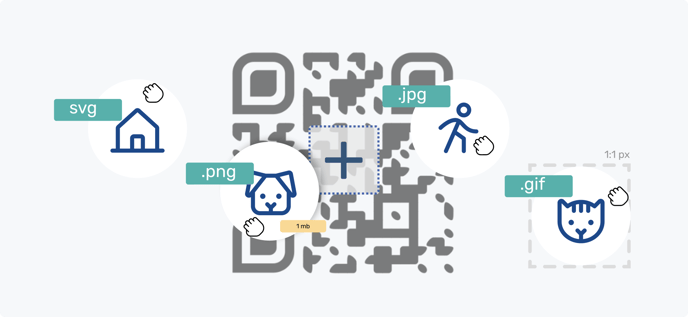
If you want to add a logo or image to a QR Code, you can use an SVG, PNG, JPG or GIF file of 2 MB maximum. The recommended proportion is 1:1 (equal width and height).
If your logo includes image and text, try using the image only and, if necessary, add an outline to make it stand out from the QR Code.
If you want to use a SVG file as your logo or image, here are some recommendations:
- Use trusted graphic design software like Adobe Illustrator, Sketch, Inkscape, or online tools like Vectr. This will ensure you are creating valid SVGs from the start.
- Use optimization tools like Jake Archibald's SVGOMG or SVGO (SVG Optimizer) to clean up your code and remove any unnecessary data that may cause compatibility issues.
- Text rendering can vary between browsers and operating systems, so it is best to convert text into curves before exporting.
- Ensure you are using a current version of SVG. The most recent version at present is SVG 2 or at least 1.1.
- SVG's exported from Illustrator CC are "responsive" by default, in other words there is no height or width attributes, no dimensions.