
How to view and download the statistics of a QR Code
Track the stats of your QR Codes to know how well they are performing
This article corresponds to QRCodeKIT's legacy app. For more information, click here.
Log in to your account and:
1) Click Statistics
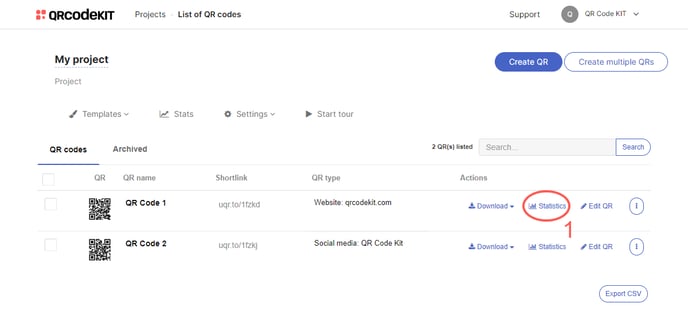
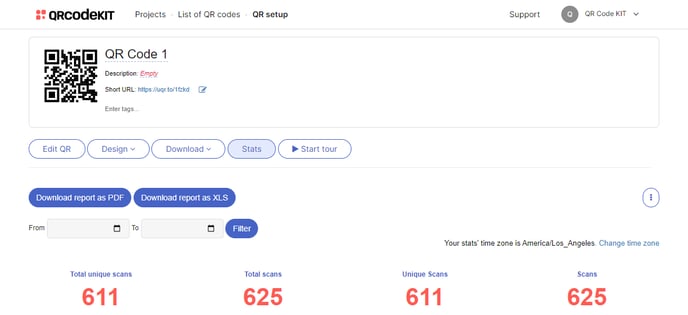
The information presented depends on the analytics included in your plan. If you want to know which data is included in your plan's analytics, click here. If you have subscribed to the STANDARD, PROFESSIONAL or ENTERPRISE plan, you can download statistical reports as PDF or XLS files. If you want to know the difference between the two, click here.
RELATED ARTICLES:
- How to connect a QR Code to a Google Analytics account
- How to reset the statistics of a QR Code
- What is the difference between unique scans and scans?
