November 19, 2026
Five checks before you print a QR code on a million packs
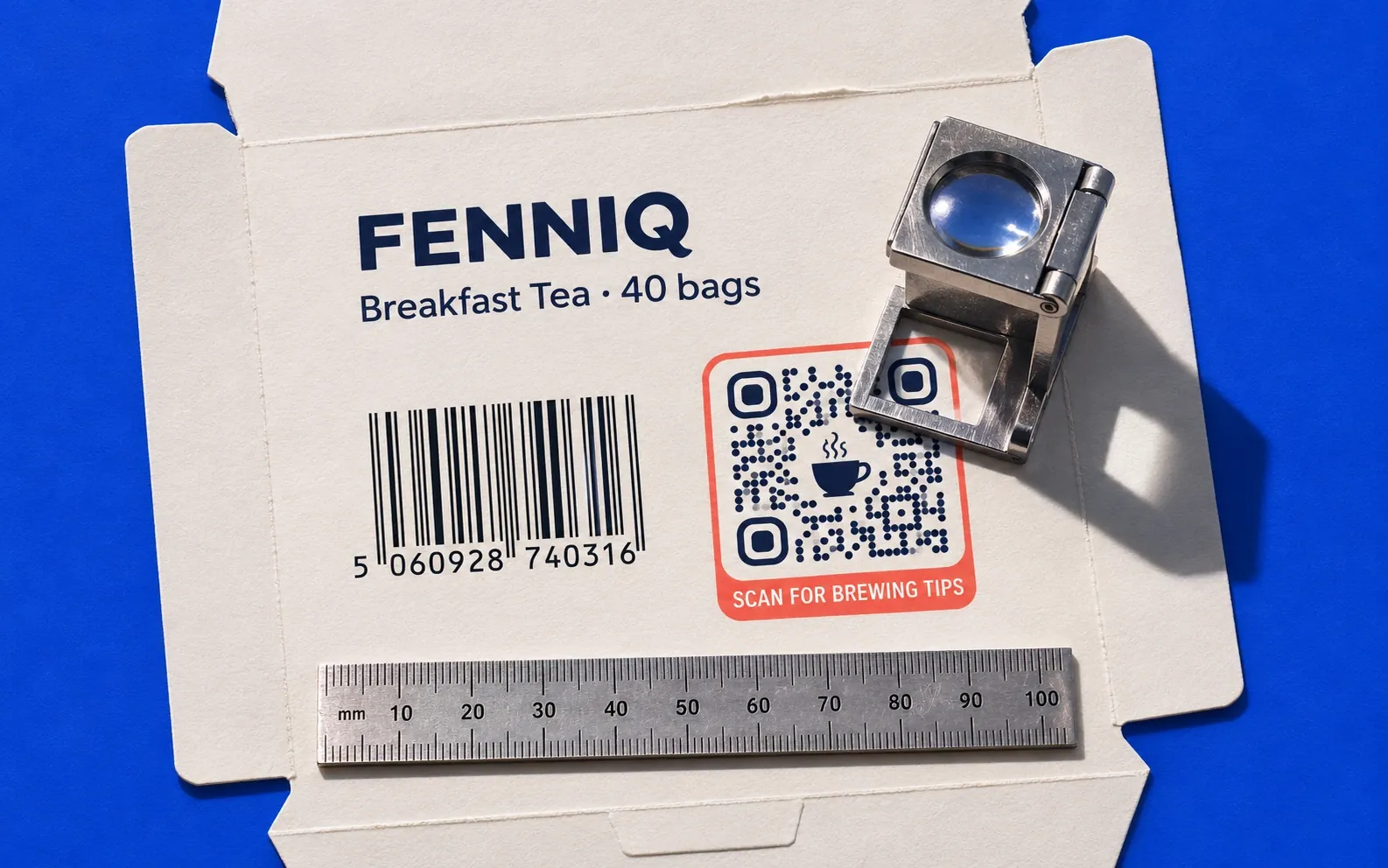
A wrong link on a dynamic QR code can be fixed after printing. A code that doesn’t scan can’t. These five checks take an afternoon, and they come from the QR code standard, GS1’s packaging rules and a few sums.
1. The link: short, on your domain, built to last
A QR code is a grid of small squares, called modules. The more characters the link has, the more modules the code needs, and at a fixed print size each module gets smaller. Small modules are the first thing to fail on a fast press or a scuffed pack.
| What the code holds | Characters | Modules across | Module size at 20 mm wide | Smallest code at GS1’s 0.495 mm target, margin included |
|---|---|---|---|---|
| Short link on a QR platform’s domain (https://qrkit.co/a1B2c3) | 23 | 25 | 0.80 mm | 16.3 mm |
| Short link on the brand’s own domain (https://scan.yourbrand.com/a1B2c3) | 33 | 29 | 0.69 mm | 18.3 mm |
| GS1 Digital Link with the product’s GTIN (https://id.yourbrand.com/01/09506000134352) | 42 | 29 | 0.69 mm | 18.3 mm |
| Campaign page with tracking tags (https://www.yourbrand.com/en-gb/campaigns/winter-2026/?utm_source=pack…) | 106 | 41 | 0.49 mm | 24.3 mm |
Our calculation, for error correction level M with the capacity tables of ISO/IEC 18004, and a margin of four modules on every side in the last column.
So keep the printed link short. With a dynamic code, the code holds only the short link, and the long URL with its tracking tags is the destination behind it. You can change that destination for as long as the pack is in people’s homes. Put the short link on a domain you will keep for that long, ideally your own, because it is what people see before they open it. If the code must also scan at the checkout, it has to be a GS1 Digital Link with the product’s GTIN, which is the third row.
2. The size: count the modules, not the centimetres
For a code people scan with a phone, size follows distance. Our rule of thumb is the scanning distance divided by ten, and never smaller than 2 to 3 cm. A pack held at 25 cm needs a code of about 2.5 cm.
For a code that must also scan at the till, GS1 sets the size by the module. Its guidelines for QR codes with GS1 Digital Link on consumer units ask for a module of at least 0.396 mm and at most 0.990 mm, with 0.495 mm as the target. Next to an EAN-13 barcode, GS1 suggests a QR module 1.5 times the barcode’s thinnest bar, so both scan equally well.
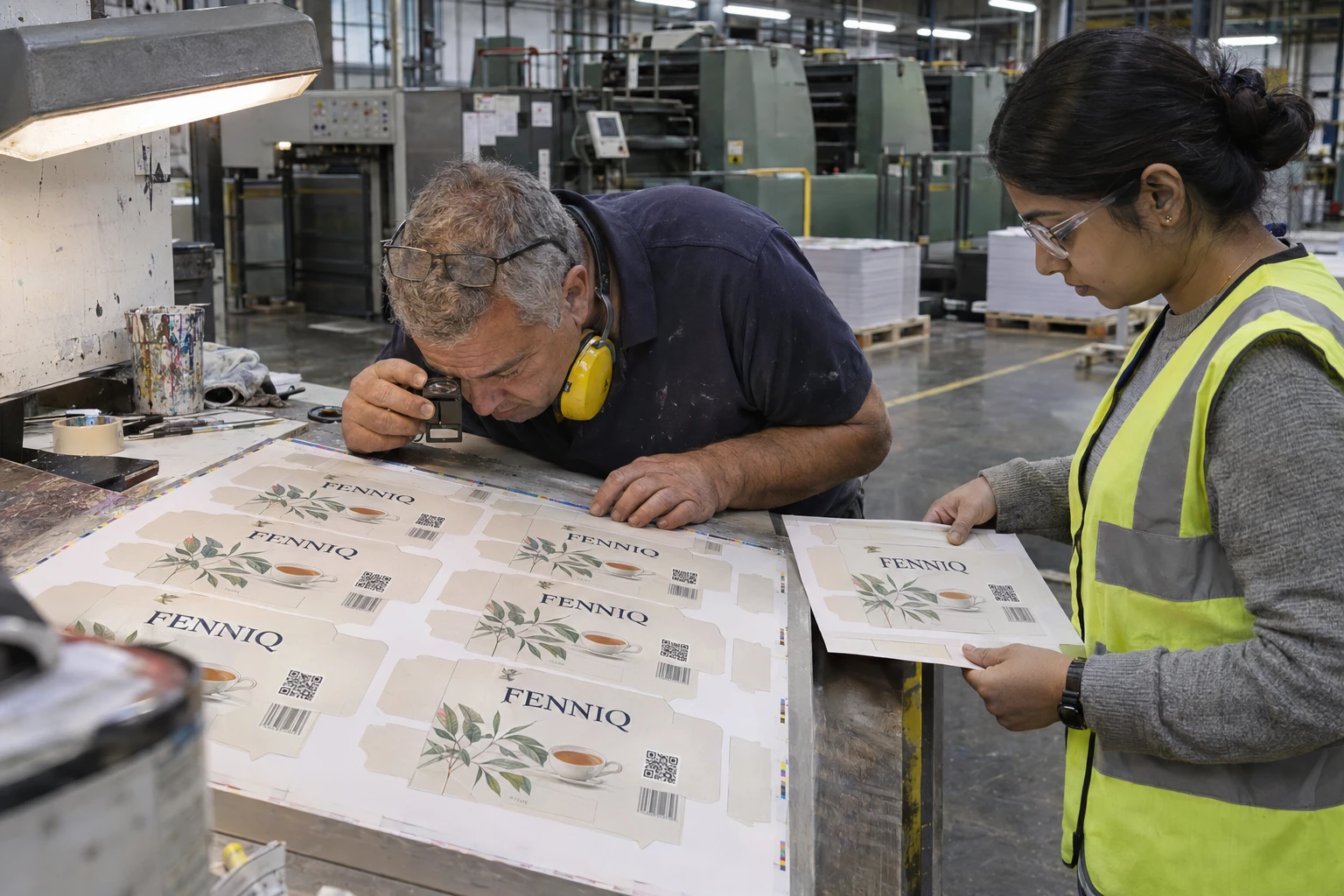
The press matters as much as the file. Ink spreads differently on corrugated board, folding carton and film. Ask your printer for the smallest square they can hold on that material and press, and size the code from that number.
Put it into practice
Change where your code leads whenever you like, without reprinting it.
Start free trialPro free for 7 days. No credit card required.
3. Contrast: dark on light, and careful with logos
Scanners are built for dark modules on a light background. Many phones can read a reversed code, light on dark, but not all of them, so test it before you commit a run to it. Metallic inks, foil and clear film over a busy picture cause glare and weak contrast; test those under the light the pack will sit in.
Error correction lets a code survive damage. Level M restores about 15% of the code and level Q about 25%, according to Denso Wave, the company that invented the QR code. A logo in the middle uses part of that margin, and so does a scratched or crushed pack. For packs that travel and get handled, level Q is the safer choice, at the cost of a slightly bigger code.
4. Space and placement
Every QR code needs an empty margin, the quiet zone, four modules wide on all four sides. GS1 asks that any call to action such as “scan me” sits outside it. No text, edge, fold or other code should cut into that space.
Keep the code off folds, seams, flaps and glued edges. On a can or a bottle, a wide code bends away from the camera, so test it on the filled container, not on the flat artwork. Don’t put two QR codes side by side: a phone may open the wrong one.
If the code is meant for checkout scanning, GS1 asks that it sits within 50 mm of the centre of the linear barcode. A code only for consumers can go wherever people will see it, usually the front.
Add one line next to the code saying what it opens, and show the domain. It tells people what they will get, and it helps them spot a fake.
5. The test: on the real proof, on old phones, under shop light
- Scan the printed proof on the final material, not the PDF on a screen.
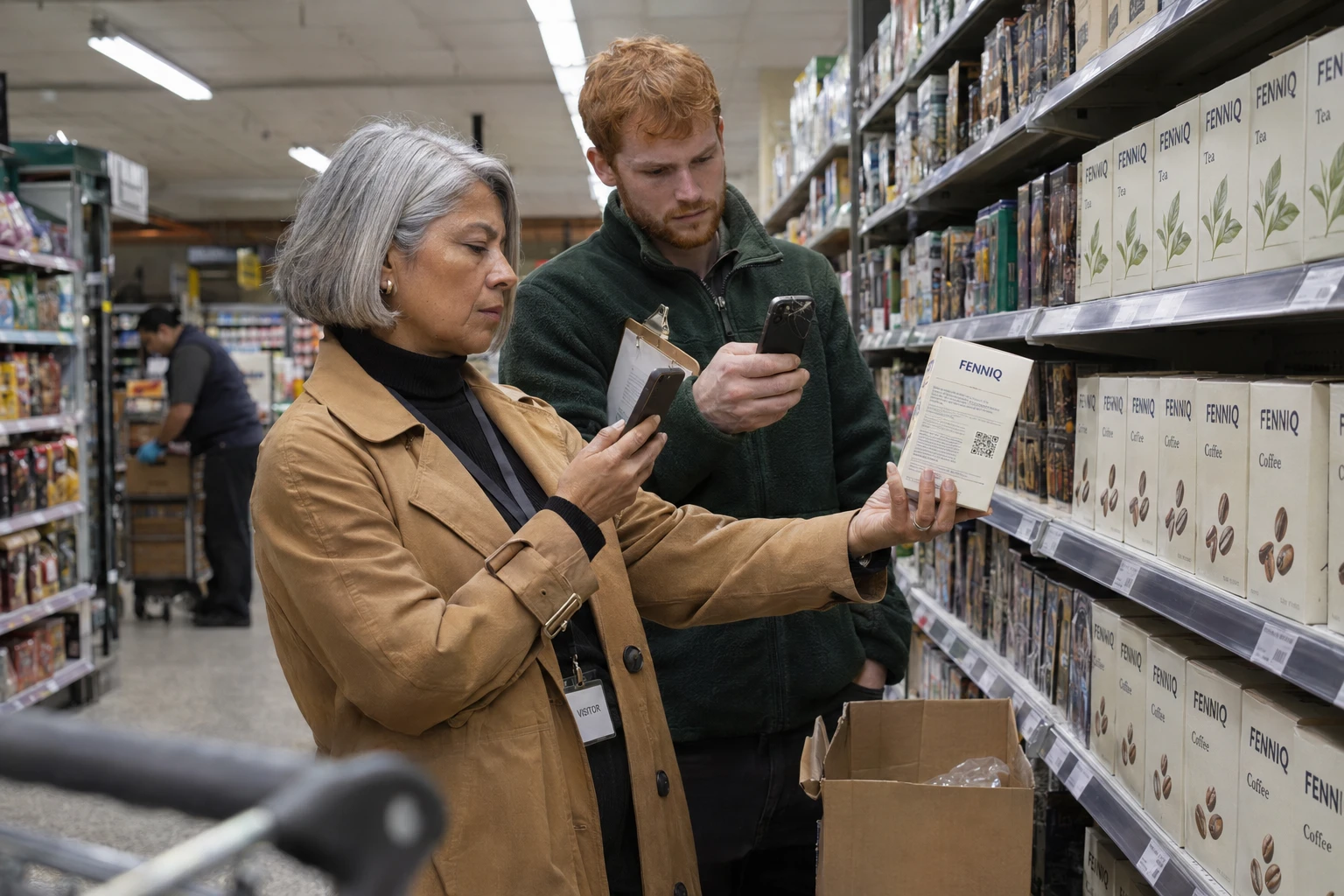
- Use at least one iPhone and one Android phone, the camera app and a scanner app, and include a phone that is a few years old.
- Scan from 20 to 30 cm, under the store’s lighting, on the filled pack.
- Open what the code leads to on mobile data, in the languages of every market where the pack is sold.
- Keep the code as a vector file (SVG, PDF or EPS) all the way to the plate. Never let anyone rebuild it from a screenshot.
After launch, look at the first days of scans by market. A market with no scans at all is usually a code that doesn’t work there, not a market that doesn’t care.
A dynamic code lets the link change for the life of the pack. These five checks make sure it can still be scanned for that long.
Sources (consulted 16 November 2026)
- GS1, QR Codes powered by GS1: branding design guidelines, version 1.1, October 2024: module size, quiet zone, call to action and the 50 mm rule.
- GS1 Ireland, How big should a QR Code powered by GS1 be?: the 0.396 to 0.990 mm range and the worked example.
- Denso Wave, Error correction feature and Information capacity and versions of QR code.
- QRCodeKIT, What is the minimum size of a QR code? and How to print QR codes.
Related articles
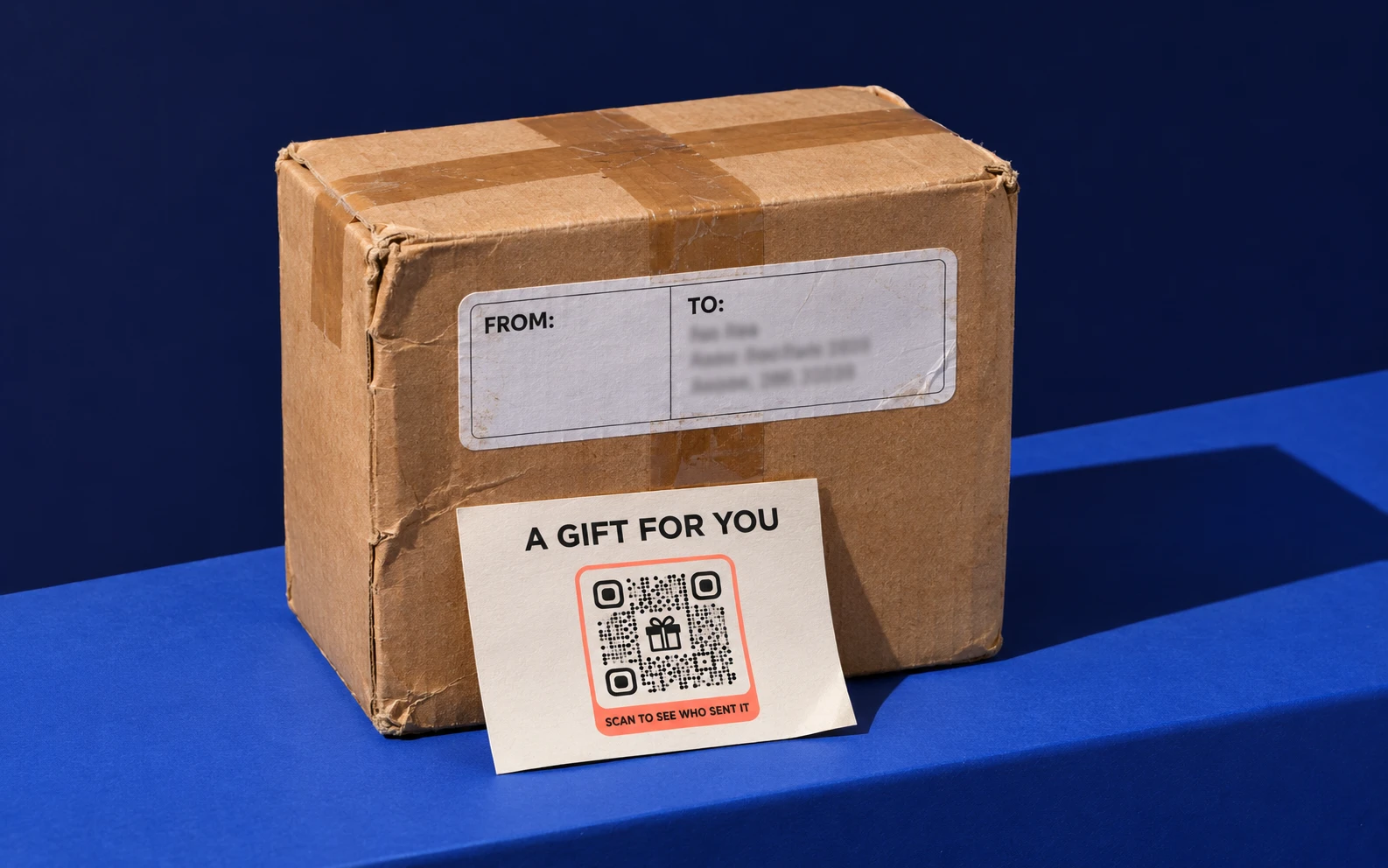
Fake QR codes on parcels and in PDFs: what the FBI, FTC and Microsoft warned, and what brands can do
The FBI, the FTC and Microsoft have warned about fake QR codes on parcels, parking meters and PDFs. What brands can do so their own codes stay trusted.

The barcode is being replaced: Paula Rivero in Forbes on getting brands ready for 2027
QRCodeKIT COO Paula Rivero explains in Forbes why GS1 Sunrise 2027 matters for brands, and the three steps to take this quarter.
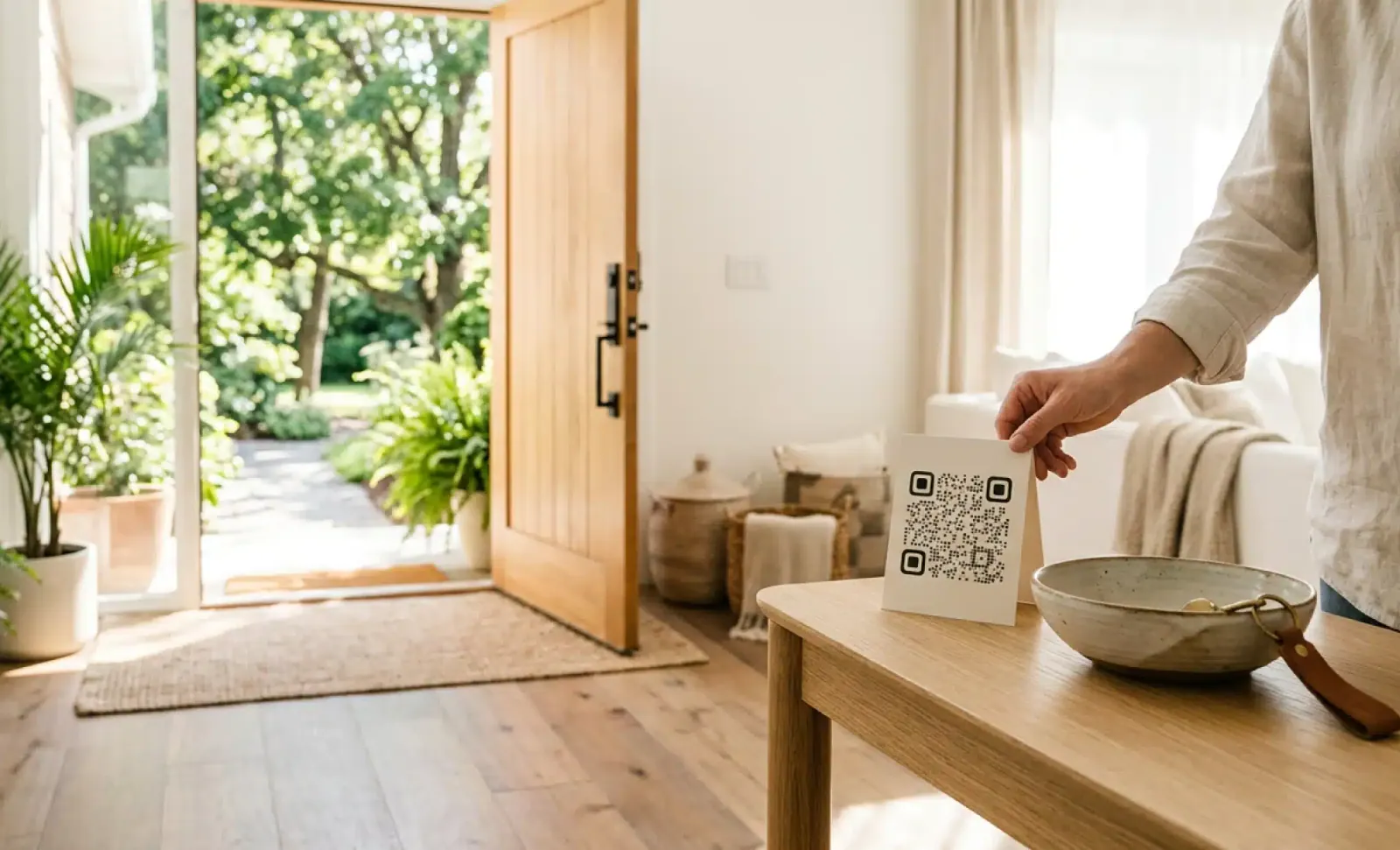
What does every QR code for Airbnb hosts need to include this summer?
Discover what a QR code for Airbnb should include this summer, from Wi-Fi and house manuals to the feedback QR that protects your Superhost rating this season.
Try QRCodeKIT Pro free for 7 days.
No credit card required. The original dynamic QR code platform since 2009.