November 16, 2026
Fake QR codes on parcels and in PDFs: what the FBI, FTC and Microsoft warned, and what brands can do
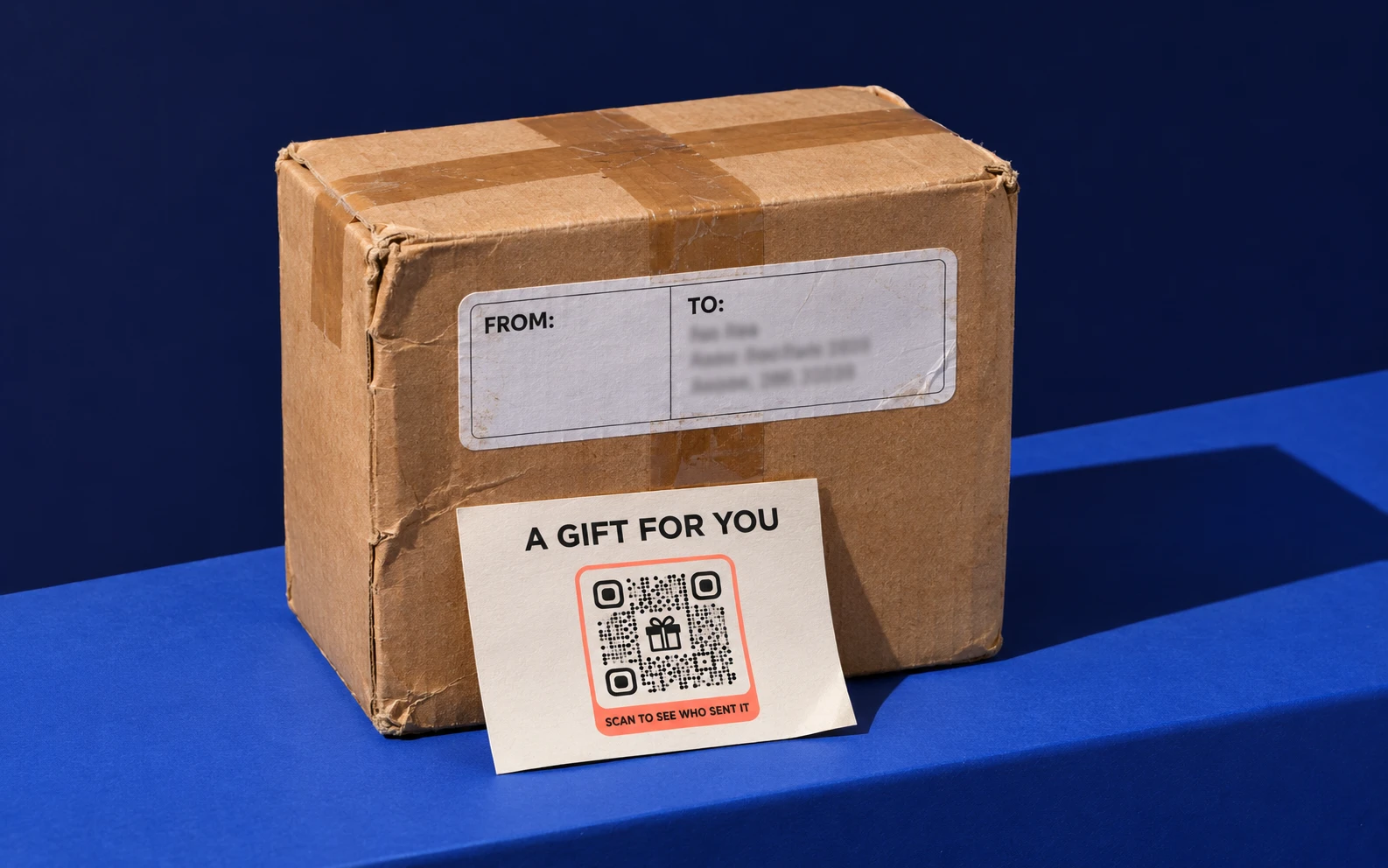
This is International Fraud Awareness Week, and the parcel season is about to begin. Scammers know people trust a QR code on a box or in a document. Here is what the authorities have warned about, and what a brand can do so its own codes stay trusted.
What the warnings say
On 31 July 2025 the FBI’s Internet Crime Complaint Center published a warning about unsolicited packages that contain a QR code (I-073125-PSA). The parcels often carry no sender details. The code leads to a page that asks for personal and financial information, or to software that steals data from the phone. The FBI calls it a variation of brushing, where sellers ship goods nobody ordered so they can post fake reviews, and says it is less widespread than other schemes. Its advice: don’t scan codes of unknown origin, and be careful with any permission a phone asks for after a scan.
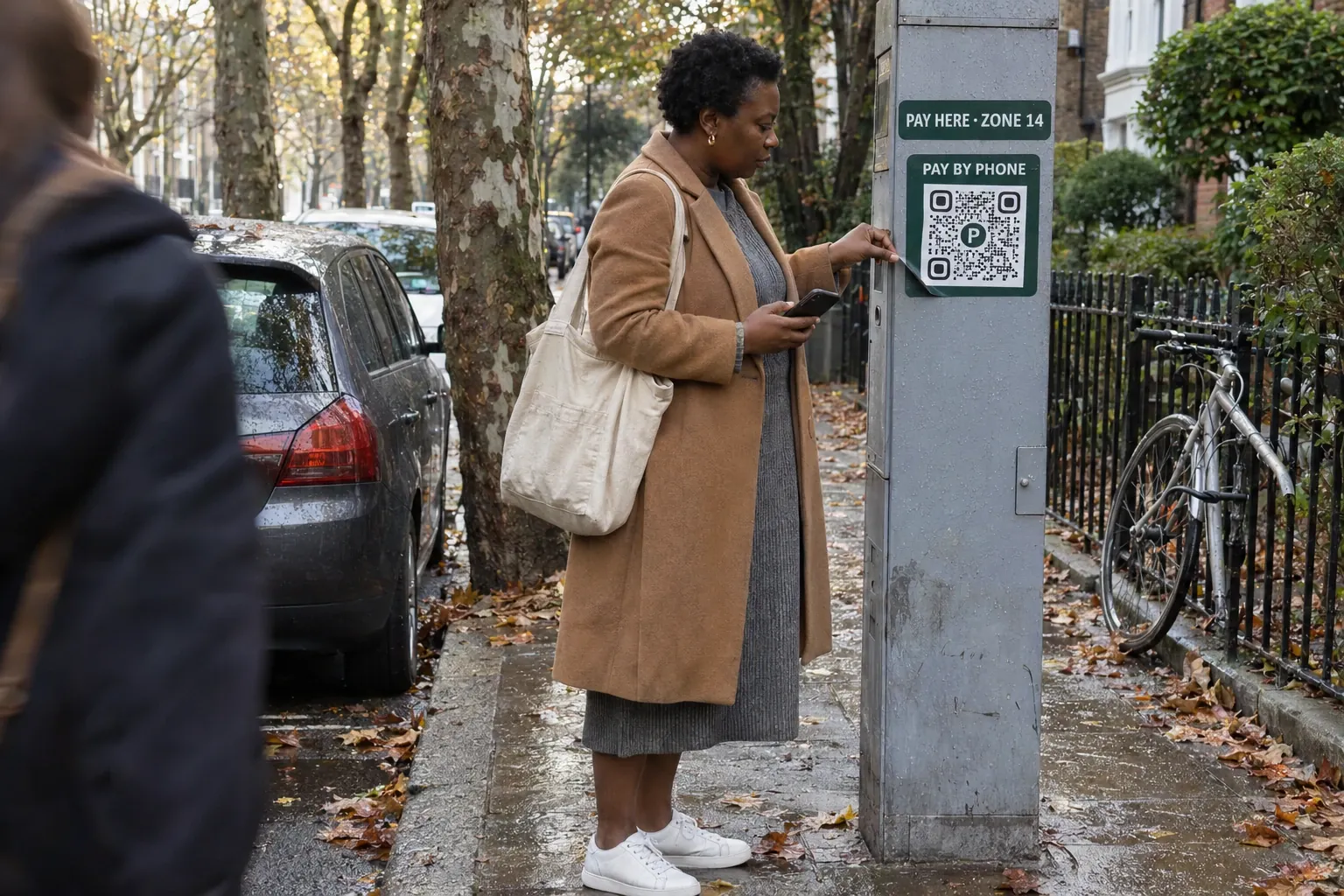
The Federal Trade Commission has described the same trick in other places. In December 2023 it warned about codes sent by email or text with a made-up reason to scan: a failed delivery, a problem with an account, a password to reset. In September 2026 it warned about scammers covering the real codes on parking meters with their own. Both alerts give people one main test: read the link before opening it, and look for spelling mistakes or switched letters.
Put it into practice
Change where your code leads whenever you like, without reprinting it.
Start free trialPro free for 7 days. No credit card required.
Why the inbox matters to a business
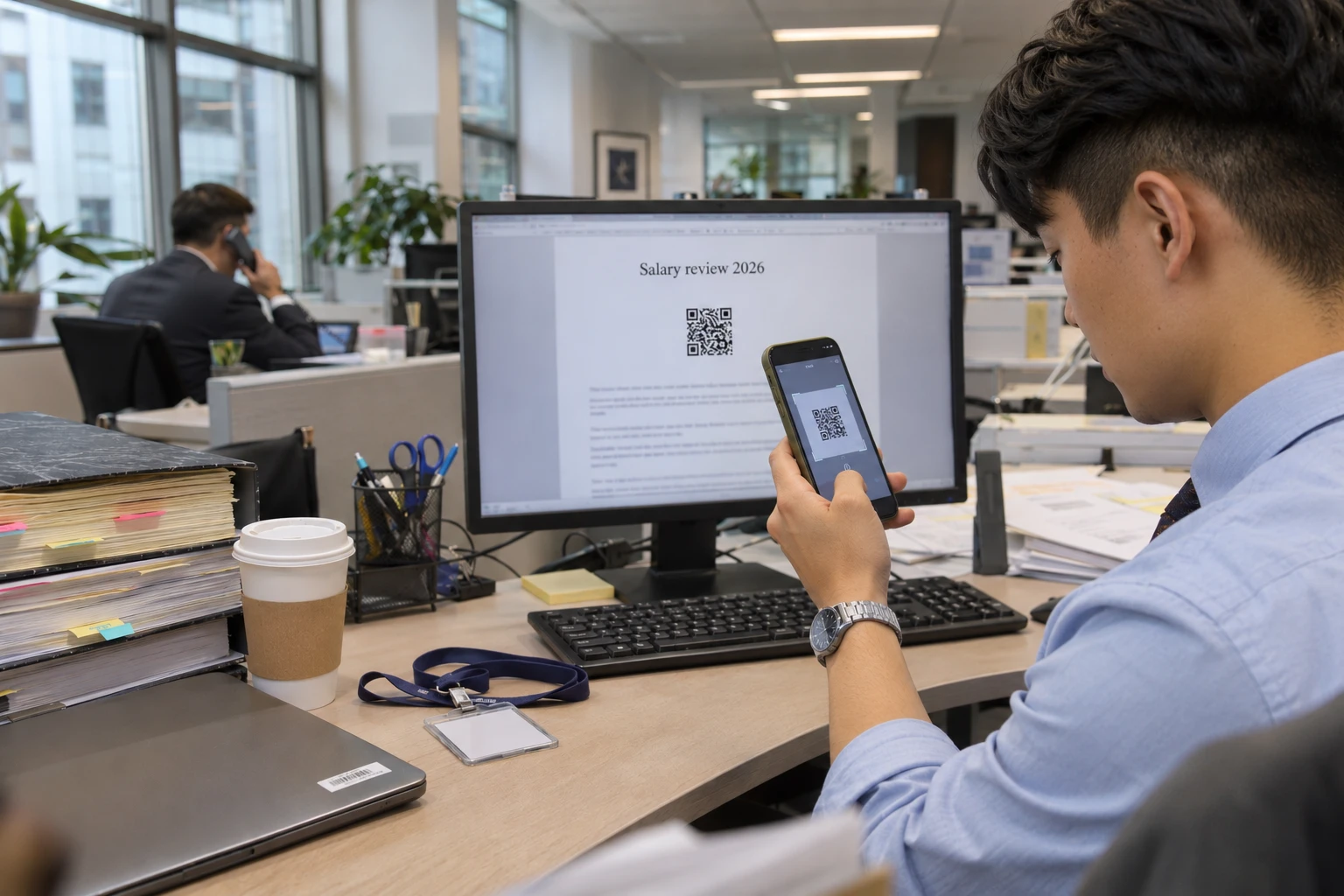
Consumers meet these codes on boxes and street furniture. Companies meet them in the inbox. Microsoft counted 7.6 million QR code attacks in January 2026 and 18.7 million in March, a 146% rise in one quarter, and PDF attachments carried 70% of them by March (Microsoft, Q1 2026). The wave then fell: by September, monthly volume was 86% below the March peak (Microsoft, Q3 2026).
The numbers swing; the method stays. In August, one campaign sent a “salary review” Word document with a QR code to more than 10,000 people at over 4,800 organizations, mostly in the United States and with a focus on law firms. A code inside a document people expect to receive gets scanned on a personal phone, outside the company’s email filters.
Why the brand takes the blame
The person scanning never sees who printed a code. They see the logo on the box, the courier’s name on the label or the supplier on the letterhead. When a fake page borrows a brand, the complaint, the lost sale and the lost trust land with that brand, even though it printed nothing.
What brands can do
- Put every code on your own domain. Both FTC alerts ask people to read the link before they open it. A preview that shows scan.yourbrand.com can be checked; a generic short link can’t. Security teams can also allowlist a domain the company owns. (How a custom domain works)
- Say what the code opens, next to it. One line such as “Track your order on yourbrand.com” tells people what to expect, so a page that suddenly asks for card details stands out.
- Tell customers what you never ask for. If your parcels, invoices and letters never send people to a payment or sign-in page through a code, say so on your help pages and in delivery emails. It gives people a rule they can apply on the doorstep.
- Give people one place to check and report. Publish an address or page for suspicious codes that use your name, and answer fast. On QRCodeKIT, anyone can report a code at qrcodekit.com/report-abuse, and every report is reviewed within six hours, on our short domains and on customers’ own.
- Keep a list of every code you’ve printed, and keep it alive. A dynamic code can be changed or paused after printing, so give each one an owner. Never let the domain behind a printed code expire: someone else can register it, and every printed copy then points to them.
- Train the people who open documents for a living. Accounts payable, HR and legal teams receive the attachments these campaigns imitate. Microsoft recommends phishing-resistant multi-factor authentication and attack simulation training; add a QR code in a PDF to the next drill.
What QRCodeKIT does on its side
Every QRCodeKIT short-link domain is monitored for phishing, and abuse reports are reviewed within six hours. Teams can put their codes on their own domain, protect them with a password or a scheduled expiry, sign in through their identity provider on Enterprise, and see in the audit trail who changed each code and when. The details are on our security page.
Sources (consulted 16 November 2026)
- FBI Internet Crime Complaint Center, Unsolicited Packages Containing QR Codes Used to Initiate Fraud Schemes, 31 July 2025.
- FTC, Scammers hide harmful links in QR codes to steal your information, 6 December 2023.
- FTC, See a QR code parked somewhere? Don’t scan it…yet!, 3 September 2026.
- Microsoft Security Blog, Email threat landscape: Q1 2026 trends and insights, 30 April 2026.
- Microsoft Security Blog, Email threat landscape: Q3 2026 trends and insights, 5 November 2026.
- ACFE, International Fraud Awareness Week, 15–21 November 2026.
Related articles

The barcode is being replaced: Paula Rivero in Forbes on getting brands ready for 2027
QRCodeKIT COO Paula Rivero explains in Forbes why GS1 Sunrise 2027 matters for brands, and the three steps to take this quarter.
What does every QR code for Airbnb hosts need to include this summer?
Discover what a QR code for Airbnb should include this summer, from Wi-Fi and house manuals to the feedback QR that protects your Superhost rating this season.
Can QR codes be hacked? How to spot the risks and scan safely
Can QR codes be hacked? Learn how to spot malicious QR codes, avoid scams, and protect your personal data when scanning with your phone.
Try QRCodeKIT Pro free for 7 days.
No credit card required. The original dynamic QR code platform since 2009.