

QR code custom domain: why the redirect domain should be yours
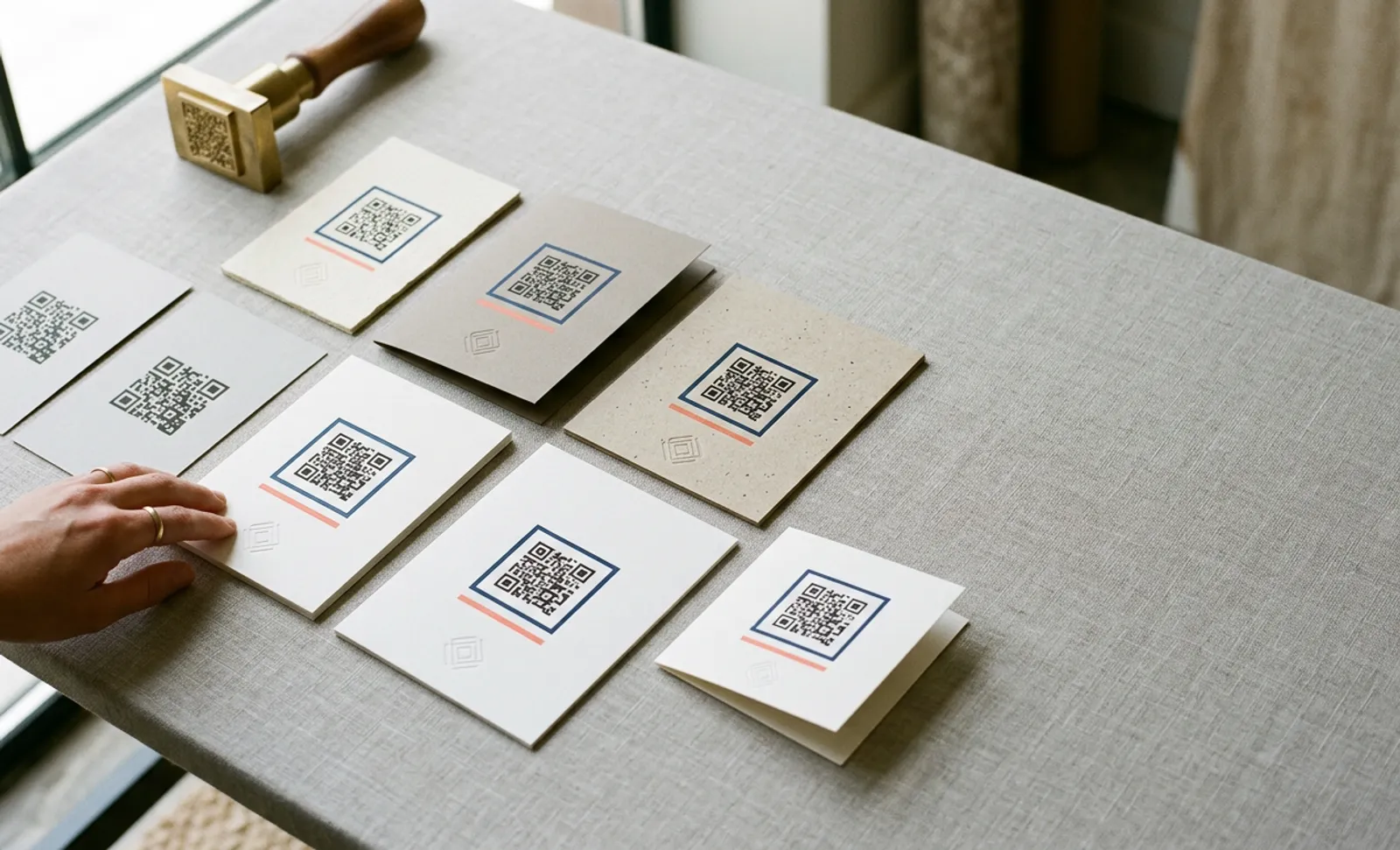
What the short URL in a QR code actually is
A dynamic QR code does not hold your destination. It holds a short address on a redirect server, and the server sends each scan to the destination you have set. That indirection is what makes the code editable and trackable, and it creates a dependency: whoever controls the domain in the short address controls where every printed copy goes.
On a default plan that domain belongs to the platform, on QRCodeKIT as on every other: our codes carry qrkit.co, and older ones uqr.to. That is fine for a flyer that will be recycled next month. It is a structural weakness for a menu, a label, a sign or a vehicle that will be scanned for years, because the platform's decisions, its prices, its terms, its continued existence, become decisions about your print.
What a custom domain changes
A QR code custom domain replaces the platform's domain in the short URL with a subdomain you own, so the printed code carries a branded short URL on your domain. The code then holds qr.yourbrand.com/spring rather than a link on the platform's domain. Technically the subdomain still points at the platform, through a DNS record called a CNAME that says "for this hostname, ask the platform's server". The platform serves the redirect exactly as before.
The difference is who can change that record. You can. If you move to another platform, you recreate the codes there with the same endings and repoint the CNAME. Propagation takes from minutes to a day, and every printed code follows you without a reprint. If the platform raises its prices, changes its terms or closes, you have an exit that does not involve the printer. The switching guide walks through that move, platform by platform.
QRCodeKIT's help centre calls this white-label URL masking. It is not the same as white-labelling a whole QR platform to resell to clients under your own brand, which the agencies piece covers.
Two further benefits come along. A branded short URL is recognisable to the person scanning, which helps them tell a genuine code from a fraudulent one; the trusted-domain piece and the quishing explainer make that case. And a branded short URL reads well printed beside the code as an alternative to scanning, one of the options the European Accessibility Act piece lists.
What a custom domain does not change
It does not move where scans are processed; the redirect still runs on the platform's infrastructure, so hosting and data residency are still the platform's. It does not change analytics, design or code types. It does not make static codes editable, because static codes have no redirect at all. And it does not help codes already printed on the vendor's domain: those stay where they are, which is why this decision belongs before the first print run, not after.
Whose domain is it?
"Custom domain" means different things on different platforms. The test is simple: a domain is yours if you registered it and you can change its DNS records. Read on each vendor's own pages, last checked 8 October 2026, and re-verified quarterly.
| Platform | What its custom domain is | Where it starts |
|---|---|---|
| QRCodeKIT | A subdomain of a domain you own, pointed at QRCodeKIT with a CNAME record | Pro at $50 a month billed yearly or $65 monthly (one); Enterprise (several) |
| Bitly | Growth includes a complimentary domain that Bitly registers and, per its support pages, will not transfer. A domain you bought yourself can also be connected | Growth at $29 a month billed yearly |
| Flowcode | Five custom redirect domains on Growth. Its terms also let it end your access to a white-labelled flowcode.com subdomain, give it to someone else or use it itself, at its discretion | Growth, billed annually; $250 a month, shown only when the billing toggle is switched |
| Uniqode | A custom domain add-on, priced at $500 a year in its plan table and $2,000 in its FAQ | Plus at $99 a month as an add-on; included on Business+ at $399 |
| QR TIGER | Your own domain as a white label | Premium at $37 a month billed yearly; two on Professional |
| Scanova | One custom domain, more at $120 a year each | Pro at $75 a month billed yearly |
| Hovercode | A domain you own. Its help centre states that codes on a custom domain can be migrated to another platform and codes on its default domains cannot | Pro at $12 a month (one); 10 on Business, 50 on Business Plus |
| ME-QR | A domain you own, connected with a CNAME record | Free plan, with a registered account |
| QR.io | None listed | Not offered |
A vendor-registered domain and a white-labelled subdomain of the vendor's domain both look branded in print, and both leave the vendor in control. If a sales page says "custom domain", ask who the registrant will be.
Put it into practice
Create a dynamic QR code free and see it work. No credit card required.
Get started freeChoosing the subdomain and the endings
Pick a subdomain that will still make sense in five years and that you will never need for anything else: qr, go, scan, link. Avoid campaign and product names in the hostname. QRCodeKIT, like most platforms, uses a subdomain for this; the bare root domain and the www hostname are not supported.
Then decide how endings will be set. Most platforms generate a random ending for each code and let you edit it. On QRCodeKIT the ending is editable on every plan, one code at a time, and it should be set before printing, because changing an ending after print makes the printed code unusable. A convention that lasts looks like campaign-place-language: qr.yourbrand.com/menu-madrid-en. The same convention makes any future move easier, because reproducing the endings on a new platform is a matter of reading them off a list. Bulk creation from CSV cannot set endings, so codes you want to name are created or edited individually.
How to set it up on QRCodeKIT
A subdomain you own is included on Pro (one) and Enterprise (several). The setup has two halves: your DNS provider and your QRCodeKIT account. The help-centre article has the details.
At your DNS provider:
- Open the DNS management page for your domain and add a new record of type CNAME.
- In the host, name or subdomain field, enter the subdomain you chose, for example qr. Root domains and www are not allowed.
- In the target, value or points-to field, enter whitelabel.qrkit.co.
- Leave the TTL as it is and save.
In QRCodeKIT:
- Open Settings, then Custom domains, and add your subdomain. Then ask our support team to activate it.
- Open a code, choose Customize QR, and edit the short URL: select your subdomain and set the ending.
- Download the code and scan it with two phones before anything goes to the printer.
If you manage codes from an AI assistant through the MCP connector, create the code there and set its subdomain and ending in the dashboard before printing.
A checklist before the first print run
- The subdomain sits under a domain your organisation registered and renews, not a colleague's personal account and not the vendor's.
- The CNAME record points at the platform and the subdomain is active.
- Every code that will be printed shows your subdomain in its short URL, with a meaningful ending.
- The ending convention is written down where the next person will find it.
- A printed proof has been scanned with two phones and the redirect followed to the end.
The cost, and how to think about it
On QRCodeKIT a subdomain you own comes with the Pro plan at $50 a month billed yearly, or $65 monthly, alongside 1,000 codes, unlimited scans and ten seats. See the pricing page. Elsewhere the price and the ownership vary, as the table above shows, and the comparison series covers each platform in depth.
Whatever the price, weigh it against the reprint. A restaurant group's menus, a brand's packaging run, a fleet's vehicle graphics, a campus's signage: any one of those costs more to reprint than years of the plan that would have made reprinting unnecessary. For material that lasts less than a season, the platform's domain is fine. For everything else, the domain in the print should be yours, and the time to decide is before the ink.
Frequently asked questions
What is a QR code custom domain?
A subdomain you own, such as qr.yourbrand.com, used in the short URL your dynamic codes hold and pointed at the QR platform with a CNAME record. Codes printed on it can be moved to another platform by changing that record, without reprinting.
Why does the redirect domain matter more than the platform?
Because the domain in the print is fixed for the life of the material, and whoever controls that domain controls where every scan goes. On your own domain you can change platforms; on the vendor's, only that vendor can ever serve the codes.
Is a vendor's "complimentary" domain a custom domain I own?
No. A domain the vendor registers stays the vendor's: Bitly's complimentary domain on Growth is registered to Bitly and cannot be transferred, and Flowcode's terms let it end your access to a white-labelled flowcode.com subdomain or give it to someone else. A domain is yours when you registered it and can change its DNS records.
Is a custom domain the same as a white-label QR code?
Not quite. A custom domain, which QRCodeKIT's help centre calls white-label URL masking, replaces the platform's domain in your codes' short URLs with yours. A white-label QR platform goes further and rebrands the whole product, dashboard included, so an agency can resell it to clients. Most buyers need the first; agencies sometimes need both.
Does a custom domain make my codes more secure?
It helps: a recognisable domain lets people judge a code before following it, which defeats many phishing attempts. The main argument for it, though, is ownership and portability, which apply even where security is not a concern.
Which QRCodeKIT plan includes a custom domain?
Pro includes one subdomain you own and Enterprise several, pointed at QRCodeKIT with a CNAME record to whitelabel.qrkit.co and activated by our support team. The ending of a code's short URL is editable on every plan, and both should be set before printing.
Can I add a custom domain to codes I have already printed?
No. A printed code holds the domain it was created with. A custom domain protects the codes printed after it is set up, which is why it belongs before the first print run. For codes already in circulation, the switching guide covers what can be saved.
Related articles

QR code scan to conversation
Learn what the QR code scan-to-conversation rate measures, why it matters more than scan count for AI QR codes, and how to track and improve it in 2026.
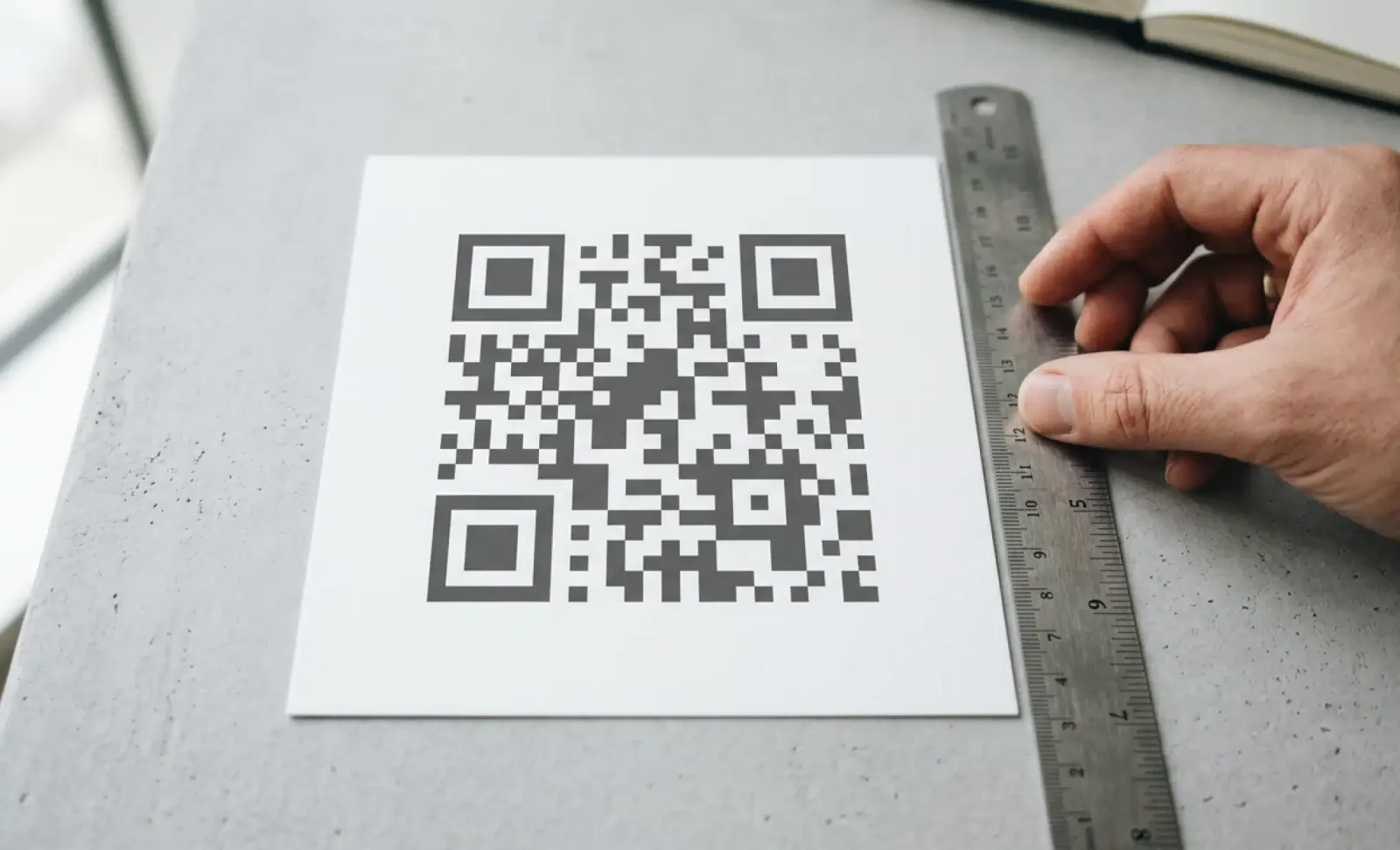
Quiet zone requirements for QR codes
Quiet zone requirements for QR codes explained: the ISO/IEC 18004 four module rule, how to calculate margin size, material edge cases, and testing steps.
Bulk QR code creation
Learn how to automate bulk QR code creation using CSV upload or an API. Compare both methods, see real use cases, and pick the right workflow for your team.
Two free dynamic QR codes. Yours forever.
No credit card. No expiry. The original dynamic QR platform since 2009.
