

How to automate QR code generation: bulk upload, API or AI assistant
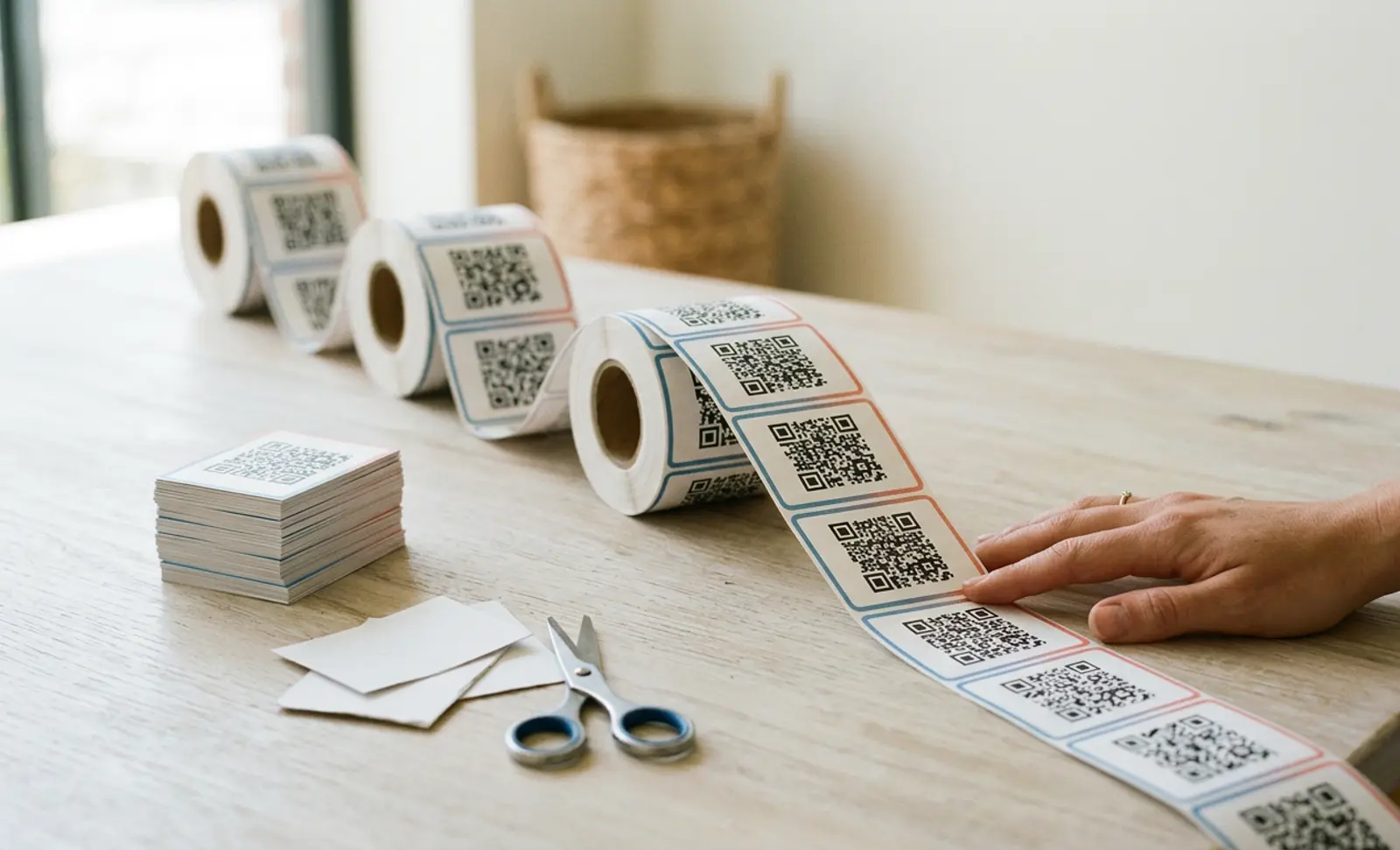
What's the best way to automate QR code generation?
It depends on how many codes you need, how often, and what triggers their creation. On QRCodeKIT, a CSV upload covers one-off batches of up to 1,000 website codes, the REST API covers codes your own systems create and update, and an AI assistant covers quick changes in plain language. Every code created this way is dynamic, so its destination stays editable after printing.
What is worth automating, and what isn't
Automation pays off when the number of codes, or the rhythm at which they appear, outgrows what a person can do by hand without mistakes.
- Packaging. One code per SKU, batch or market, often as a GS1 Digital Link so the same code works at the till and on a phone.
- Locations. One code per store, branch, room or machine, each tracked separately.
- Events. One code per ticket, badge or session.
- Records in another system. A code created when an order, a contract or a CRM record is created, and updated when that record changes.
- Agencies. The same campaign rolled out across many clients, each in its own project.
What isn't worth automating: a few codes for a poster or a menu. Setting up any of the routes below takes longer than creating them by hand.
Three ways to create codes at scale
| Route | Who runs it | Best for | Scale | Plan | What it can't do |
|---|---|---|---|---|---|
| CSV upload | Marketing or operations | One-off batches of website codes: a print run, a catalogue, a store list | Up to 1,000 codes per file | From Starter | Create other code types; set custom short-URL endings; stay in sync with a source system |
| REST API | A developer | Codes created and updated by your own systems, and scan data pulled into your stack | Programmatic, in your own workflows | Enterprise | Run without a developer |
| AI assistant (MCP) | Anyone on the team | Creating, finding and deleting codes in plain language from Claude, ChatGPT and other assistants | One request at a time | Every plan | Apply logos and colours; show detailed analytics |
CSV upload
Choose the Website type, click Create in bulk, fill in QRCodeKIT's CSV template with one row per code, upload it and pick the folder the codes go into. QRCodeKIT creates up to 1,000 dynamic website codes from a single file, and they land in your account like any other code, ready to design, track and download together in the format you need. It's the right route when the list exists once, such as a print run or a store list, and won't change much afterwards.
Two limits to plan around: bulk upload creates website codes, so other types (menus, business cards, forms) are created one by one or through the API; and a CSV upload can't set custom short-URL endings. If you want readable endings, set them in the dashboard before printing. Our bulk creation guide walks through the file format.
REST API
The QRCodeKIT REST API v2 lets your own systems create, read, update and delete codes of every type, and read their scan analytics with paginated endpoints. It's the route when codes are born somewhere else, such as an e-commerce back end, an ERP or a ticketing system, and should follow that system's records without anyone exporting a file.
The documentation comes with a Postman collection and examples in cURL, PHP, Node.js, Ruby, C# and Java. API access is part of the Enterprise plan. The QR code API page covers what's included, and the quickstart gets a developer to a first working call.
AI assistant (MCP)
QRCodeKIT runs a Model Context Protocol (MCP) server, so assistants such as Claude and ChatGPT can create, list, download and delete codes when you ask in plain language: "make a QR code for each of these five URLs and download them as SVG." The assistant gets a revocable token, never your password, and asks you to confirm before it changes anything. It's on every plan.
It's the route for quick, irregular jobs by people who don't want to open a spreadsheet. It isn't built for volume, and logos, colours and detailed analytics stay in the web app. The MCP page explains how to connect an assistant.
Put it into practice
Create a dynamic QR code free and see it work. No credit card required.
Get started freeAutomating what happens after the scan
Creating codes is half the job. The other half is what happens when someone scans one, and that's where automations come in. They don't create codes; they react to them.
Each QR code can send an event the moment something happens: a scan, a form submission with the full answers, or a payment with its amount and reference. QRCodeKIT has an app in Zapier with New Scan, New Lead and New Payment triggers, and any tool that accepts a webhook, such as Make or n8n, can receive the same events. A lead from a code on a trade-show stand reaches your CRM in seconds; a payment can notify the team in Slack.
Automations are on every plan. The automations page shows the integrations and the set-up.
How to choose: three questions
- How many codes? A few: use the dashboard. Dozens to thousands at once: CSV upload or the API.
- How often? Once, or now and then: CSV upload, or an assistant for small jobs. Continuously, as records appear: the API.
- What triggers their creation? A person: the dashboard, CSV upload or an assistant. Another system: the API.
If the answers point in different directions, they can be combined: many teams create their codes in bulk, then use automations to route scans and leads.
Set up before you scale
The expensive mistakes with automated codes are made before the first one is printed, not after.
- Naming and structure. Decide how codes are named and which project or tag each belongs to before you create a thousand of them. Our guides to managing multiple QR codes and scaling from one code cover the conventions that hold up.
- Short URLs. The short link is printed inside the code. Set any custom endings before printing, because a CSV upload can't set them.
- Your own domain. A custom short-link domain puts your brand in every automated code and keeps control of the redirect with you. The custom domain guide explains the set-up.
- Dynamic, always. Every code created through these routes is dynamic, so a destination can be changed after printing without touching the print run.
Where to go next
- Creating codes from your own systems: the QR code API and the developer quickstart.
- A one-off batch: the bulk creation guide.
- Acting on scans, leads and payments: QR code automations.
- Working from an AI assistant: QRCodeKIT MCP.
Frequently asked questions
Can I generate QR codes automatically?
Yes. On QRCodeKIT you can create website codes in bulk from a CSV file (up to 1,000 per file, from the Starter plan), from your own systems through the REST API (Enterprise), or by asking an AI assistant such as Claude or ChatGPT (every plan).
Do I need a developer to automate QR codes?
Not for a CSV upload, an AI assistant or automations, which anyone on the team can set up. You need a developer for the REST API, which is the route when another system should create and update codes on its own.
How many QR codes can I create at once?
Up to 1,000 website codes per CSV file on QRCodeKIT. Larger runs are split across several files, or created through the API on the Enterprise plan, which also covers the other code types.
Which plan includes the QR code API?
On QRCodeKIT, the REST API is part of the Enterprise plan. CSV bulk creation is available from Starter, and automations and the MCP server for AI assistants are on every plan.
Can automated QR codes be edited after printing?
Yes. Codes created by CSV upload, the API or an AI assistant are dynamic, so their destination can be changed at any time without reprinting.
Can Zapier create QR codes?
QRCodeKIT's Zapier app reacts to events: a new scan, a new lead or a new payment. To create codes automatically, use a CSV upload, the REST API or an AI assistant, then use Zapier to act on what those codes collect.
Related articles

QR code scan to conversation
Learn what the QR code scan-to-conversation rate measures, why it matters more than scan count for AI QR codes, and how to track and improve it in 2026.
Quiet zone requirements for QR codes
Quiet zone requirements for QR codes explained: the ISO/IEC 18004 four module rule, how to calculate margin size, material edge cases, and testing steps.
Bulk QR code creation
Learn how to automate bulk QR code creation using CSV upload or an API. Compare both methods, see real use cases, and pick the right workflow for your team.
Two free dynamic QR codes. Yours forever.
No credit card. No expiry. The original dynamic QR platform since 2009.
