
How to create a COVID form QR Code
Set up a tracing or screening form to display at your premises
This article corresponds to QRCodeKIT's legacy app. For more information, click here.
Log in to your account, or register here if you do not have one, and follow these steps:
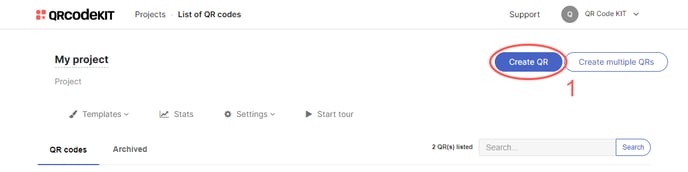
1) Click Create QR
2) Select COVID form
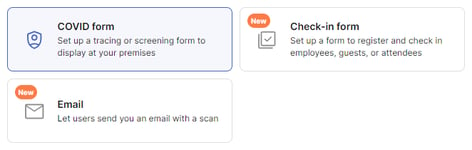
3) Select a form type and enter a title. You can also upload a header image (JPG or PNG) and select the default phone prefix
4) More options include: enter up to 2 additional fields
5) Click Save to apply changes or Save and download to download the QR Code
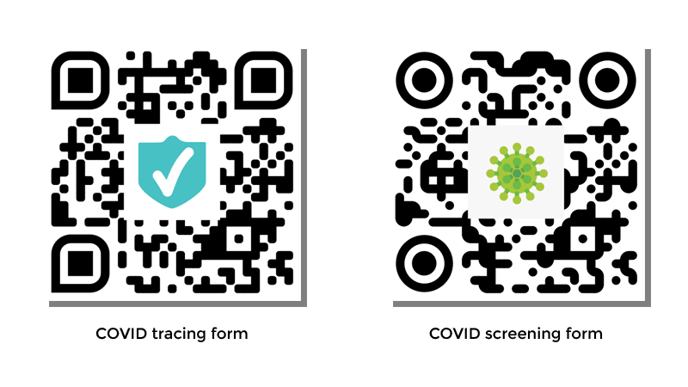
Done! Here is an example of what the content would look like. Scan the QR Code to see it on your smartphone.
If you want to know how to view or delete responses of a COVID form QR Code, check the following articles:
- How to view and download the responses of a COVID form QR Code
- How to automatically delete the responses of a COVID form QR Code
If you want to know how to customize the QR Code or how to download it, check the following articles:
- How to customize a QR Code
- How to download a QR Code
