
How to create an App store QR Code
Redirect the user to the app store that matches its device
This article corresponds to QRCodeKIT's legacy app. For more information, click here.
Log in to your account, or register here if you do not have one, and follow these steps:
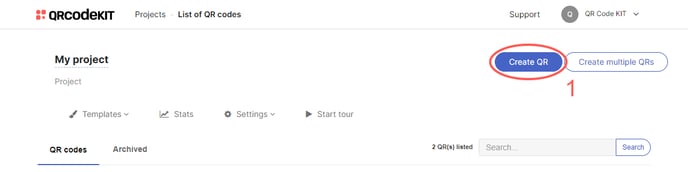
1) Click Create QR
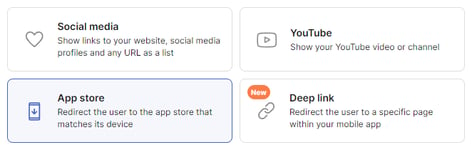
2) Select App store
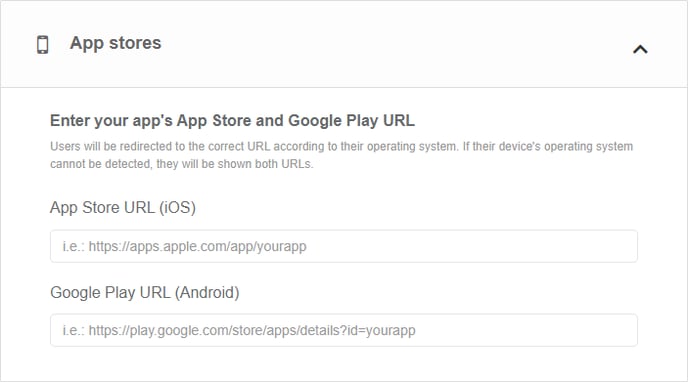
3) Enter the URL of the digital stores where your app can be downloaded
4) Click Save to apply changes or Save and download to download the QR Code
Done! Here is an example of what the content would look like. Scan the QR Code to see it on your smartphone.
If you want to know how to customize the QR Code, its page or how to download it, check the following articles:
- How to customize a QR Code
- How to customize the page template of a QR Code
- How to download a QR Code
