November 20, 2026
Black Friday week: change what a printed QR code opens, without reprinting
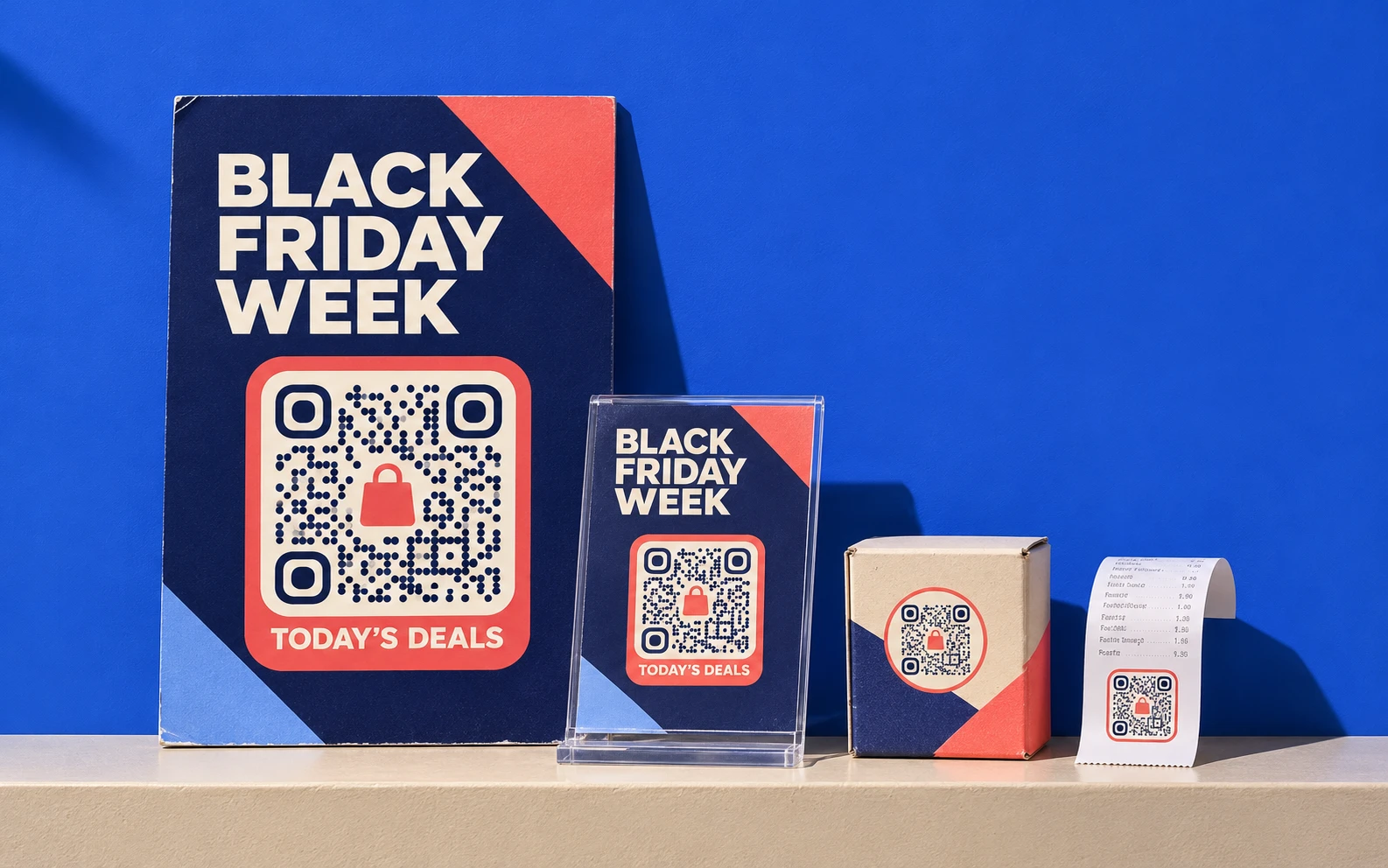
Black Friday falls on 27 November this year and Cyber Monday on 30 November. The posters, shelf cards and packs printed for the week will still be in shops and homes on 1 December. Here is how to plan what each printed code opens, day by day, and what to check while the offers run.
1. One code per placement, not one per campaign
If the window poster, the shelf card, the pack sticker and the receipt all carry the same code, they all open the same page, and you can’t tell which one worked. Give each placement its own dynamic code, with the same design so customers see one campaign. Group them in a project named after the campaign, and add tracking tags to each destination so your web analytics can tell them apart.
For a chain, the same applies per store. Codes can be created in bulk from a spreadsheet, one row per store and placement.
2. Write the destination calendar before you print
The printed code never changes. What it opens should change with the week. Agree the calendar with whoever runs the offers before the artwork goes to print:
| When | What the code opens |
|---|---|
| From printing to Thursday 26 November | A sign-up for early access, or a preview of the deals |
| Friday 27 November, from opening time | The Black Friday offer for that placement |
| Saturday 28 and Sunday 29 November | The weekend offer, or the Friday offer with stock left |
| Monday 30 November | Cyber Monday: the online offer, with in-store pickup if you offer it |
| From Tuesday 1 December | Something still useful: the gift guide, the product page, holiday opening hours |
Set each switch in the local time of the market. A code in Madrid and a code in New York change at different moments, so if you sell in several time zones, give each market its own codes.
Put it into practice
Change where your code leads whenever you like, without reprinting it.
Start free trialPro free for 7 days. No credit card required.
3. Decide who switches each code, and how
A switch nobody owns happens late. Name one person per code, put a reminder in their calendar at the exact hour, and ask a second person to scan it once it’s done.
In QRCodeKIT, changing what a dynamic code opens takes a minute from the dashboard, and every printed copy follows at once. Every change is recorded in the audit trail with the person and the time, so if a code opens the wrong offer you can see what changed and when. Use roles to limit who can edit the campaign codes during the week.
If you run hundreds of codes, let your own systems do it. On the Enterprise plan, the API changes a code’s destination with one request, so the switch can run from the same scheduler that changes prices on your website.
4. Don’t let a printed code promise yesterday’s deal
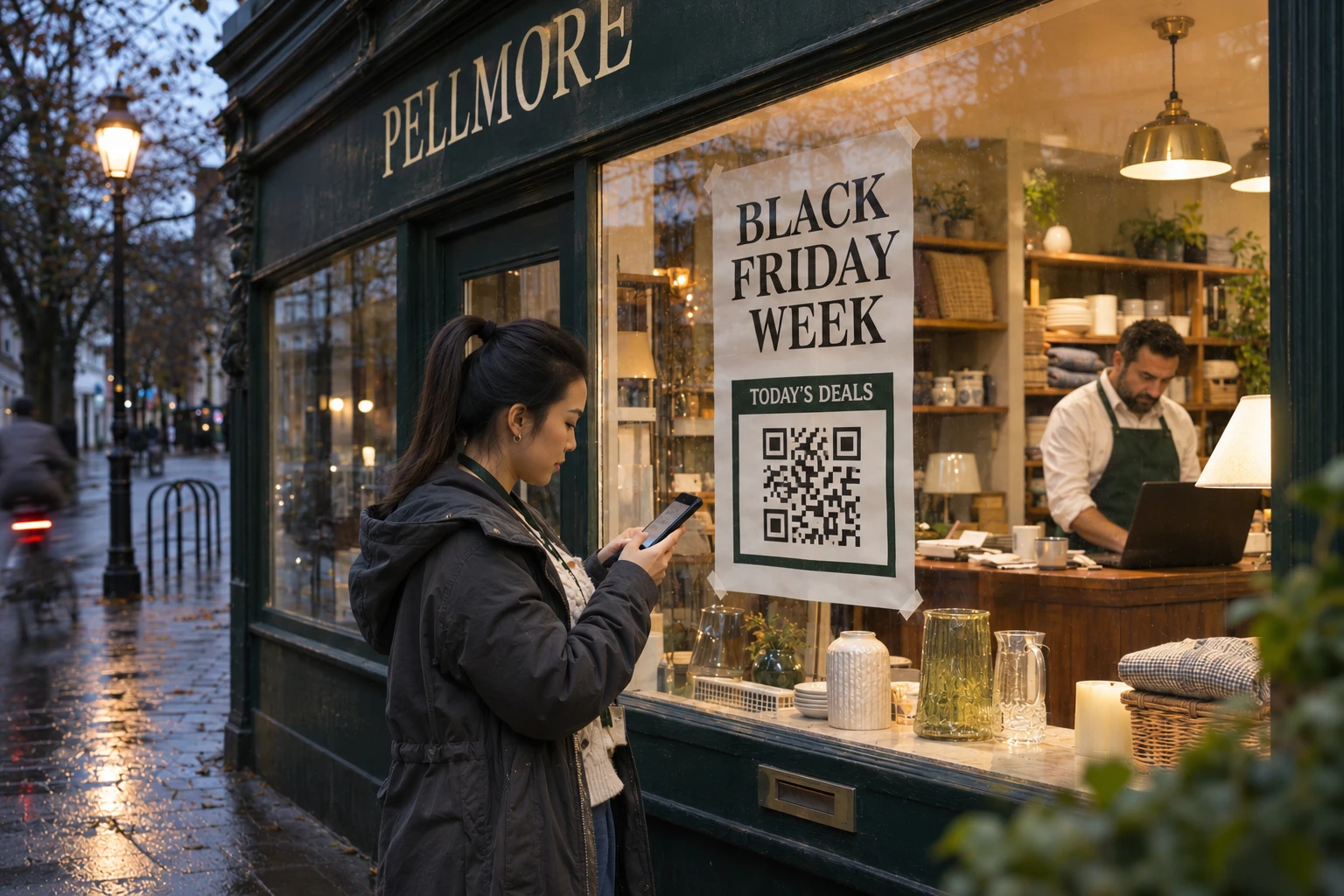
A window poster comes down on Tuesday. A pack sticker stays in a kitchen until spring. Decide what each code opens once the offer has ended, and make it something worth a scan: the gift guide, the product page, care instructions or the next campaign.
Don’t pause the code on anything people keep. A paused code stops opening its page, so the customer who scans it in January gets nothing. Pause only the codes on materials you have physically taken down. And never delete the offer page while a code still points to it.
5. Test after every switch, and watch the scans
- After each change, scan one printed copy of each placement on an iPhone and an Android phone, on mobile data. Check the page, the price and the language.
- Tell whoever runs the website when each switch happens, so the page can take the traffic.
- On Friday and Monday, watch scans by hour. Hourly views are part of advanced analytics, included from the Starter plan. A placement with no scans by midday is worth checking in person: the code may be covered, torn or in the wrong place.
- Afterwards, compare placements and stores, and keep the calendar for next year.

6. Check your codes for stickers
Busy weeks bring fake codes. In September 2026 the FTC warned about scammers covering the real codes on parking meters with their own, and a shop window or a shelf card is just as easy to cover. Ask staff to check the codes when they open the shop, and print your domain next to each code so customers can compare it with the link their phone shows. Our piece on fake QR codes on parcels and in PDFs explains what else brands can do.
The code is printed once. What it opens can change every day of the week, as long as someone owns the switch.
Sources (consulted 16 November 2026)
- FTC, See a QR code parked somewhere? Don’t scan it…yet!, 3 September 2026.
- QRCodeKIT Help, How to pause, restore or delete a QR code and What is the difference between basic and advanced analytics?
- QRCodeKIT, Security (audit trail and roles) and QR code API (changing a destination with PATCH, Enterprise).
Related articles
Five checks before you print a QR code on a million packs
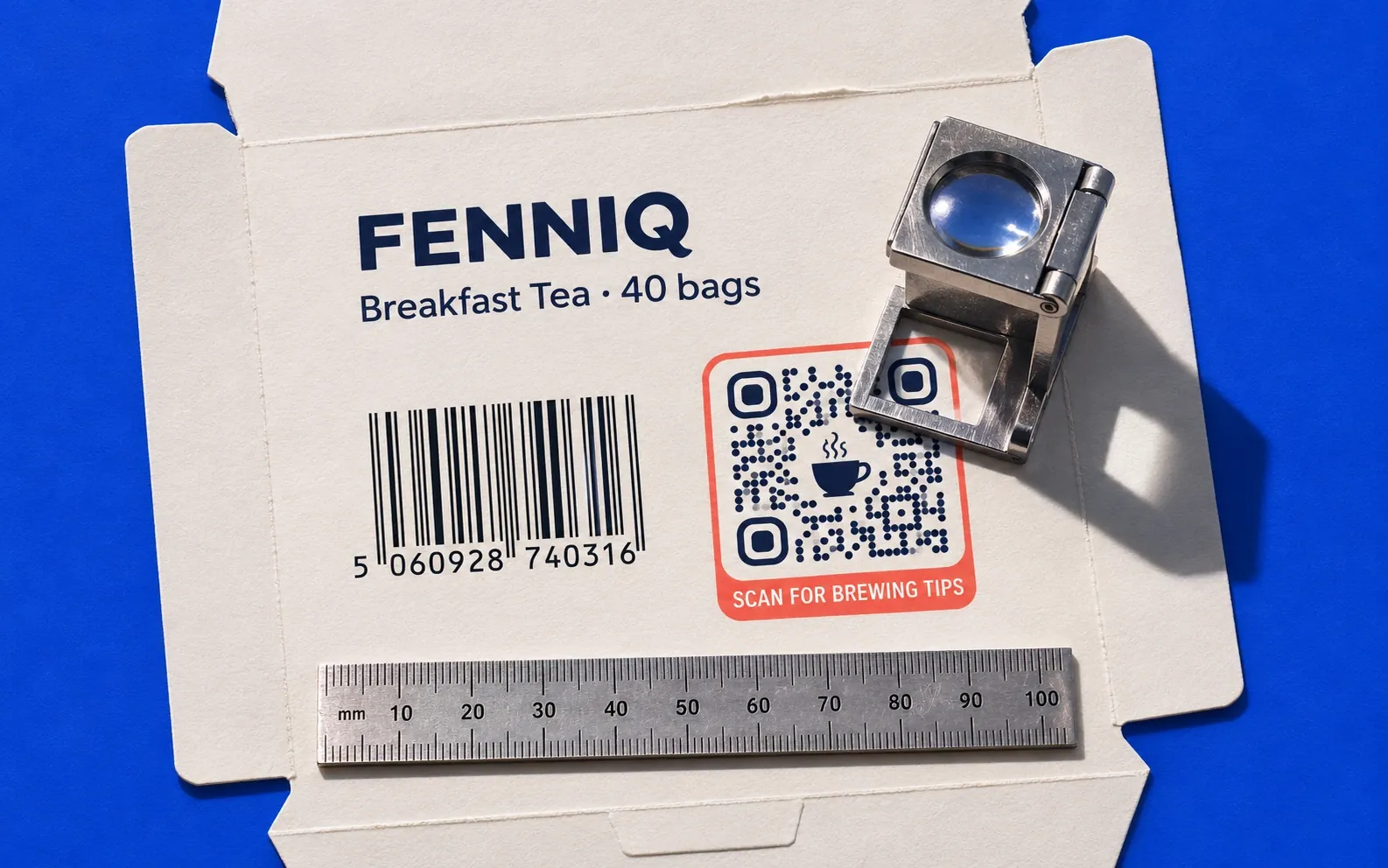
Link length, module size, contrast, quiet zone and testing: five checks from the QR code standard and GS1’s rules before a code goes on a million packs.
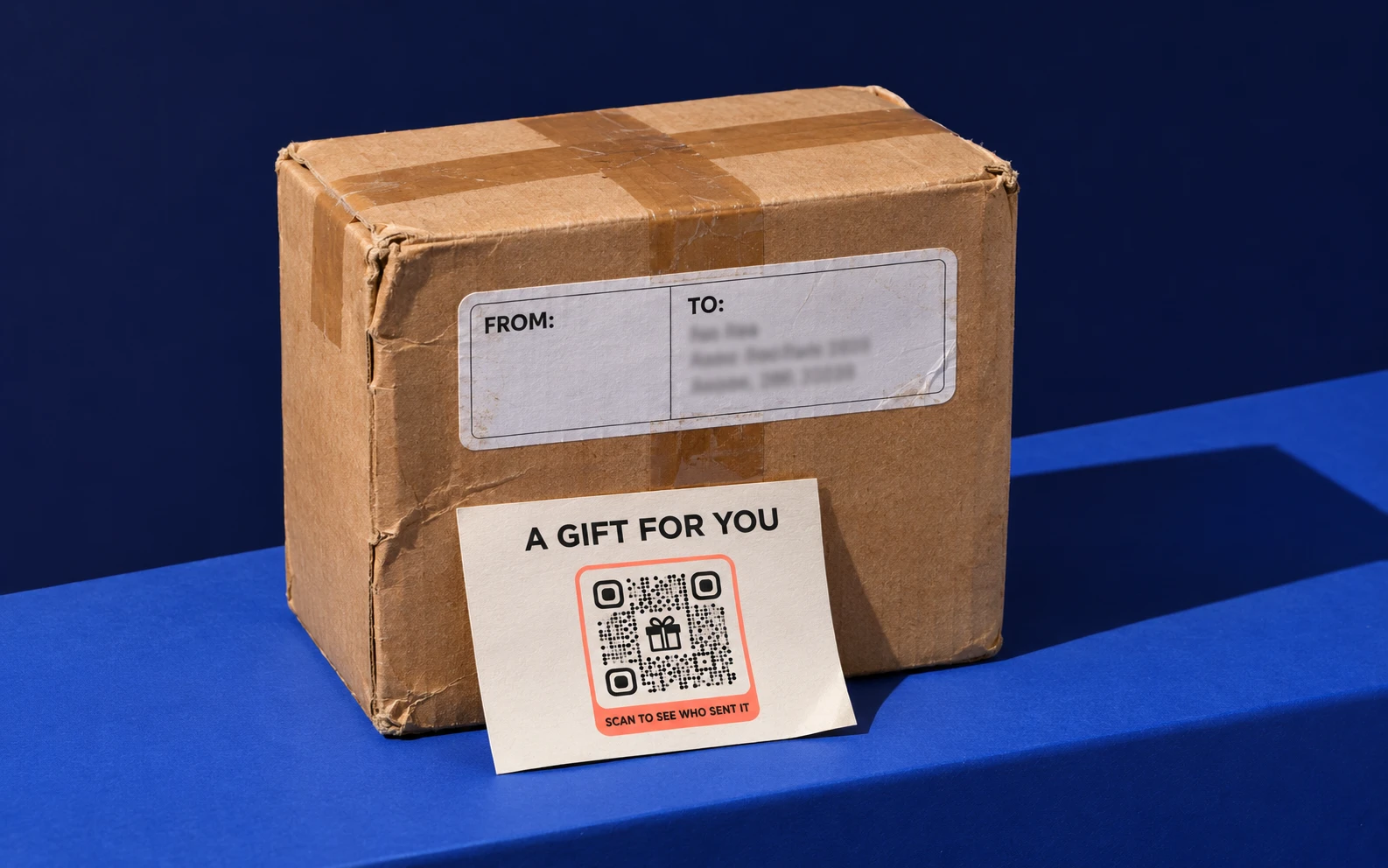
Fake QR codes on parcels and in PDFs: what the FBI, FTC and Microsoft warned, and what brands can do
The FBI, the FTC and Microsoft have warned about fake QR codes on parcels, parking meters and PDFs. What brands can do so their own codes stay trusted.

The barcode is being replaced: Paula Rivero in Forbes on getting brands ready for 2027
QRCodeKIT COO Paula Rivero explains in Forbes why GS1 Sunrise 2027 matters for brands, and the three steps to take this quarter.
Try QRCodeKIT Pro free for 7 days.
No credit card required. The original dynamic QR code platform since 2009.